
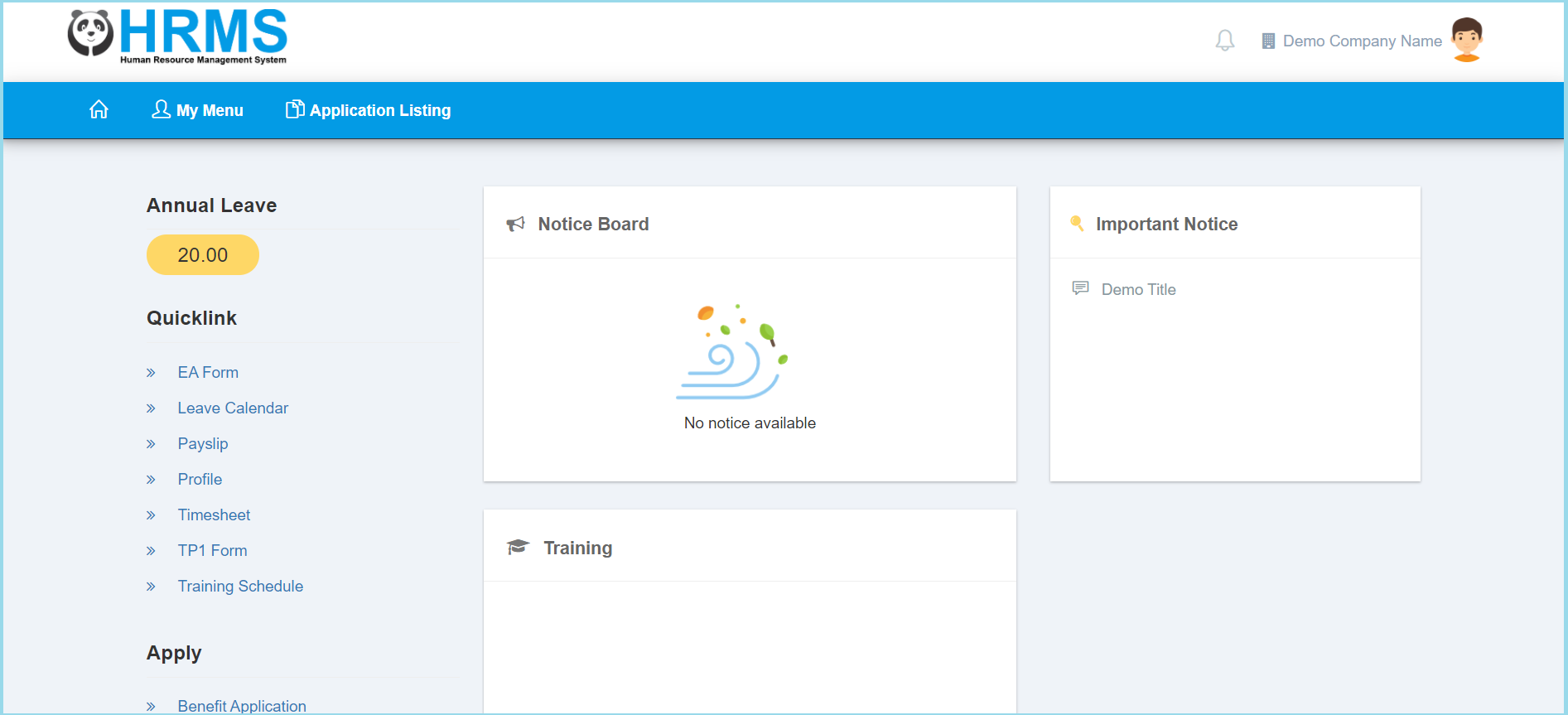
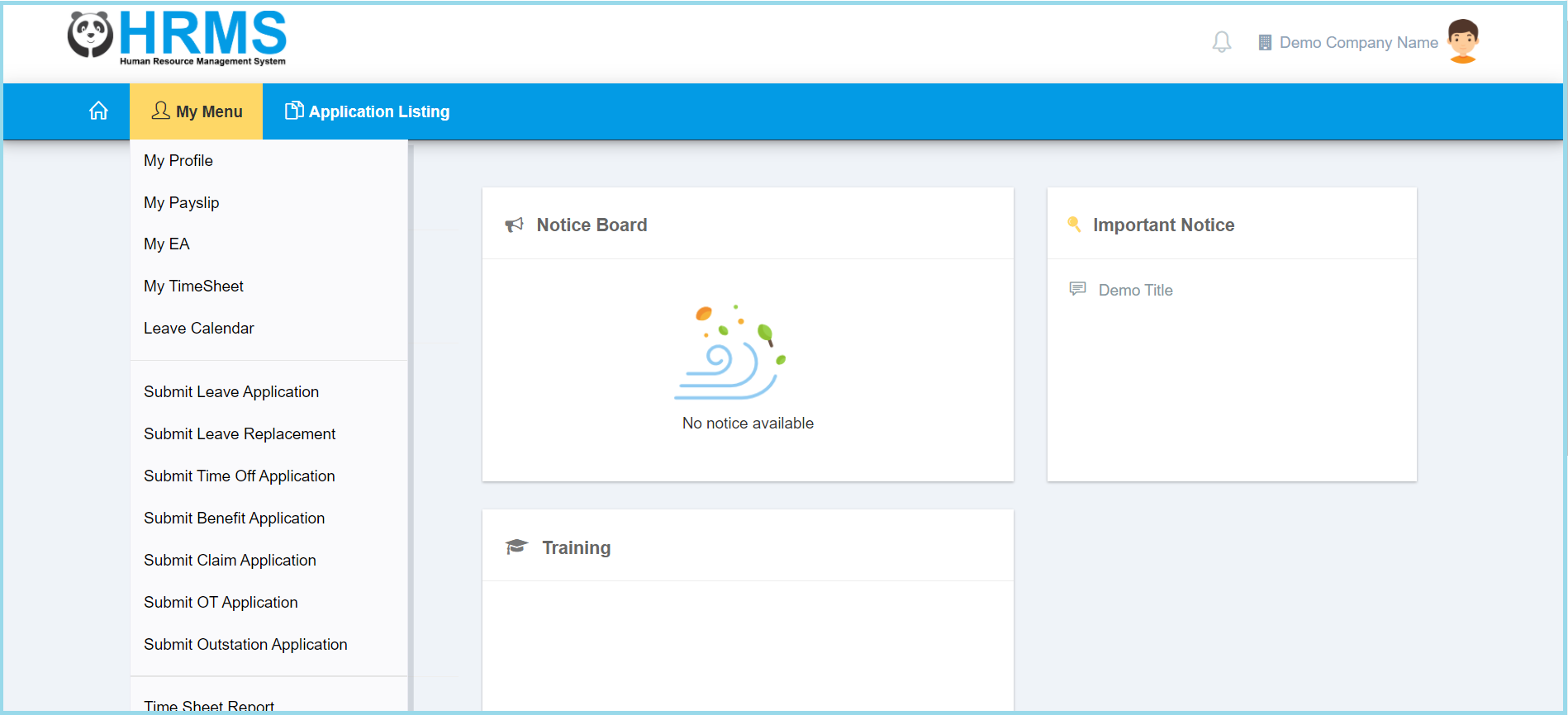
1. Click My Menu.
2. Click Submit Leave Application.
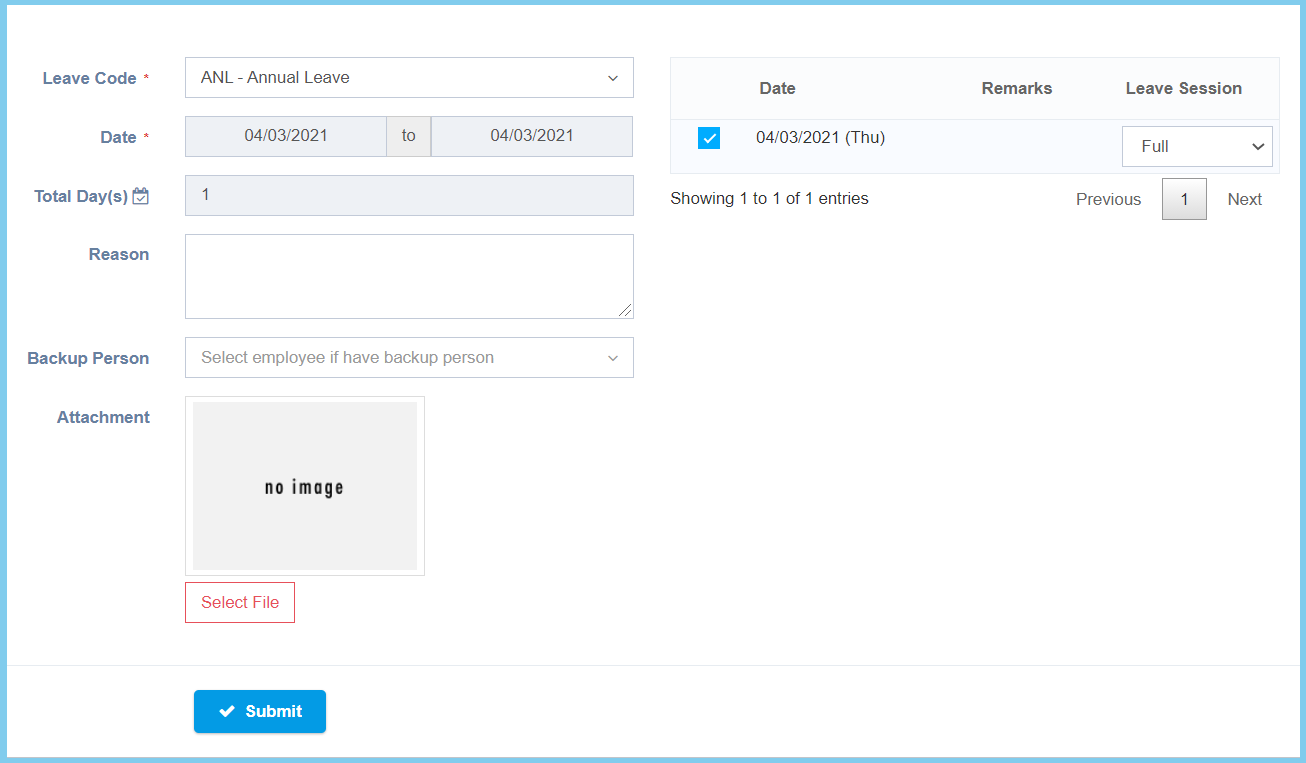
3. Fill up form.
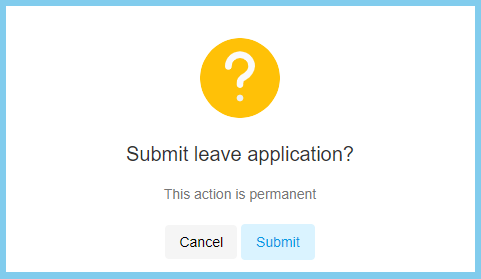
4. Click Submit button.
5. Click Submit button.
6. Wait for approval. Click here to learn how to view leave application.
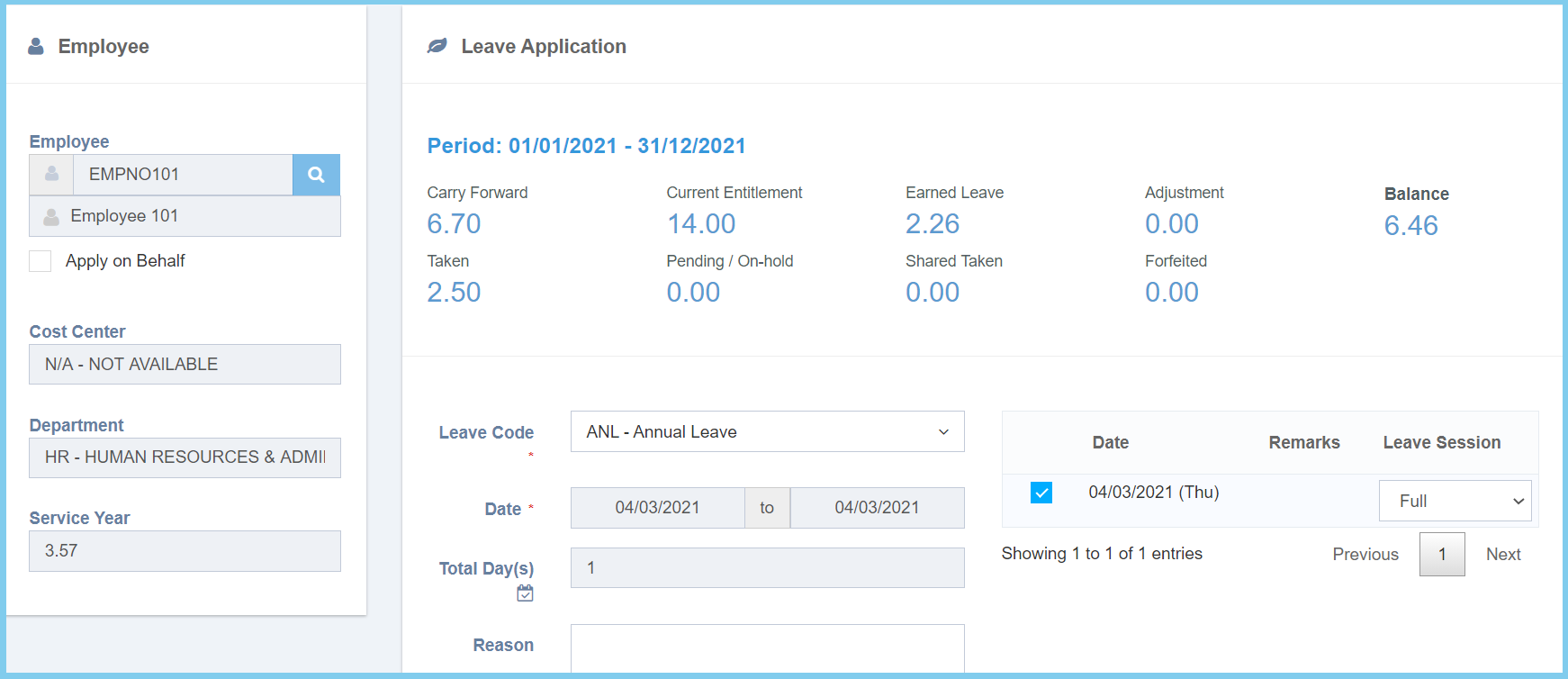
- Carry Forward: The leave that has been carry forwarded. For Example, If this year has left 5 leave haven’t apply, it can be carry forward to next year.
- Current Entitlement: The total entitlement leave that employee get.
- Earned Leave: The entitlement leave that employee earned.
- Adjustment: The adjustment of the leave.
- Taken: The leave that applied by employee.
- Pending / On-Hold: The leave that haven’t approved by admin or approval.
- Shared Taken: The combination of leave. For example, the total Hopitalization leave and Sick leave will show in shared taken.
- Forfeited: The leave that has been forfeited when the employee didn’t apply the leave before a effective period by month.
Leave Configuration Option Explanation
| Option | Allowed Values | Description |
|---|---|---|
| Leave Code | Setup from leave | To select any leave code which want to apply by this group employee.
Click here to view setup. |
| Date | Select date from calendar | Select start date and end date to apply leave from the calendar available. |
| Total Day(s) | Not specified | This will be automatic show the total days based from the date selected. |
| Reason | Any alphanumeric | Enter any reason for what a purpose to take a leave. |
| Attachment | File path | Select file to submit the attachment for support to apply leave success. |
