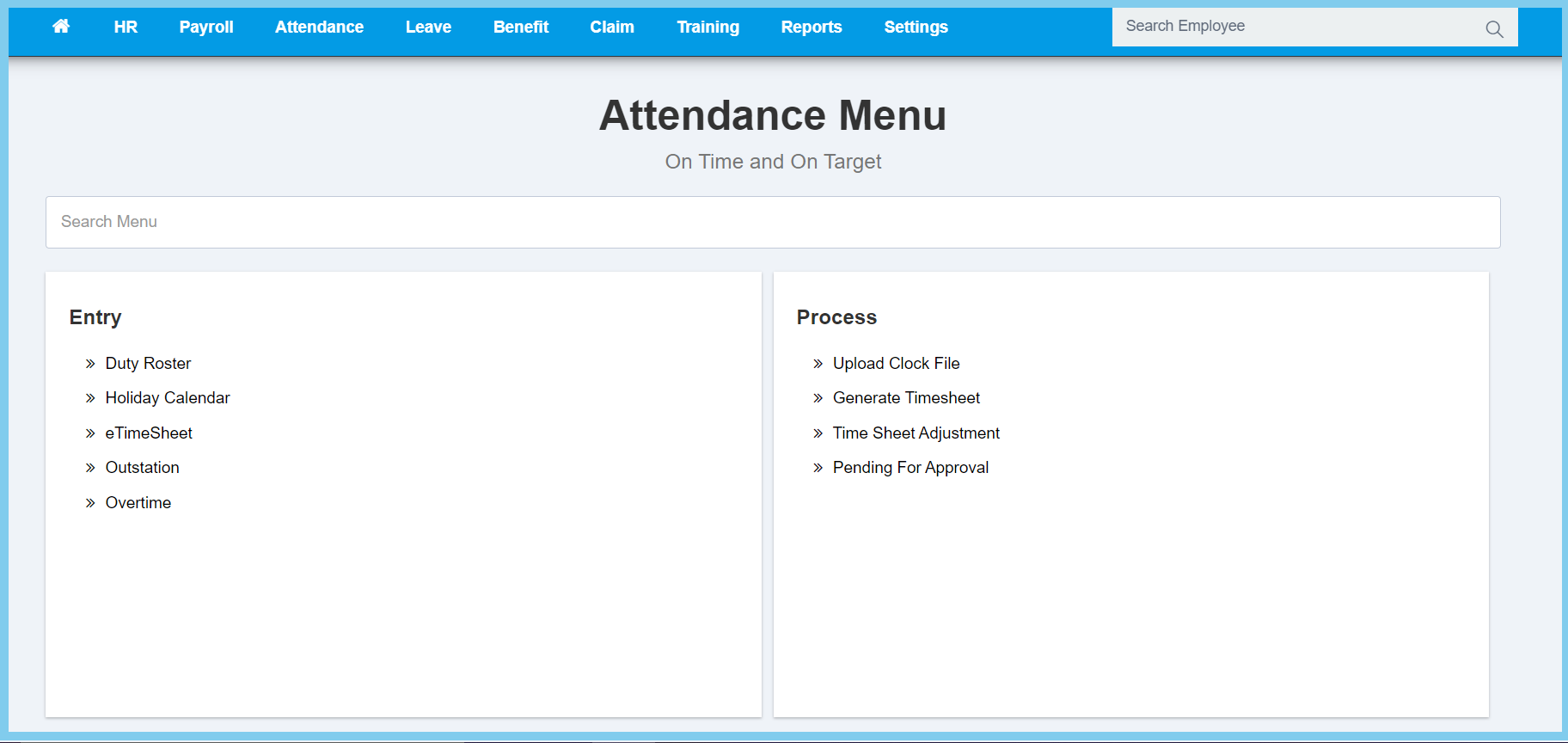
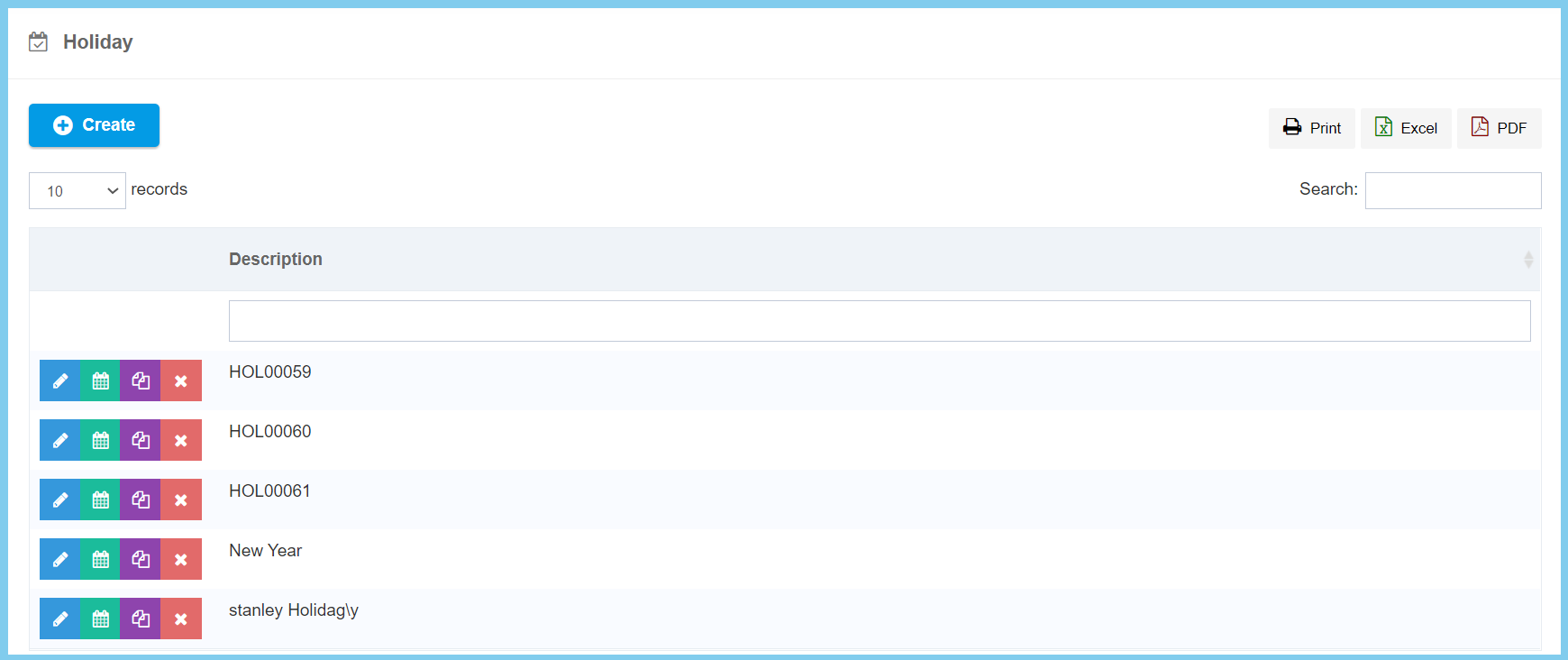
1. Menu: Click Attendance.
2. Click Holiday Calendar which located under Entry.
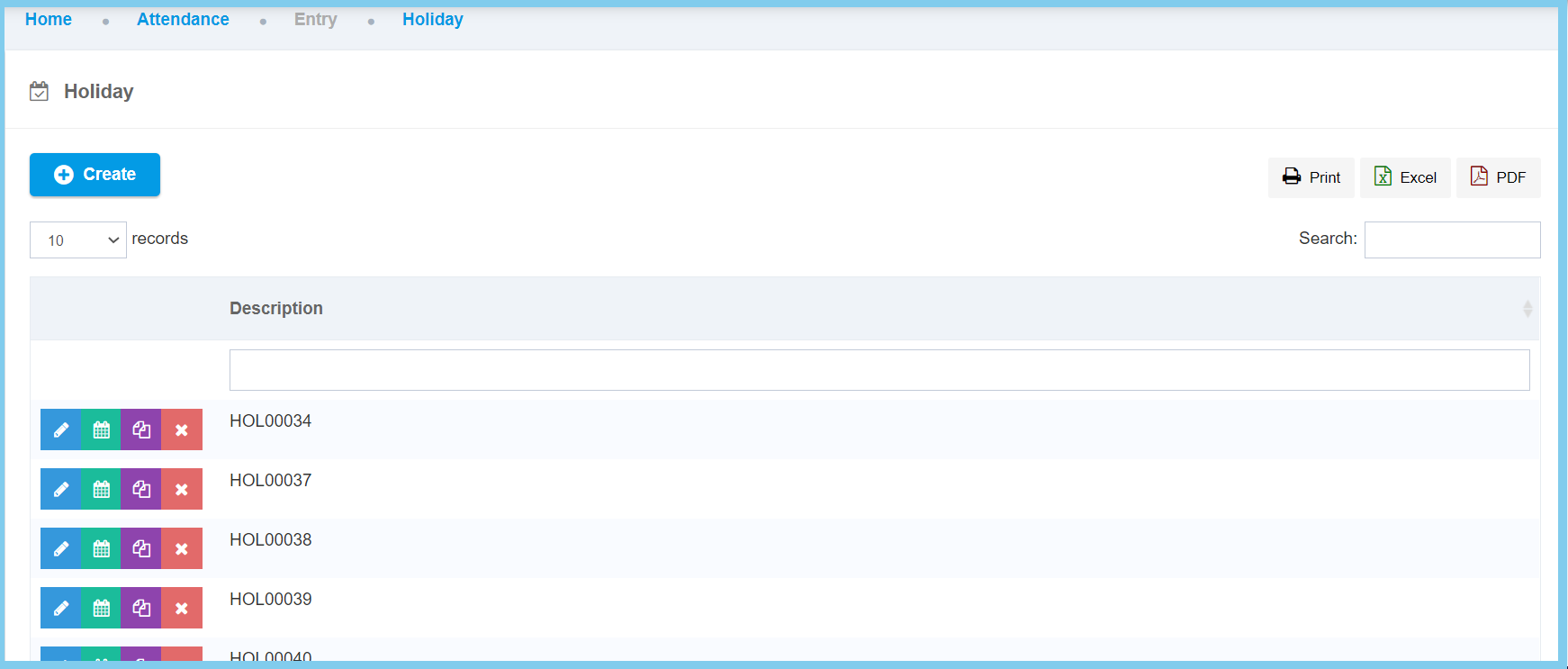
3. Click Create button.
Note: This is just to create a new calendar name.
4. Fill in Holiday Description.
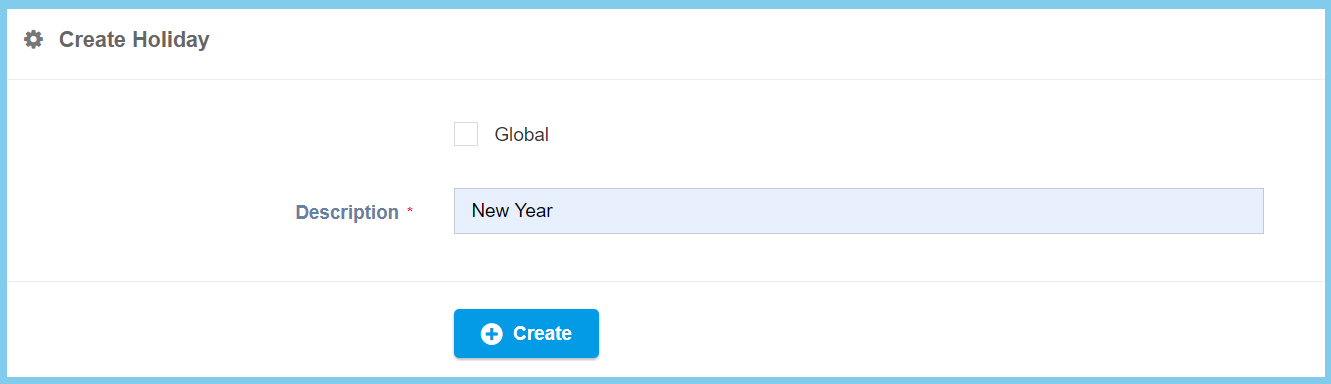
5. Click Create button.
Note: Here is to start plot the holidays that you wish to plot in.
6. Click Calendar button.
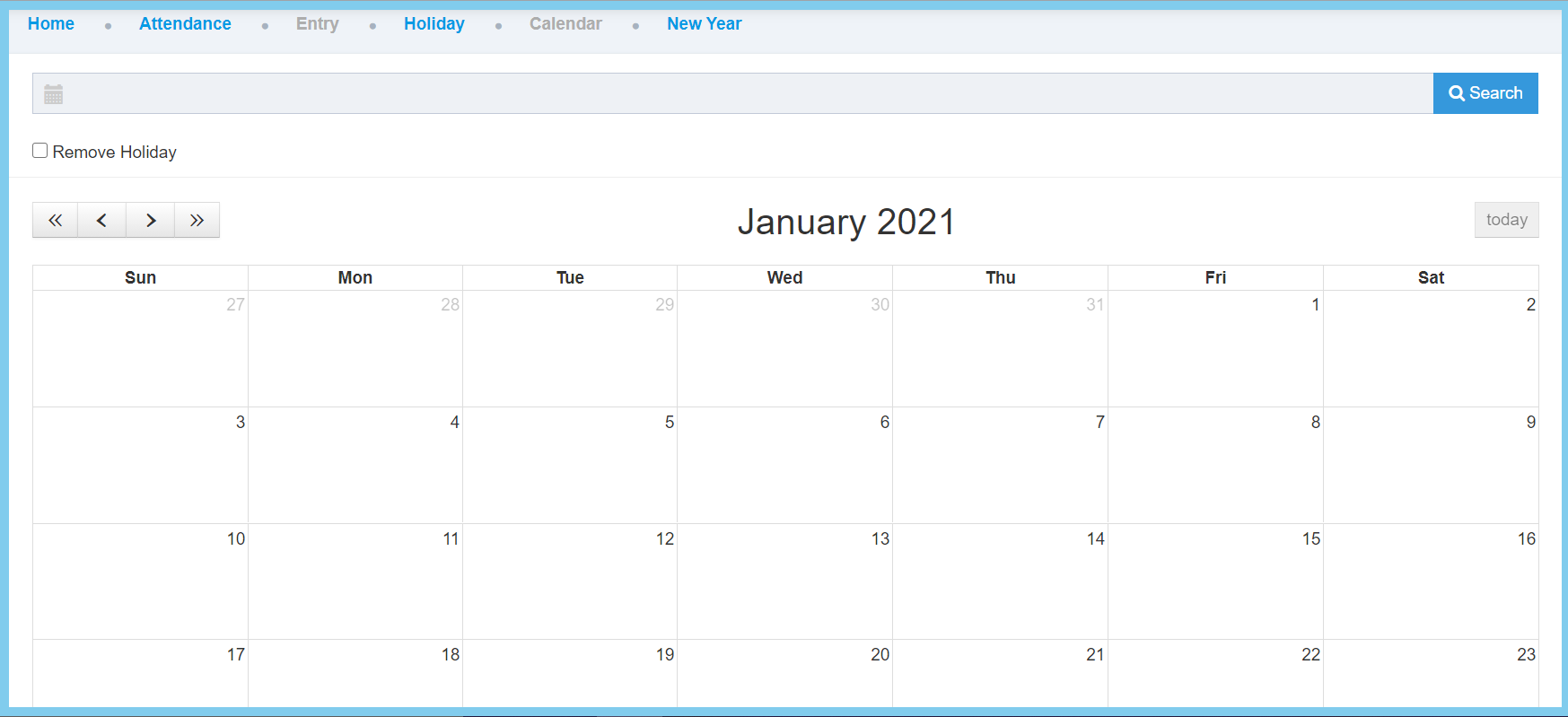
7. Click Search button.
8. Choose “New Year” from Holiday List.
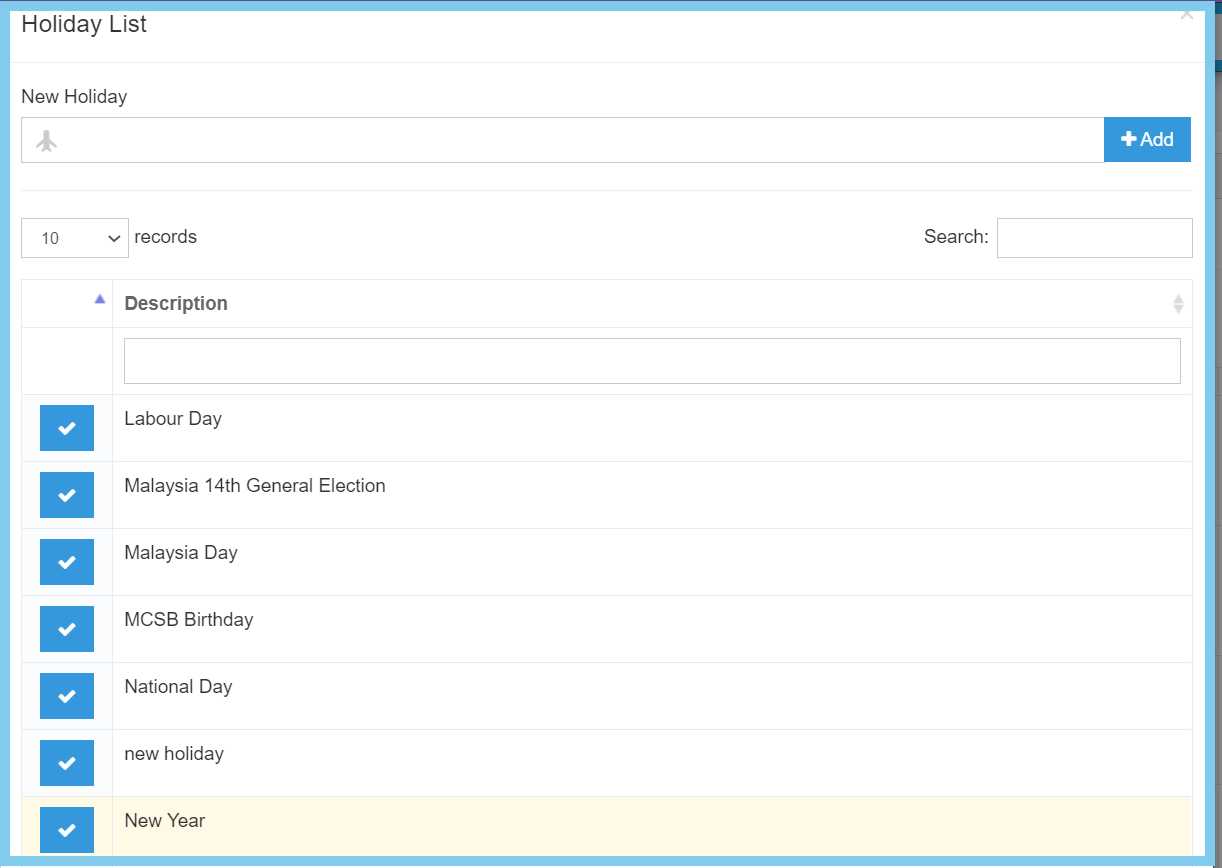
Note: You can add a new holiday by enter the new holiday description in the column which located under New Holiday and click Add button.
9. Click or drag the date on the calendar.
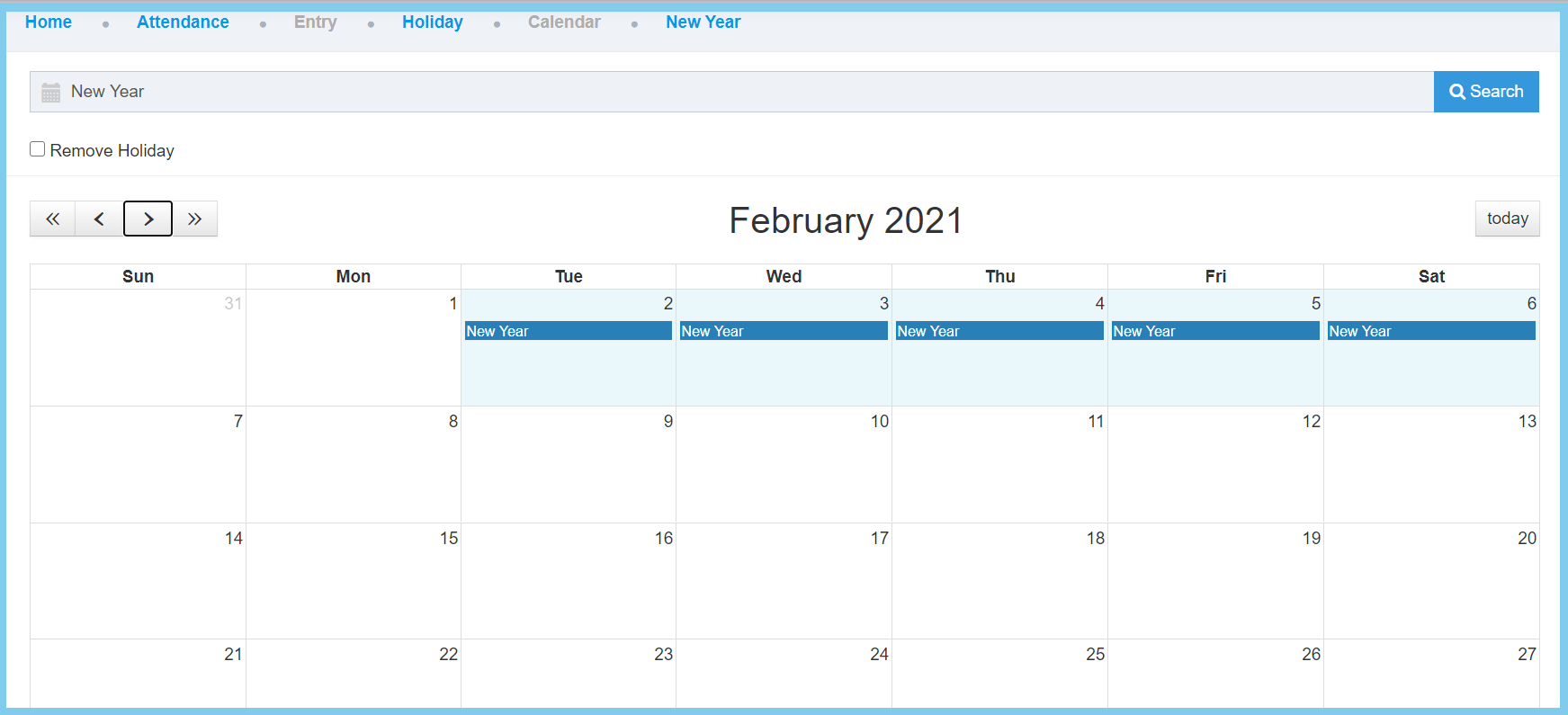
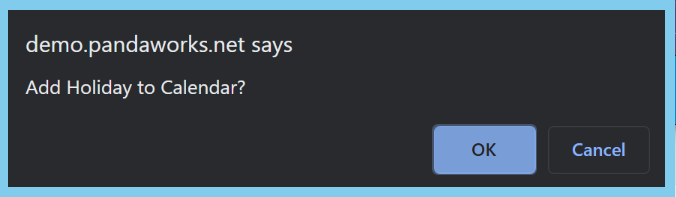
10. Click OK to add