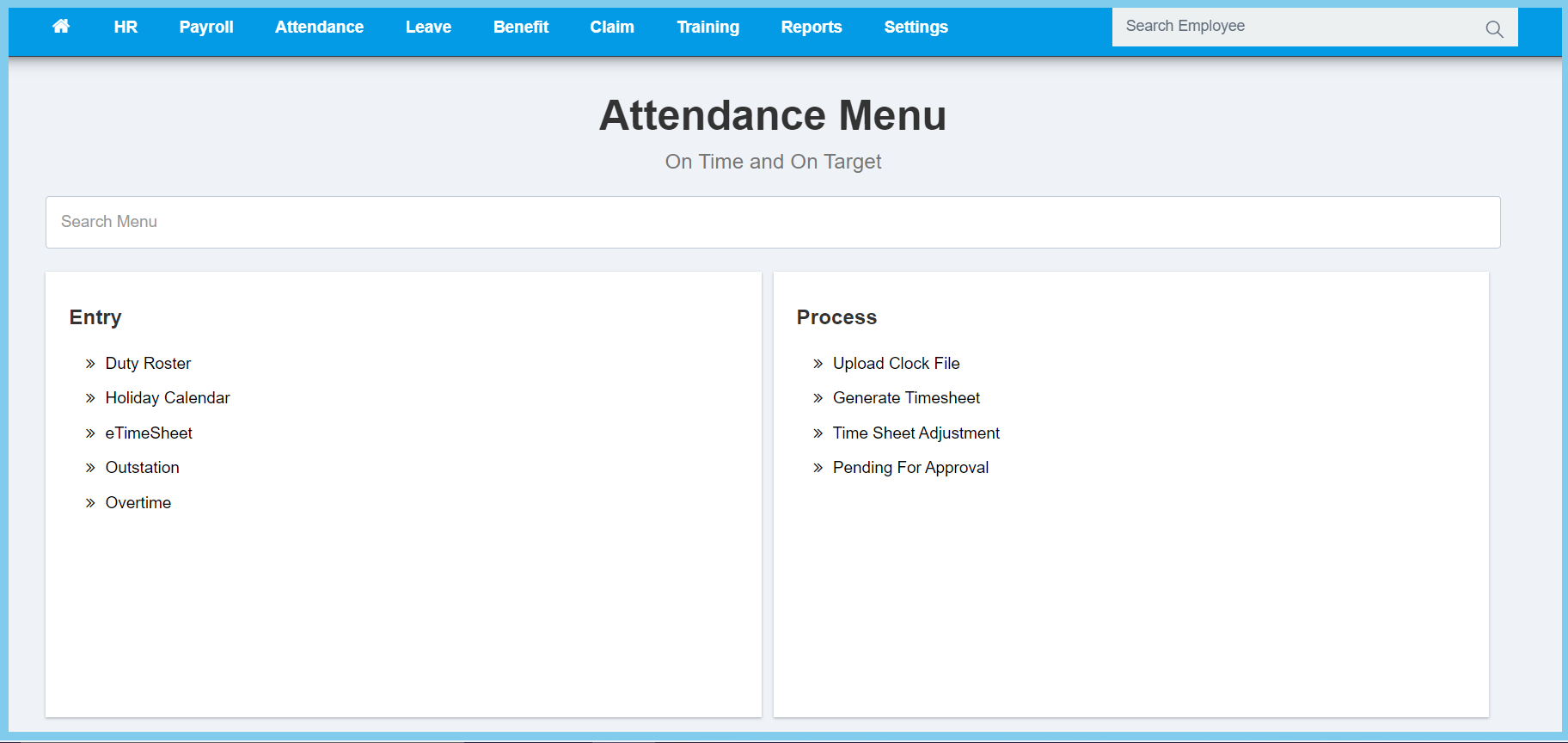
1. Menu: Click Attendence.
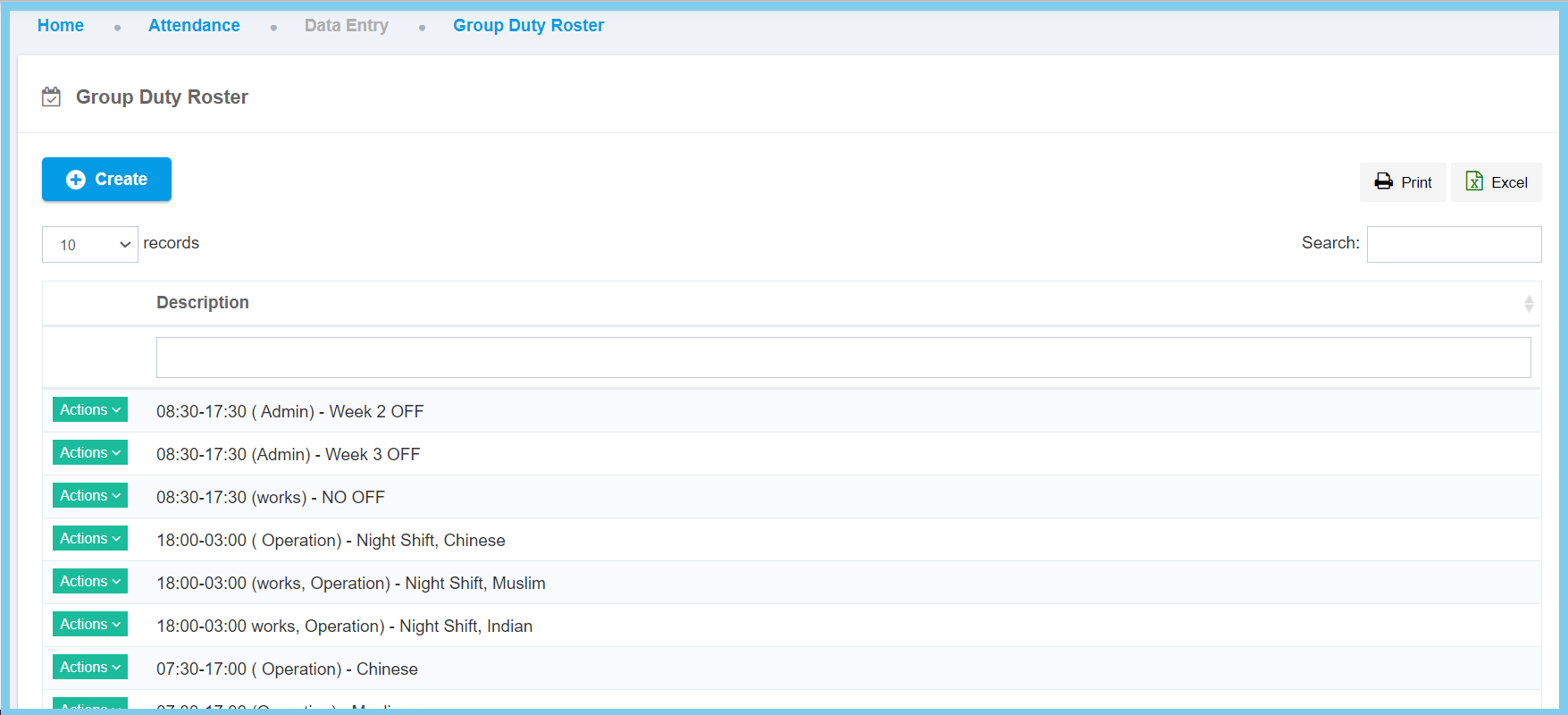
2. Click Group Entry which located under Entry.
3. Click Create button.
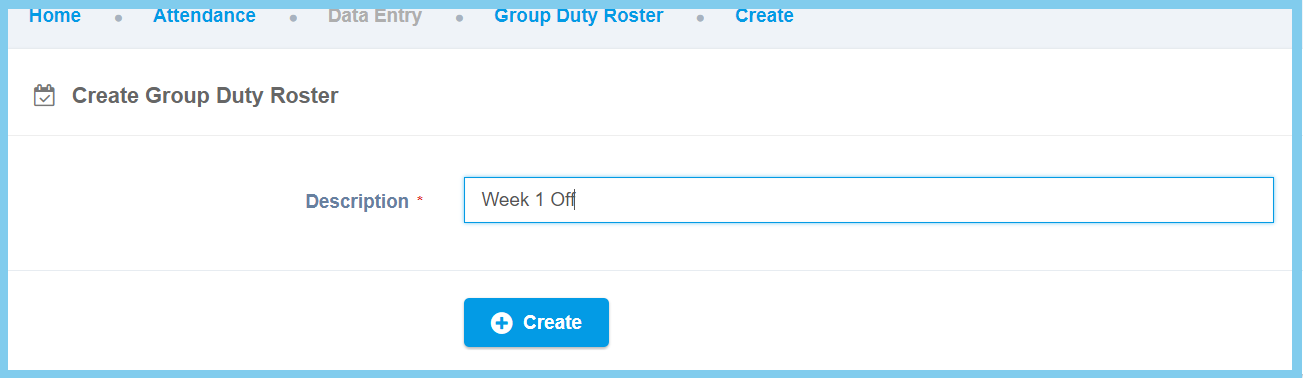
4. Fill in Description.
5. Click Create button.
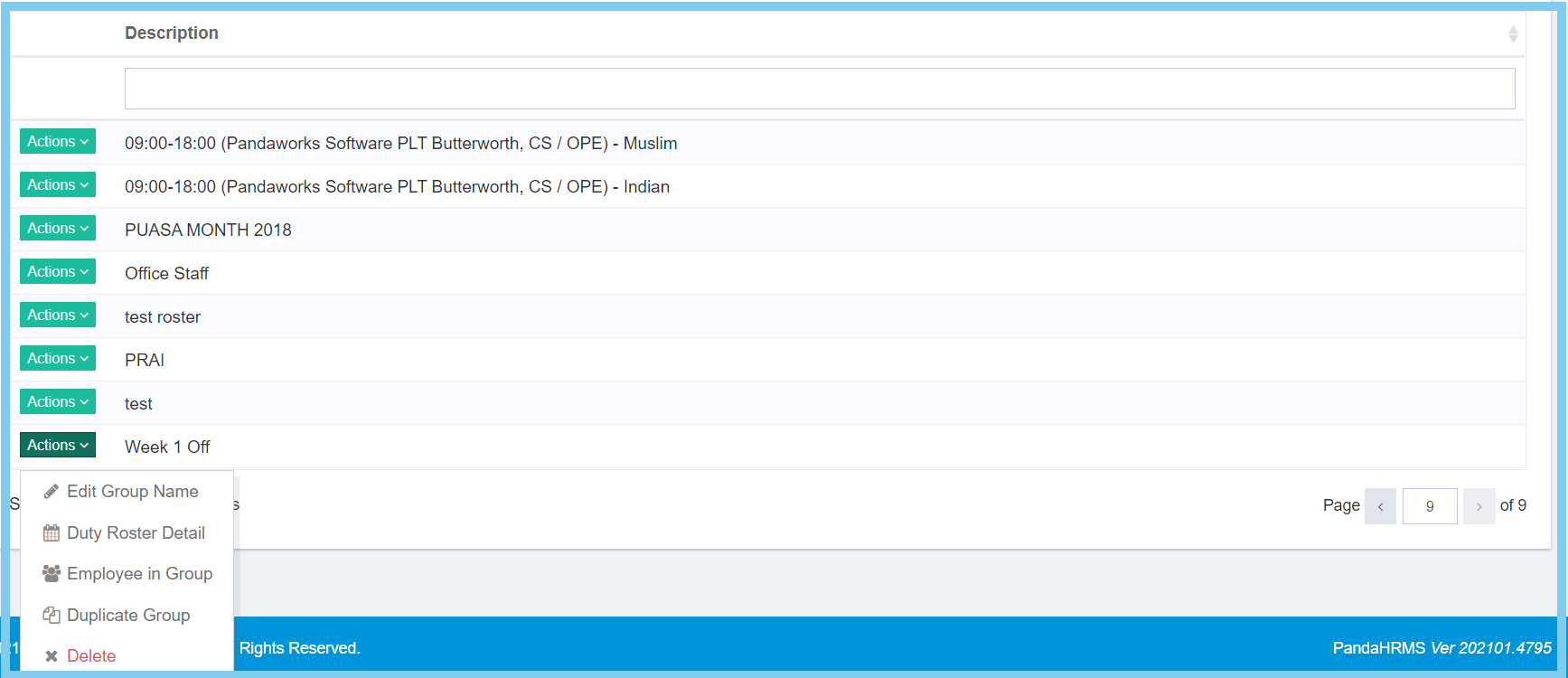
6. Click Action button and select Duty Roster Detail.
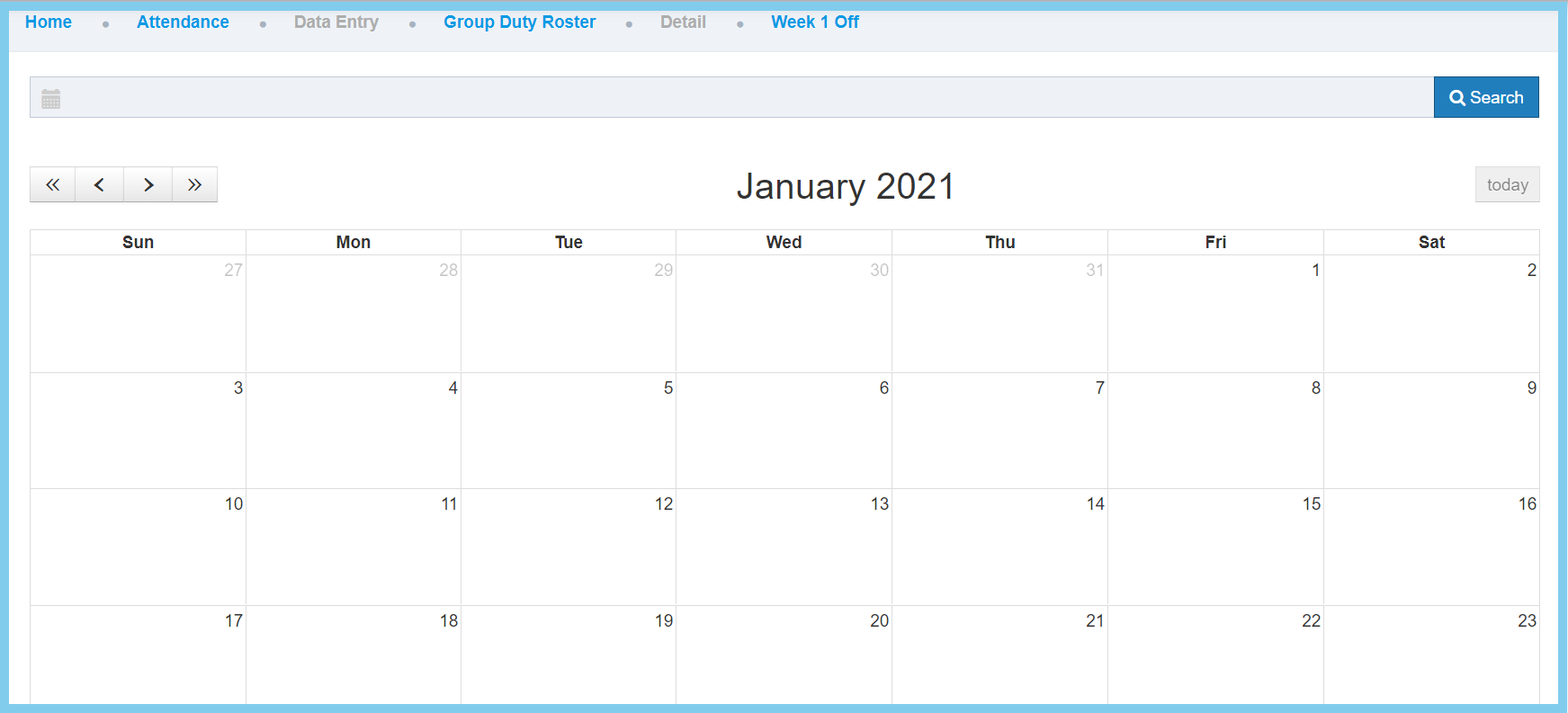
7. Click Search Button.
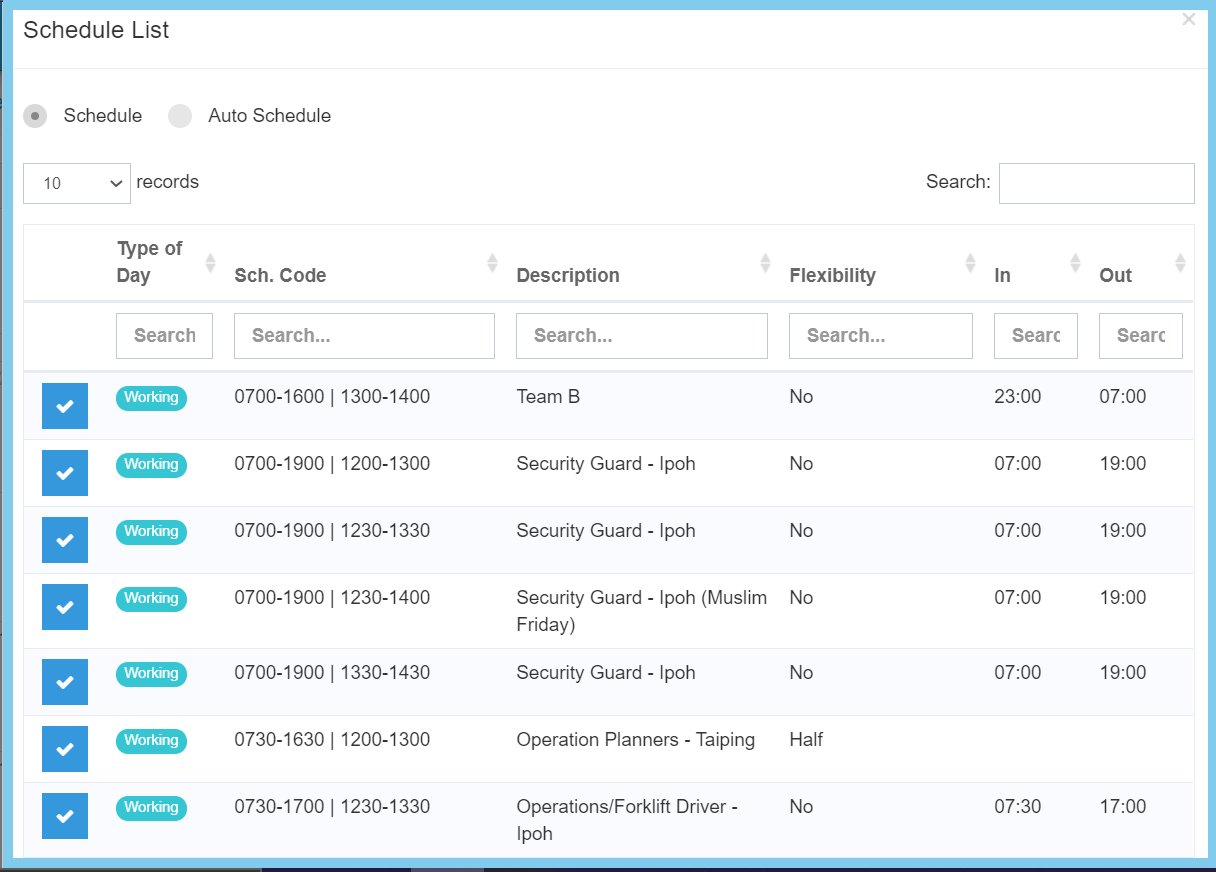
8. Select a schedule from Schedule List.
Note: Click here to know how to setup a new schedule.
9. Click or drag the date on calender.
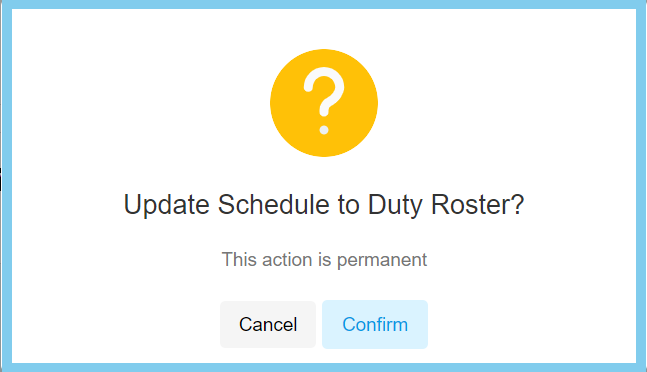
10. Click Confirm button.