
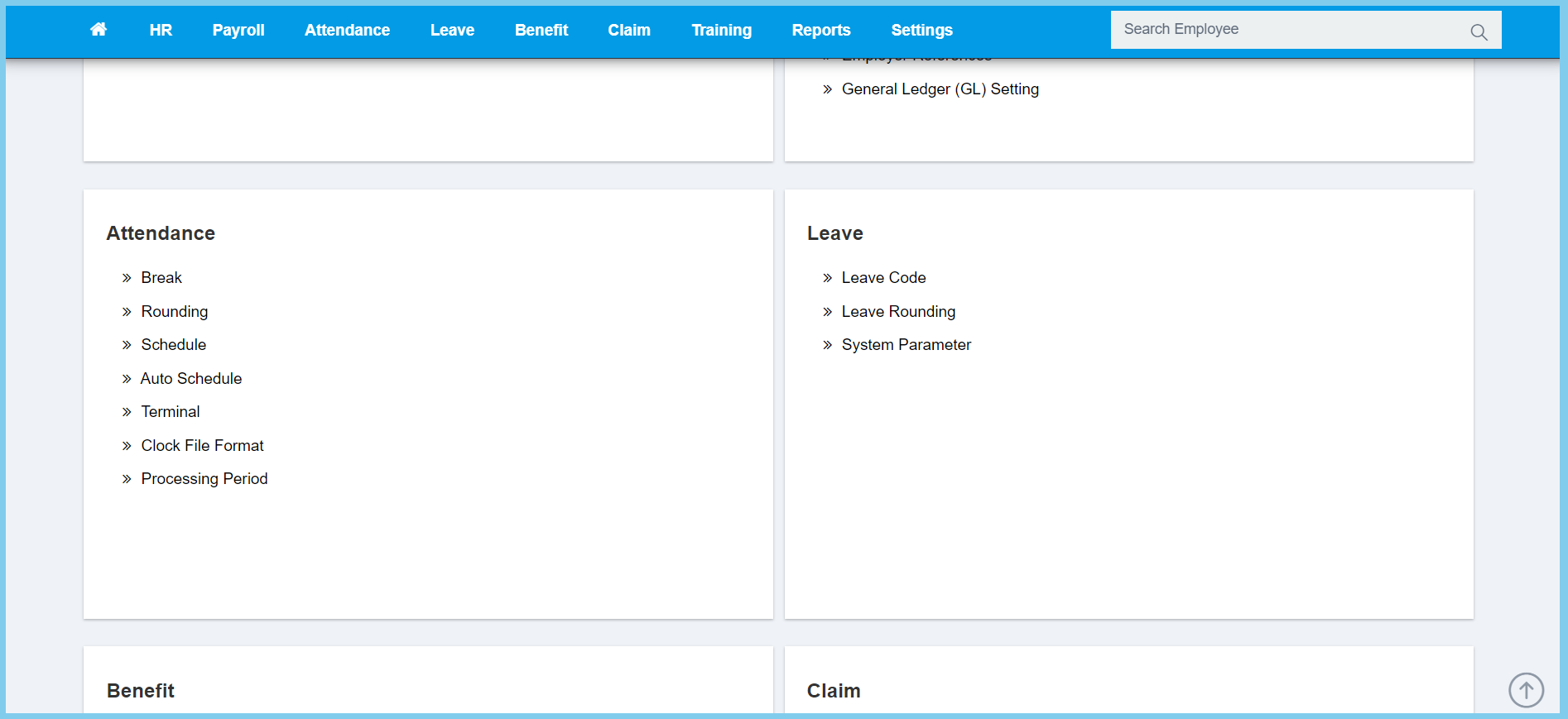
1. Menu: Click Settings.
2. Click Schedule which located under Attendance.
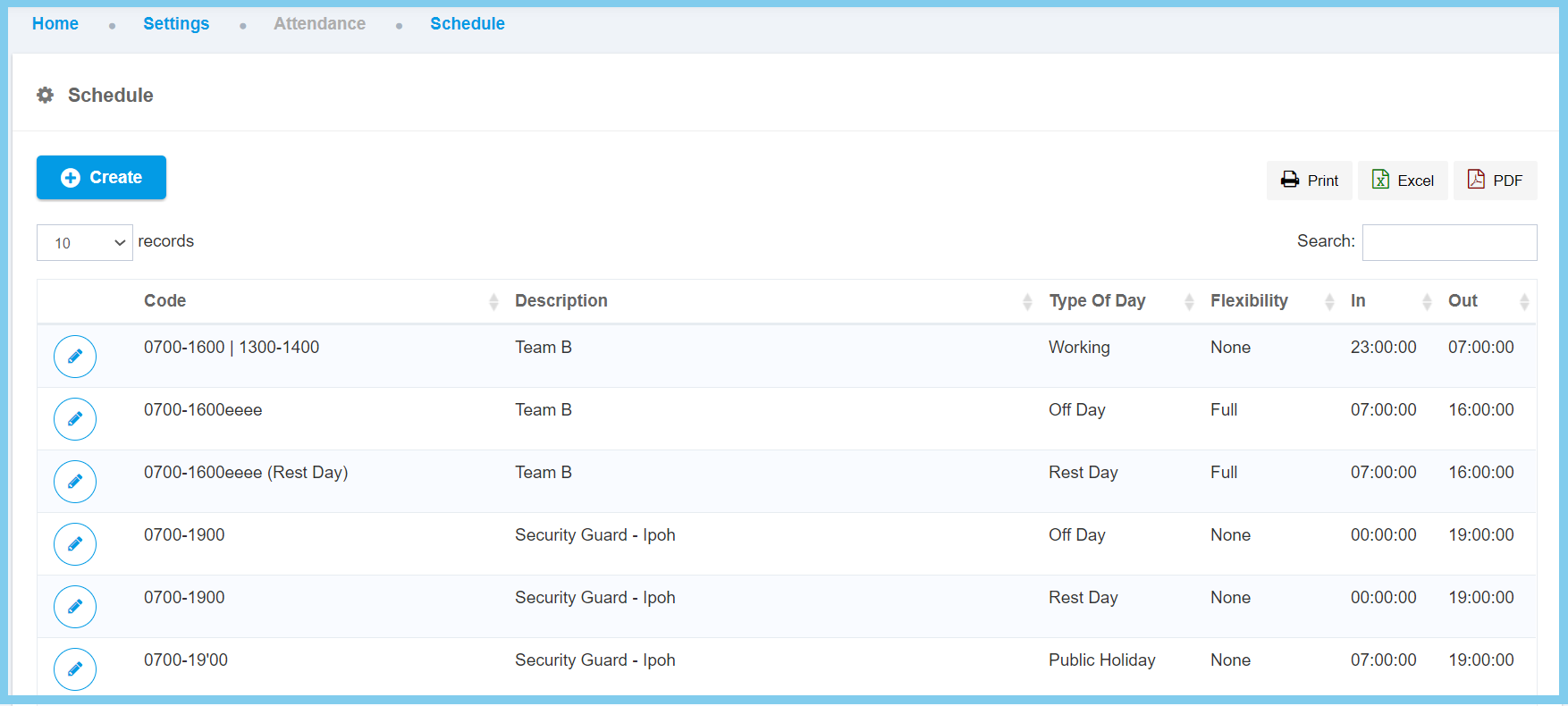
3. Click Create button.
4. Fill the form.
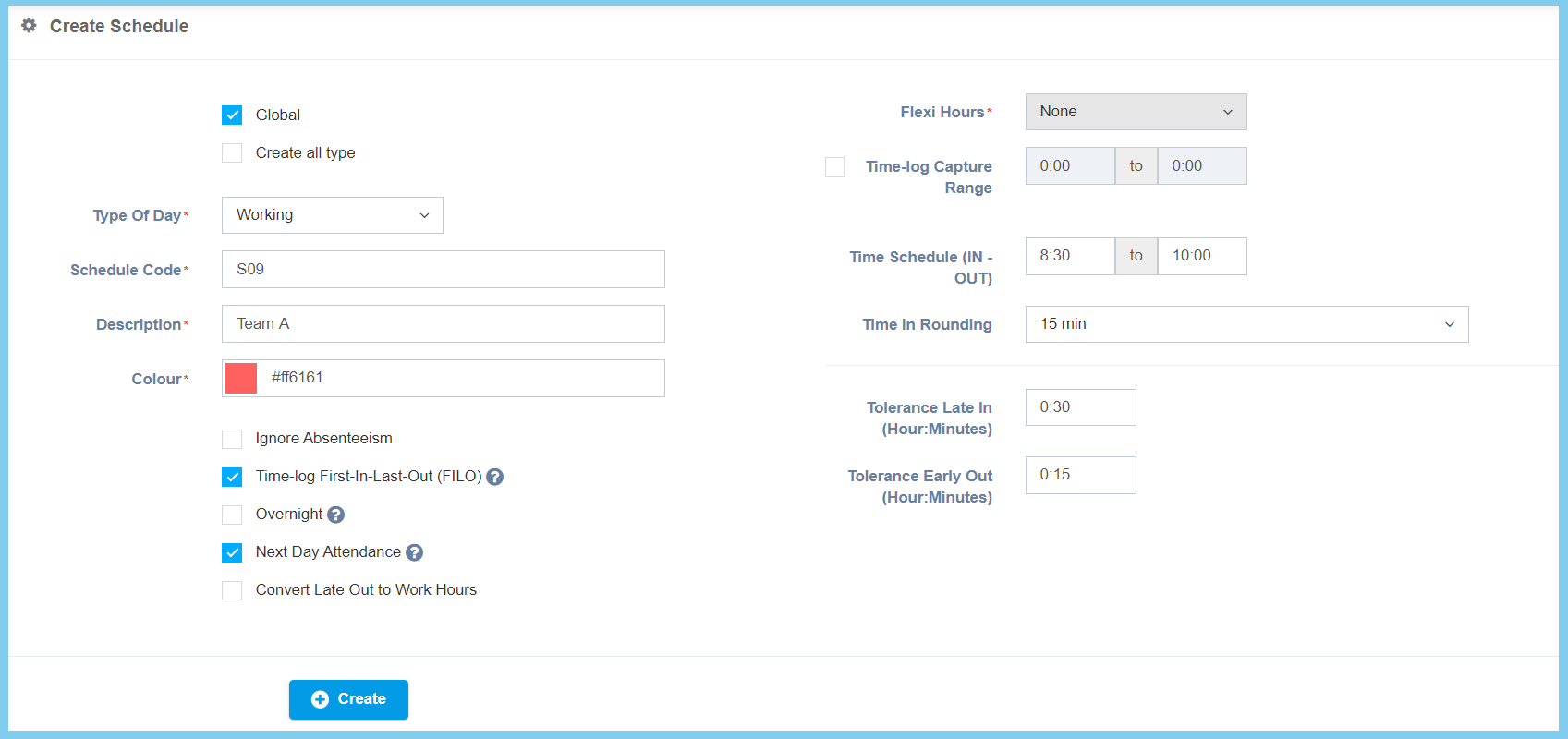
5. Click Create button.
Schedule Configuration Option Explanation
| Option | Allowed Values | Dscription |
|---|---|---|
| Global |
|
If global is enabled, the code will be visible from other companies. If not, it can only be used by its own company. |
| Create all type |
|
If enabled, it will create 4 type of schedule which is working, off day, rest day and public holiday. |
| Type Of Day |
|
Set the type of day which this schedule will apply in:
|
| Schedule Code | Any alphanumeric | To set simple and unique code to define schedule code. |
| Description | Any alphanumeric | This is for HR Admin references only. Any description about this schedule code. |
| Color | RGB colors | Sets the exact color for background text to highlight on page. |
| Ignore Absenteeism |
|
If enabled, it will be ignore those employee which absent on that schedule work day. |
| Time-log First-In-Last-Out (FILO) | Time format HH:MM | When it is enabled, the system will capture the first and last time-log only. |
| Overnight |
|
If enable, it will be used when the night shift start time is 00:00. |
| Next Day Attendence |
|
Only affect to cross day night shift. For example, if YES attendance date 1/1/2019 time range will be 31/12/2018 to 1/1/2019. Else, 1/1/2019 to 2/1/2019. |
| Convert Late Out to Work Hours |
|
If enabled, the late out time will convert to work hours. |
| Flexi Hours |
|
Apply a flexi hours in the schedule created, there has three option to be selected:
|
| Time-log Capture Range |
|
If enabled, set the start time and end time with time format HH:MM. The system will capture the time-log range that been set. |
| Flexi Time In | Time format HH:MM | Set the start time and end time for the time in. Employee can time in at anytime but must in the duration of time in that has been set. |
| Time in Rounding | Selection from Time in Rounding | To select a rounding method for calculate the time. |
| Work Hours | Time format HH:MM | Set the time value for the duration of working hours time. |
| 1st Half Range | Time format HH:MM | Set up start time and end time to conclude the range for working in first half day only. |
| 2nd Half Range | Time format HH:MM | Set up start time and end time to conclude the range for working in second half day only. |
| Half Day Work Hours | Time format HH:MM | Set the time value for the working hours time which work in half day. |
| Include Break in Half Day |
|
If enabled, it will include break time in working hour on half day working. |
| Tolerance Late in (Hour:Minute) | Time format HH:MM | Set the time value that can allow for late in of how many hours and minutes for employee. |
| Tolerance Early Out (Hour:Minute) | Time format HH:MM | Set the time value that can allow for early out of how many hours and minutes for employee. |
