
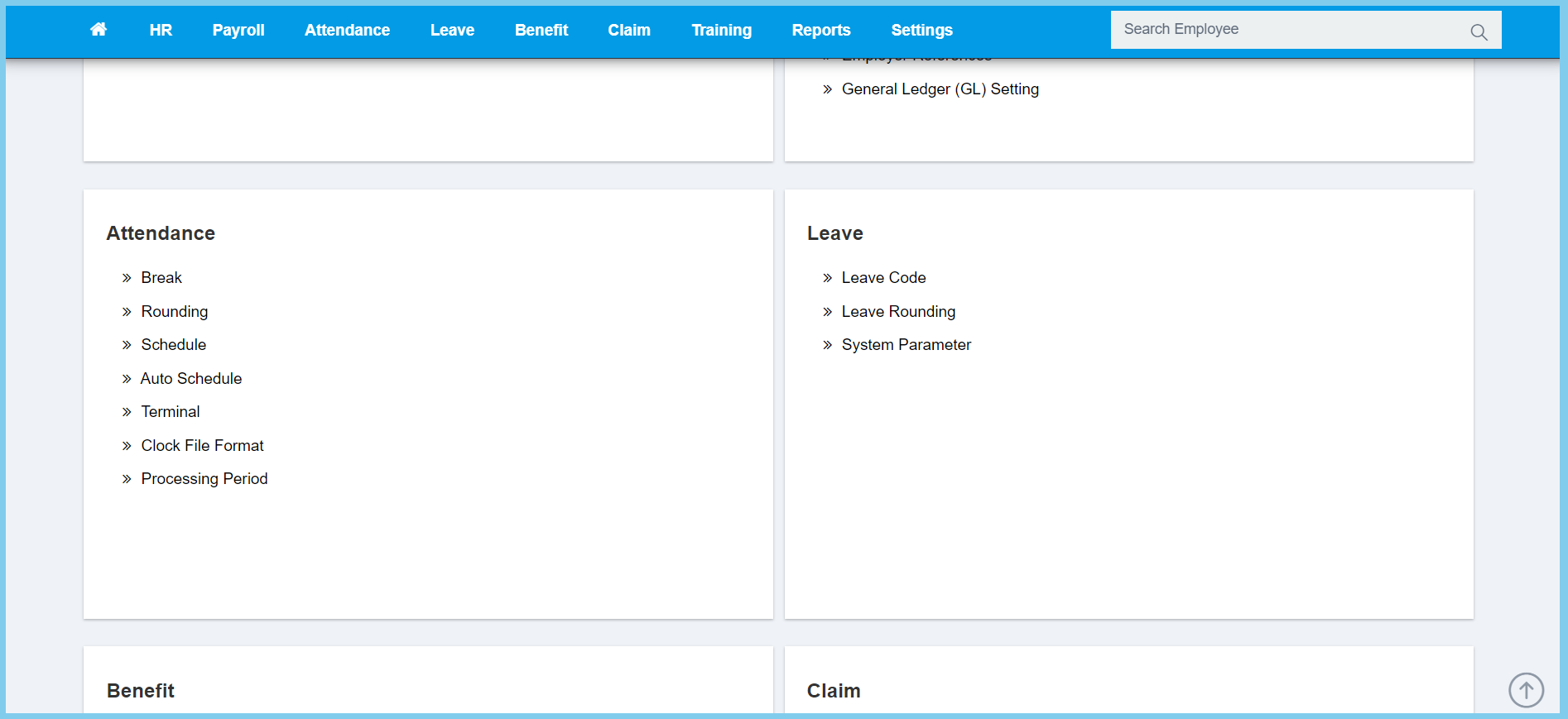
1. Menu: Click Settings.
2. Click Terminal which located under Attendance.
3. Click Create button.
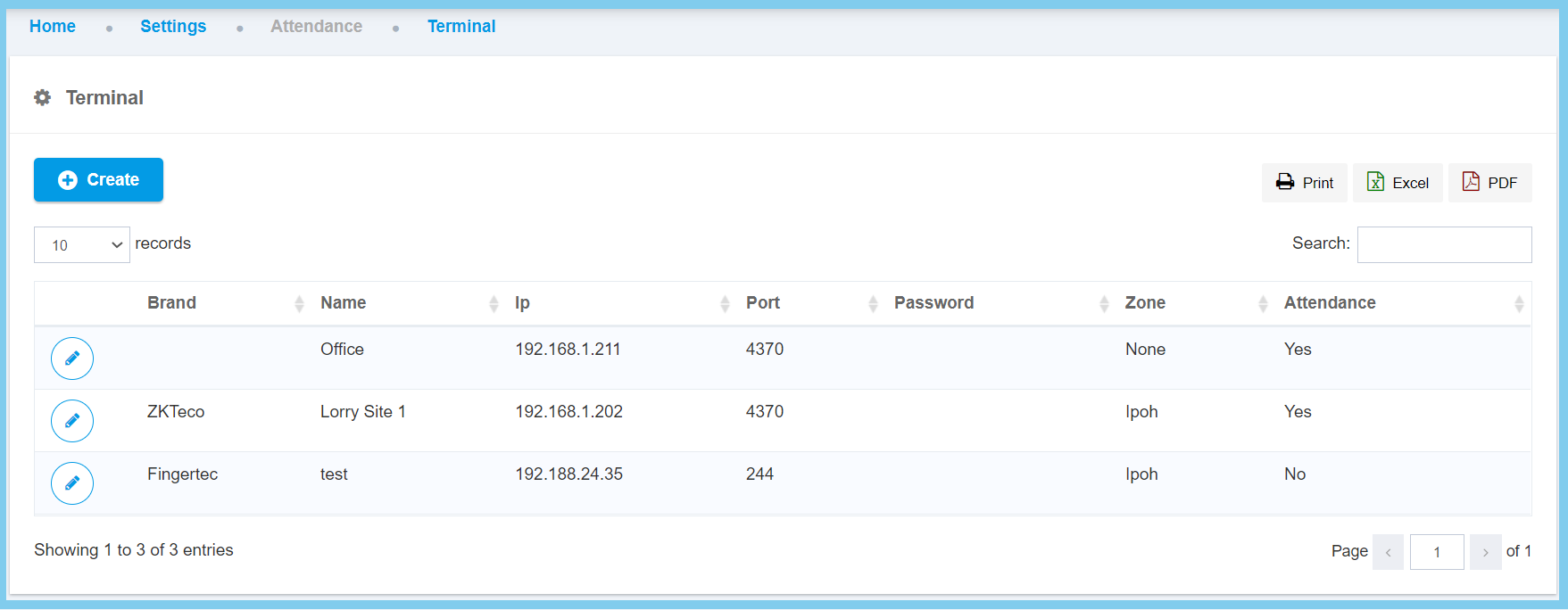
4. Fill the form.

5. Click Create button.
Terminal Configuration Option Explanation
| Option | Allowed Values | Description |
|---|---|---|
| Attendence |
|
Apply this option for taking an employee attendance. |
| Brand | Setup in Code Settings | Set up for the terminal brand name. Click here to view setup for brand. |
| Name | Any alphanumeric | Set up for the name of the terminal used. |
| IP Address | Any number | Set up for the terminal IP address. |
| Port | Any number | Set up for the terminal port. |
| Zone | Setup in Code Settings | Set up for the terminal zone. Click here to view setup for zone. |
| Location | Any alphanumeric | Set up for the location of where the terminal at. |
| Password | Any alphanumeric | Set up for the terminal password. |
