
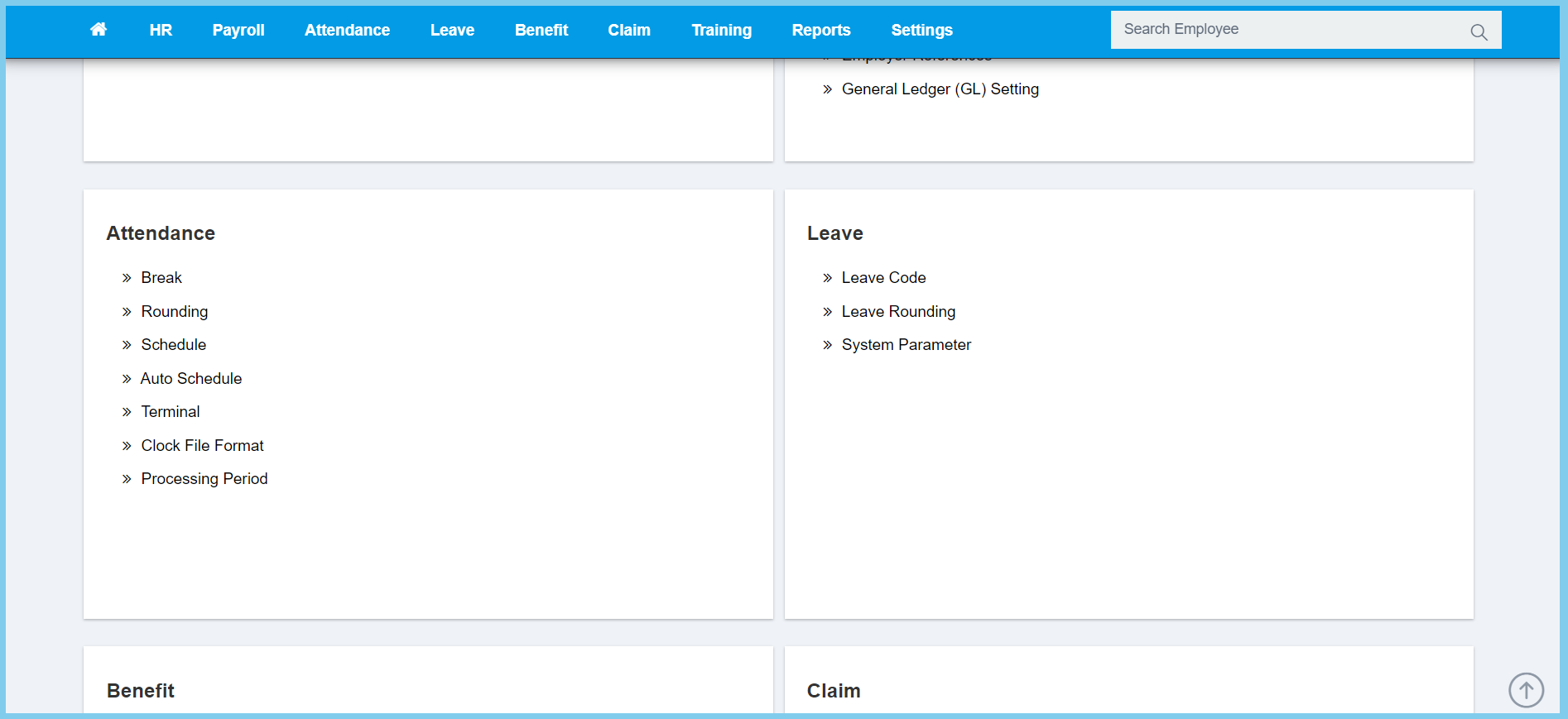
1. Menu: Click Settings.
2. Click Processing Period which located under Attendance.
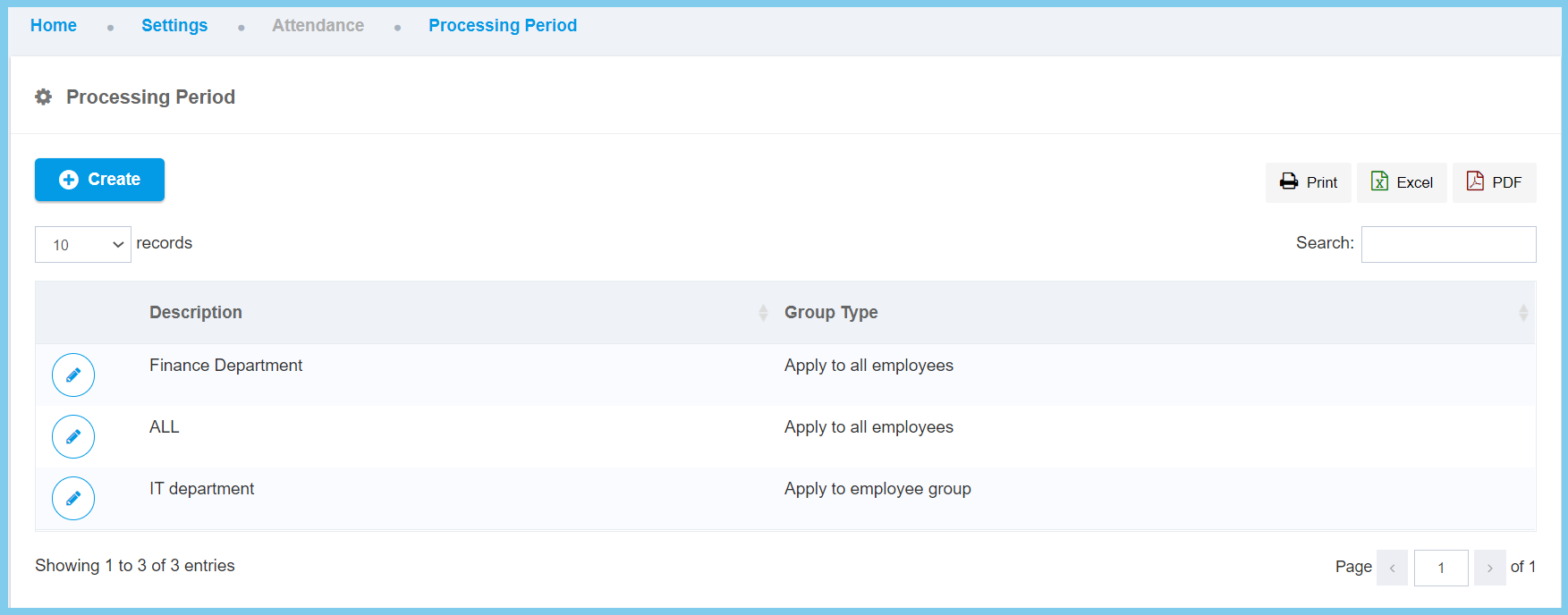
3. Click edit button on which processing period that you wish to edit.
4. Edit Details.
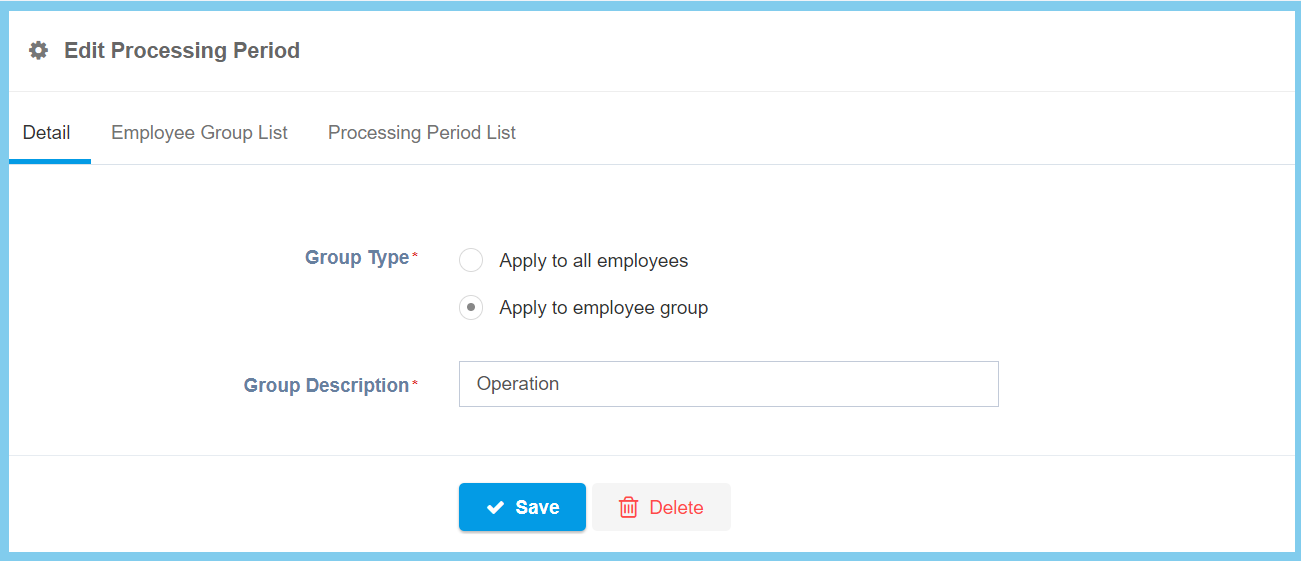
Note: Edit processsing period separated into 3 section.
5. Edit Employee Group List.
6. Click Create button.
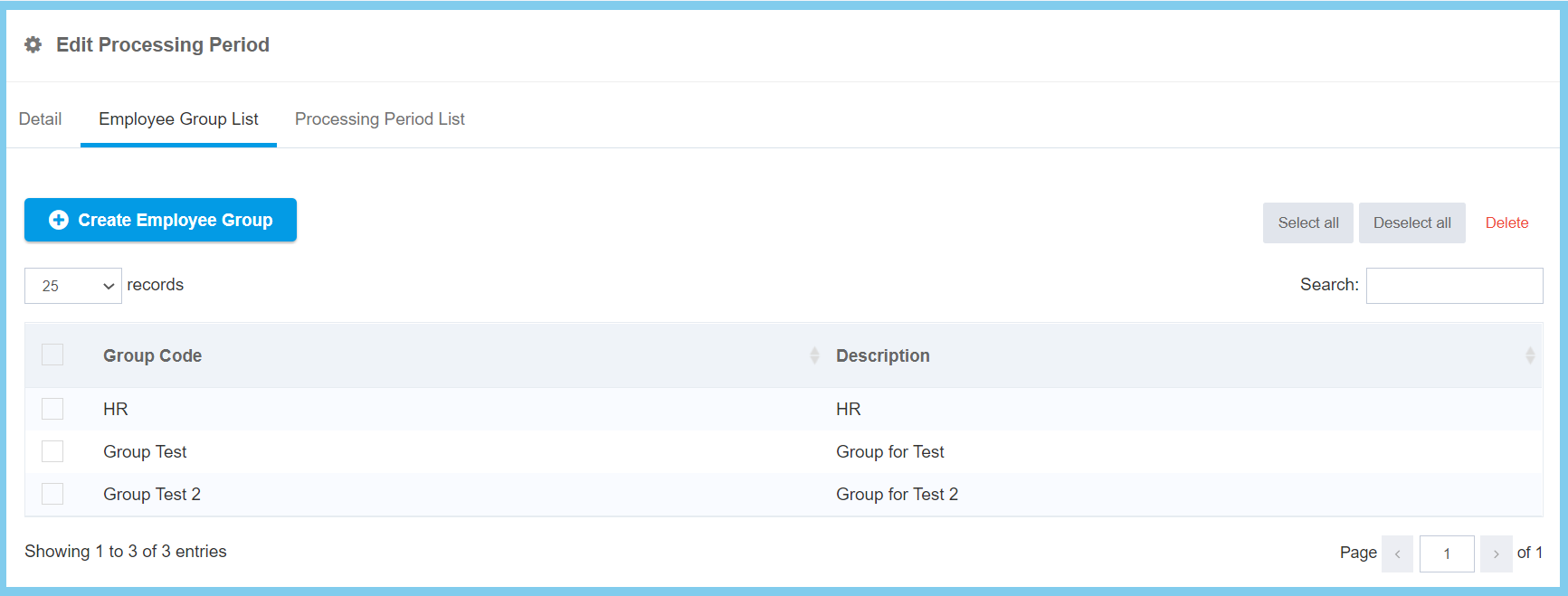
Note: If wish to delete, select the Group Code, click Delete button.
7. Select Employee Group from the Employee Group List.
8. Click Add button.
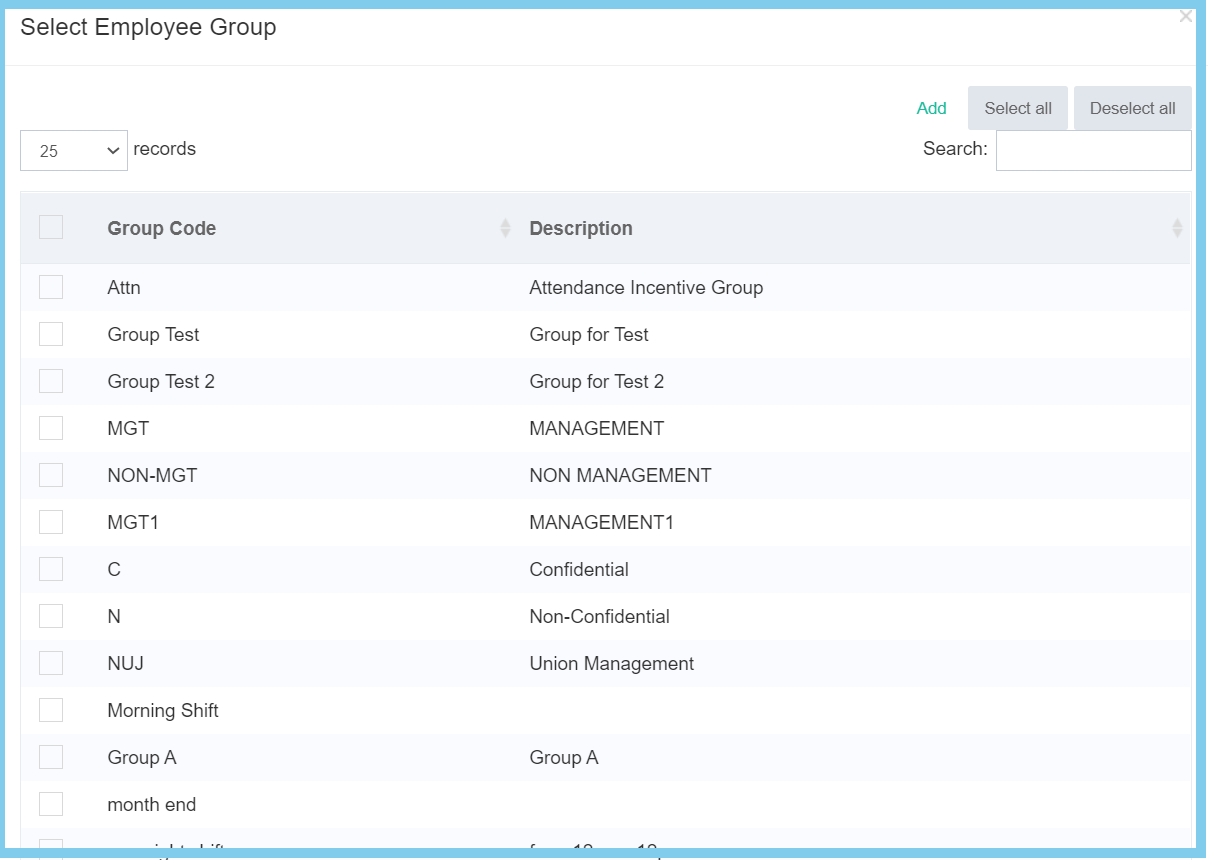
9. Edit Processing Period.
10. Click Create button.
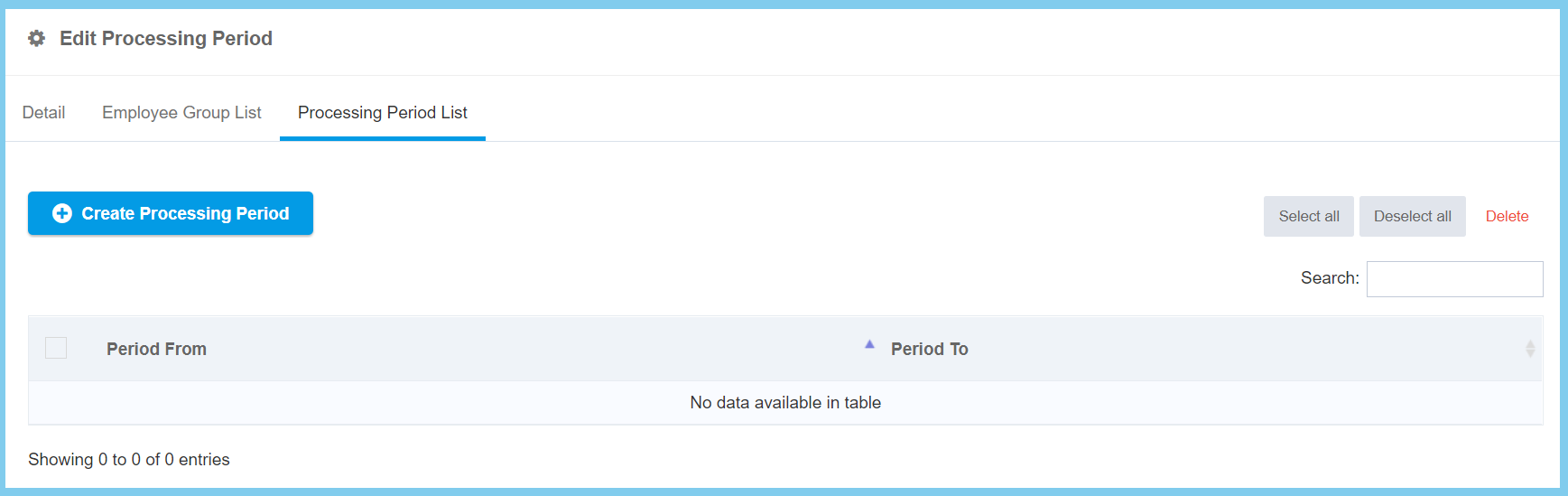
Note: If wish to delete, select the Period, click Delete button.
11. Set the value of date.
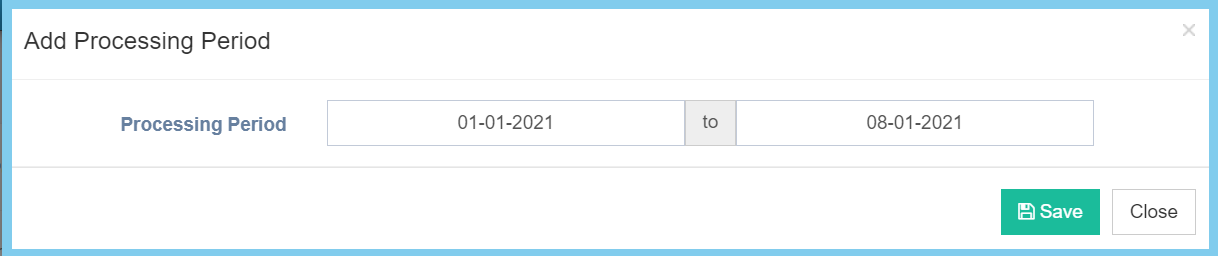
12. Click Save button.
13. Back to Details click Save button.
Processing Period Configuration Option Explanation
| Option | Allowed Values | Description |
|---|---|---|
| Group Description | Any alphanumeric | Any description about this processing period group. |
| Group Type |
|
Set up the group type for this processing period, either apply for all employees or employee group. |
