
1. Menu: Click Settings.
2. Click Service Action Type which located under HR.

3. Click edit button on which service action type that you wish to edit.

4. Edit the form.
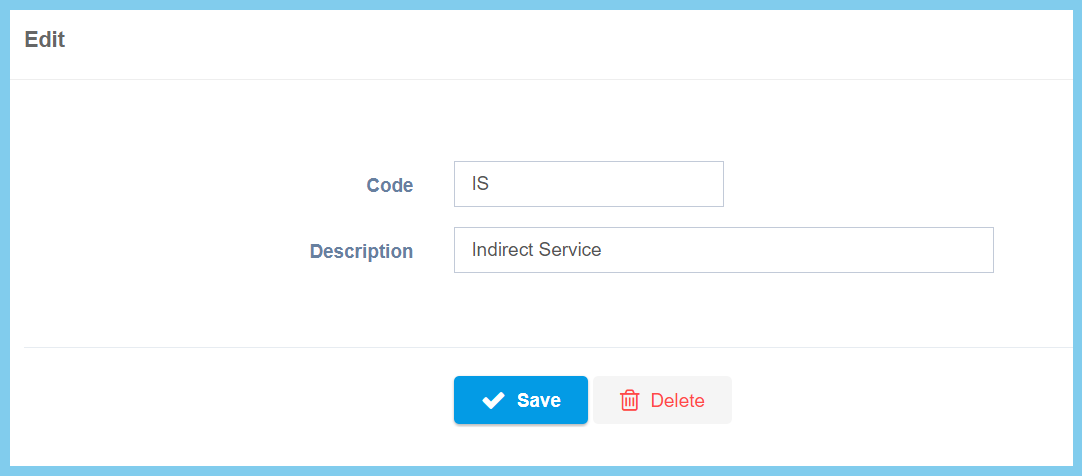
5. Click Save button.
Service Action Type Configuration Option Explaination
| Option | Allowed Values | Description |
|---|---|---|
| Code | Any alphanumeric | Set a simple and unique code for section action type. |
| Description | Any alphanumeric | Any description about service action type. |
