
1. Menu: Click Settings.
2. Click Currency Rate which located under Payroll.

3. Click edit button on which currency rate that you wish to edit.

4. Edit the form.
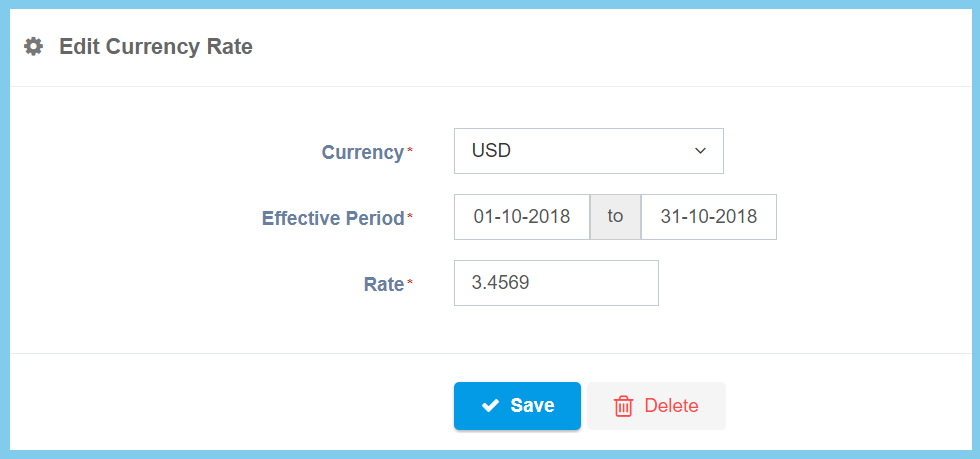
5. Click Save button.
Currency Rate Configuration Option Explaination
| Option | Allowed Values | Description |
|---|---|---|
| Currency | Setup from currency code | Select the currency code from option available.
Click here to view setup. |
| Effective Period | Choose date from the calendar given | Set the rate duration of effective period for currency rate. |
| Rate | Any number | The change ratio of the selected currency with local currency. |
