
1. Menu: Click Settings.
2. Click EA Transaction Code Mapping which located under Payroll.

3. Select EA version which located below the title.
4. Select Transaction Code from list.
5. Select EA Line from list.
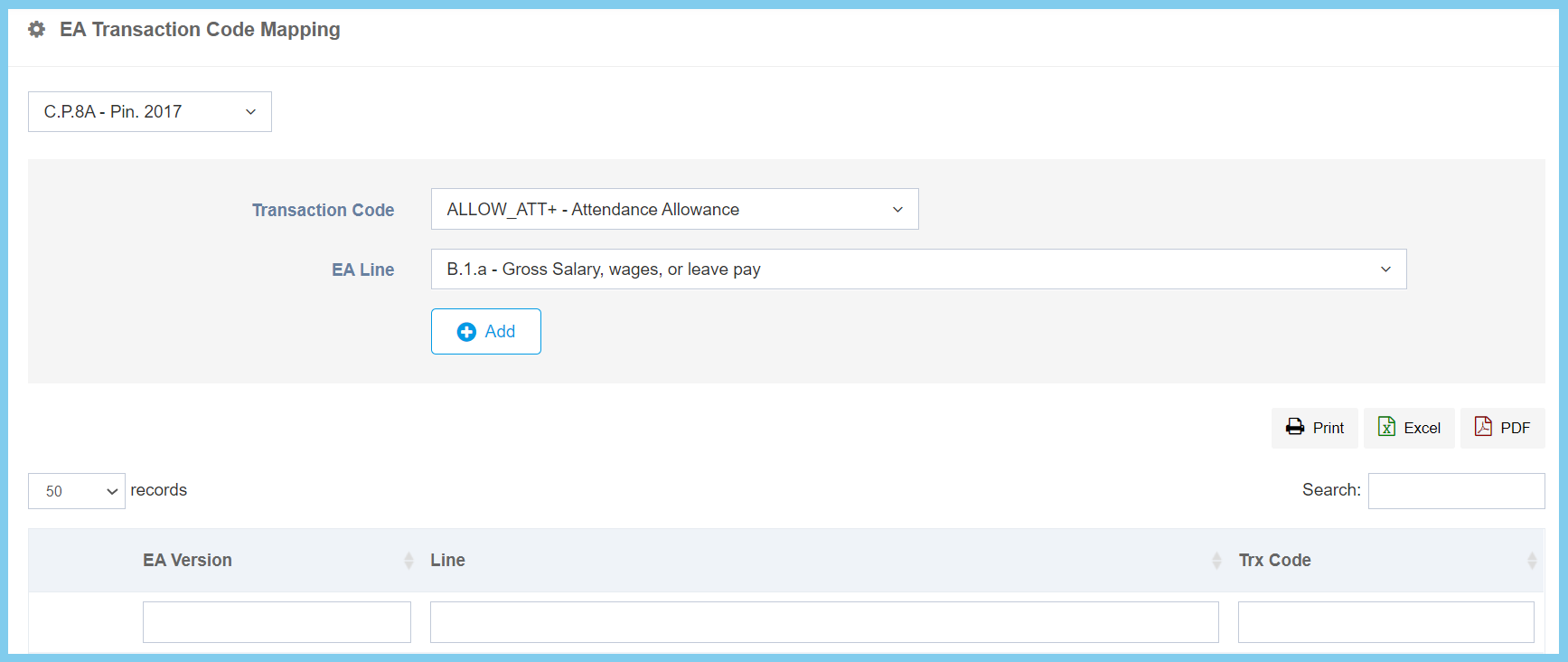
6. Click Add button.
EA Transaction Code Mapping Configuration Option Explaination
| Option | Allowed Values | Description |
|---|---|---|
| Transaction Code | Setup from transaction code | Transaction Code that will be chosen to map with related EA lines.
Click here to view setup. |
| EA Line | Choose from EA line | Select the EA line for this EA transaction code. |
