
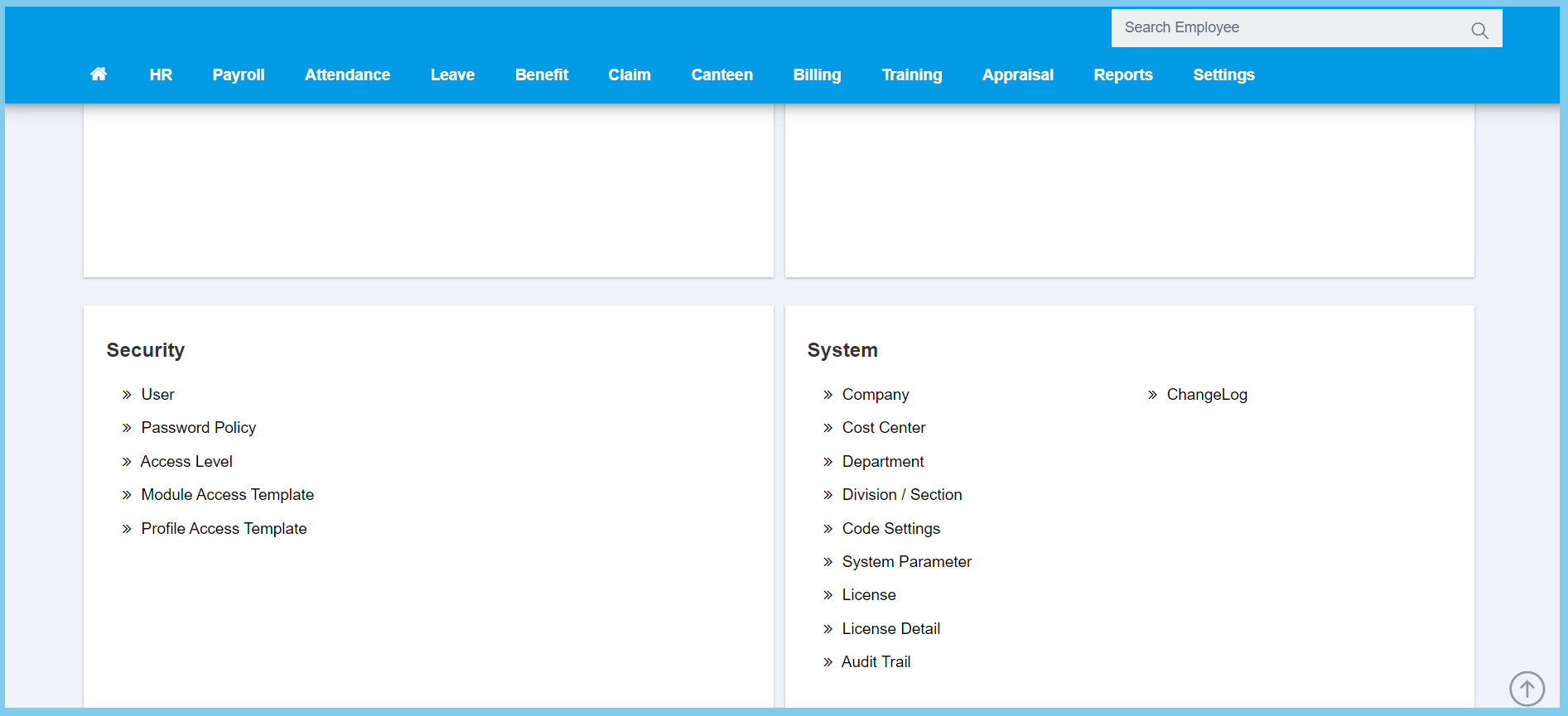
1. Menu: Click Settings.
2. Click Profile Access Template which located under Security.
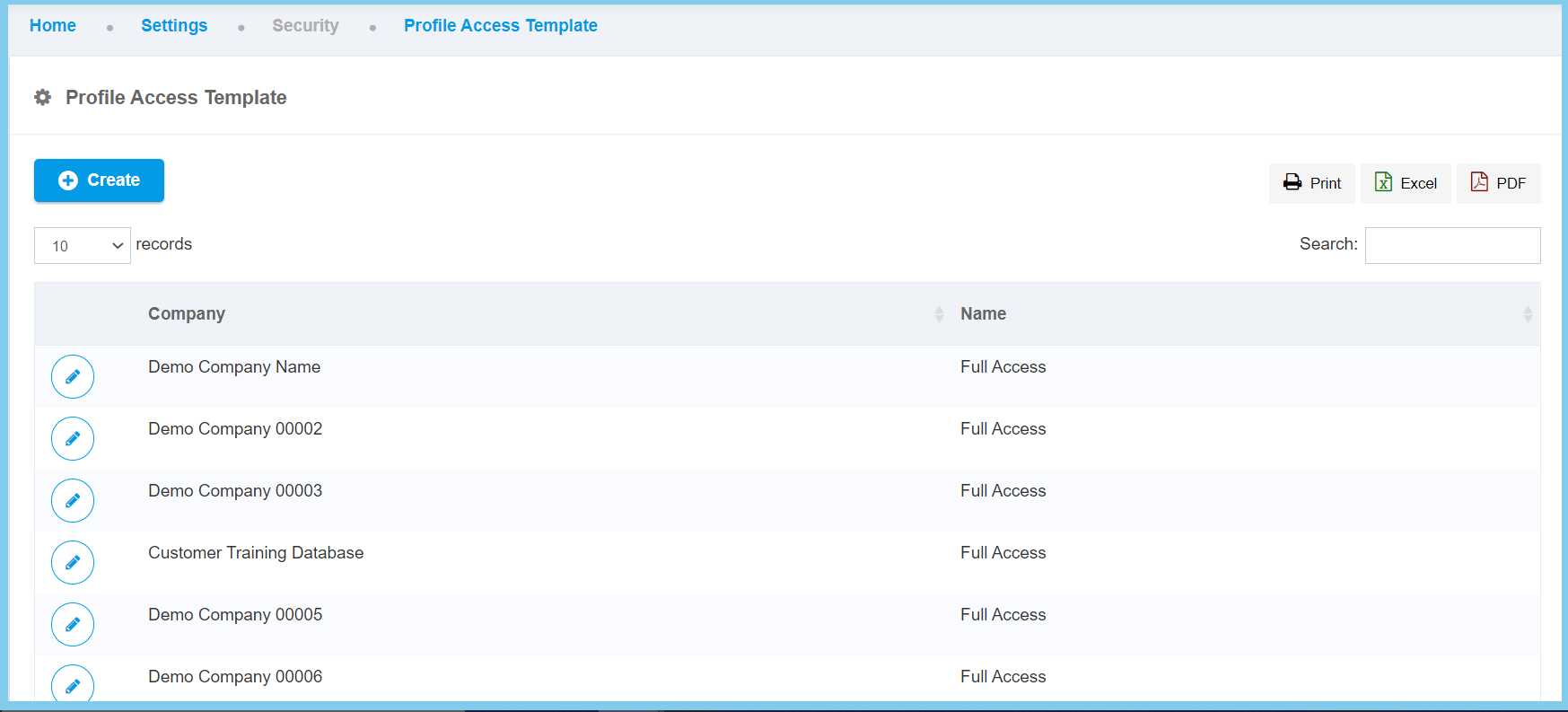
3. Click Create button.
4. Fill the form.
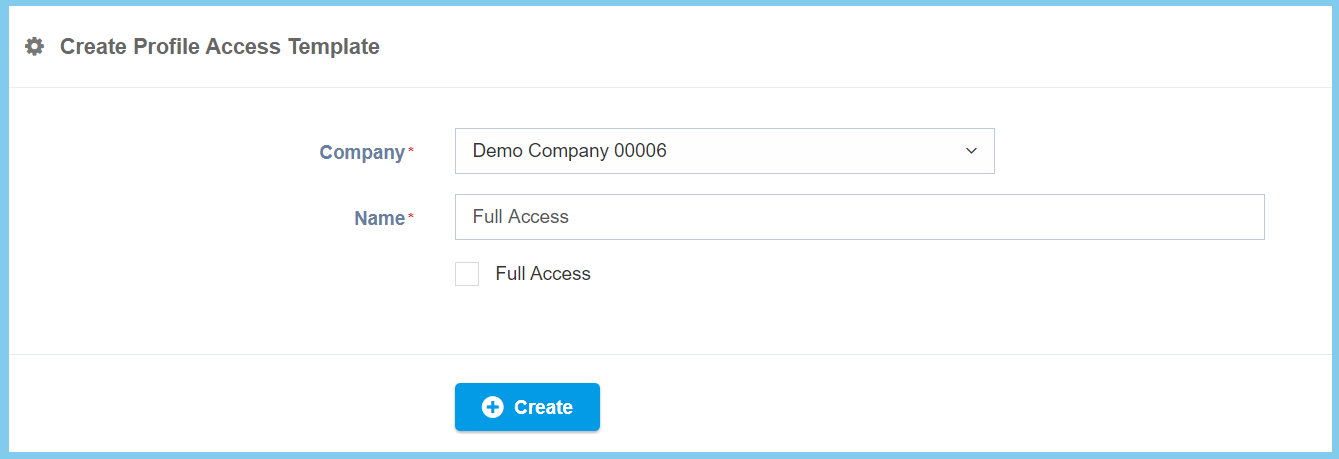
5. Click Create button.
Profile Access Template Configuration Option Explaination
| Option | Allowed Values | Description |
|---|---|---|
| Company | Choose from company | Choose one company for this profile access template. |
| Name | Any alphanumeric | Set the name for this profile access template. |
| Full Access |
|
If enabled, the company will get full access of profile module template, if not, it may get certain access of profile module template. |
