
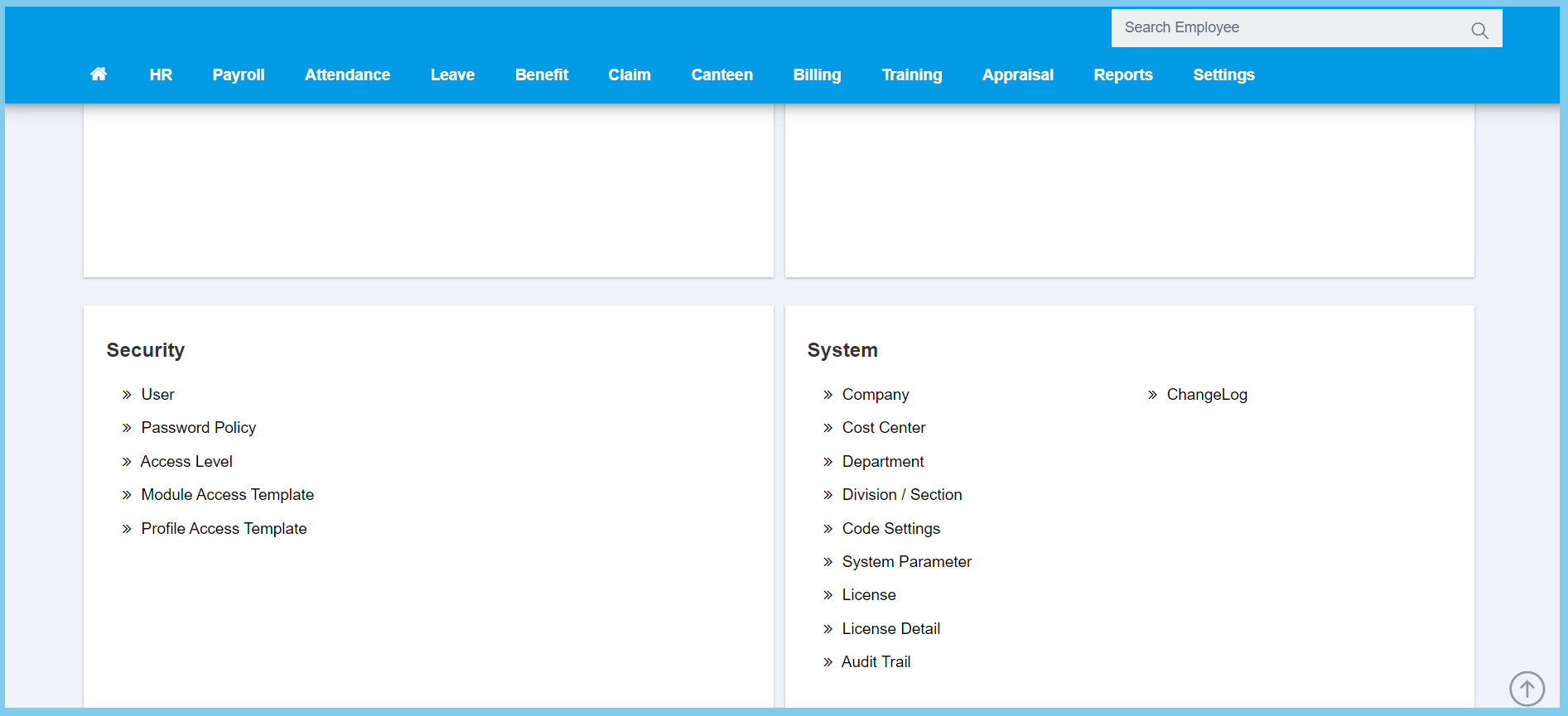
1. Menu: Click Settings.
2. Click Profile Access Template which located under Security.
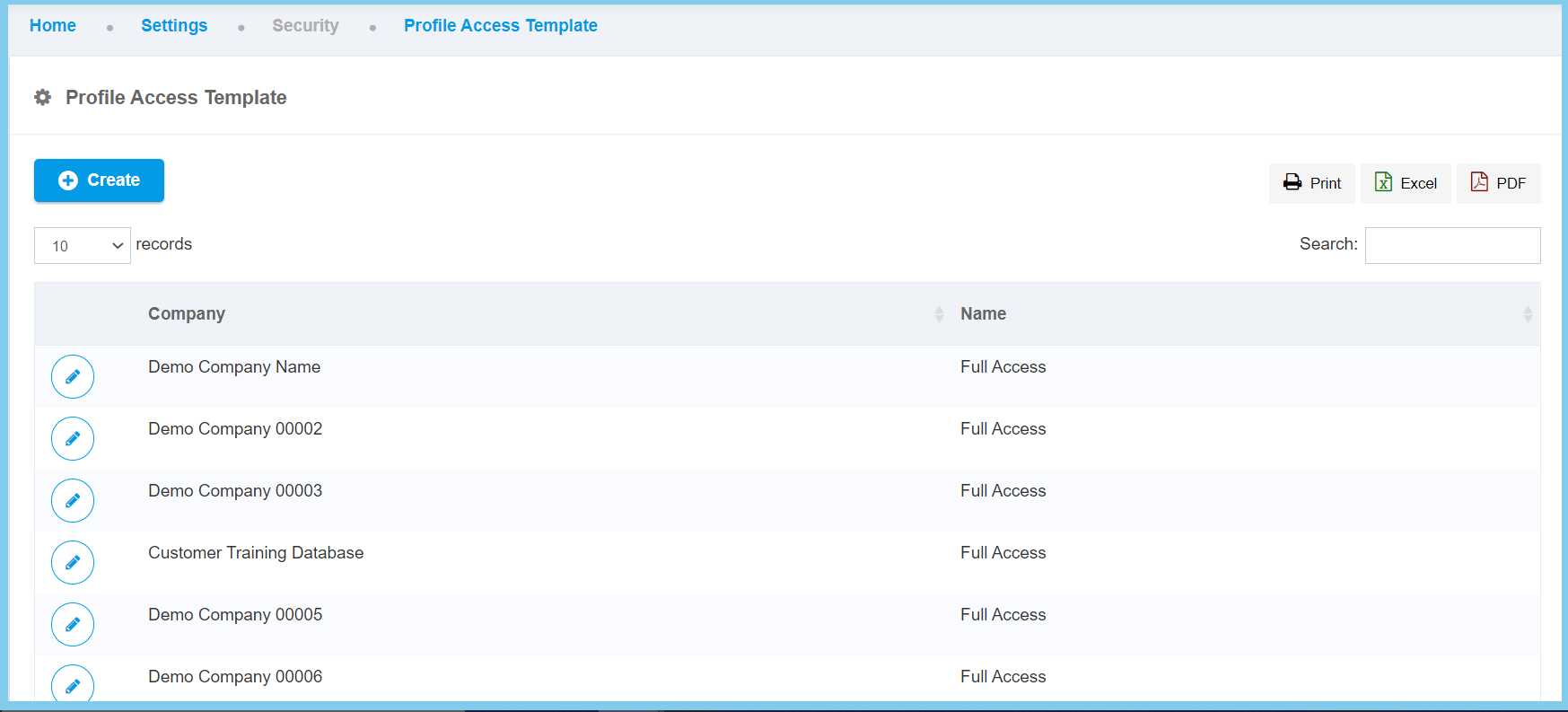
3. Click edit button on which profile access template that you wish to edit.
4. Edit the form.
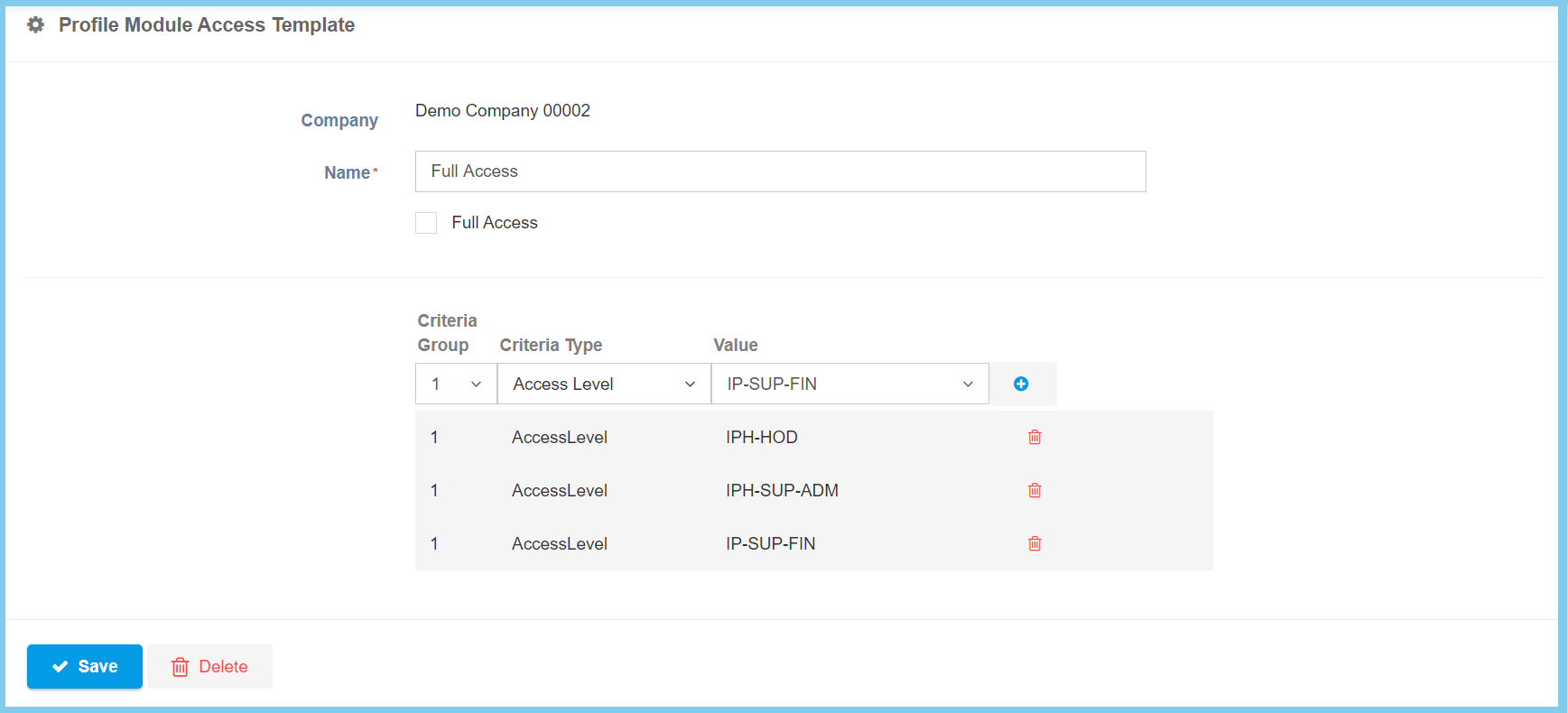
5. Click Save button.
Profile Access Template Configuration Option Explaination
| Option | Allowed Values | Description |
|---|---|---|
| Name | Any alphanumeric | Set the name for this profile access template. |
| Full Access |
|
If enabled, the company will get full access of profile module template, if not, it may get certain access of profile module template. |
| Criteria Group | Choose from criteria group | Choose one criteria group for this profile access template. |
| Criteria Type | Choose from criteria type | Choose one criteria type for this profile access template. |
| Value | Choose from value | The value will change according to the option of criteria type. |
Note: After done selection of criteria group, criteria type and value, click plus button.
