
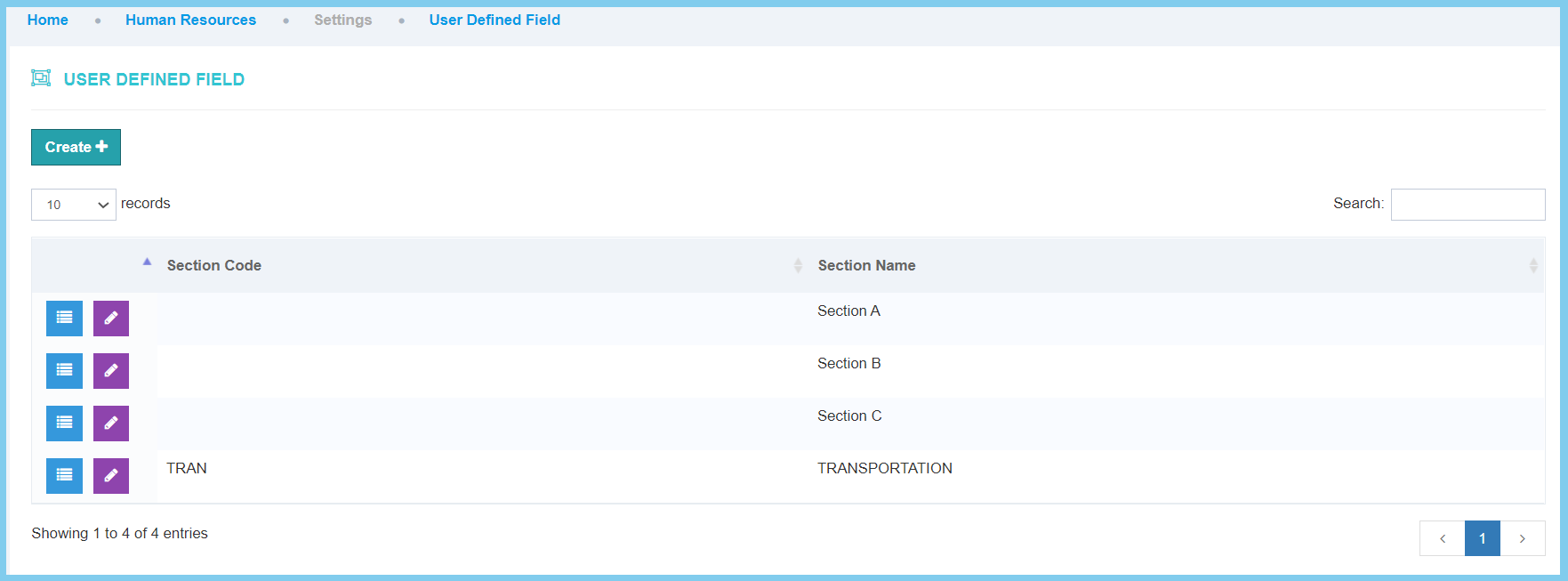
1. Menu: Click Settings.
2. Click User Define Field which located under HR.

3. Click view input list button.
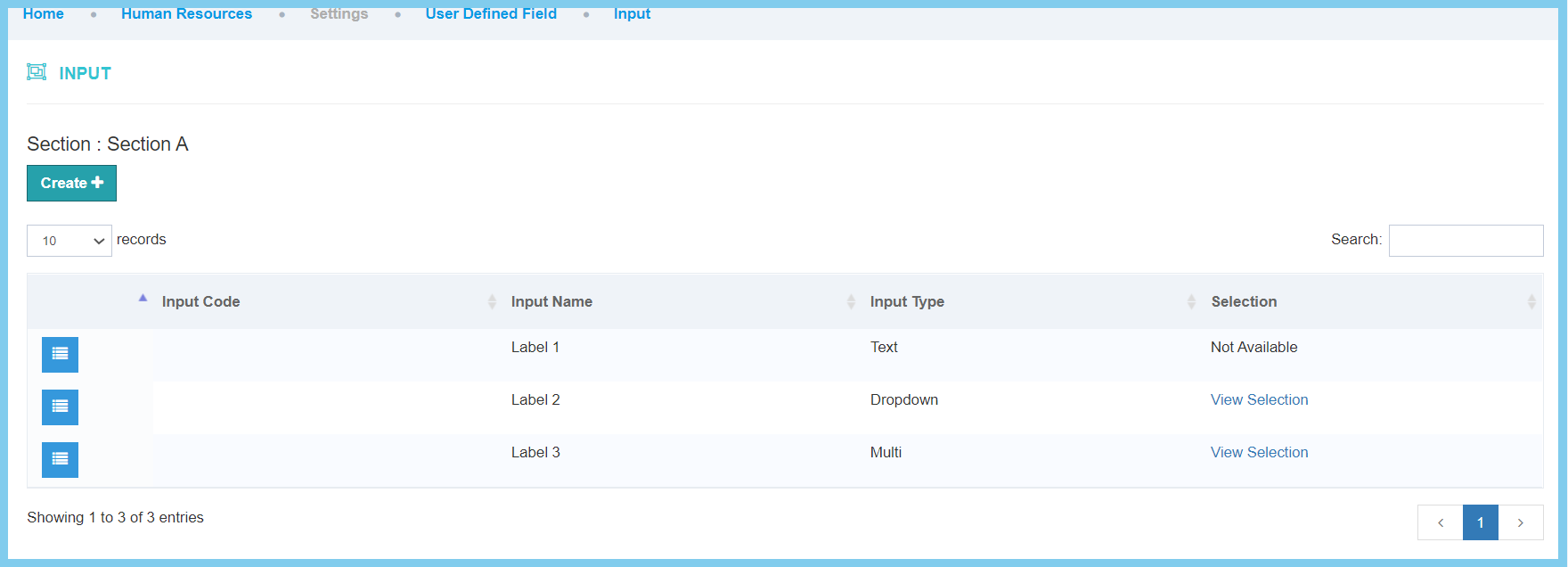
4. Click Create button.
5. Fill the form.
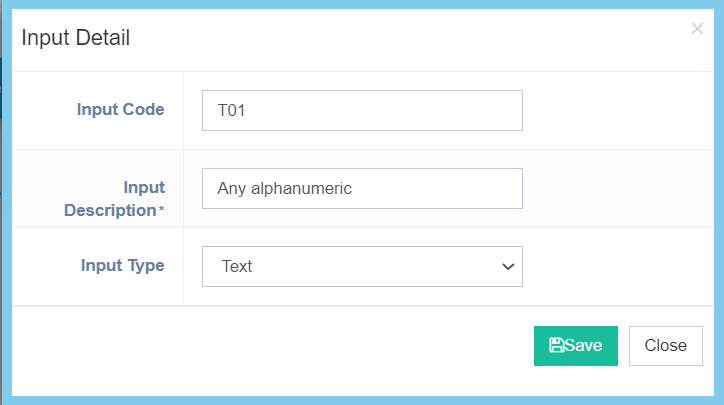
6. Click Save button.
Input Configuration Option Explaination
| Option | Allowed Values | Description |
|---|---|---|
| Input Code | Any alphanumeric | Set a simple and unique input code. |
| Input Description | Any alphanumeric | Any description about this input code. |
| Input Type |
|
Choose whether this input code of its type is by text, dropdown or multiselect. |
