1. Edit Employee Profile.
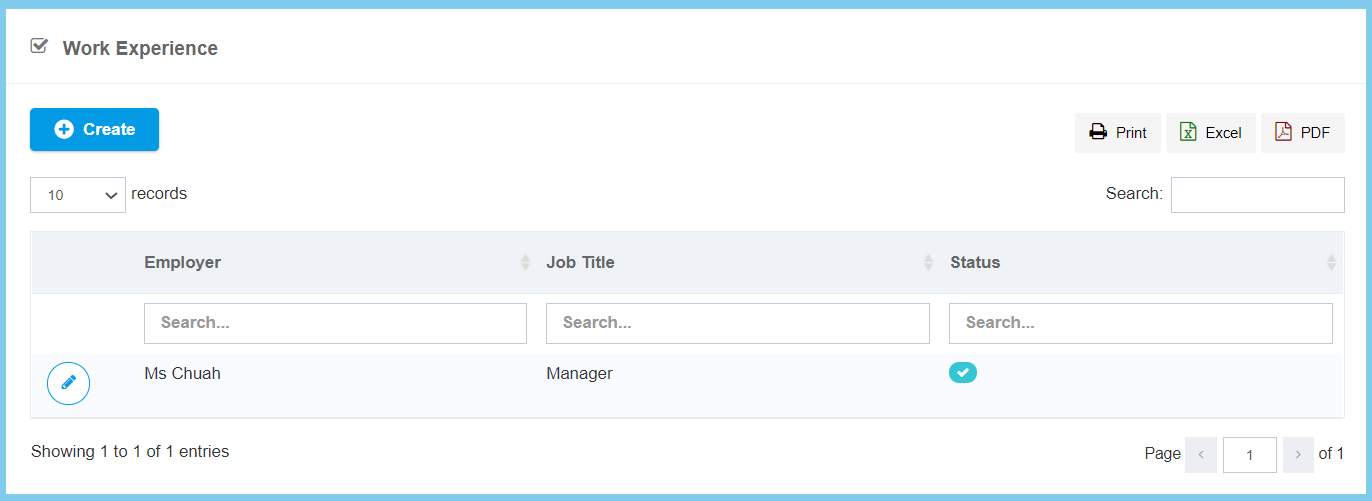
2. Click Work Experience.
3. Click Create button.
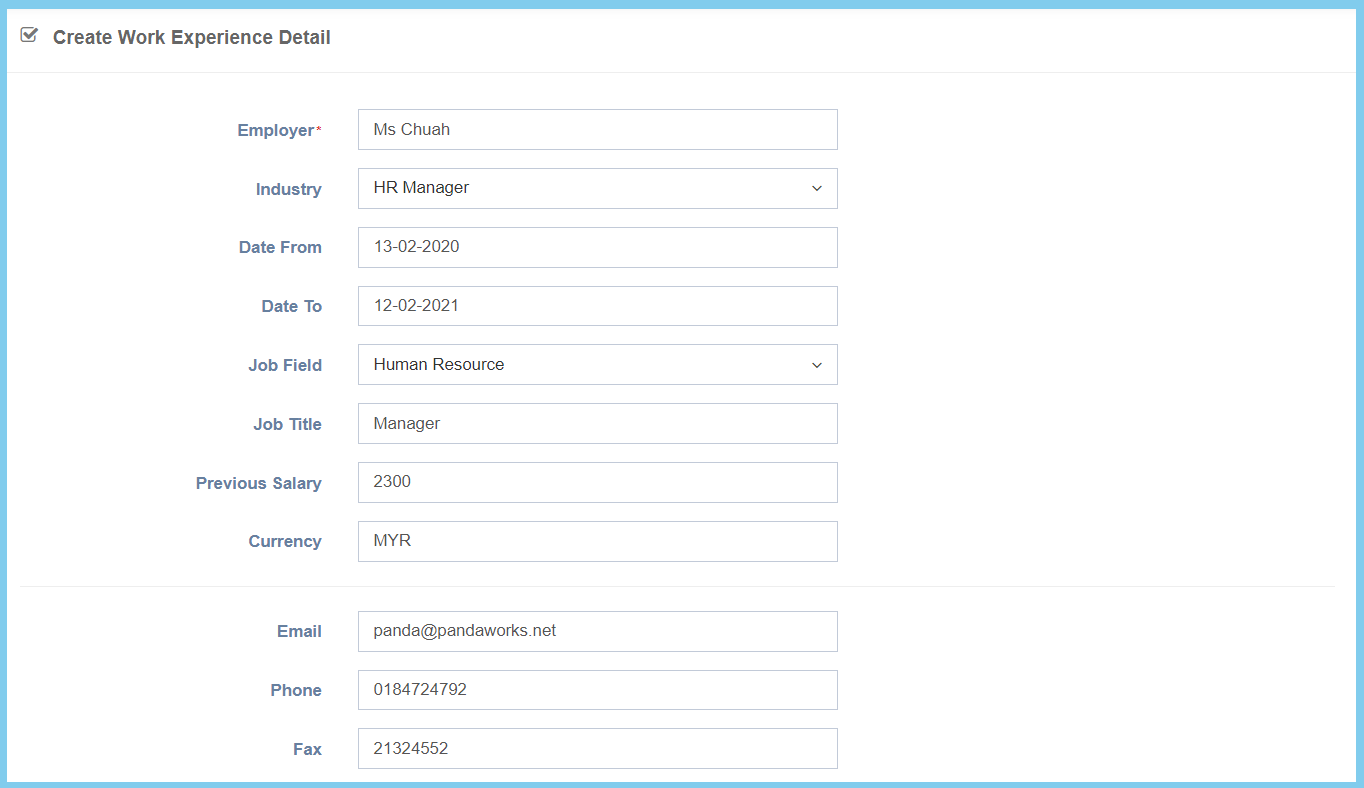
4. Fill the form.
5. Click Create button.
Work Experience Configuration Option Explaination
| Option | Allowed Values | Description |
|---|---|---|
| Employer | Any alphanumeric | Enter the previous employer name who work before with employee. |
| Industry | Setup from code settings | Select the industry that the employer work before from option available.
Click here to view setup for industry. |
| Date From | Select date from calendar | Select the start date that employee previous working period from calendar available. |
| Date To | Select date from calendar | Select the end date that employee previous working period from calendar available. |
| Job Field | Setup from code settings | Select the job field that the employer work before from option available.
Click here to view setup for job field. |
| Job Title | Any alphanumeric | Enter the previous job title of employee. |
| Previous Salary | Any number | Enter the previous salary value that employee got before. |
| Currency | Any alphanumeric | Enter the curreny of the salary. |
| Any alphanumeric with email format | Enter the previous employer email address. | |
| Phone | Any number | Enter the previous employer phone number. |
| Fax | Any number | Enter the previous employer fax number. |
| Option | Allowed Values | Description |
|---|---|---|
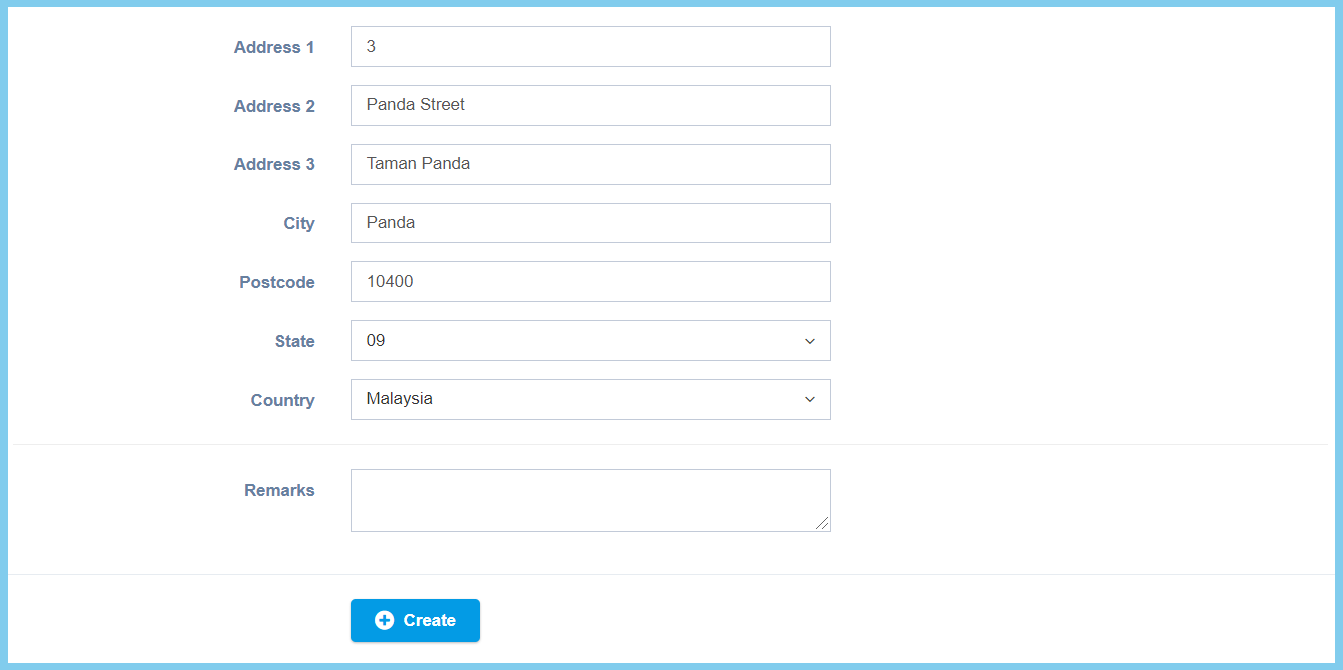
| Address 1 | Any alphanumeric | Enter the first line of address where the previous office located. |
| Address 2 | Any alphanumeric | Enter the second line of address where the previous office located. |
| Address 3 | Any alphanumeric | Enter the third line of address where the previous office located. |
| City | Any alphanumeric | Enter the city where the previous office located. |
| Postcode | Any number | Enter the postcode where the previous office located. |
| State | Setup from code settings | Select the state which the previous office located.
Click here to view setup for state. |
| Country | Setup from code settings | Select the country which the previous office located.
Click here to view setup for country. |
| Remarks | Any alphanumeric | Any additional remark about this work experience. |