
1. Edit Employee Profile.
2. Click Letter.
3. Click edit button on which letter that you wish to edit.
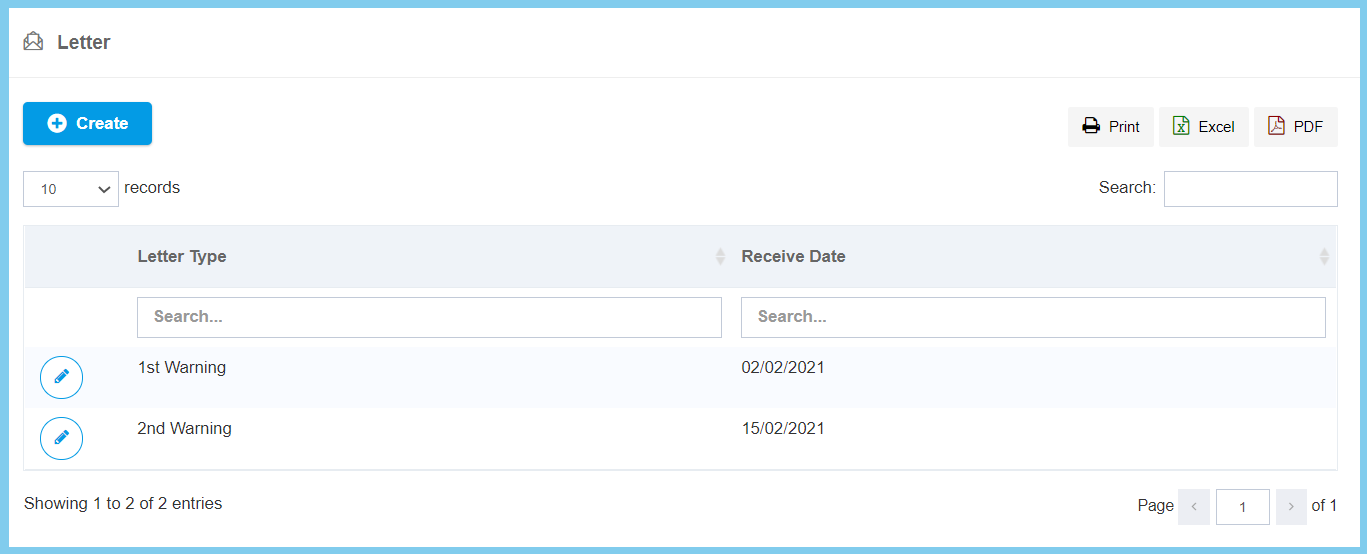
4. Edit the form.
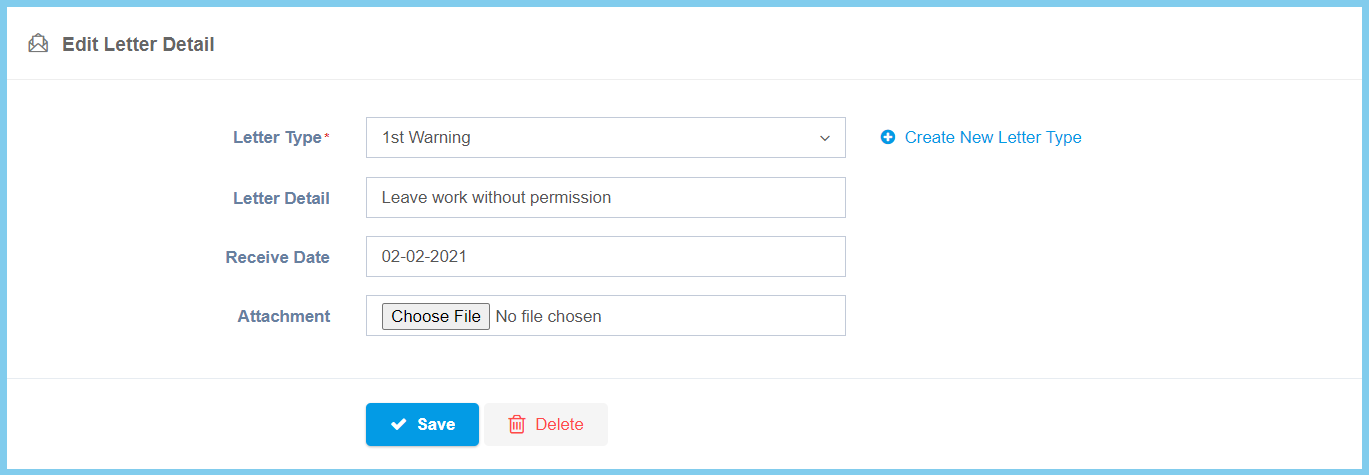
5. Click Save button.
Letter Configuration Option Explaination
| Option | Allowed Values | Description |
|---|---|---|
| Letter Type | Setup from code settings | Select the letter type for create a warning letter from option available, if the option not available click plus button to create new letter type by enter it code and description.
Or Click here to view setup for letter type. |
| Letter Detail | Any alphanumeric | Any details about this letter. |
| Receive Date | Select date from calendar | Select the date that received the warning letter to employee from calendar available. |
| Attachment | File path | Submit supporting file. |
