
1. Edit Employee Profile.
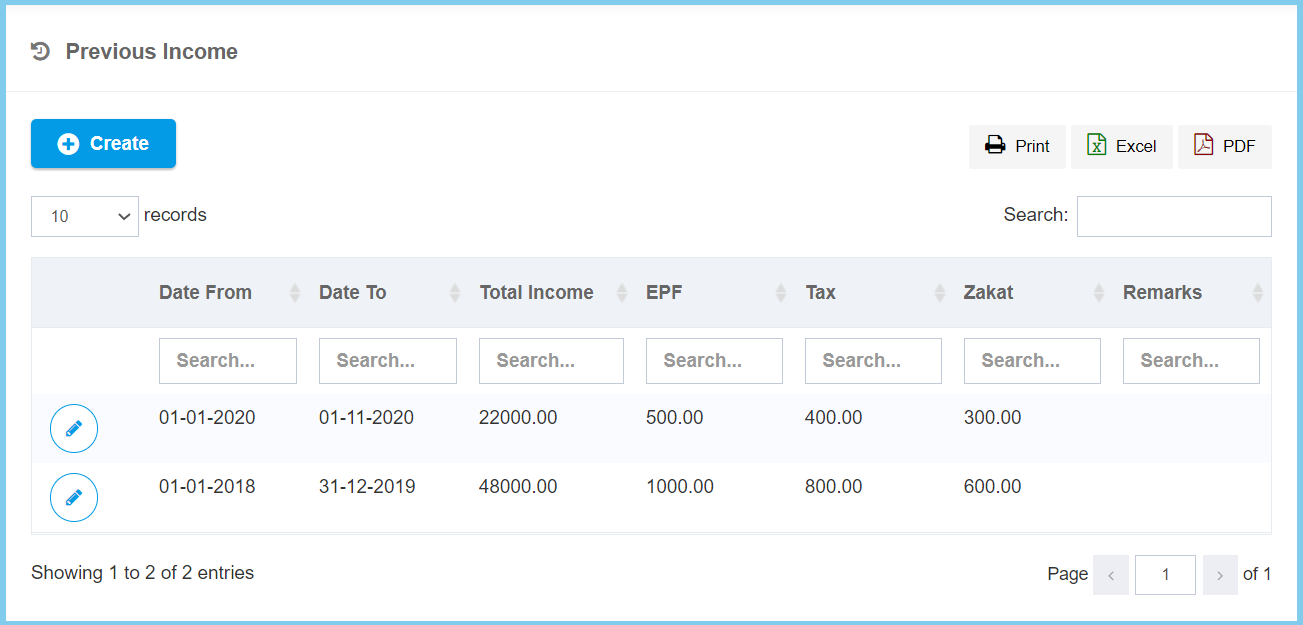
2. Click Previous Income.
3. Click Create button.
4. Fill the form.
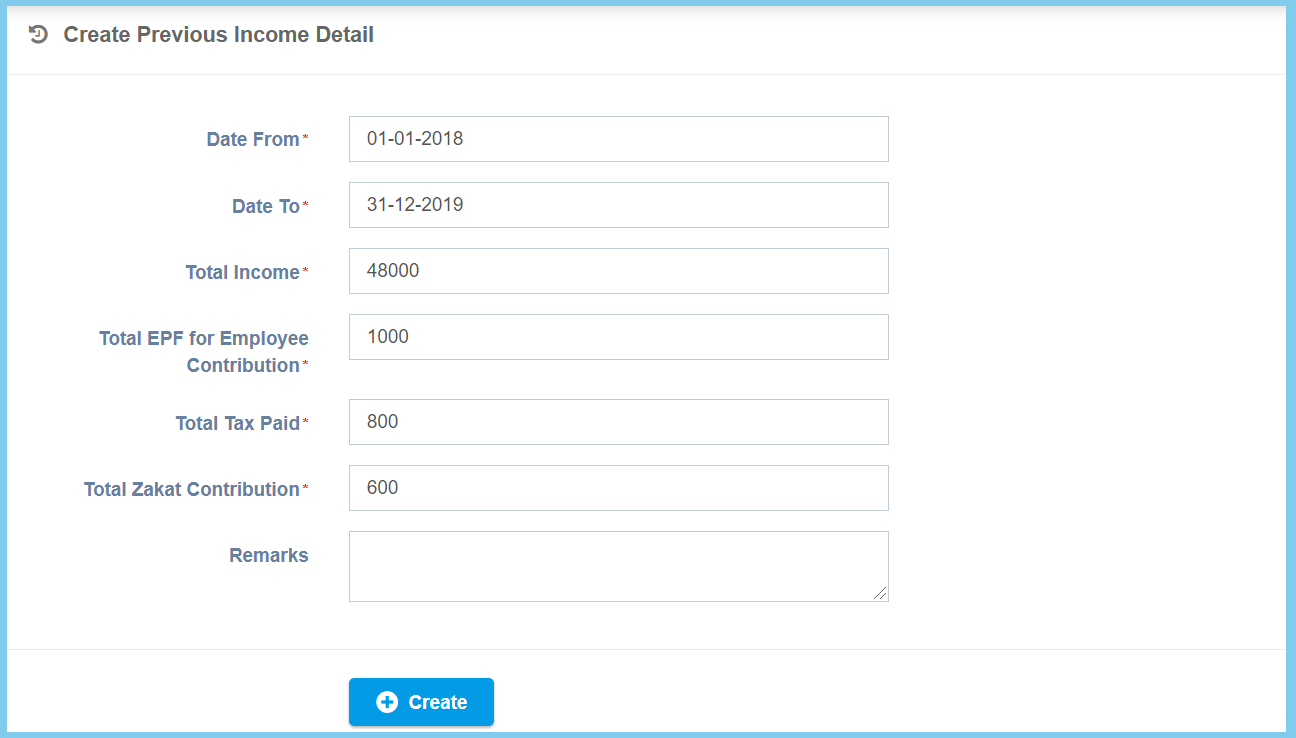
5. Click Create button.
Previous Income Configuration Option Explaination
| Option | Allowed Values | Description |
|---|---|---|
| Date From | Select date from calendar | Select the start date for previous income from calendar available. |
| Date To | Select date from calendar | Select the end date for previous income from calendar available. |
| Total Income | Any number | Enter the total amount of previous income. |
| Total EPF for Employee Contribution | Any number | Enter the total amount of EPF for employee contribution. |
| Total Tax Paid | Any number | Enter the total amount of tax paid. |
| Total Zakat Contribution | Any number | Enter the total amount of zakat contribution. |
| Remarks | Any alphanumeric | Any additional remarks about this previous income. |
