
1. Edit Employee Profile.
2. Click Time Attendance.
3. Click edit button on which card that you wish to edit.
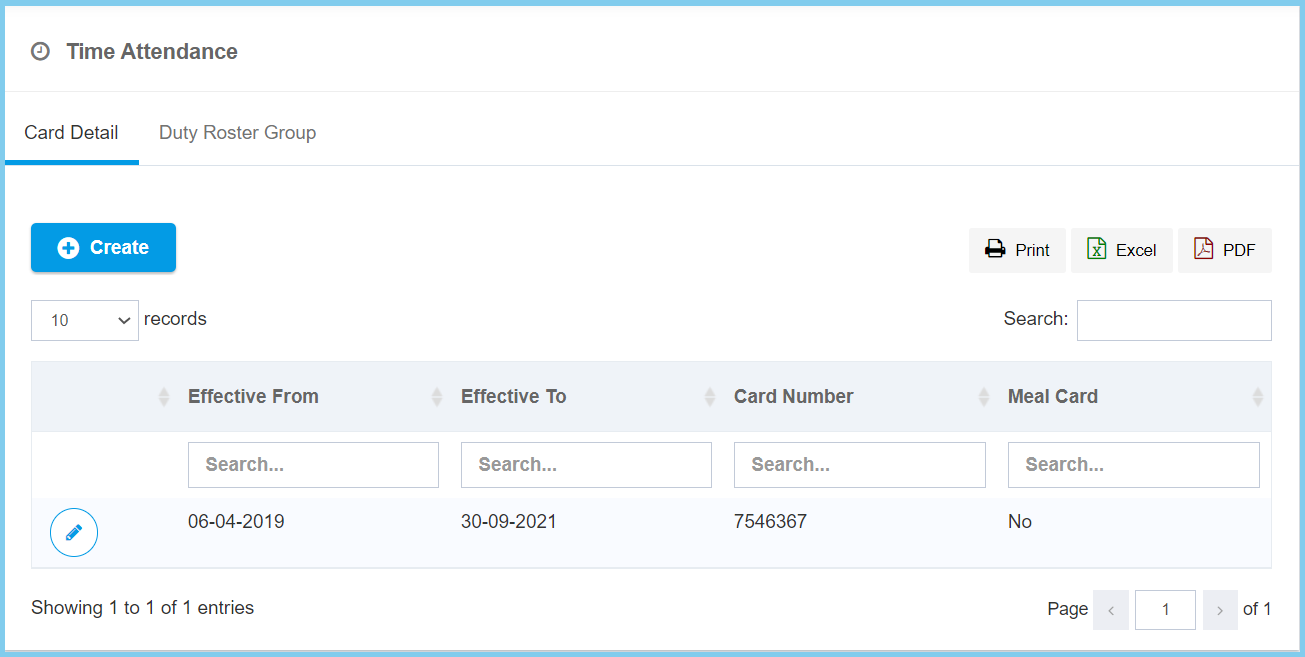
4. Edit the form.
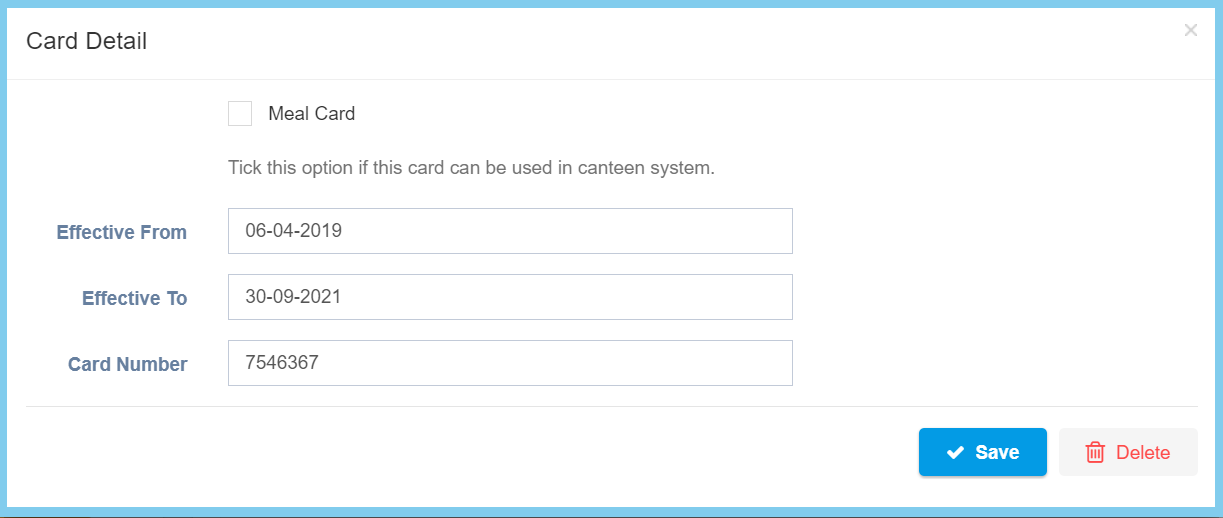
5. Click Save button.
Note: You can select the duty roster group for this employee.
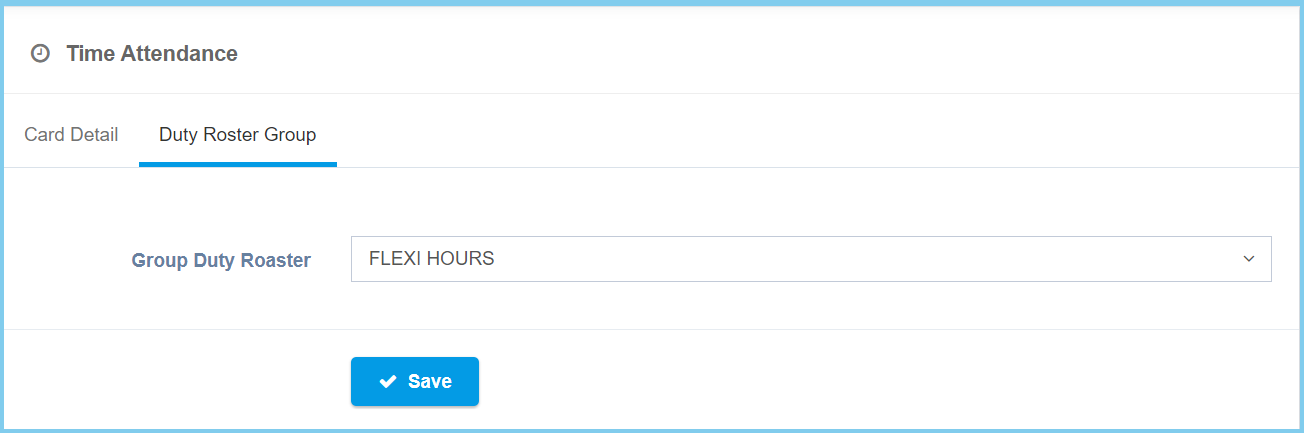
Time Attendance Configuration Option Explaination
| Option | Allowed Values | Description |
|---|---|---|
| Meal Card |
|
Ticked when this card can be used in canteen system. |
| Effective From | Select date from calendar | Select the effective start date of the card from calendar available. |
| Effective To | Select date from calendar | Select the effective end date of the card from calendar available. |
| Card Number | Any number | Enter the card number. |
