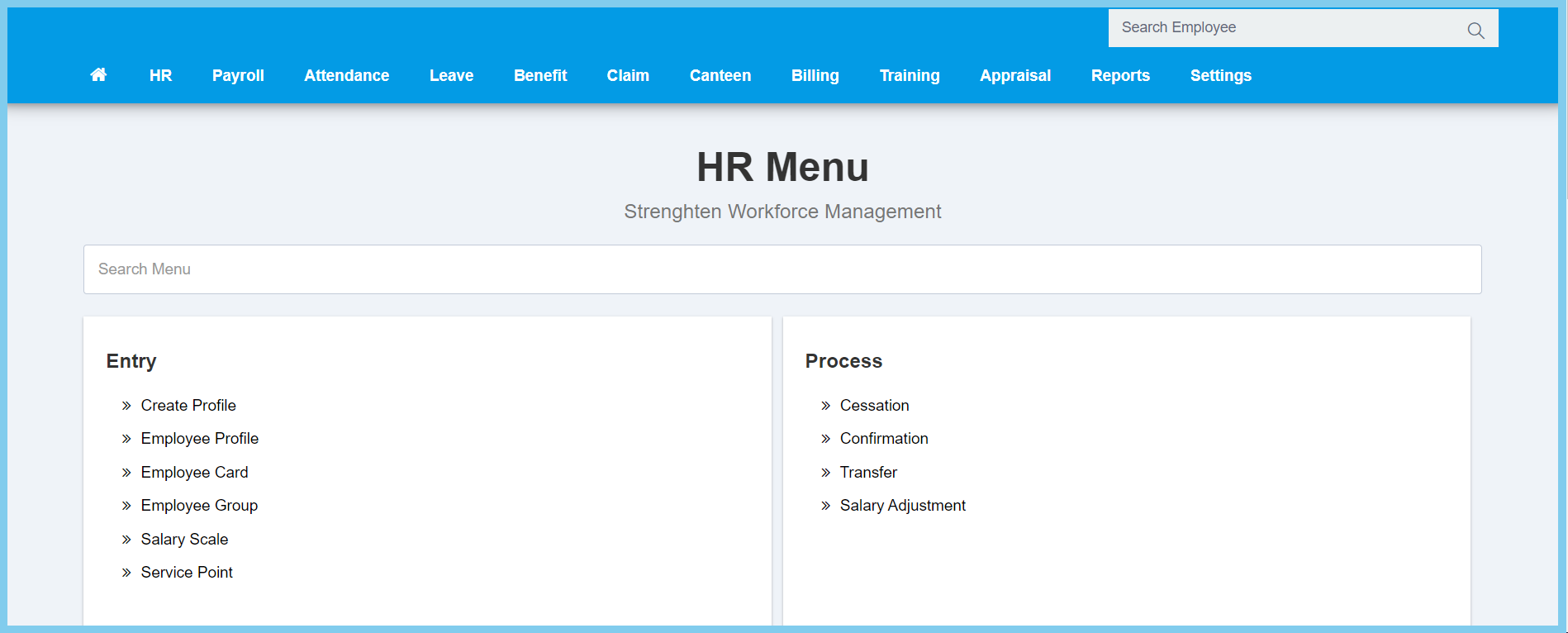
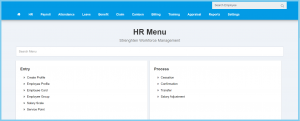
1. Menu: Click HR.
2. Click Cessation which located under Process.
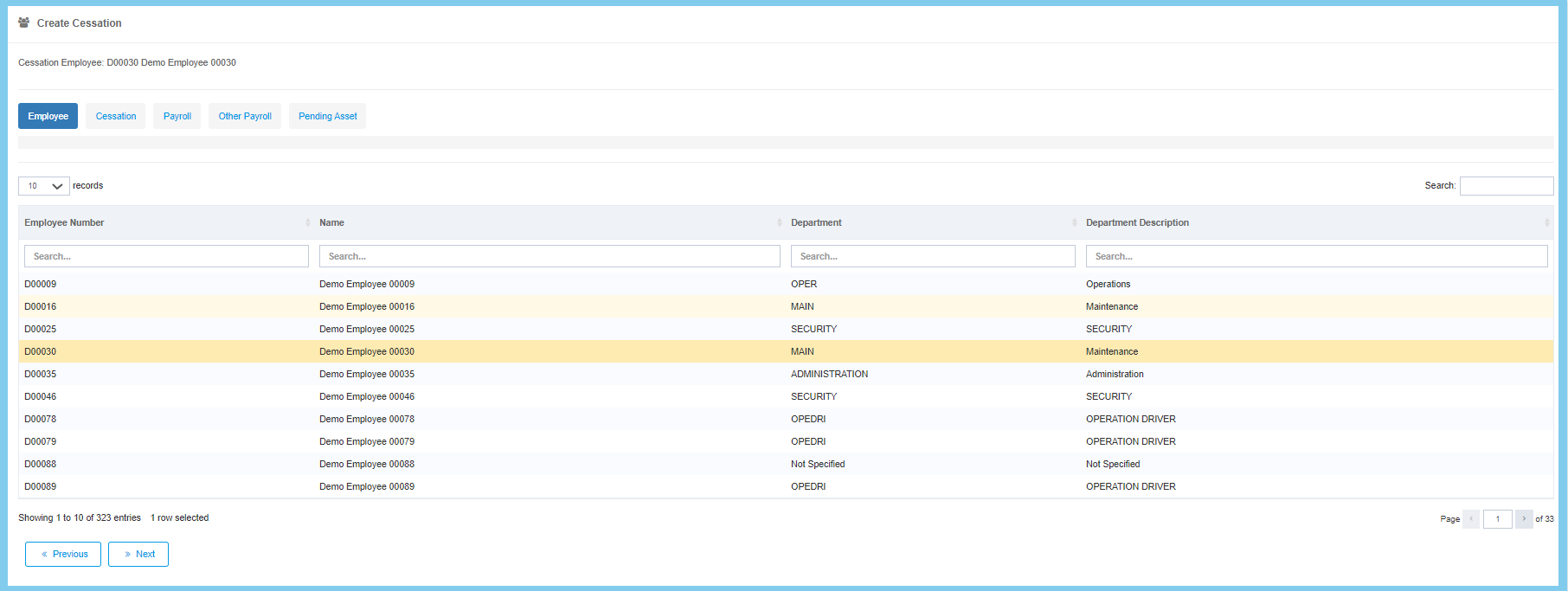
3. Click Create button.
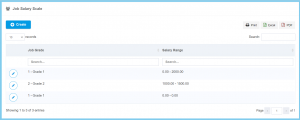
4. Select employee from employee list.
5. Click Next button.

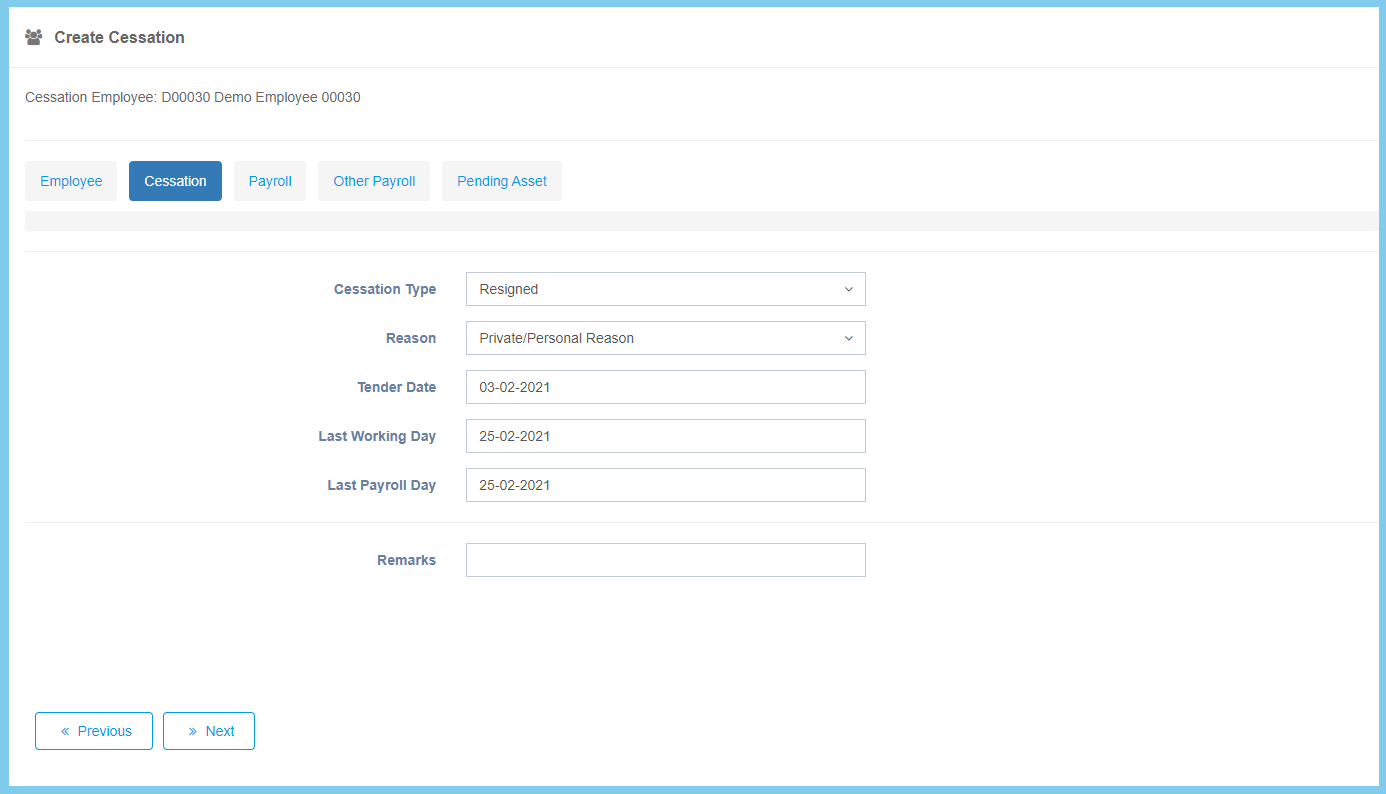
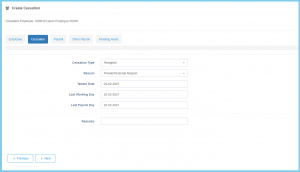
6. Fill the form.
7. Click Next button.
| Option |
Allowed Values |
Description |
| Cessation Type |
Selection from cessation type |
Select the type of cessation from option available. |
| Reason |
Selection from reason |
Select the reason of cessation from option available. |
| Tender Date |
Select date from calendar |
Select the date of tender from calendar available. |
| Last Working Day |
Select date from calendar |
Select the date of last working day from calendar available. |
| Last Payroll Day |
Select date from calendar |
Select the date of last payroll day from calendar available. |
| Remarks |
Any alphanumeric |
Any additional remarks about this cessation. |
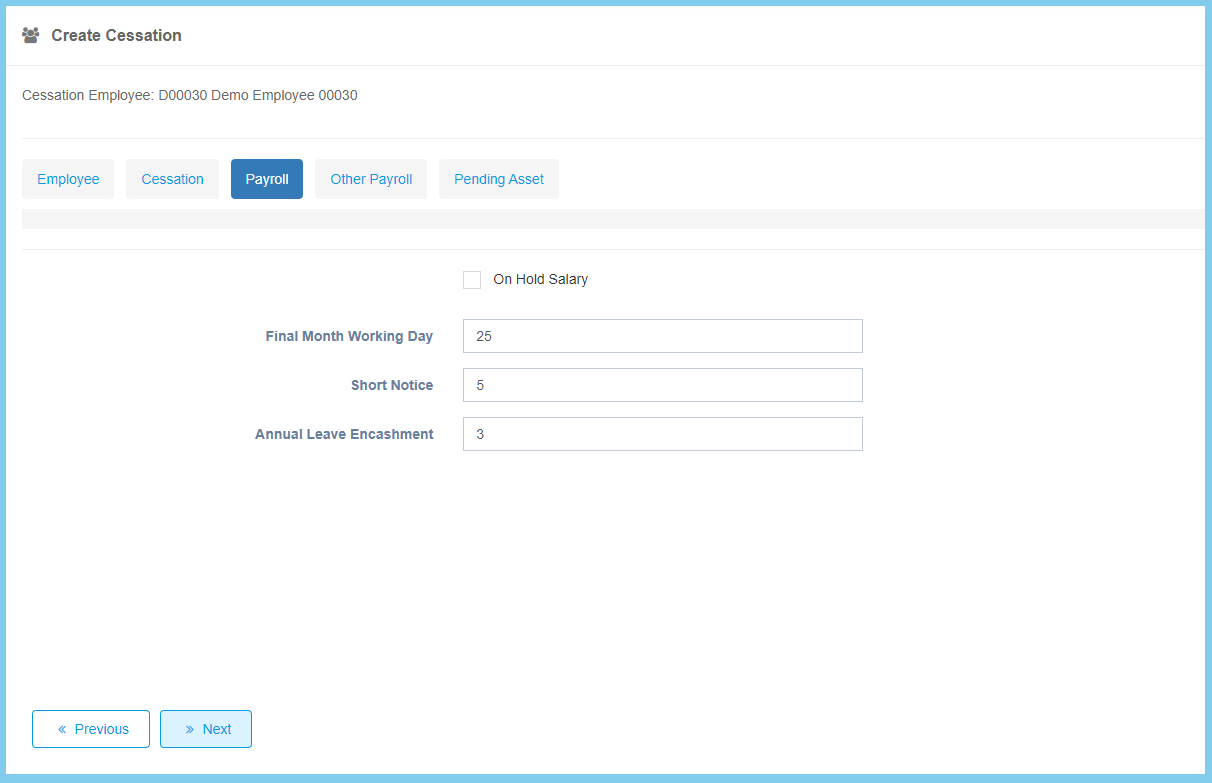
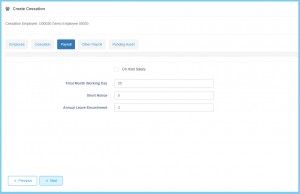
8. Fill the form.
9. Click Next button.
| Option |
Allowed Values |
Description |
| On Hold Salary |
|
If enabled, the salary will not be paid to the resigned employee. It will be paid on the day the employee resigned. |
| Final Month Working Day |
Any number |
To record the days employees have worked in the final month before his/her resignation. |
| Short Notice |
Any number |
The short notice is link with resigned method. It will automatic show the period of short notice. |
| Annual Leave Encashment |
Any number |
The annual leave enchasment is link to annual leave. It will automatic show the leave balance that you left. |
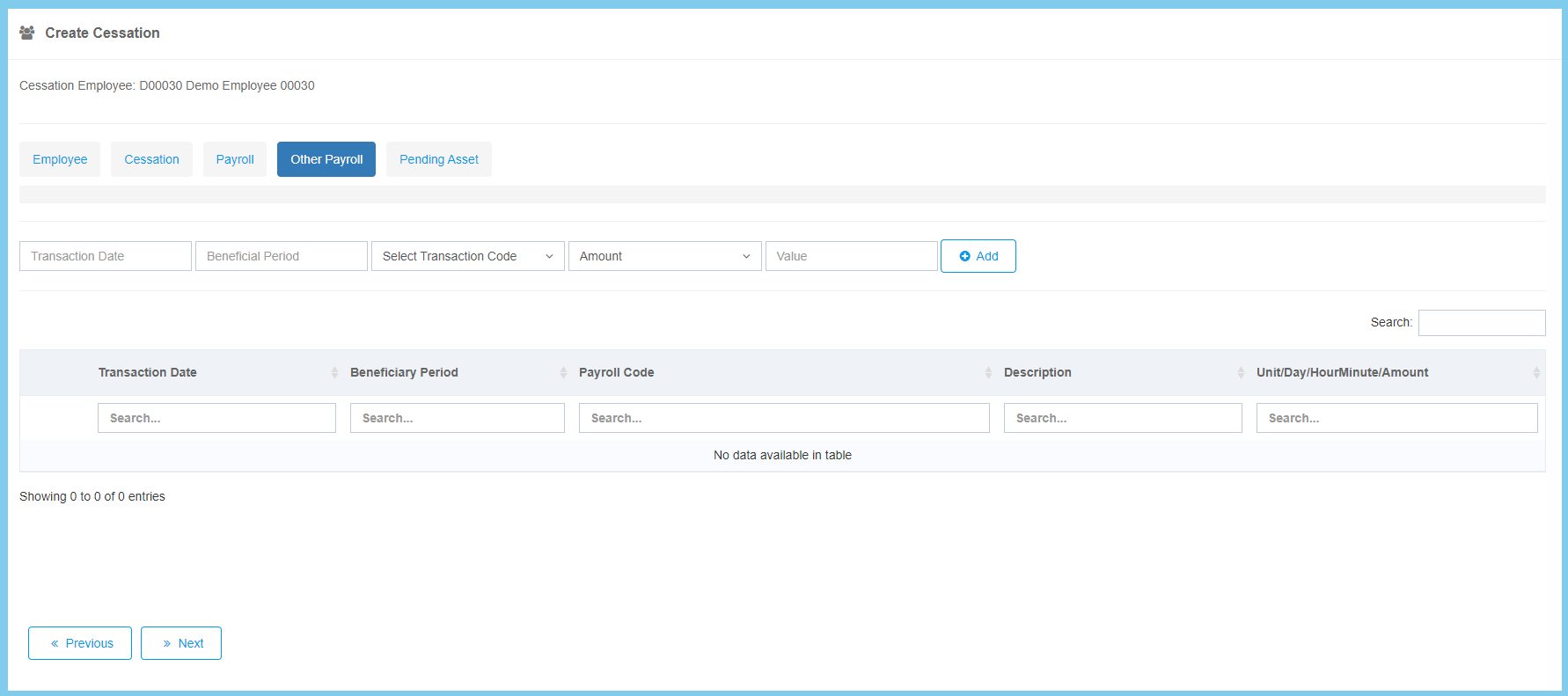
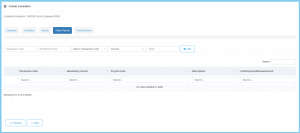
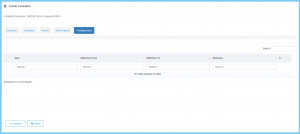
10. Complete the form if got any other payroll.
11. Click Next button.
| Option |
Allowed Values |
Description |
| Transaction Date |
Select date from calendar |
Select the transaction date from calendar available. |
| Beneficial Period |
Select month and year from calendar |
Select the period of beneficial from option available. |
| Select Transaction Code |
Setup from trasaction code |
Select the transaction code from option available.
Click here to view setup. |
|
- Amount
- Hour Minutes
- Day
- Unit
|
Select the format for the trasaction. |
| Value |
Any number |
Enter the value of transaction. |
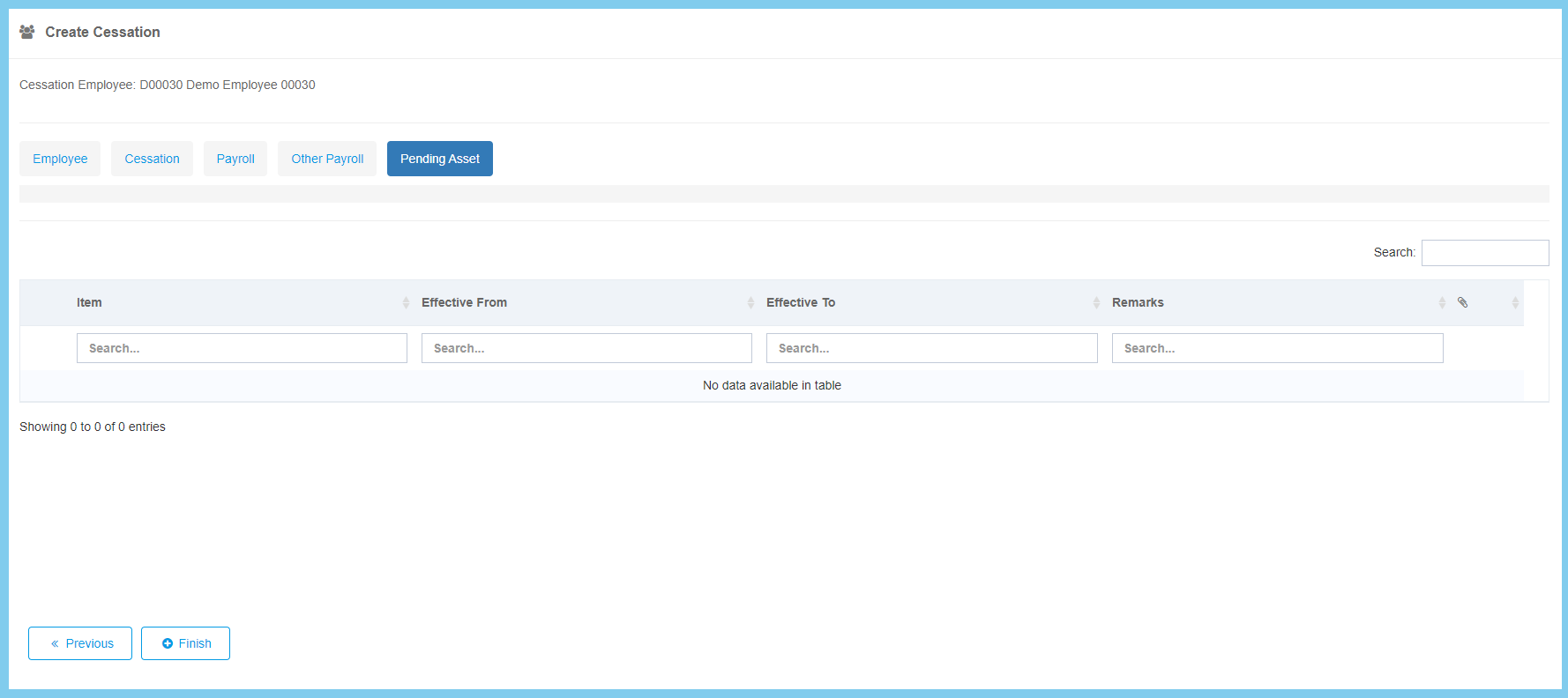
12. Click Finish button.
Note: Once done create Cessation for employee, remember to confirm it. Click here to view how to confirm the cesssation of an employee.