
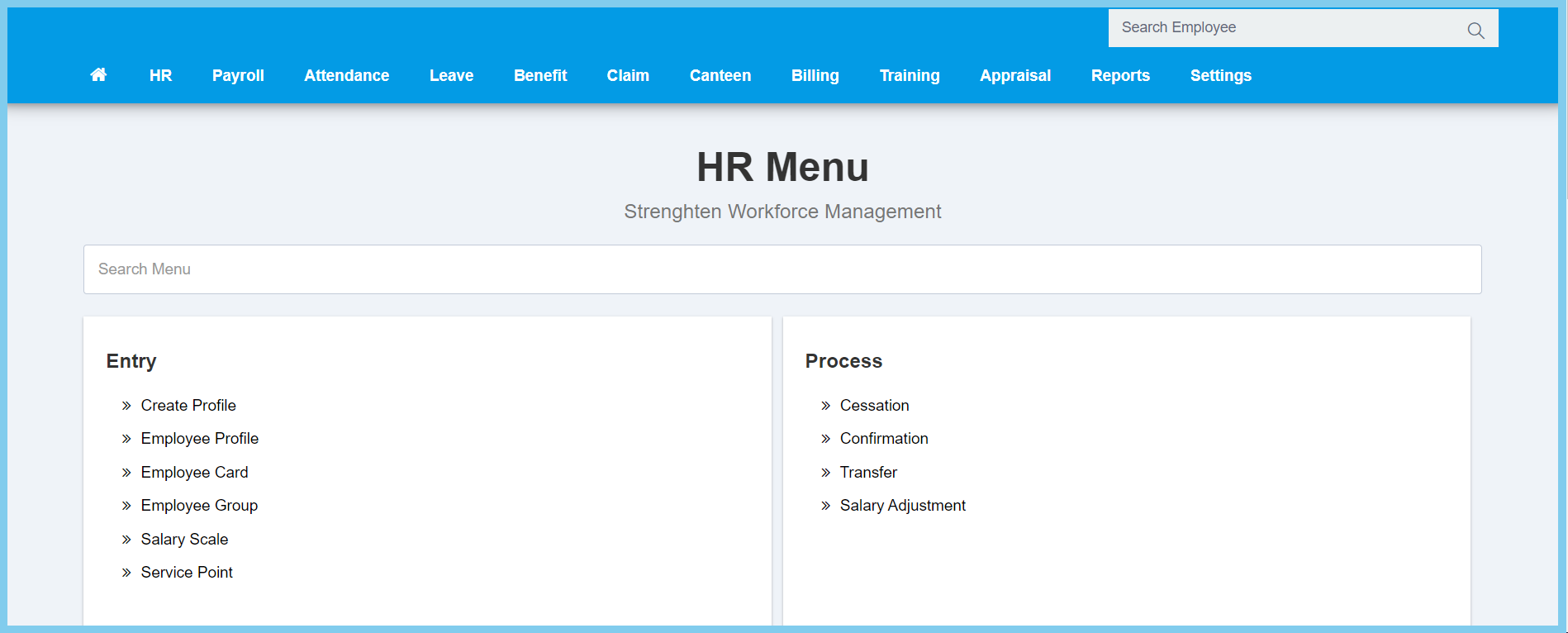
1. Menu: Click HR.
2. Click Salary Adjustment which located under Process.
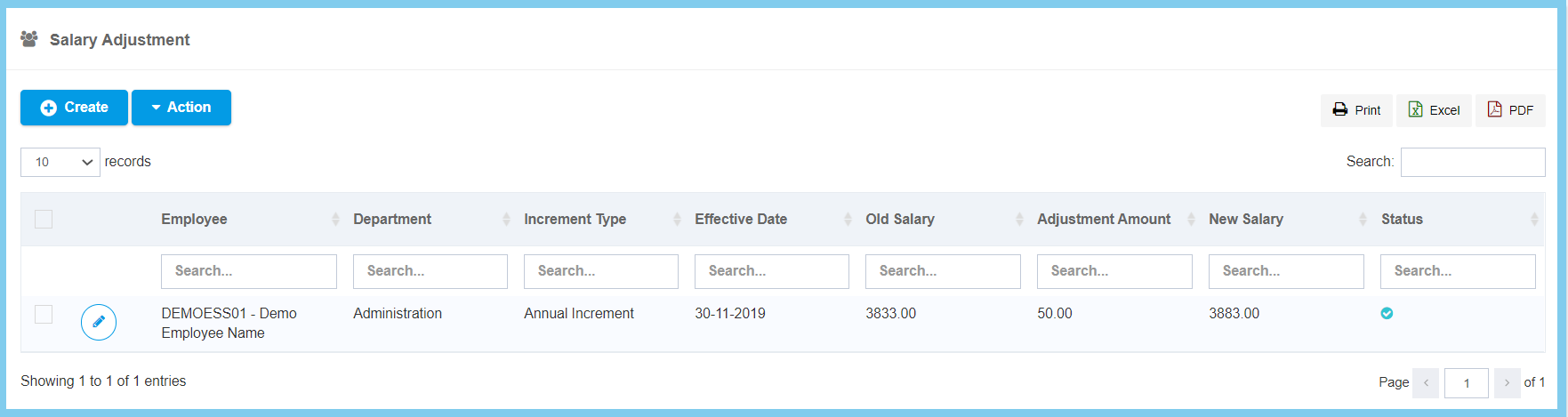
3. Click edit button on which salary adjustment that you wish to edit.
4. Fill the form.
5. Click Save button.
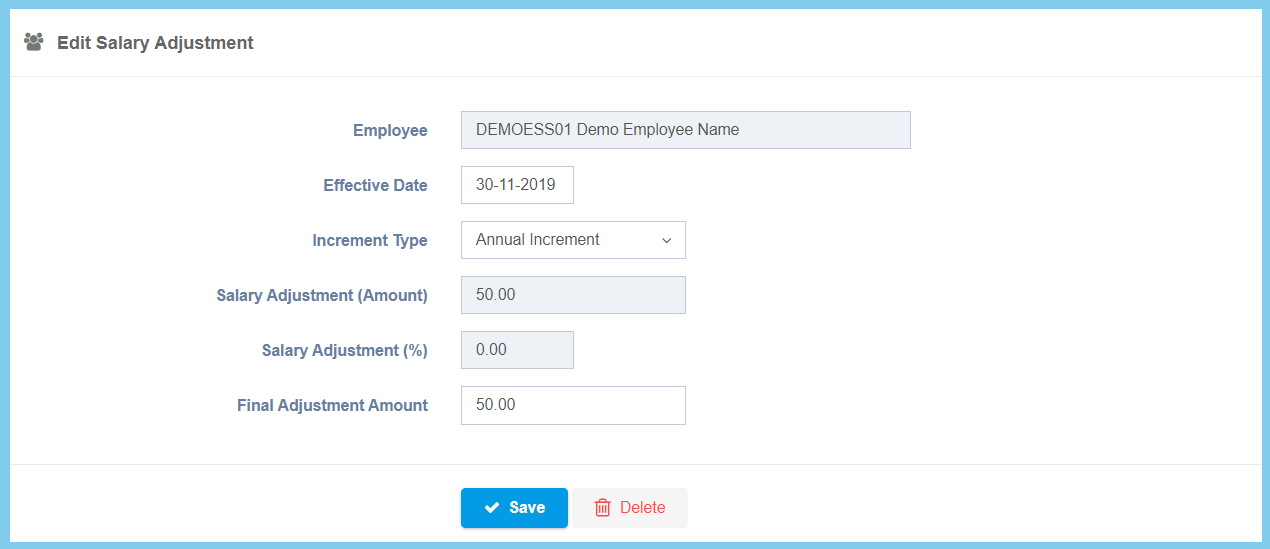
Salary Adjustment Configuration Option Explaination
| Option | Allowed Values | Description |
|---|---|---|
| Employee | Not specified | The name and number of employee. It is not editable. |
| Effective Date | Select date from calendar | Select the effective date of salary adjustment from calendar available. |
| Increment Type |
|
Select the increment type of the salary adjustment. |
| Salary Adjustment (Amount) | Not specified | The amount of salary adjustment. It is not editable. |
| Salary Adjustment (%) | Not specified | The percentage of salary adjustment. It is not editable. |
| Final Adjustment Amount | Any number | Enter the amount of final salary adjustment. |
