
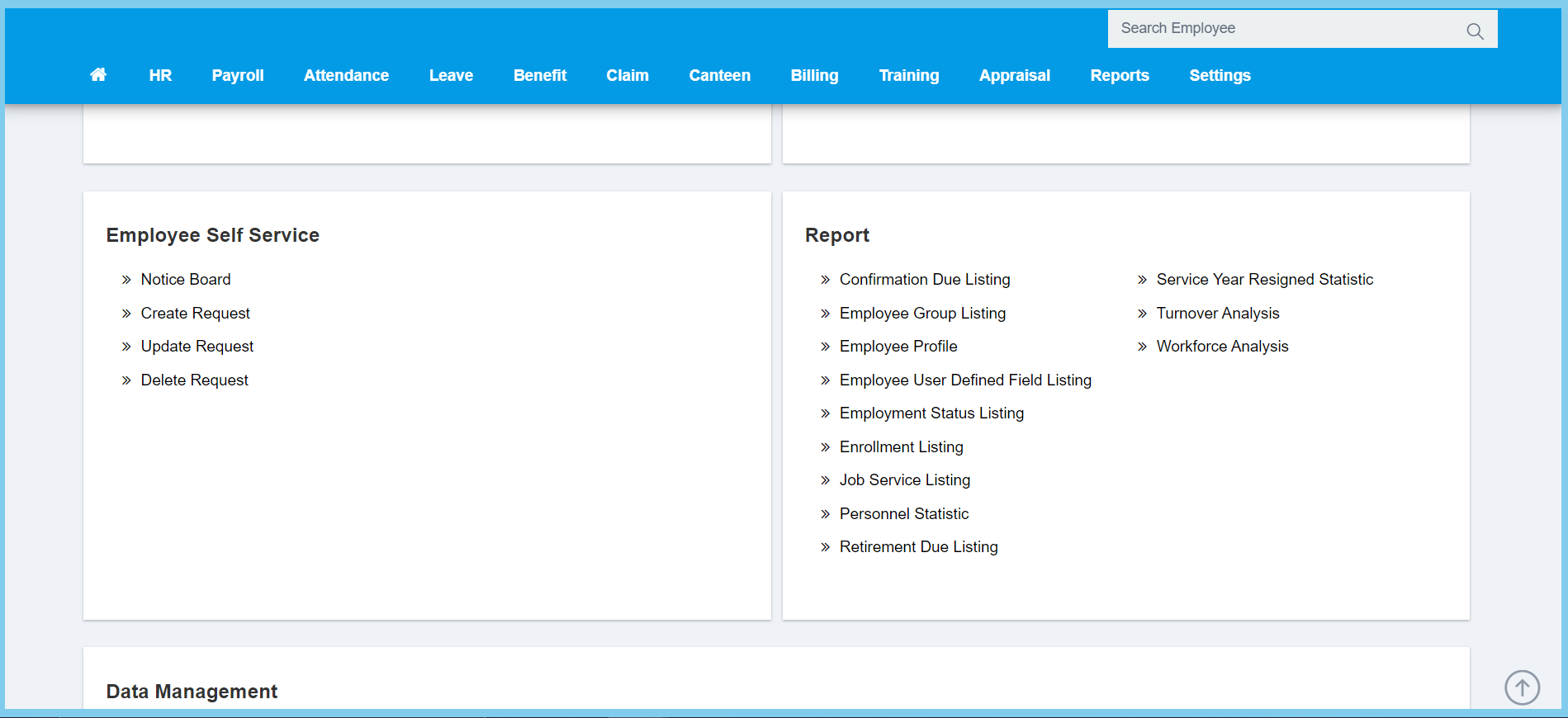
1. Menu: Click HR.
2. Click Notice Board which located under Employee Self Service.
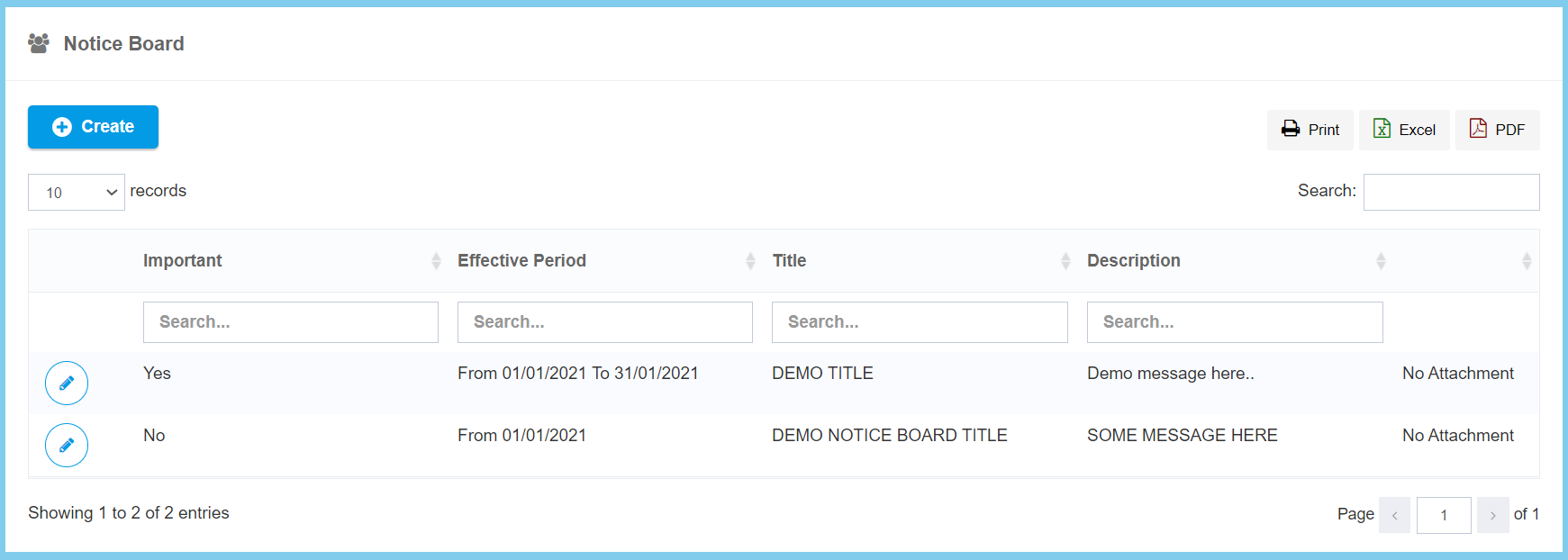
3. Click edit button on which notice that you wish to edit.
4. Edit the form.
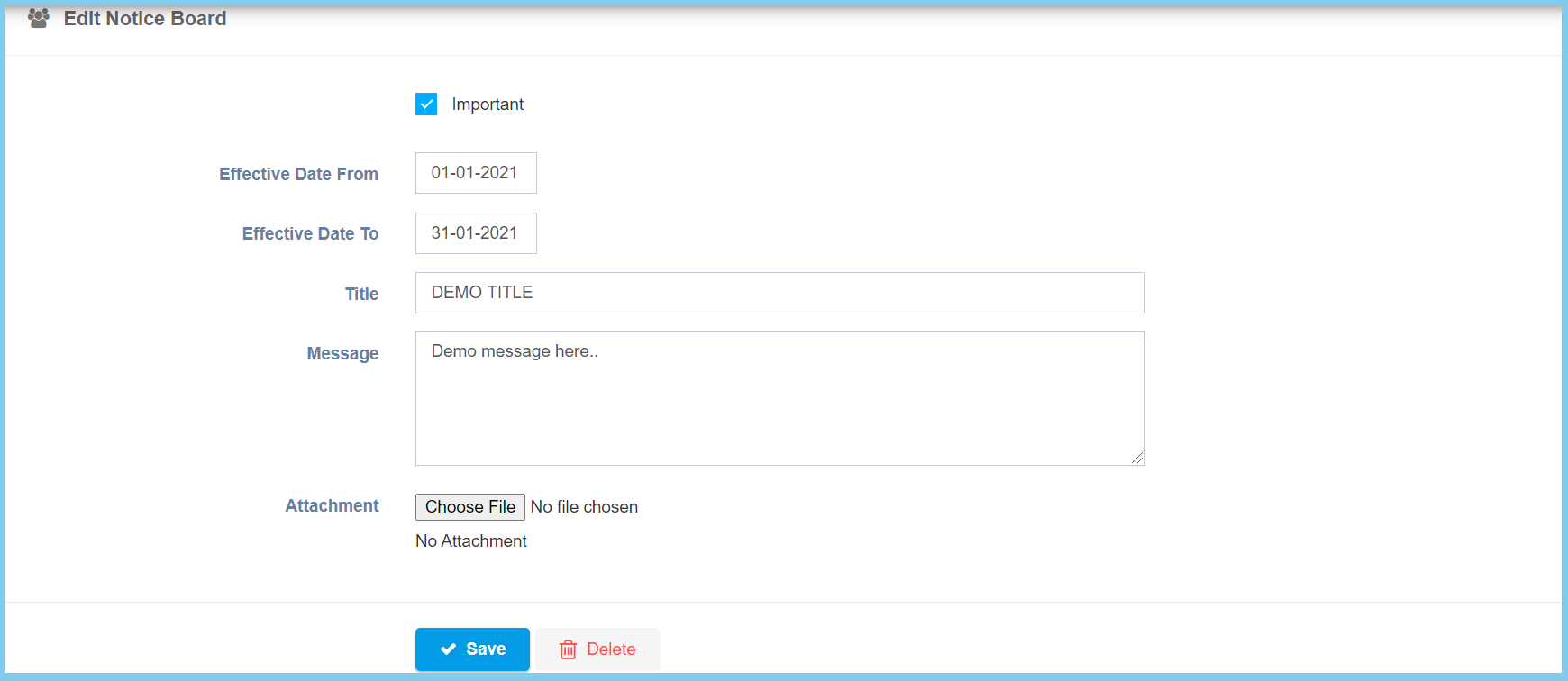
5. Click Save button.
Notice Board Configuration Option Explaination
| Option | Allowed Values | Description |
|---|---|---|
| Important |
|
Ticked when the notice is important. |
| Effective Date From | Select date from calendar | Select the notice effective start date from calendar available. |
| Effective Date To | Select date from calendar | Select the notice effective end date from calendar available. |
| Title | Any alphanumeric | Enter the title for this notice. |
| Message | Any alphanumeric | Enter the message that related to this notice. |
| Attachment | File path | Upload supporting file for this notice. |
