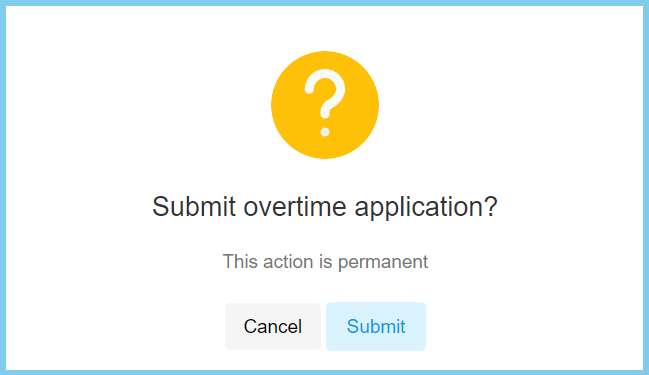
1. Menu: Click Attendance.
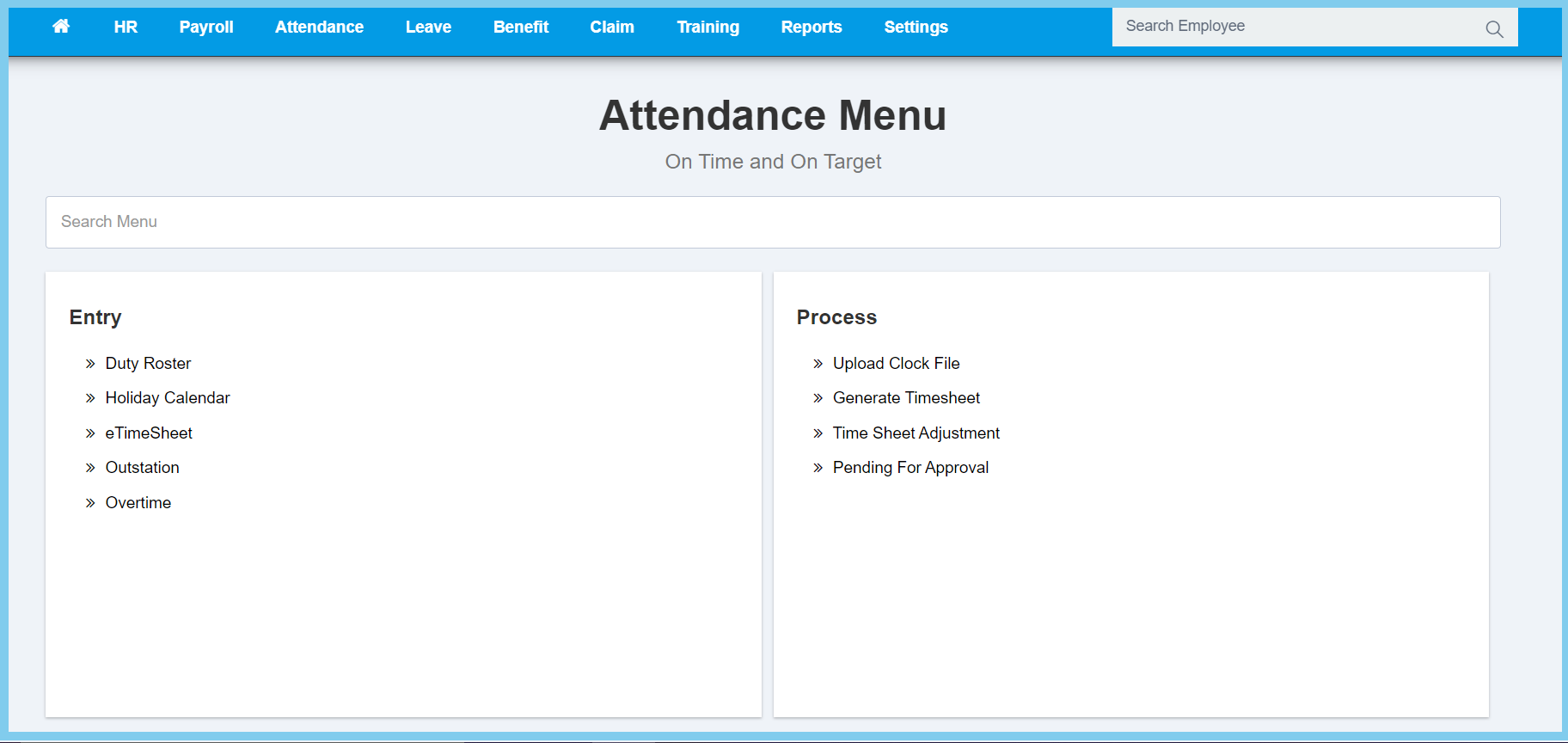
2. Click Overtime which located under Entry.
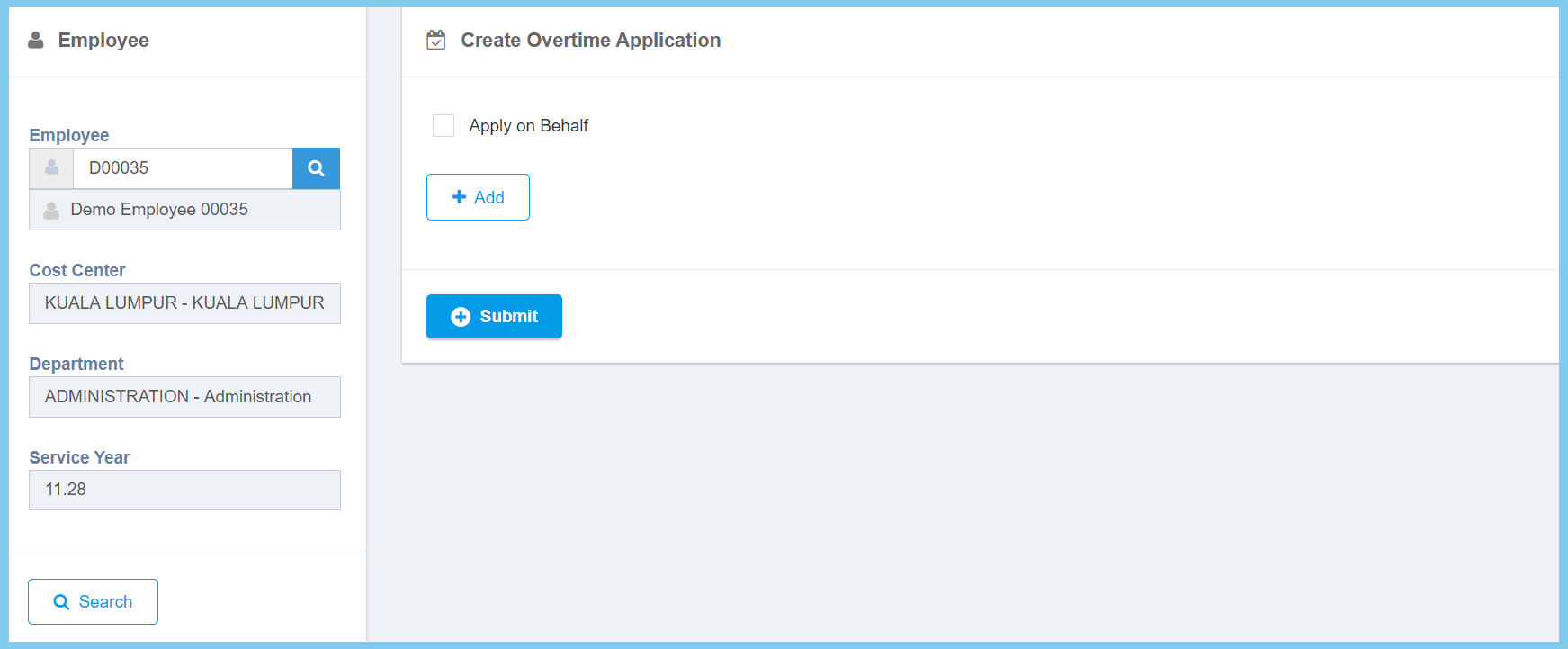
3. Enter employee number or select employee from employee list by click search icon on the left box.
4. Click Search button.
5. Click Add button.
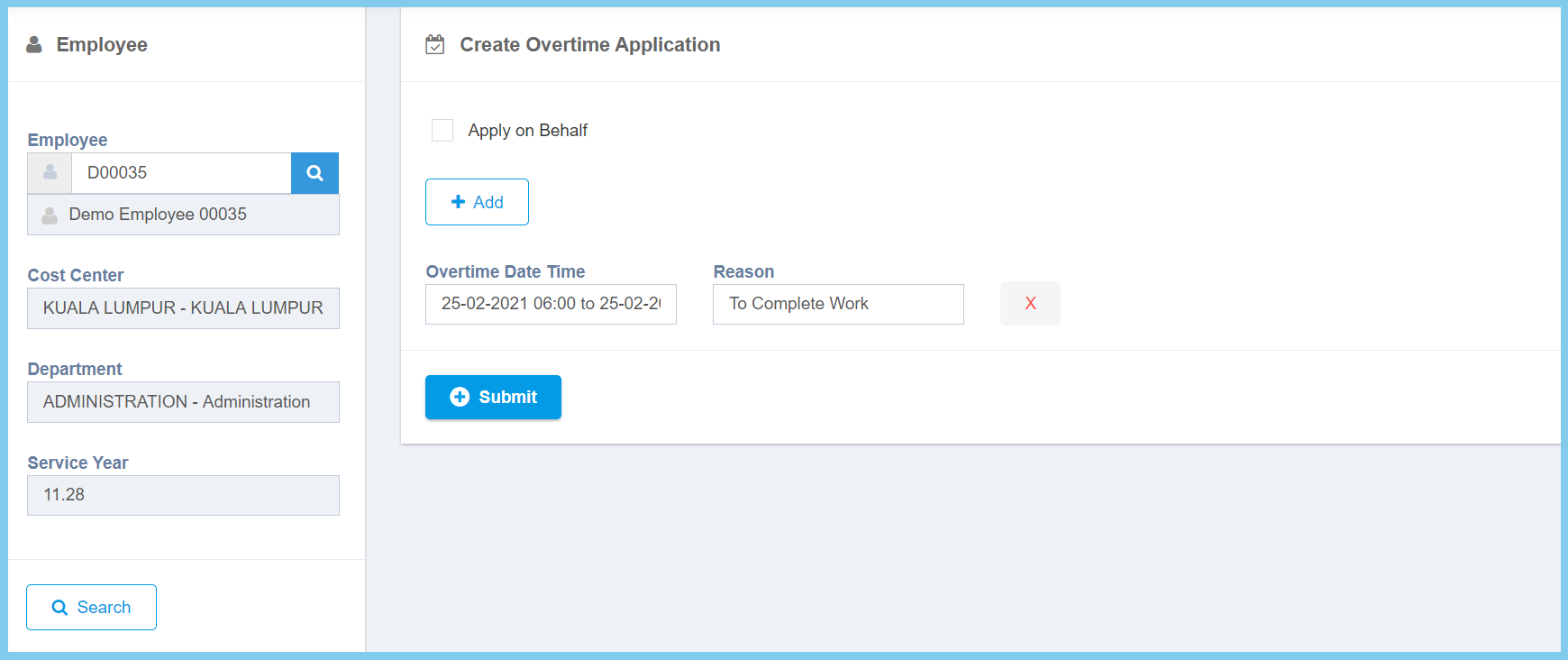
6. Select date and time from calendar available.
7. Enter any Reason about this overtime. (Not mandatory)
8. Click Submit button.
9. Click Submit button.