
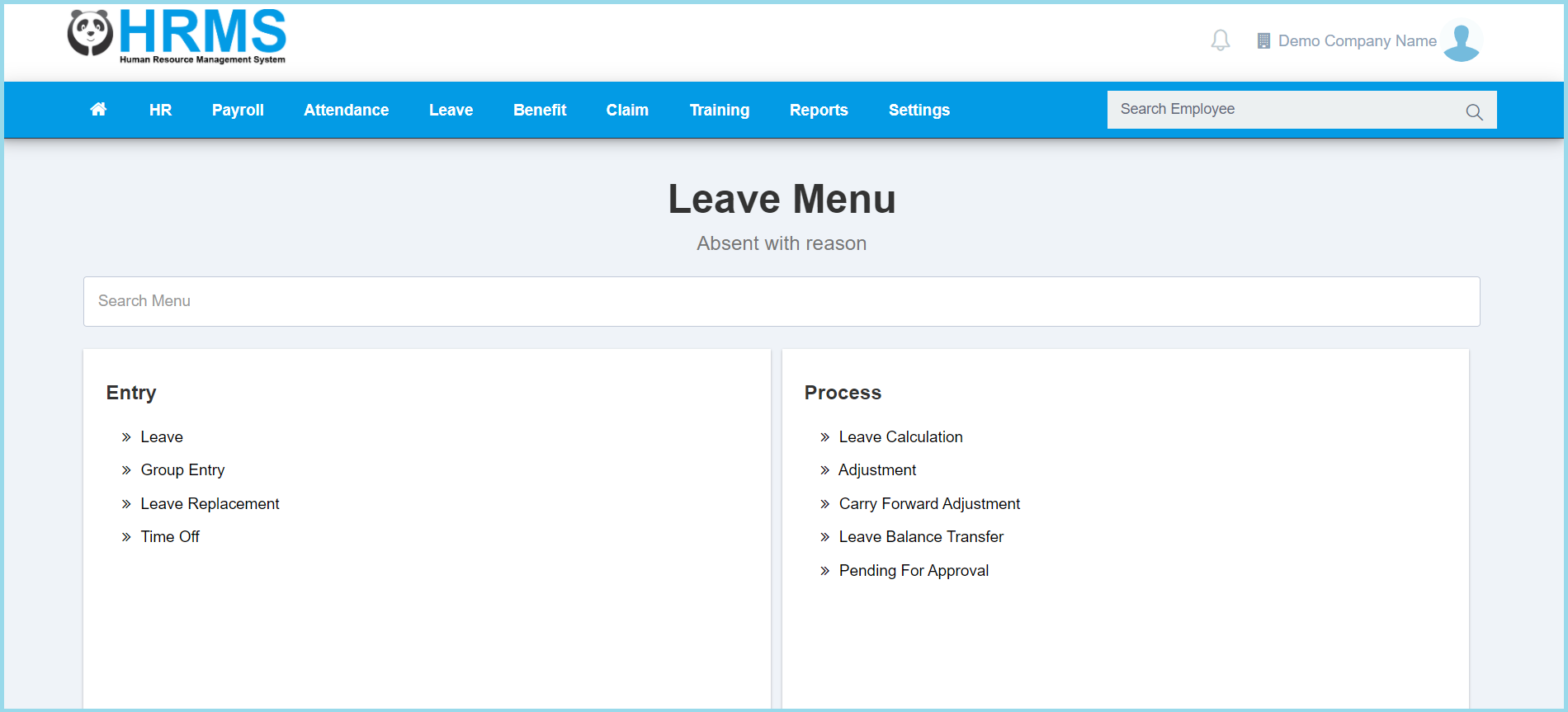
1. Menu: Click Leave.
2. Click Time Off which located under Entry.
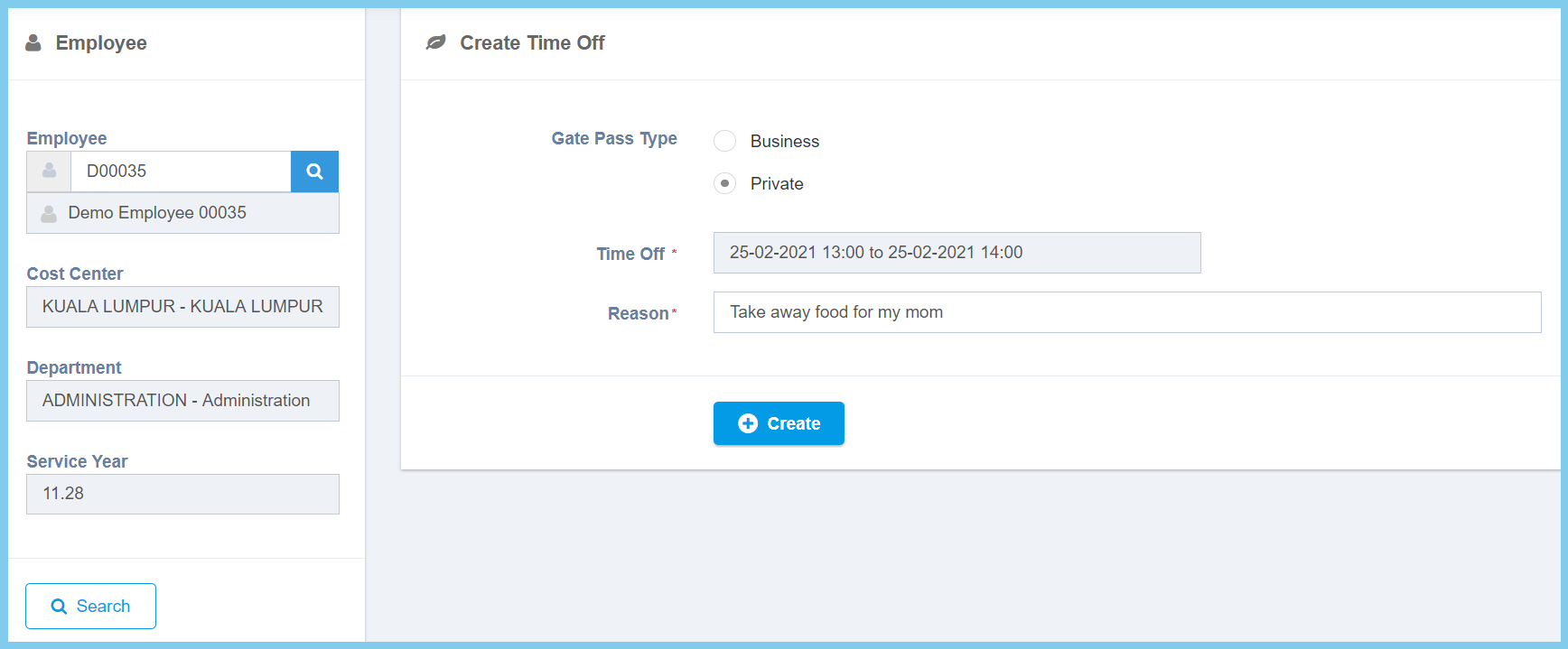
3. Enter employee number or click search icon to select employee from employee list.
4. Complete the form.
5. Click Create button.
Note: Time Off applied by admin will be automatically approved.
Leave Replacement Configuration Option Explanation
| Option | Allowed Values | Description |
|---|---|---|
| Gate Pass Type |
|
Select the gate pass type of time off from option available. |
| Time Off | Select date and time | Select the start date, end date, start time and end time for time off from calendar available. |
| Reason | Any alphanumeric | Any reason about this time off application. |
