
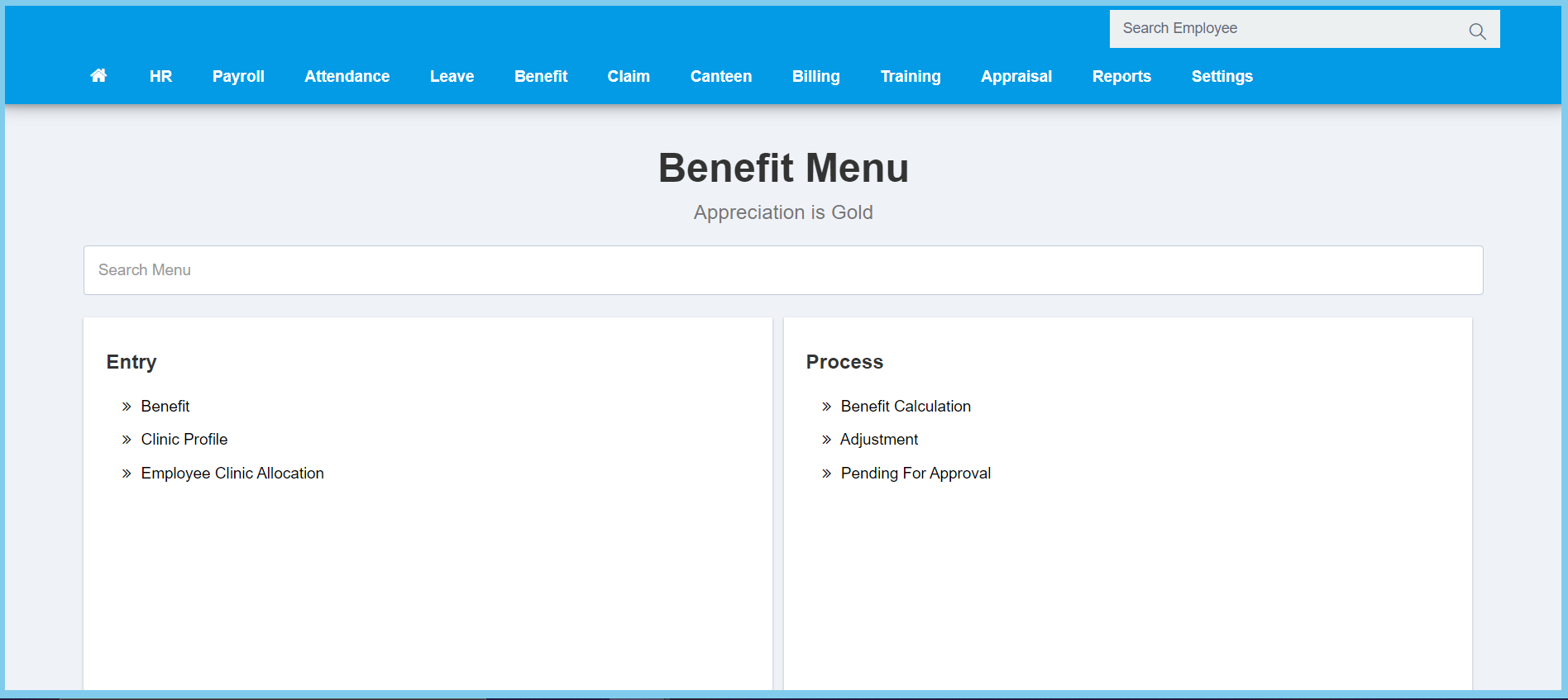
1. Menu: Click Benefit.
2. Click Clinic Profile which located under Entry.
3. Click edit button on which clinic profile that you wish to edit.

4. Edit the form.

5. Click Save button.
Clinic Profile Configuration Option Explanation
| Option | Allowed Values | Description |
|---|---|---|
| Panel |
|
Ticked when this clinic is panel clinic. |
| Code | Any alphanumeric | Enter the code for this clinic profile. |
| Name | Any alphanumeric | Enter the name of the clinic. |
| Address 1 | Any alphanumeric | Enter the first line address of the clinic. |
| Address 2 | Any alphanumeric | Enter the second line address of the clinic. |
| Address 3 | Any alphanumeric | Enter the third line address of the clinic. |
| Contact Number | Any number | Enter the contact number of the clinic. |
