
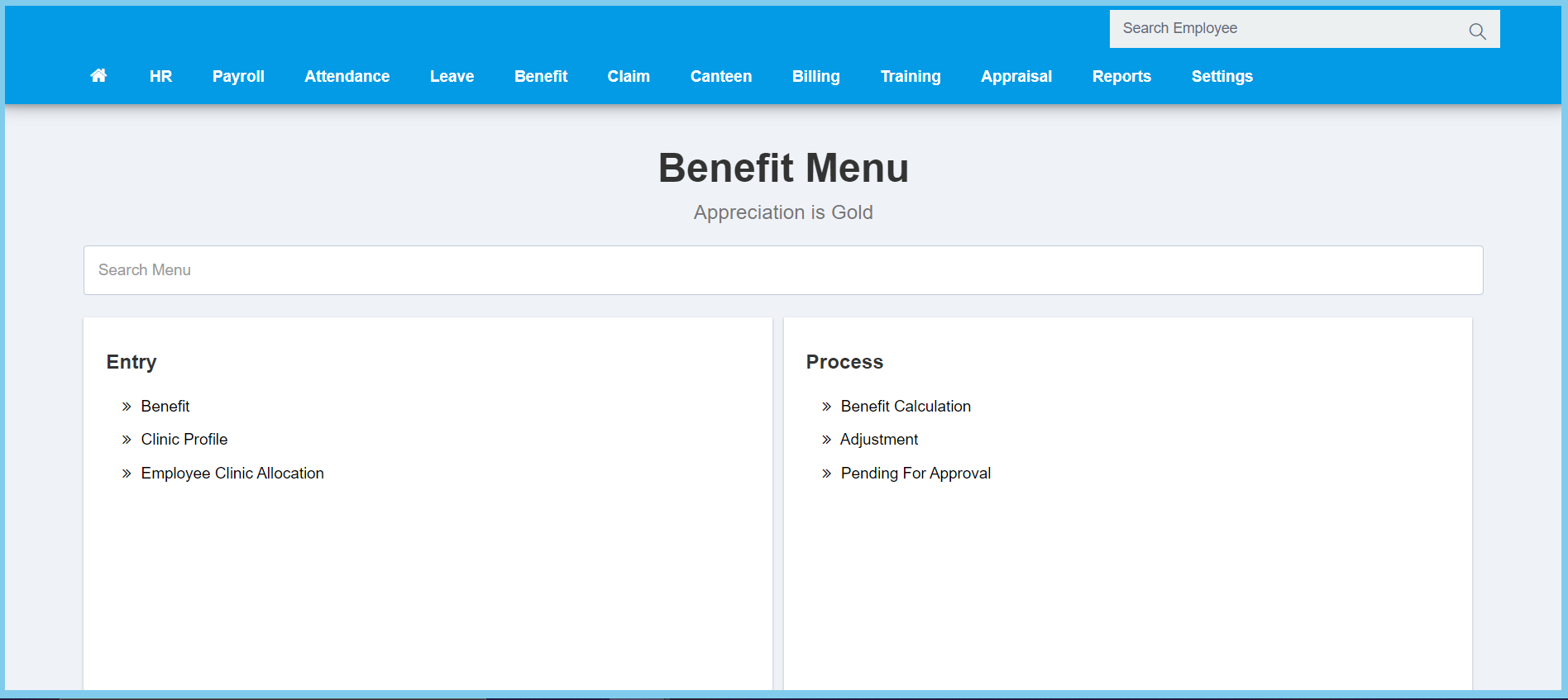
1. Menu: Click Benefit.
2. Click Employee Clinic Allocation which located under Entry.
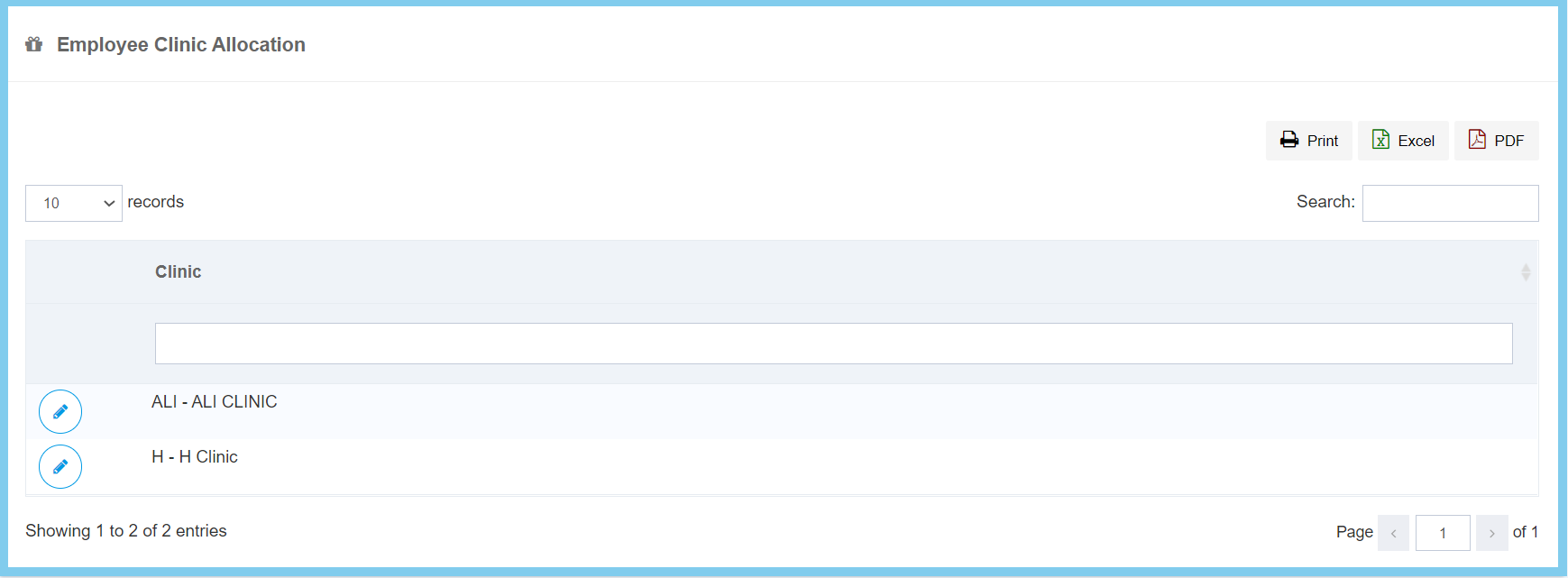
3. Click edit button on which clinic that you wish to allocate employees.
4. Select employee from option available. Can choose more than one employee.
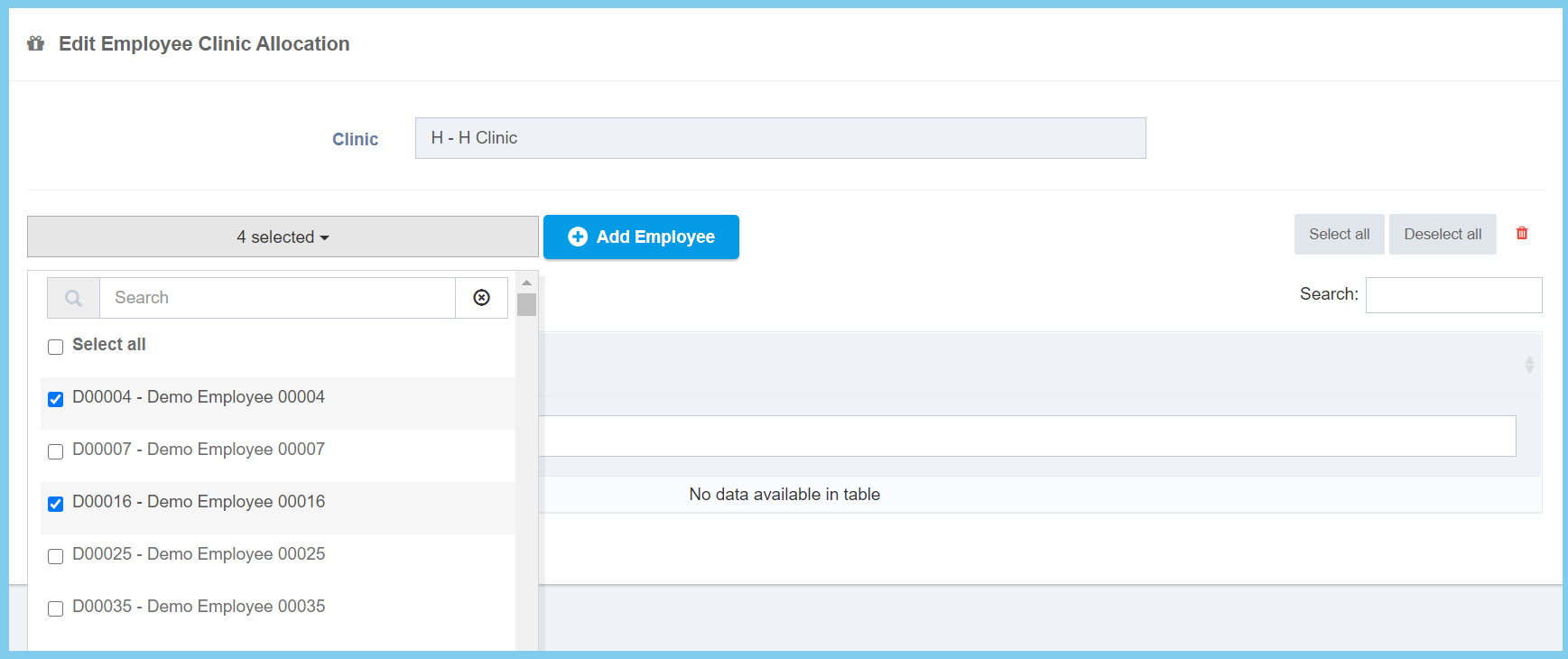
5. Click Add Employee button.
