
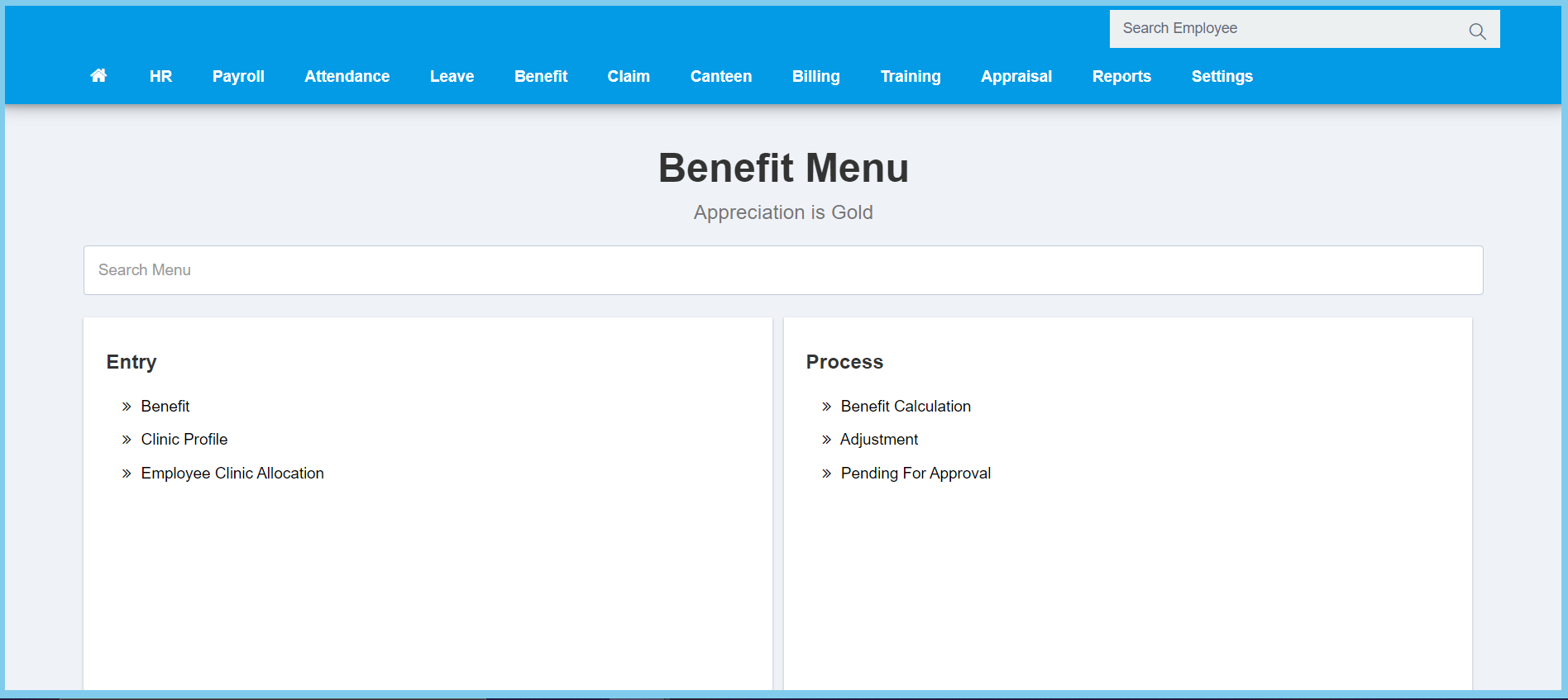
1. Menu: Click Benefit.
2. Click Adjustment which located under Process.
3. Complete the form.
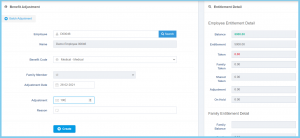
Note: The right box is to show the entitlement details.
4. Click Create button.
You also can do benefit adjustment by batch.
- Click Batch Adjustment button.
- Fill the form.
- Click Save button.
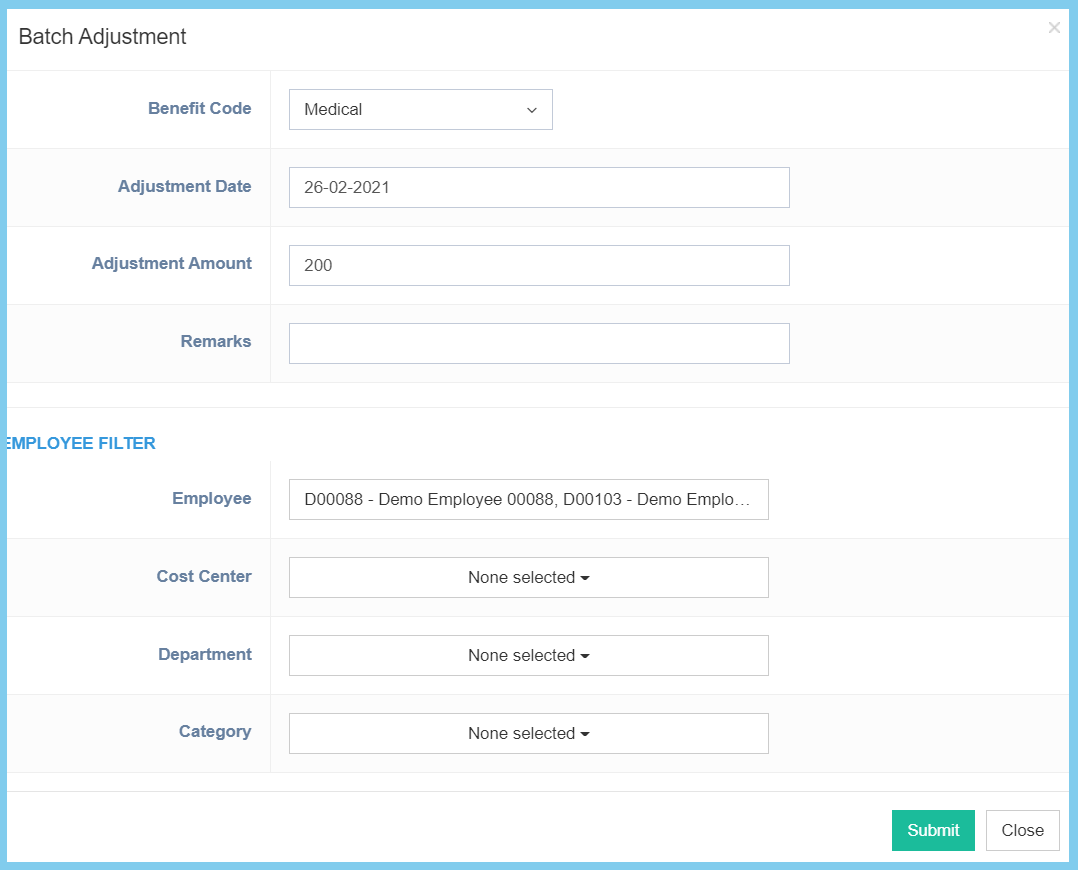
Note: The employee filter is use to select the employee who are involved in this benefit adjustment.
Benefit Adjustment Configuration Option Explanation
| Option | Allowed Values | Description |
|---|---|---|
| Employee | Any alphanumeric | Enter the employee number or select employee from employee list by click search icon. |
| Name | Not specified | Employee name will automatic show when the employee number is entered or selected. |
| Benefit Code | Setup from benefit code | Select the benefit code from option available.
Click here to view setup. |
| Family Member | Selection from family member | Select the family member of the employee. |
| Adjustment Date | Select date from calendar | Select the benefit adjustment date from calendar available. |
| Adjustment | Any number | Enter the amount of benefit adjustment. |
| Reason | Any alphanumeric | Any additional remarks about this benefit adjustment. |
