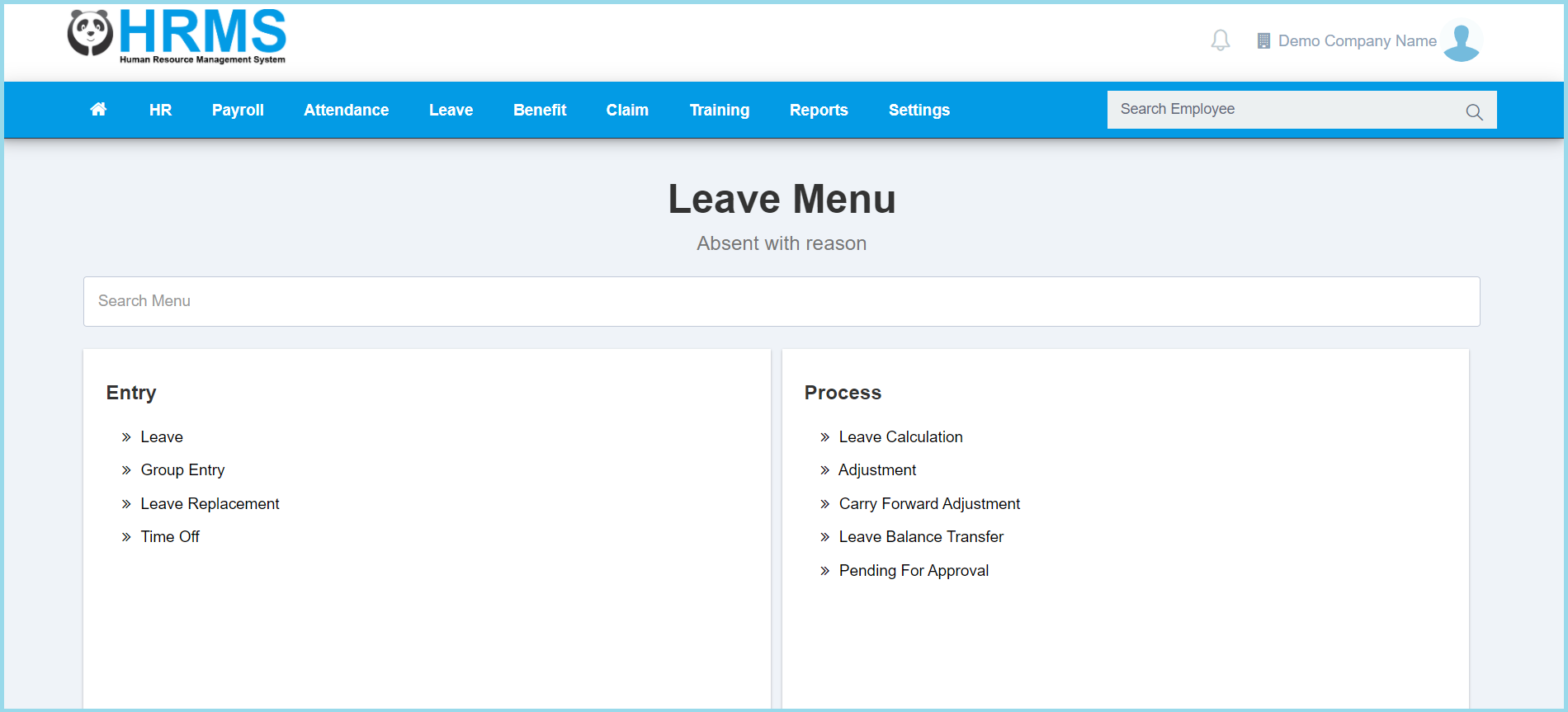
1. Menu: Click Leave.
2. Click Leave Balance Transfer which located under Process.
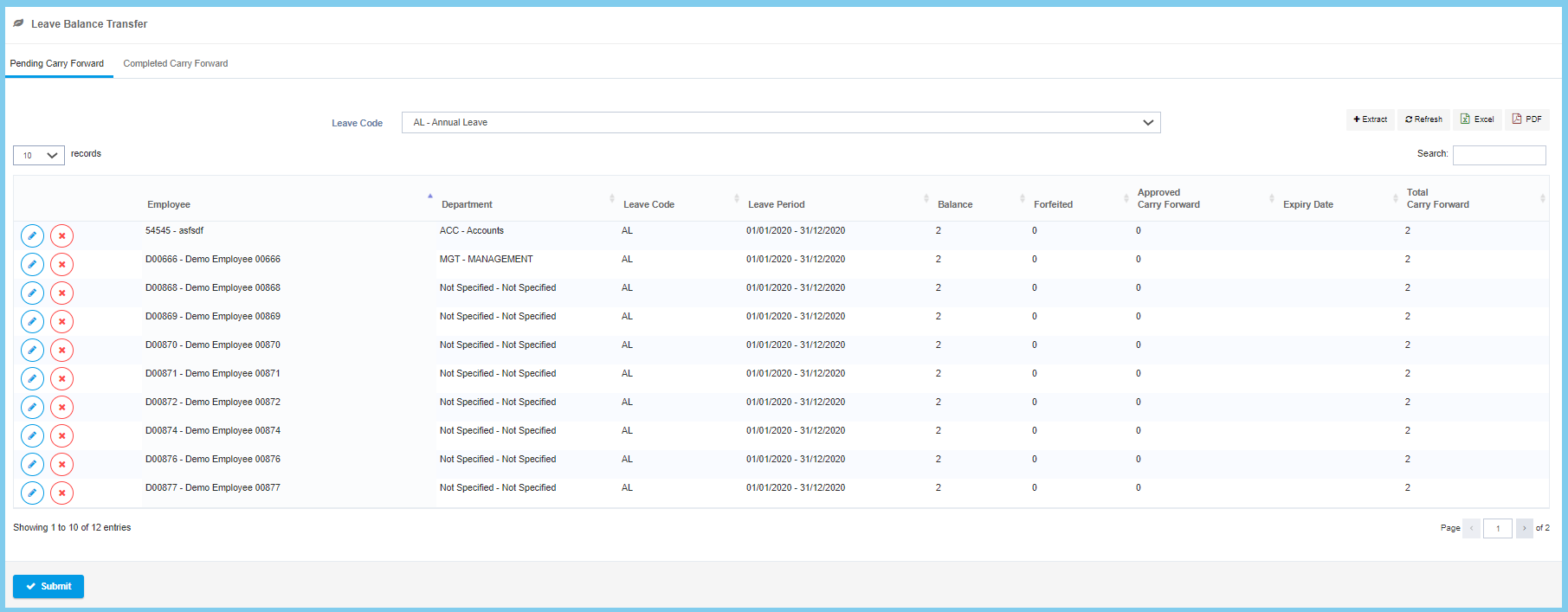
3. Click Submit button.
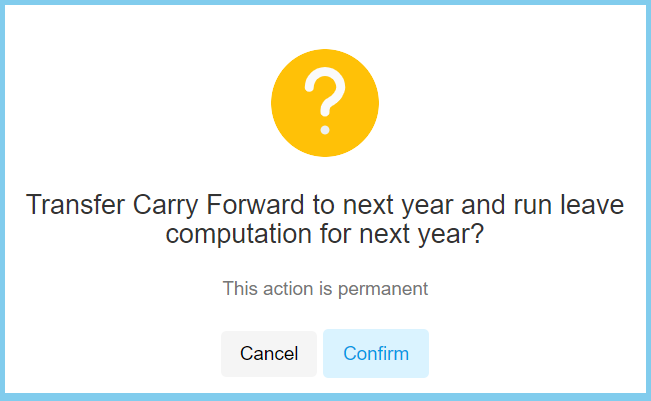
6. Click Confirm button.

1. Menu: Click Leave.
2. Click Leave Balance Transfer which located under Process.
3. Click Submit button.
6. Click Confirm button.
