
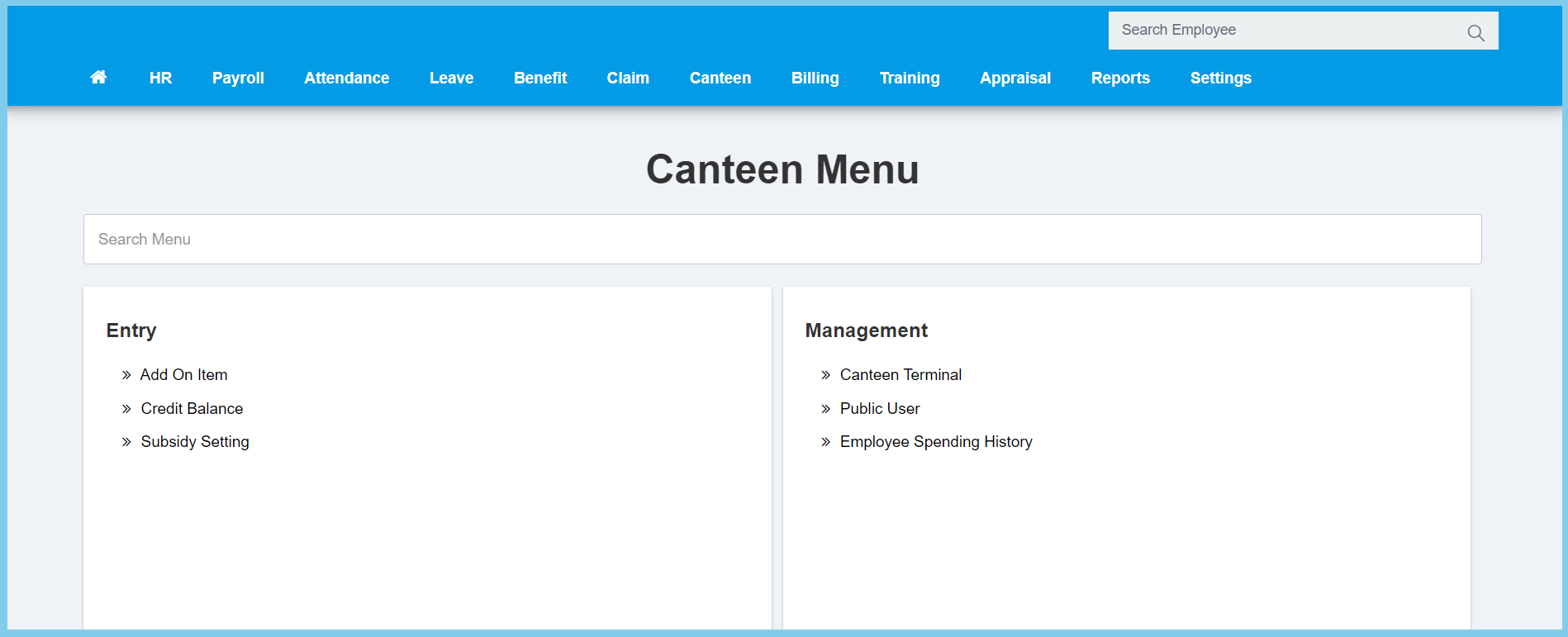
1. Menu: Click Canteen.
2. Click Subsidy Setting which located under Entry.
3. Click Create button.
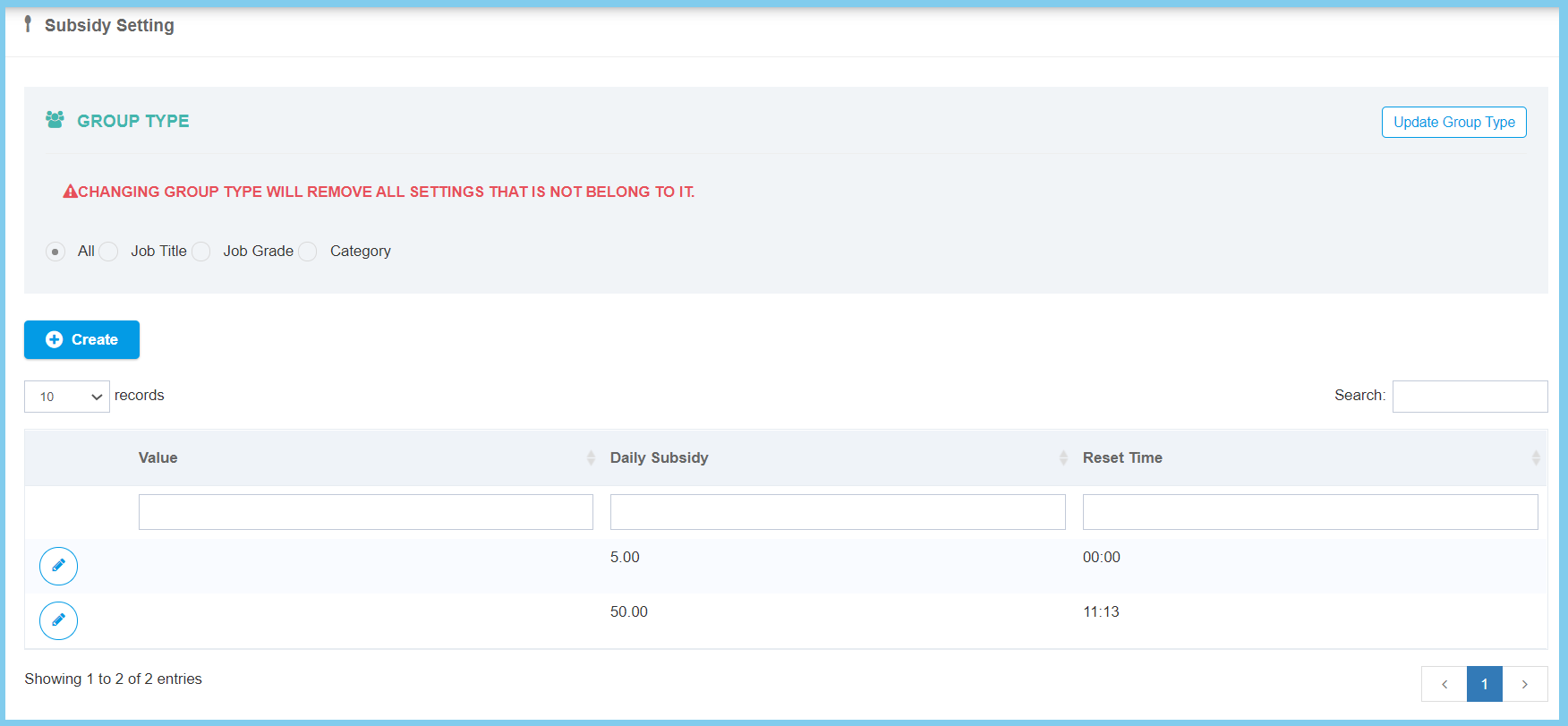
4. Complete the form.

5. Click Save button.
Subsidy Setting Configuration Option Explanation
| Option | Allowed Values | Description |
|---|---|---|
| Group Value | Selection from group value | Select the group value of this subsidy setting from option available. |
| Daily Subsidy | Any number | Enter the value of daily subsidy. |
| Reset Time | Any number | Enter the reset time of subsidy setting. |
| Available on | Selection from day | Tick the days that the subsidy is available. |
| Total day subsidy can used per week | Any number | Enter the total day that subsidy can be used per week. |
