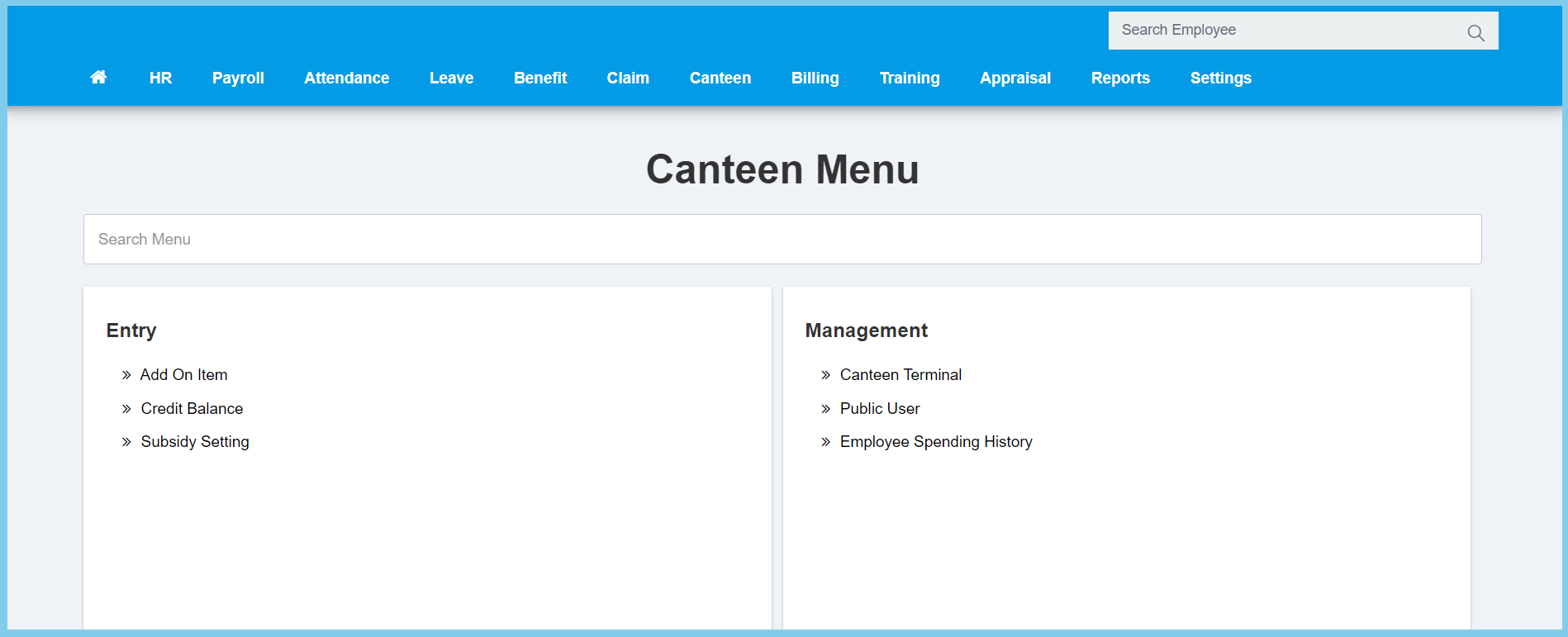
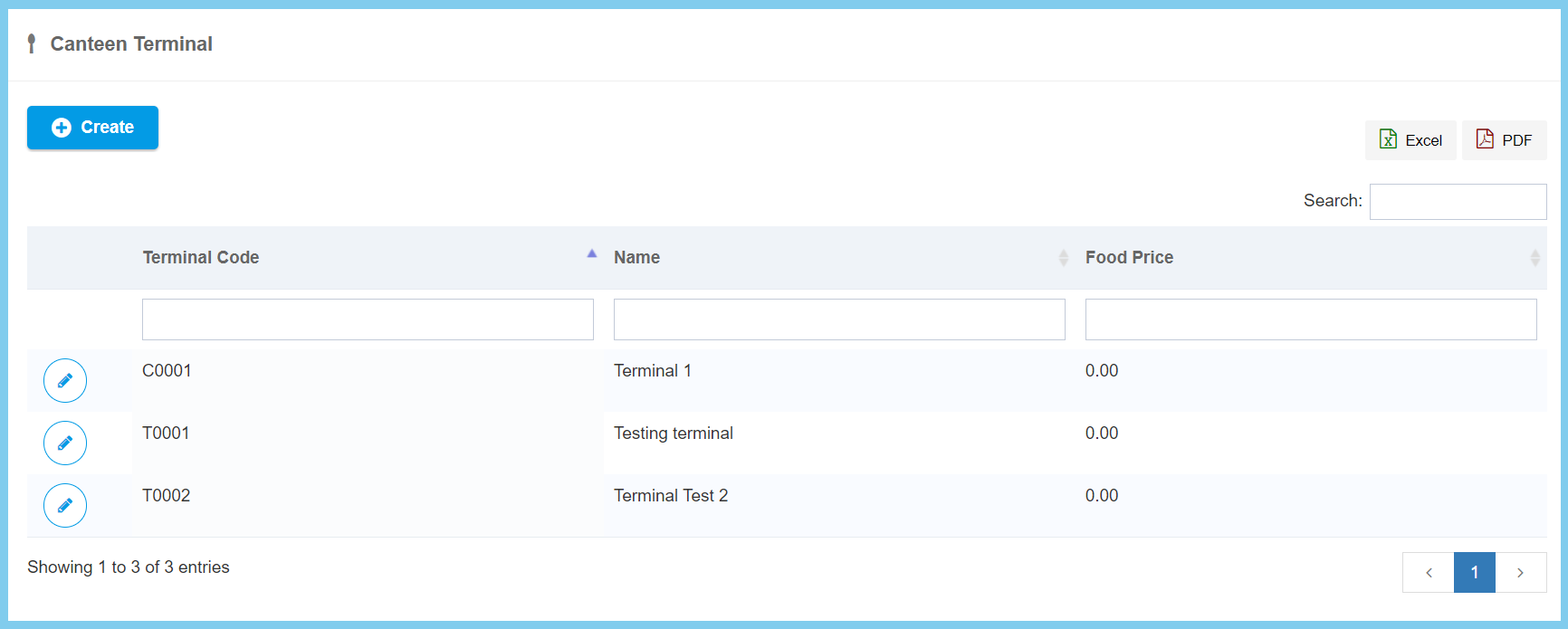
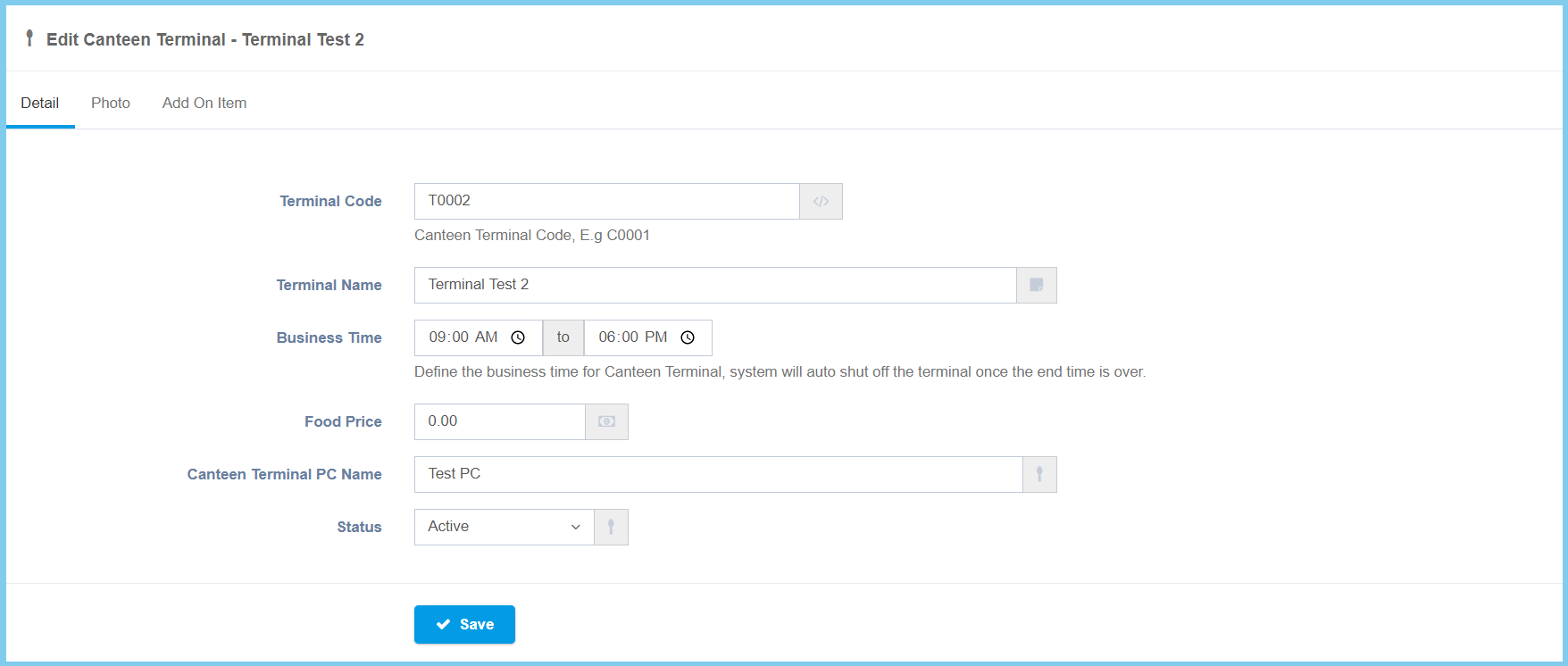
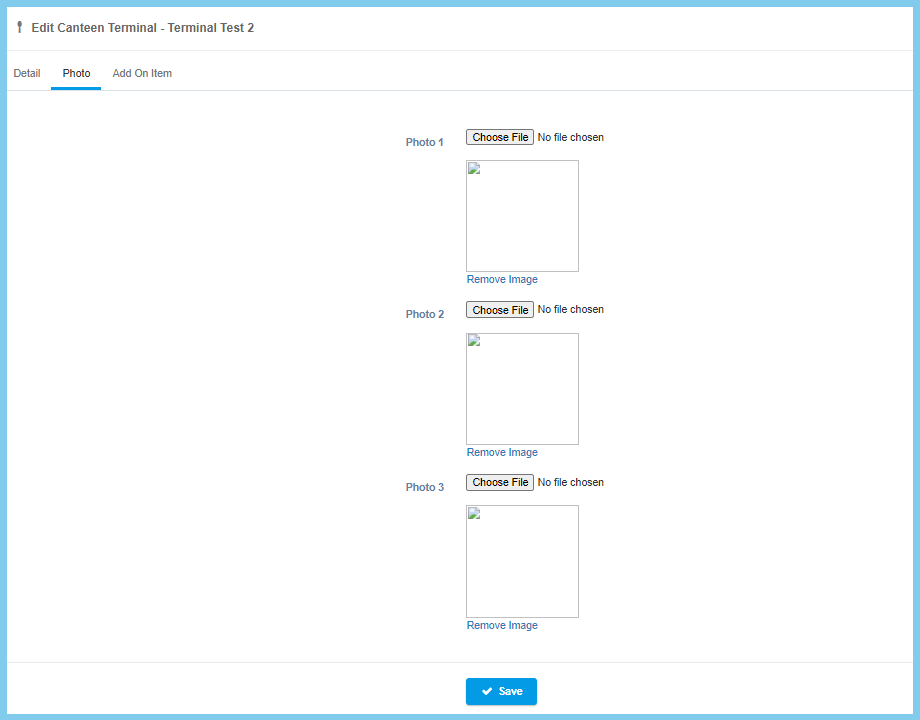
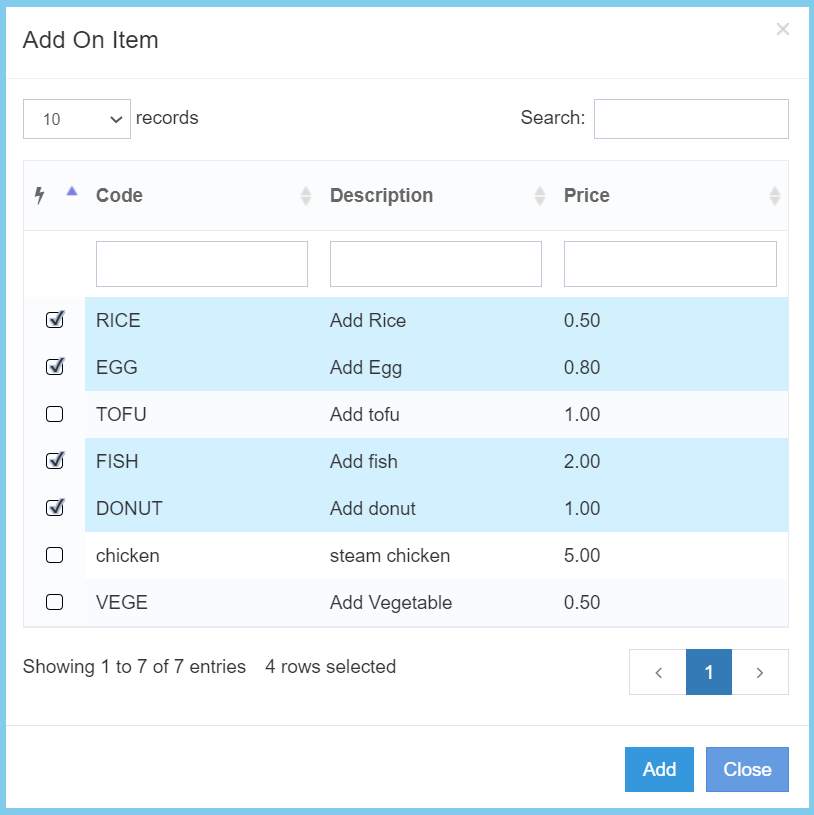
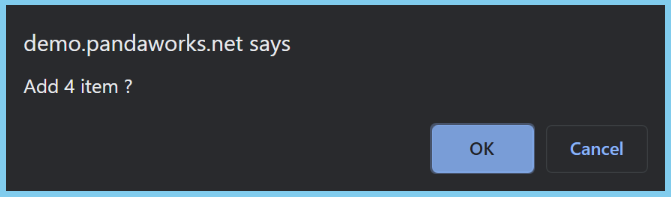
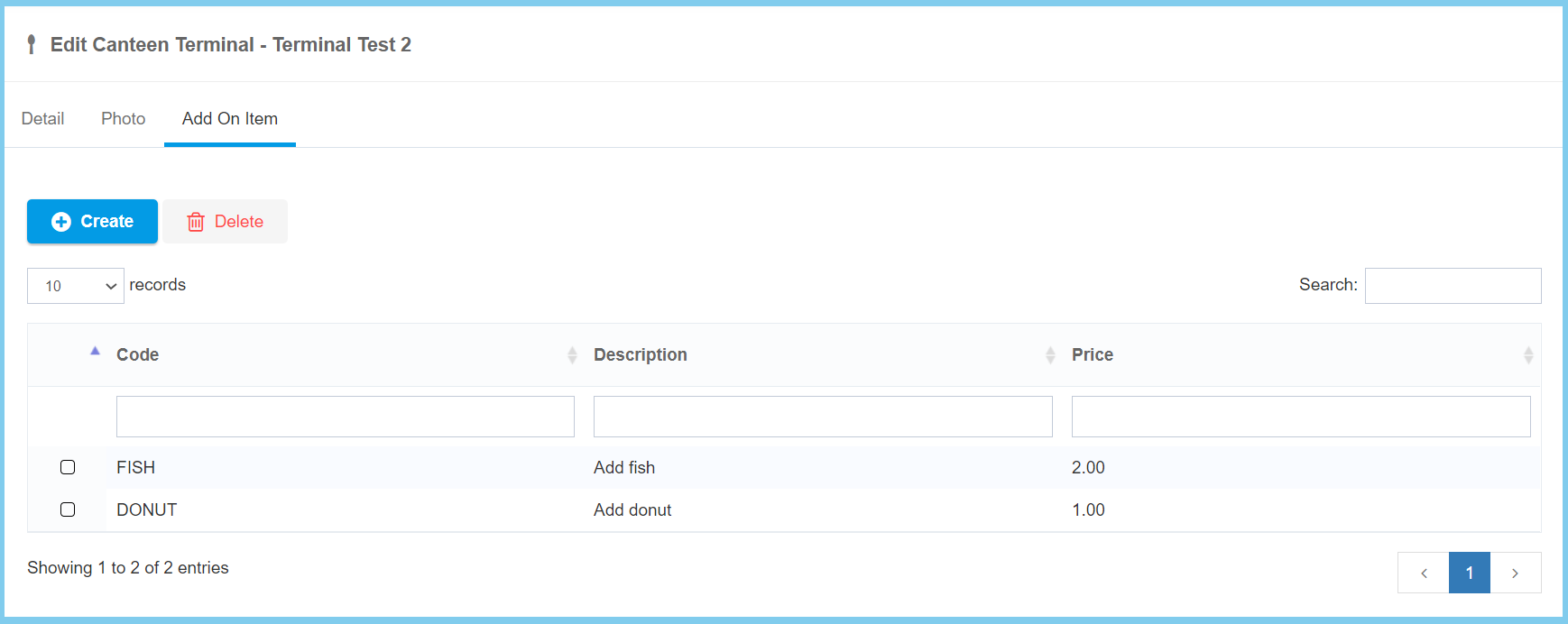
HR Admin: How To Edit Canteen Terminal? By support|2021-03-03T14:30:44+08:00March 1st, 2021|Canteen, Education Hub, HR Admin|0 Comments 1. Menu: Click Canteen. 2. Click Canteen Terminal which located under Process. 3. Click edit button on which canteen terminal that you wish to edit. 4. Edit the form. Note: There has 3 sections to edit. 5. Click Save button. Canteen Terminal Configuration Option Explanation Detail Option Allowed Values Description Terminal Code Any alphanumeric Enter a simple and unique terminal code. Terminal Name Any alphanumeric Enter the name of terminal. Business Time Any number or select time Enter or select the business time of the terminal. Food Price Any number Enter the price of the food. Canteen Terminal PC Name Any alphanumeric Enter the name of the PC that link to the terminal. Status Active Inactive Select the status of the terminal, either active or inactive. Photo You can upload any 3 photo from your PC. Click Choose File button. Choose the photo that you wish to upload. Click Save button Add On Item 1. Click Create button. 2. Tick the item that you wish to add on. 3. Click OK button. Share This Story, Choose Your Platform! FacebookTwitterRedditLinkedInWhatsAppTumblrPinterestVkEmail About the Author: support