
1. Menu: Click Leave.
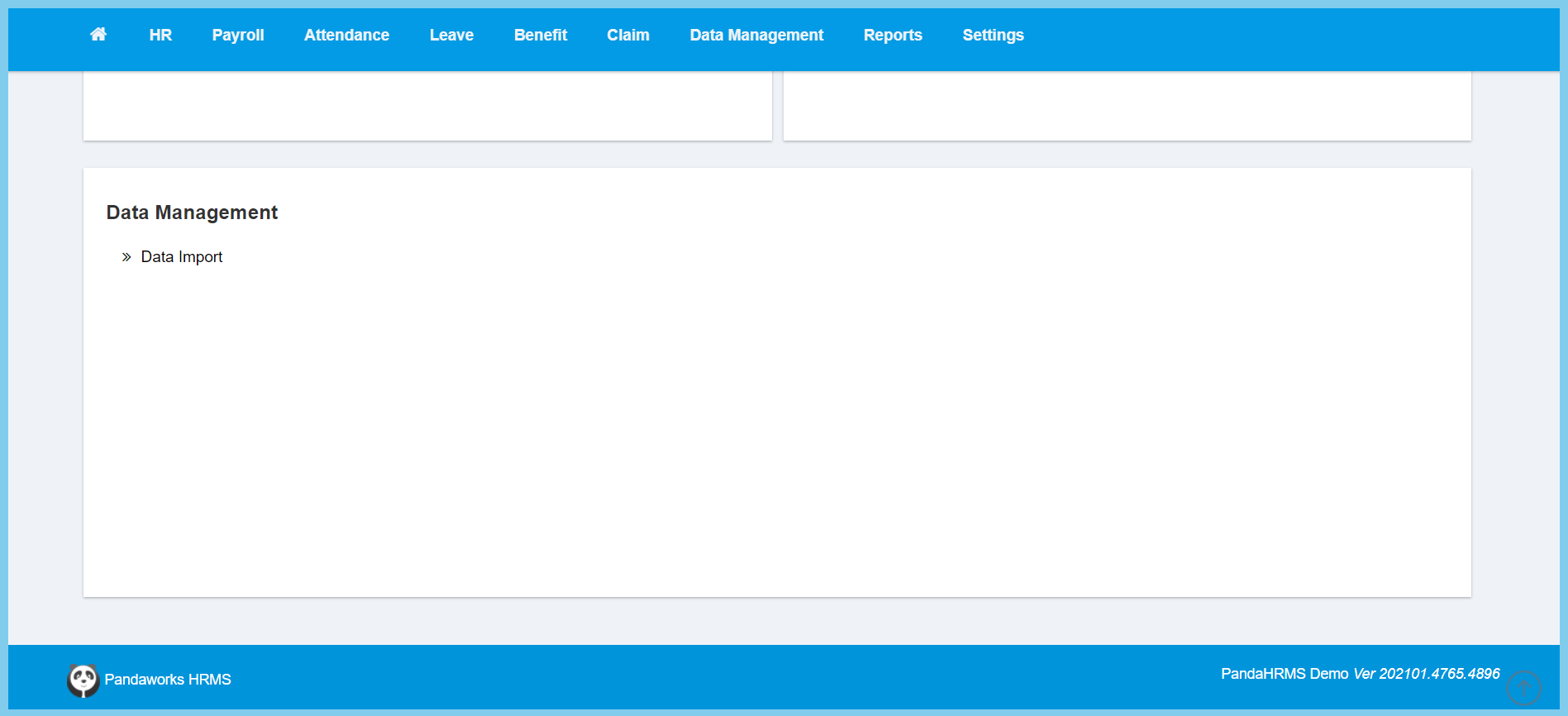
2. Click Data Import which located under Data Management.
3. Select the template which you wish to upload.
4. Click Download Template.
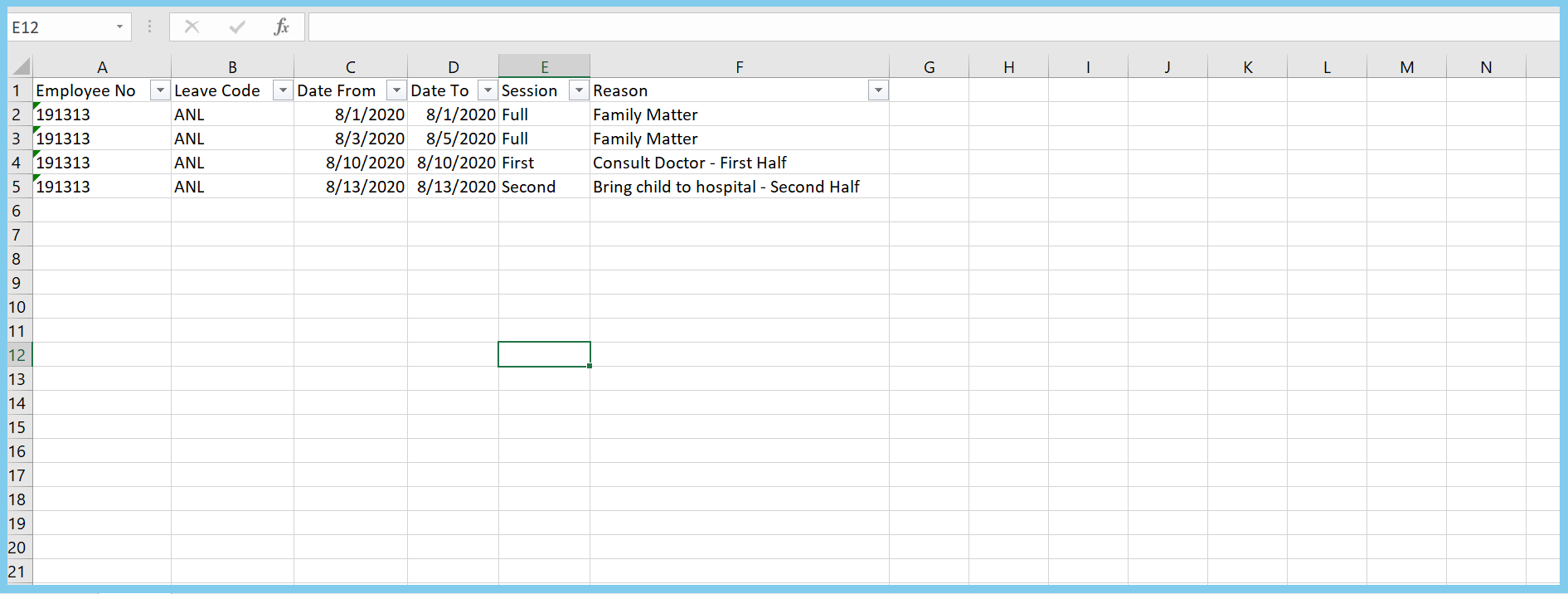
This is the template for leave application.
This is the template for leave adjustment.
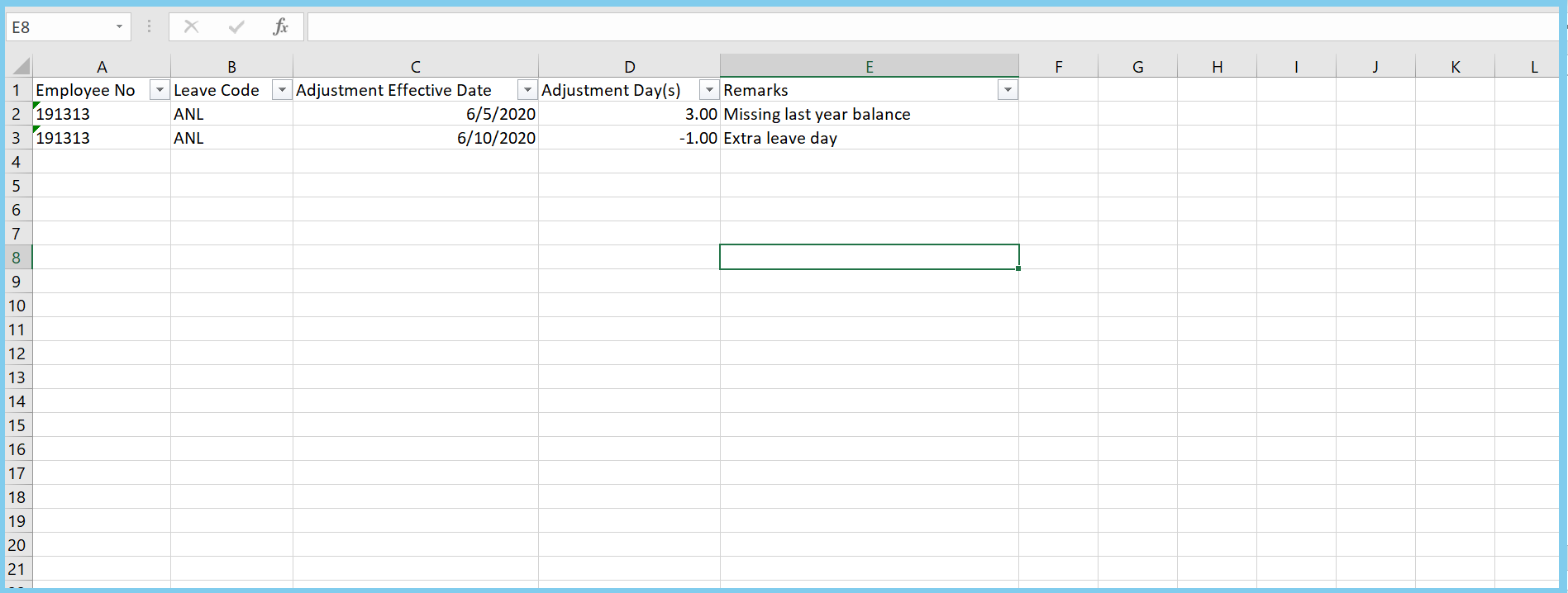
5. Enter data into template.
6. Click Select file button to upload the template that you entered data.
7. Click Import button.
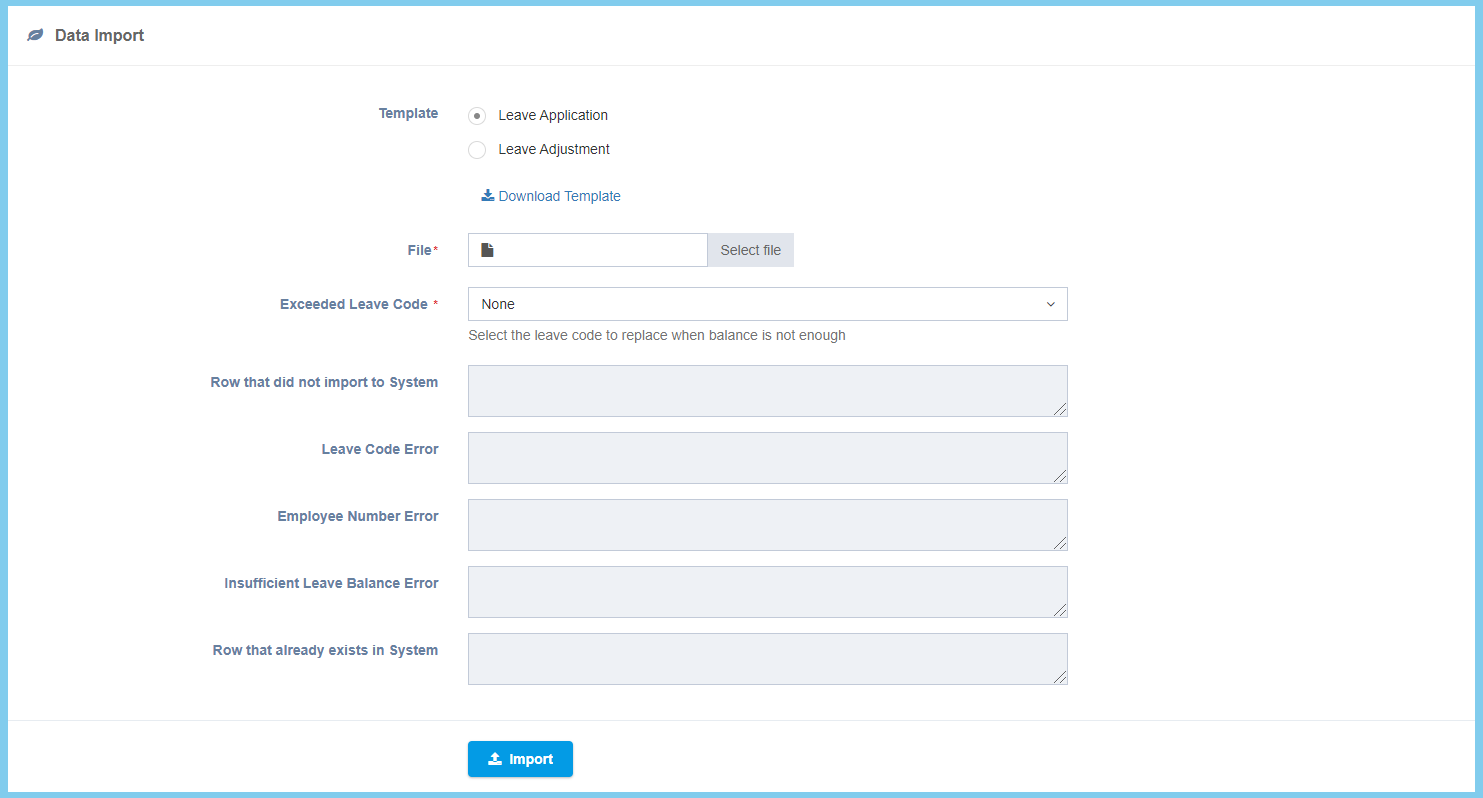
Note: Below part will only show when the template is imported.
