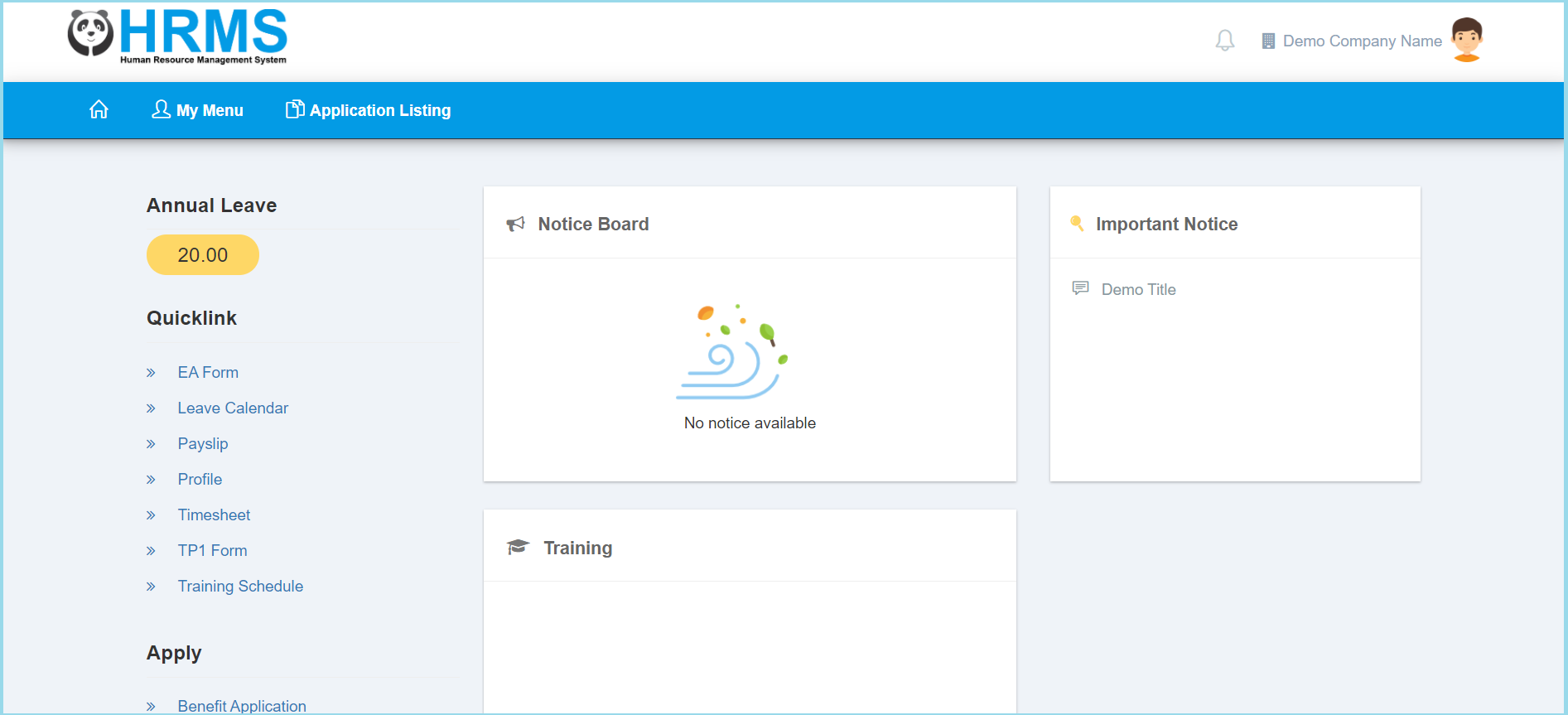
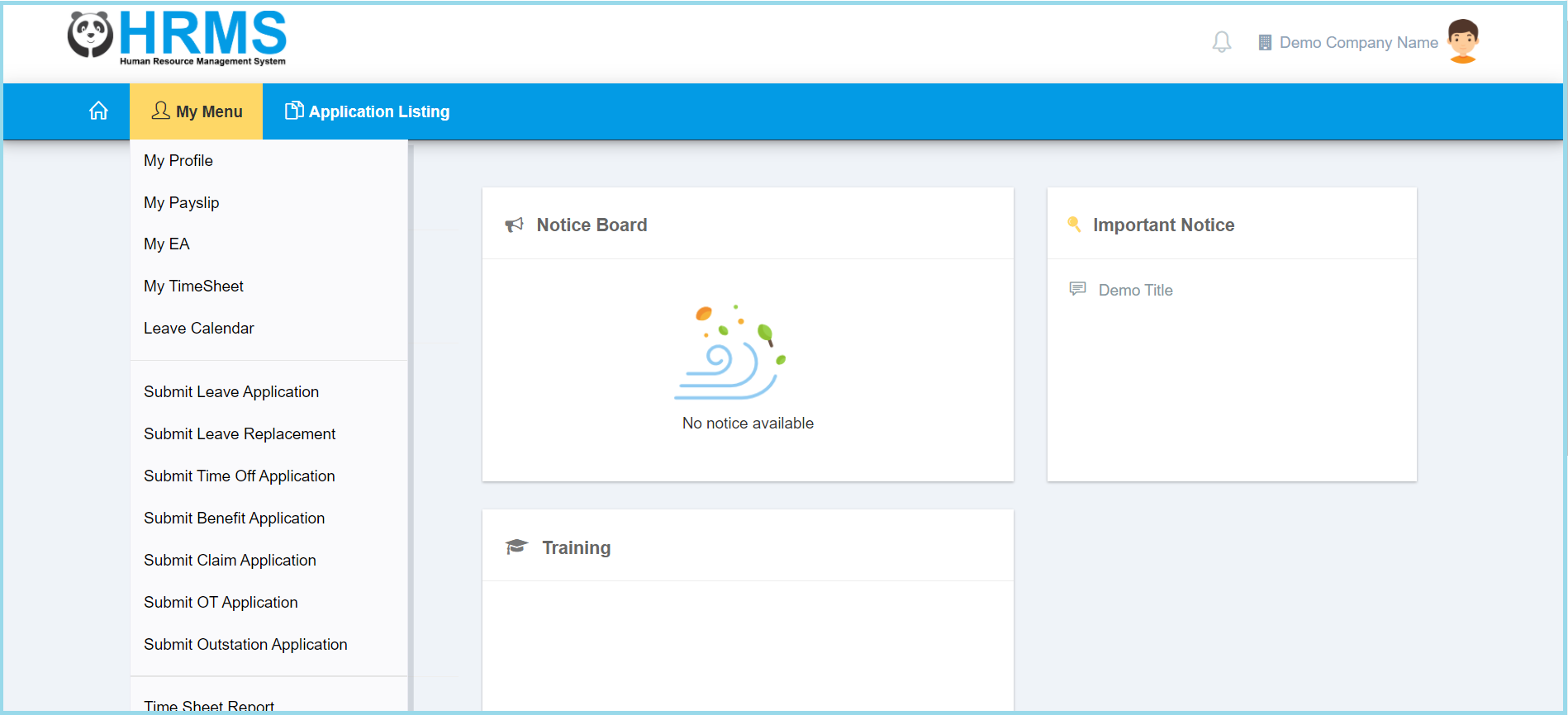
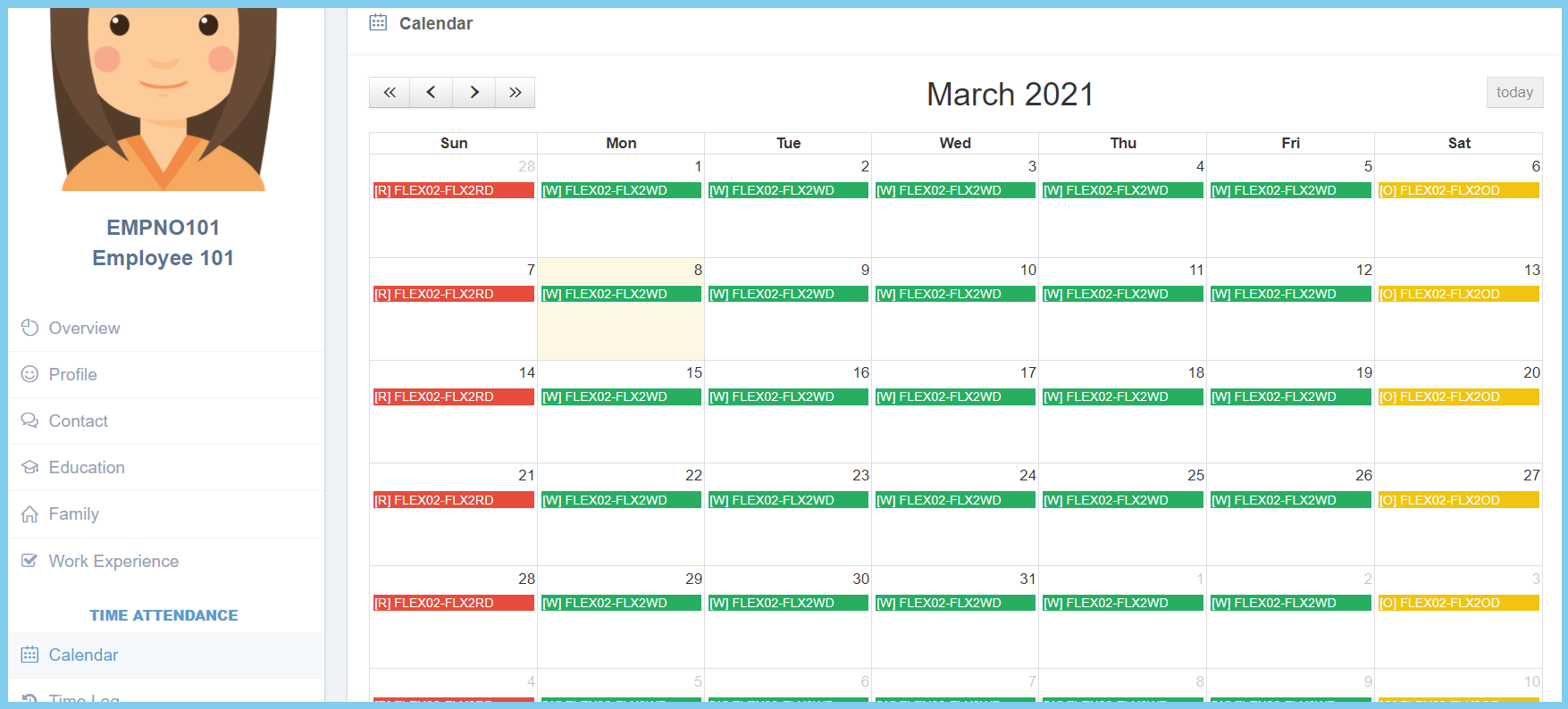
Employee: How To View My Calendar? By support|2021-03-08T11:39:39+08:00March 8th, 2021|Education Hub, Employee Self Service, HR Hub|0 Comments 1. Click My Menu. 2. Click My Profile. 3. Click Calendar. 4. Your calendar will shown as diagram below. Share This Story, Choose Your Platform! FacebookTwitterRedditLinkedInWhatsAppTumblrPinterestVkEmail About the Author: support