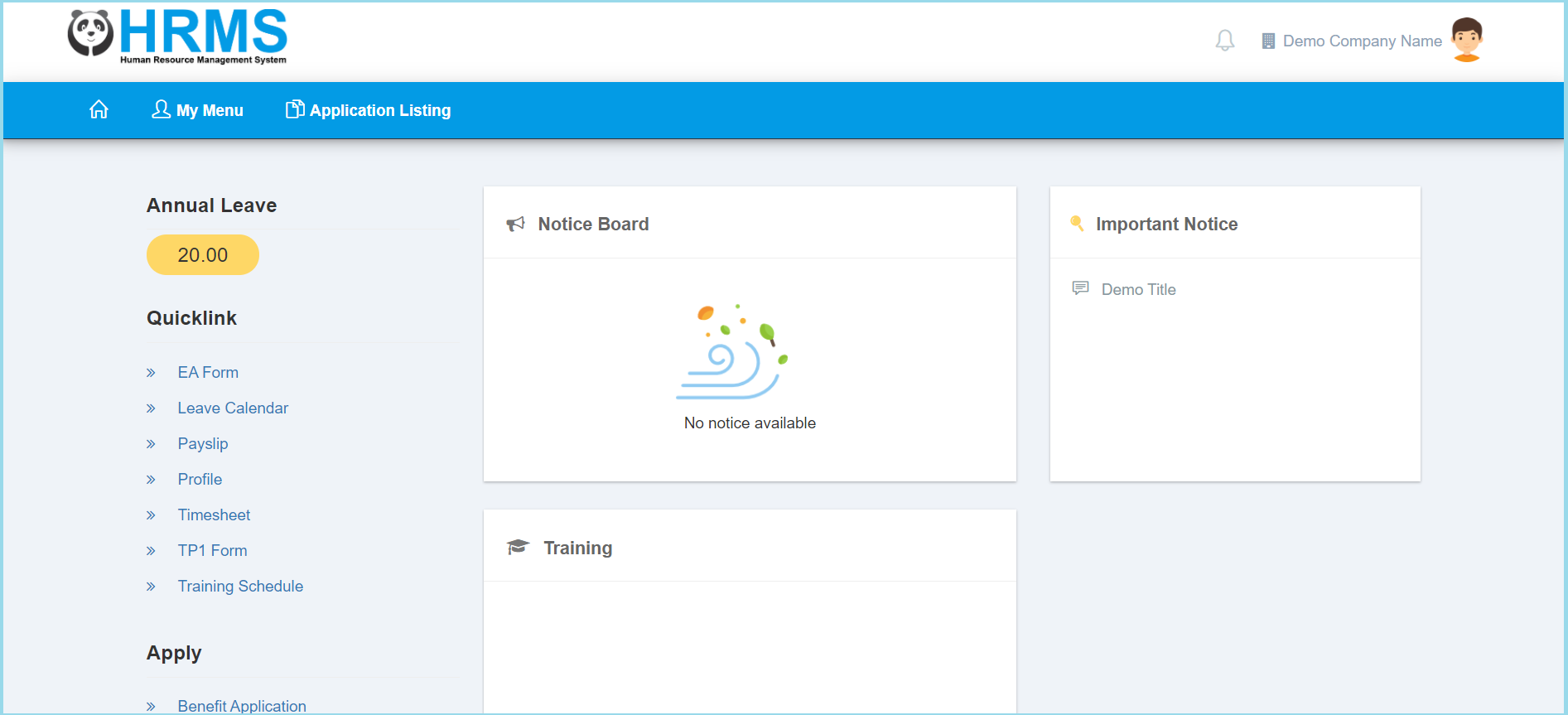
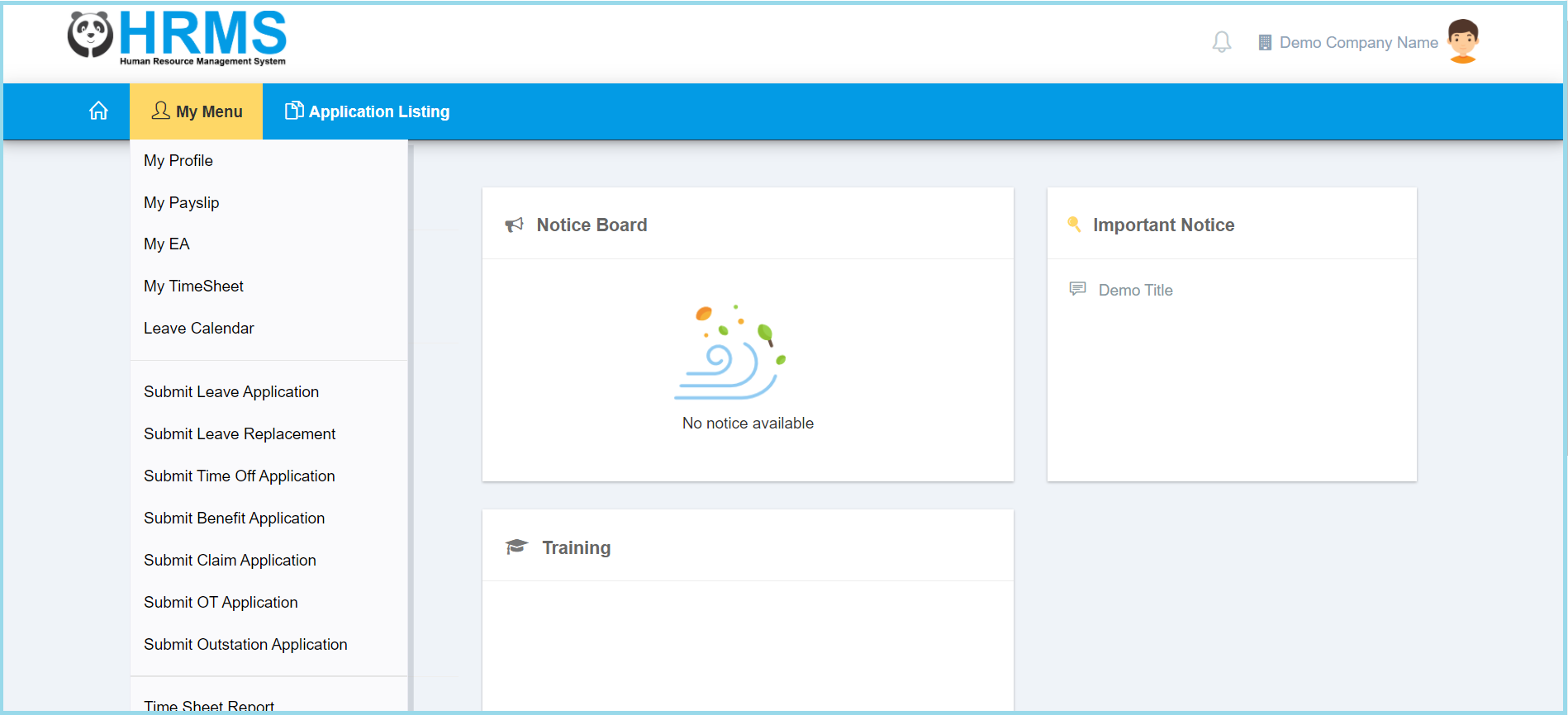
1. Click My Menu.
2. Click My Profile.
3. Click Time Log.
- You can select the date range of the time log that you wish to view from calendar available.
- Click search button.
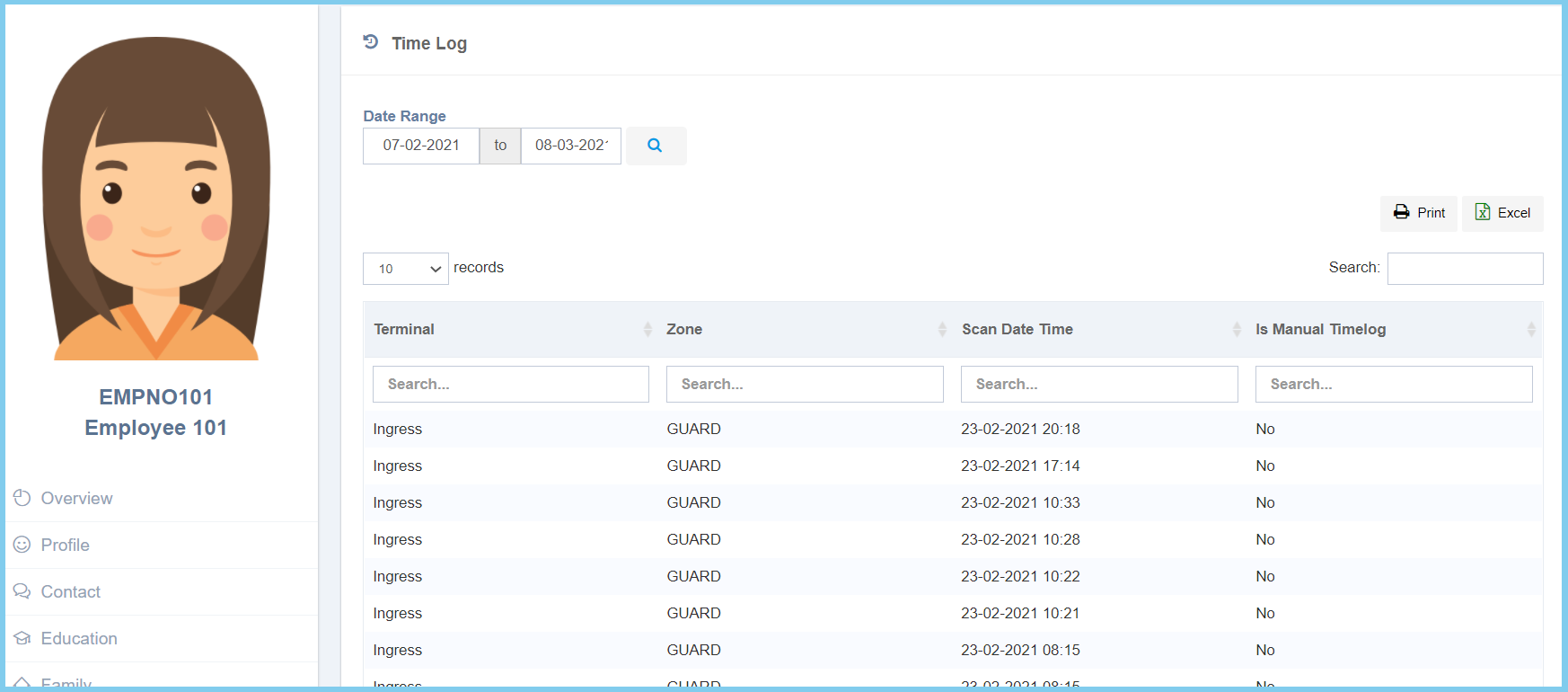
4. The time log will shown as diagram below

1. Click My Menu.
2. Click My Profile.
3. Click Time Log.
- You can select the date range of the time log that you wish to view from calendar available.
- Click search button.
4. The time log will shown as diagram below
