1. Click Application Listing.

2. Click Benefit.

3. The Benefit application will shown as diagram below.
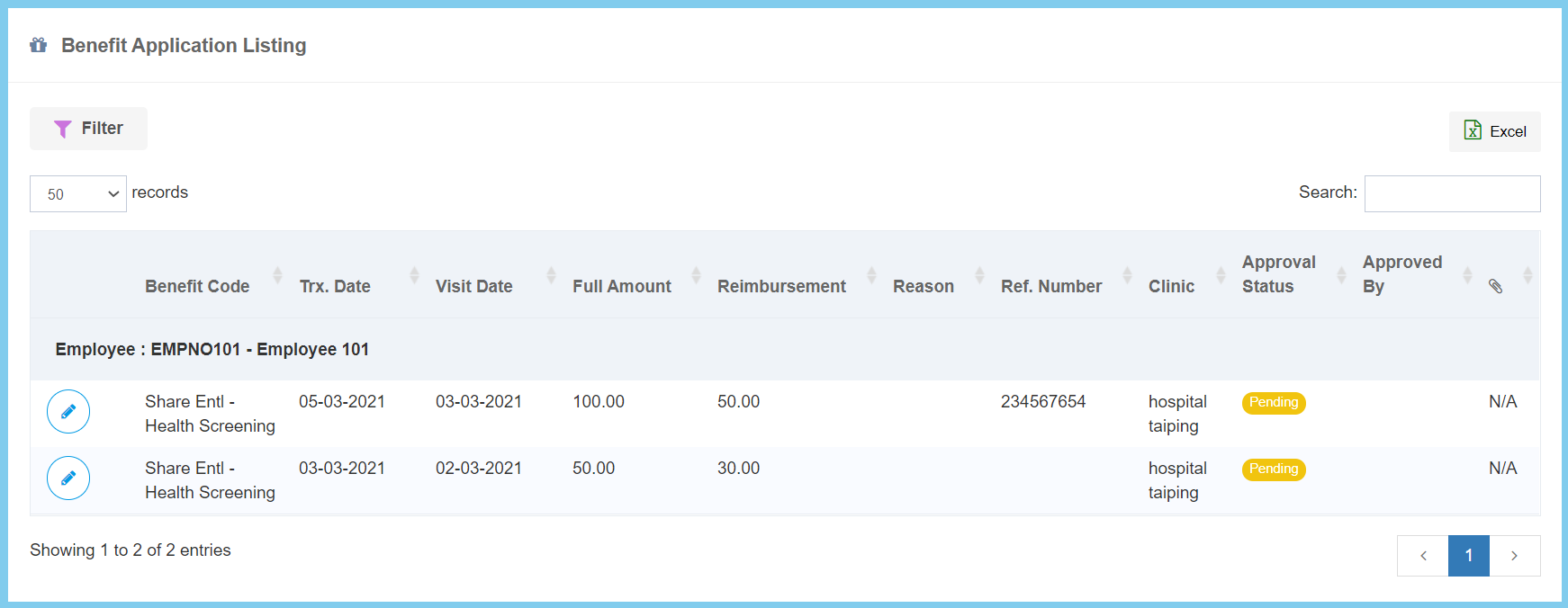
Note: Click edit button on which benefit details that you wish to view.

1. Click Application Listing.
2. Click Benefit.
3. The Benefit application will shown as diagram below.
Note: Click edit button on which benefit details that you wish to view.
