
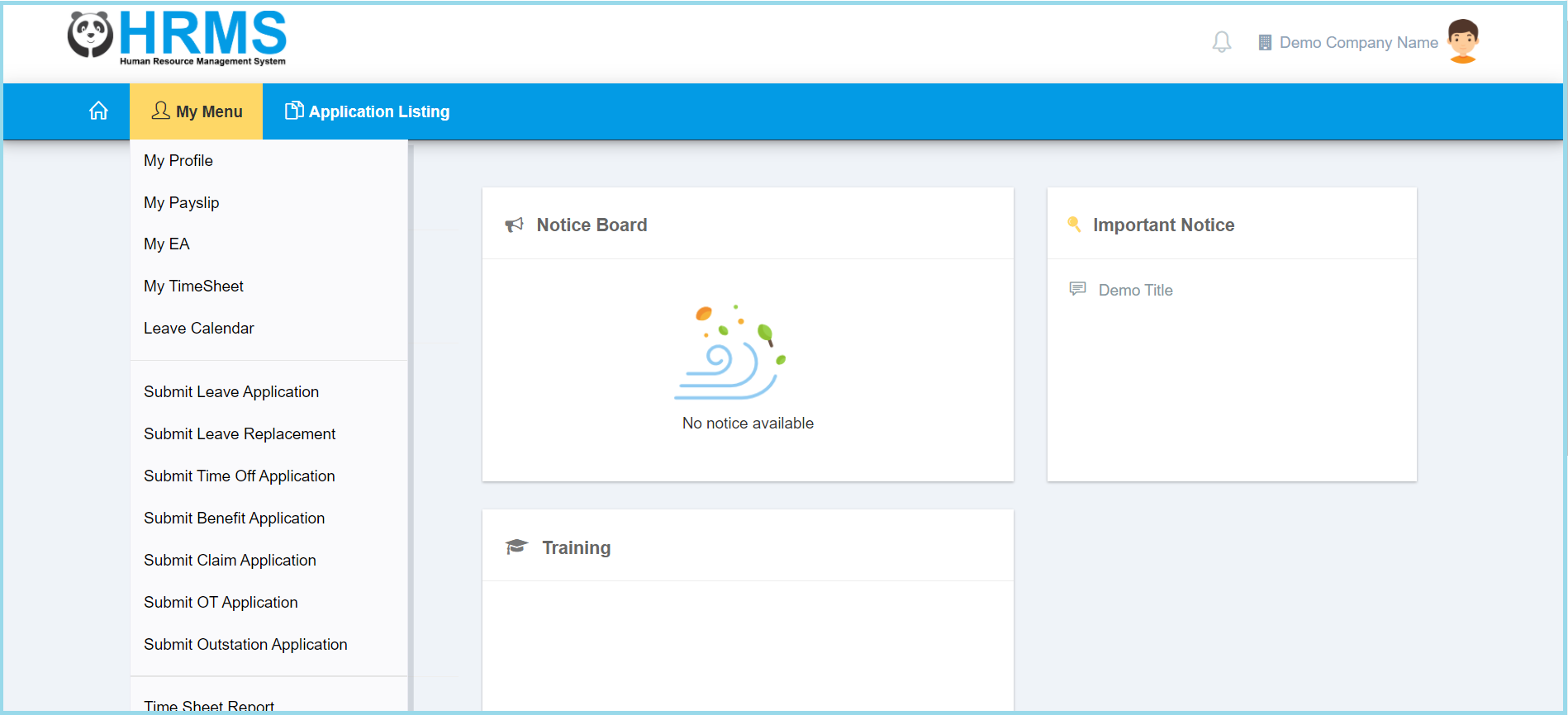
1. Click My Menu.

2. Click Submit Leave Replacement.
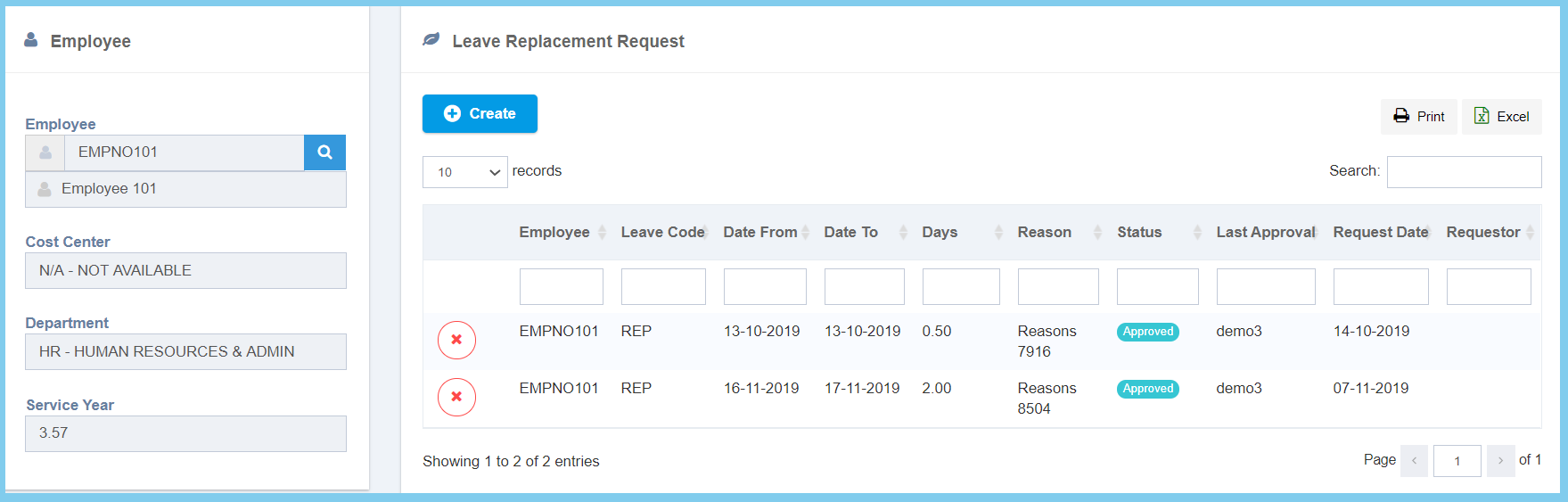
3. Click Create button.
4. Complete the form.
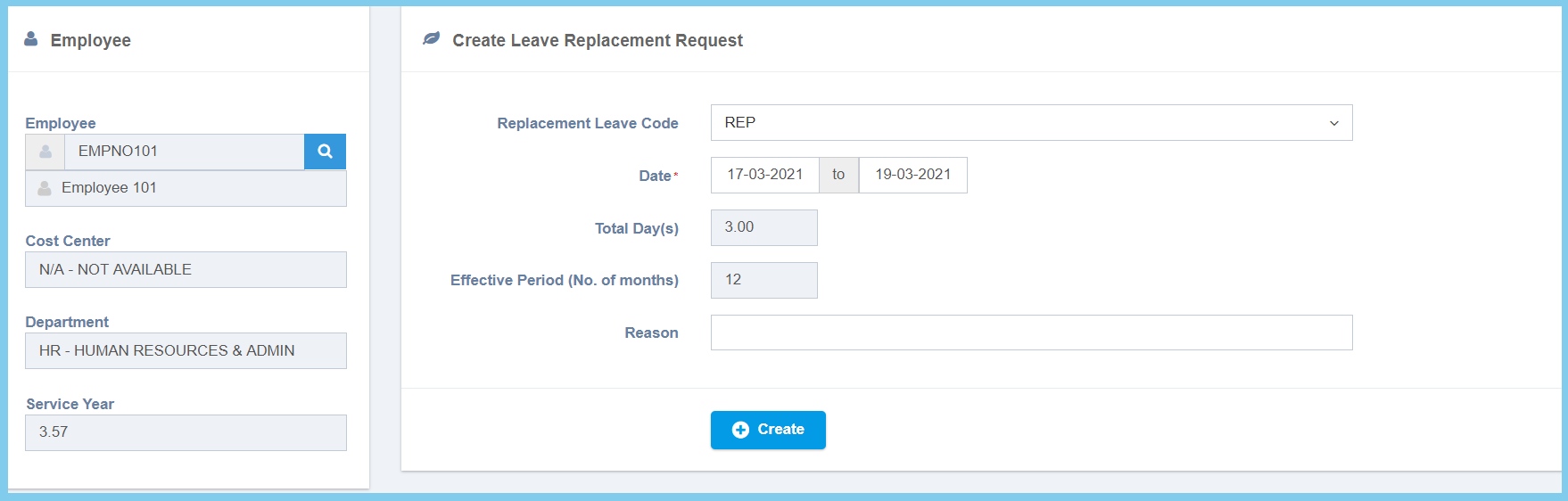
5. Click Create button.
6. Wait for approval. Click here to learn how to view leave replacement application.
Leave Replacement Configuration Option Explanation
| Option | Allowed Values | Description |
|---|---|---|
| Replacement Leave Code | Selection from leave code | Select the code for leave replacement from option available. |
| Date | Select date from calendar | Select the start sate and end date of replacement leave from calendar available. |
| Total Day(s) | Not specified | Automatically show the total days of leave replacement. |
| Effective Period(No. of months) | Not specified | The effective period of leave replacement by number of month. |
| Reason | Any alphanumeric | Any reason about this leave replacement. |
