
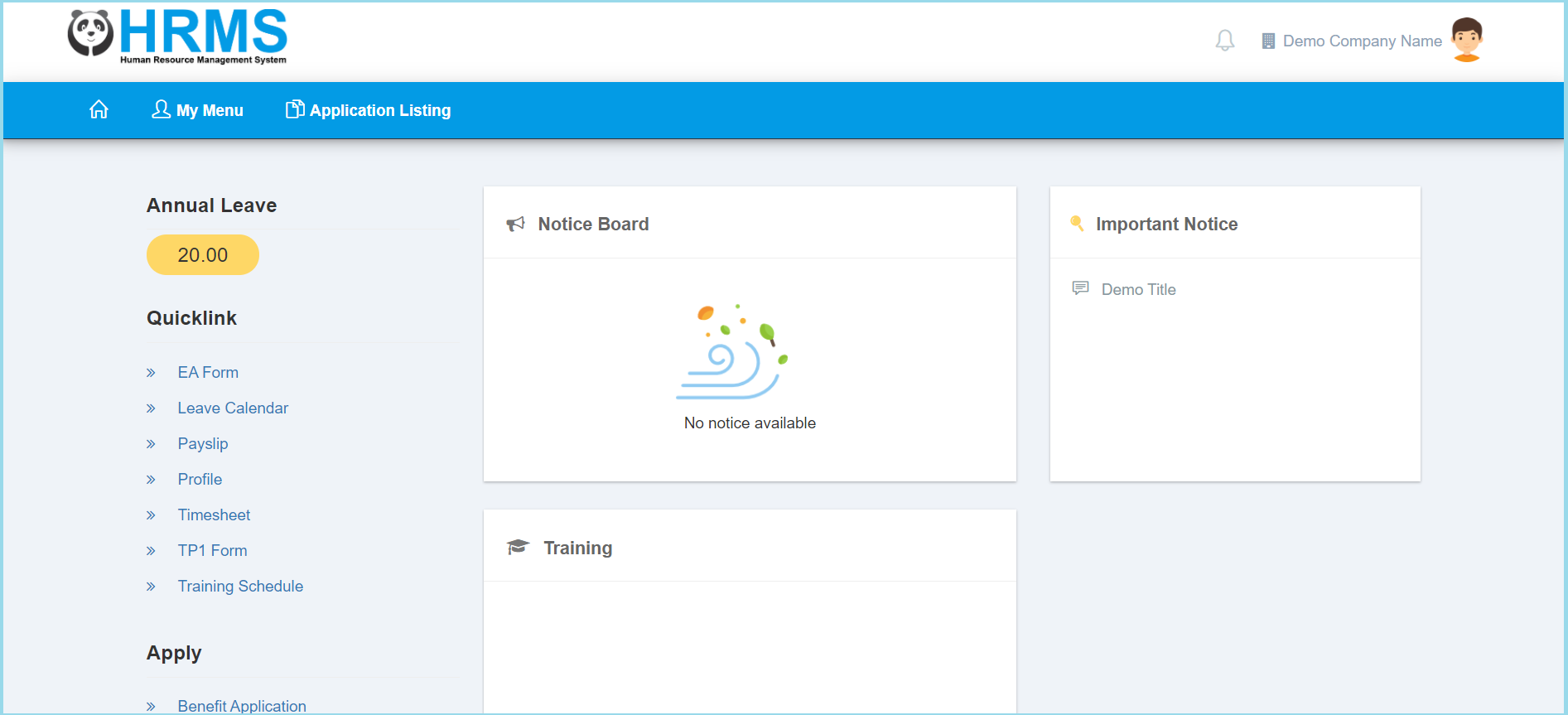
1. Click My Menu.
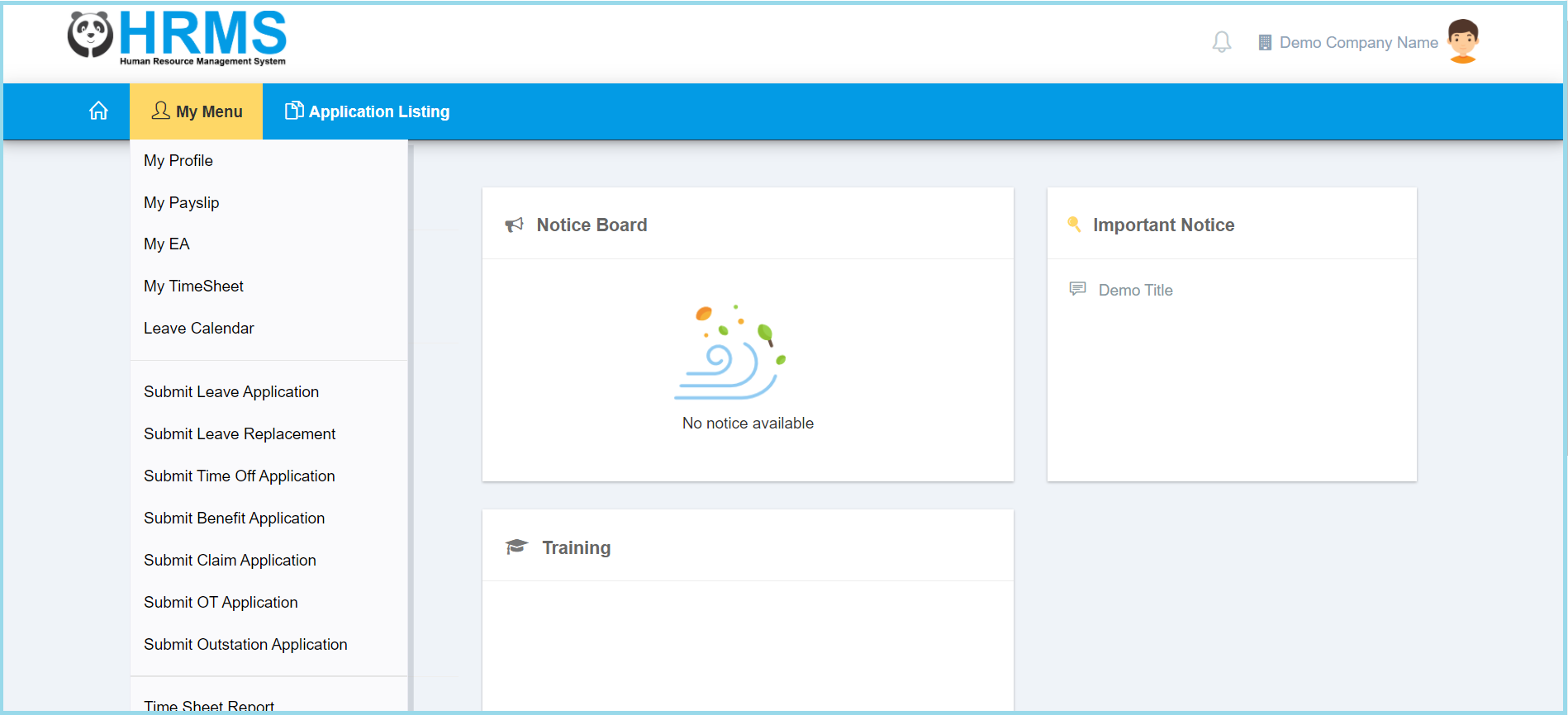
2. Click Submit Outstation Application.
3. Fill the form.
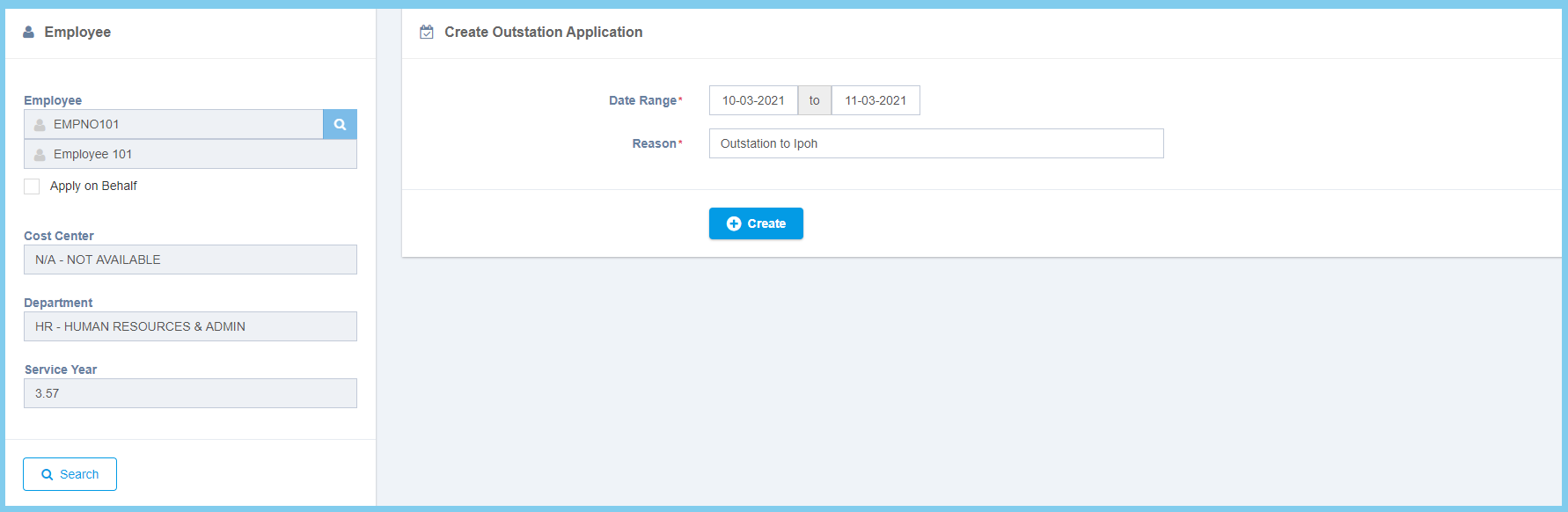
4. Click Create button.
5. Wait for approval. Click here to learn how to view outstation application.
Outstation Application Configuration Option Explaination
| Option | Allowed Values | Description |
|---|---|---|
| Date Range | Select date from calendar | Select the start date and end date for outstation from calendar. |
| Reason | Any alphanumeric | Enter any reason for why to apply outstation. |
