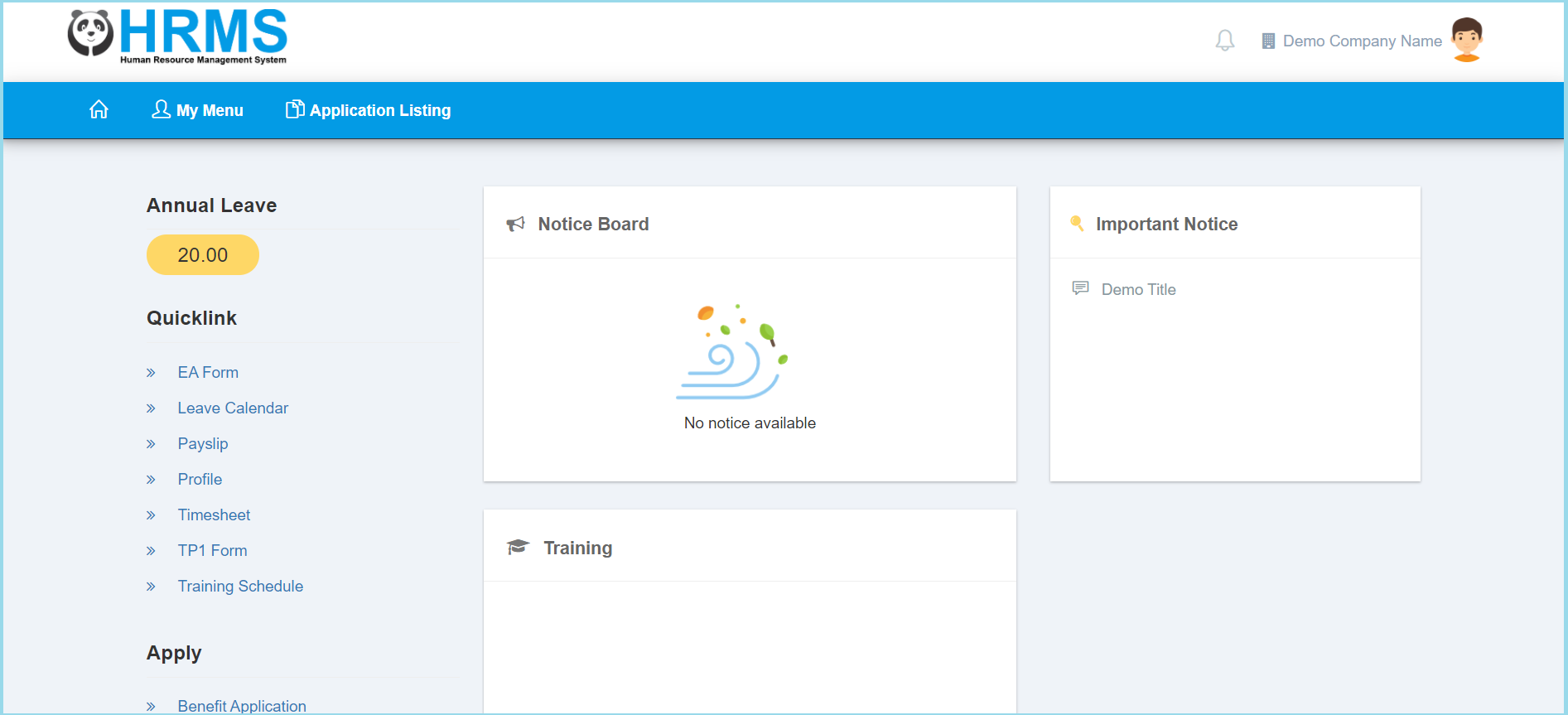
1. Click My Menu.
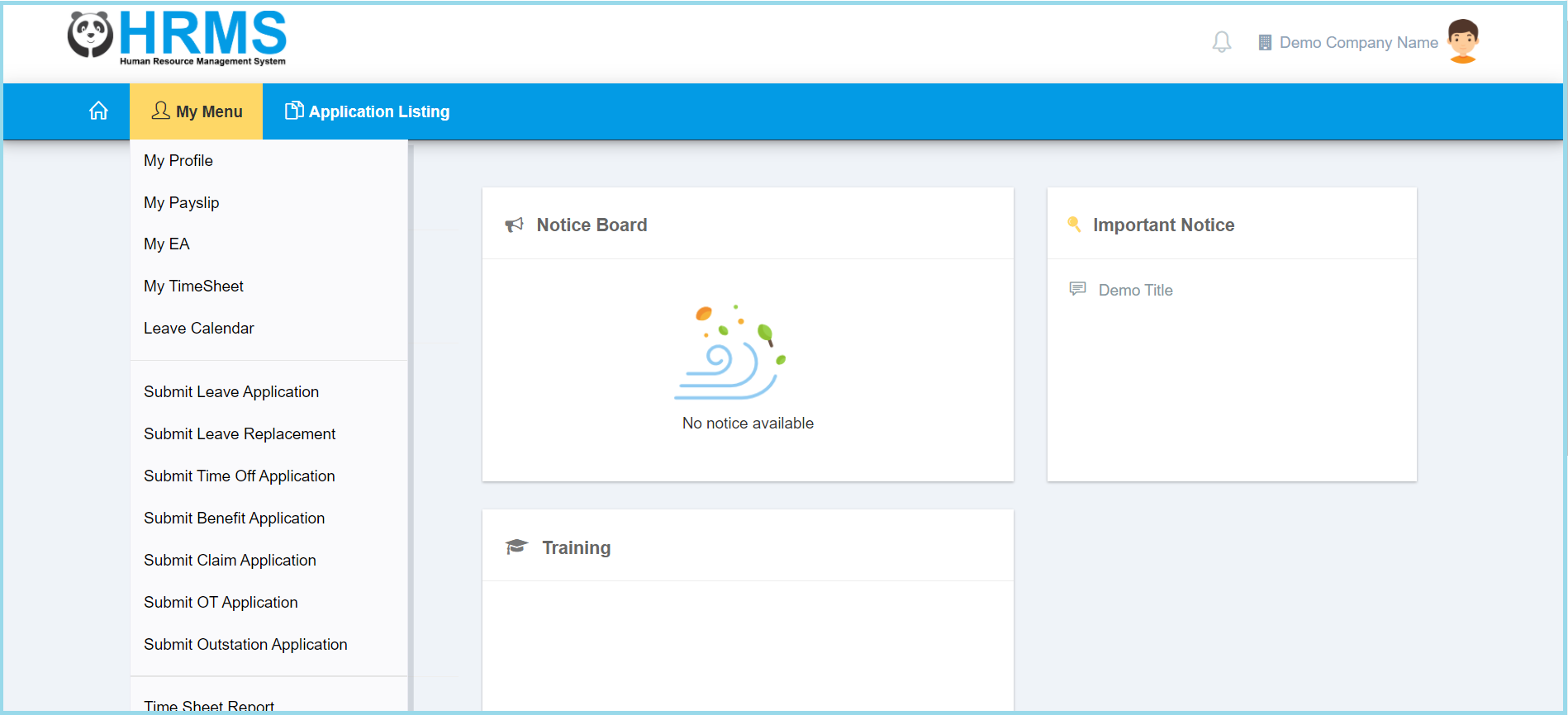
2. Click My EA.
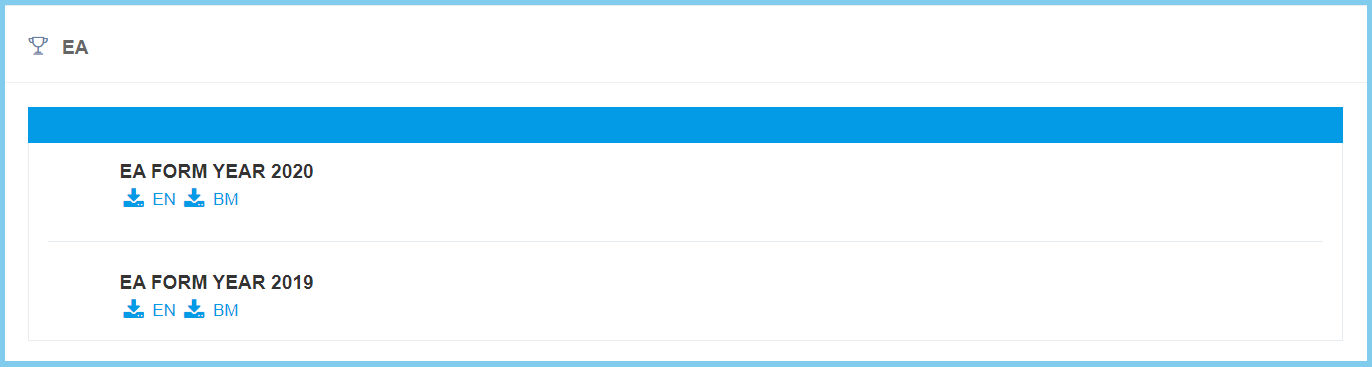
3. Click download icon on which EA that you wish to download.
Note: You can either download for English version or Bahasa Melayu version.

1. Click My Menu.
2. Click My EA.
3. Click download icon on which EA that you wish to download.
Note: You can either download for English version or Bahasa Melayu version.
