
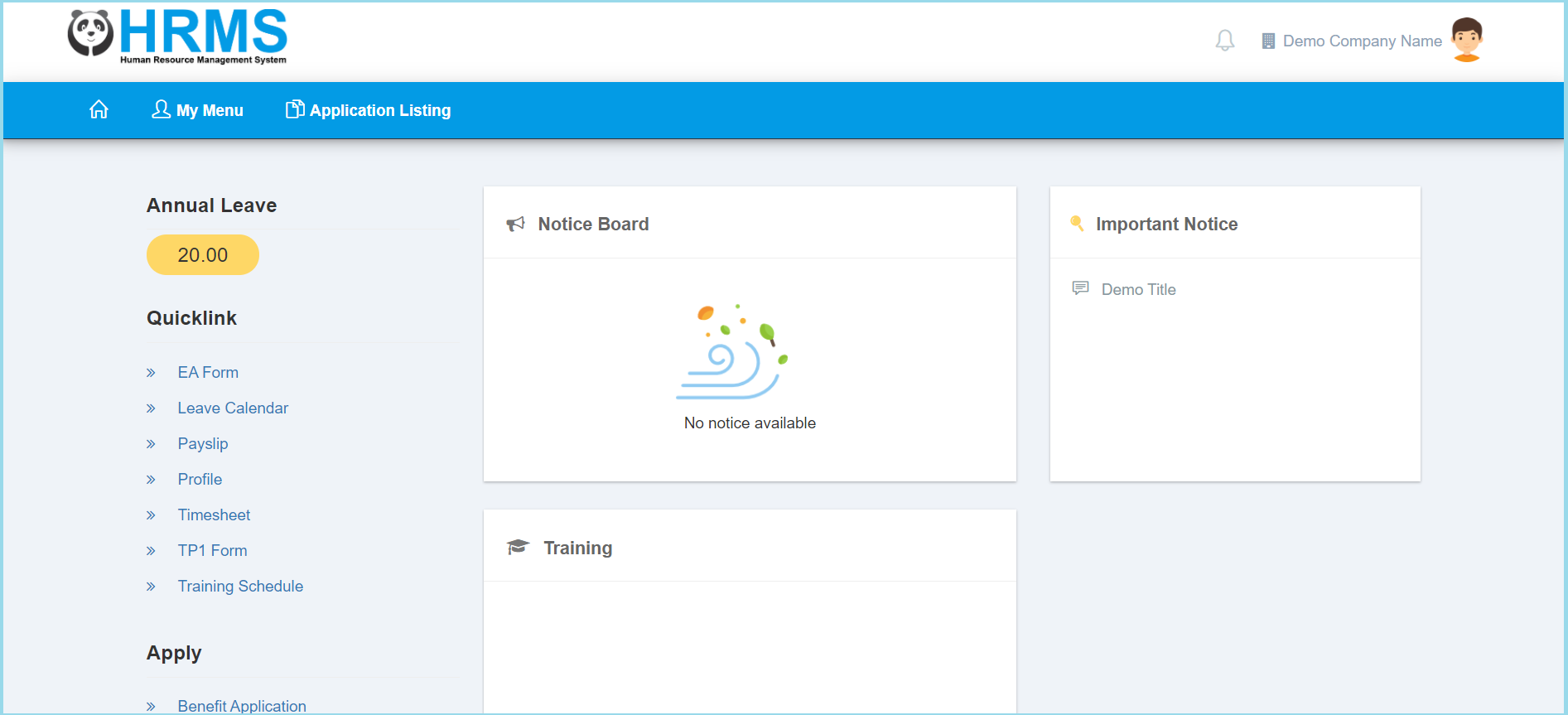
1. Click My Menu.


2. Click My Profile.
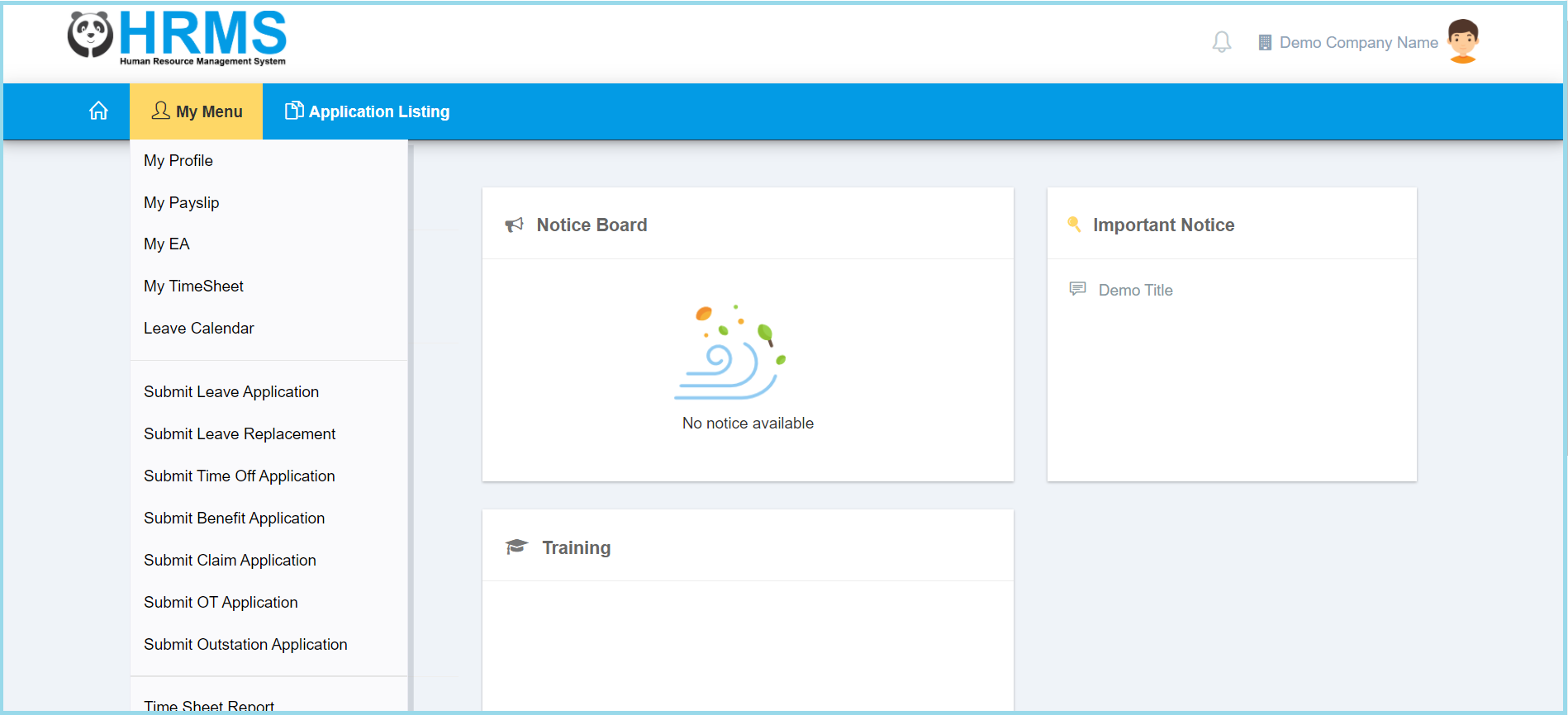
3. Click Profile.
4. Update information that you wish to.
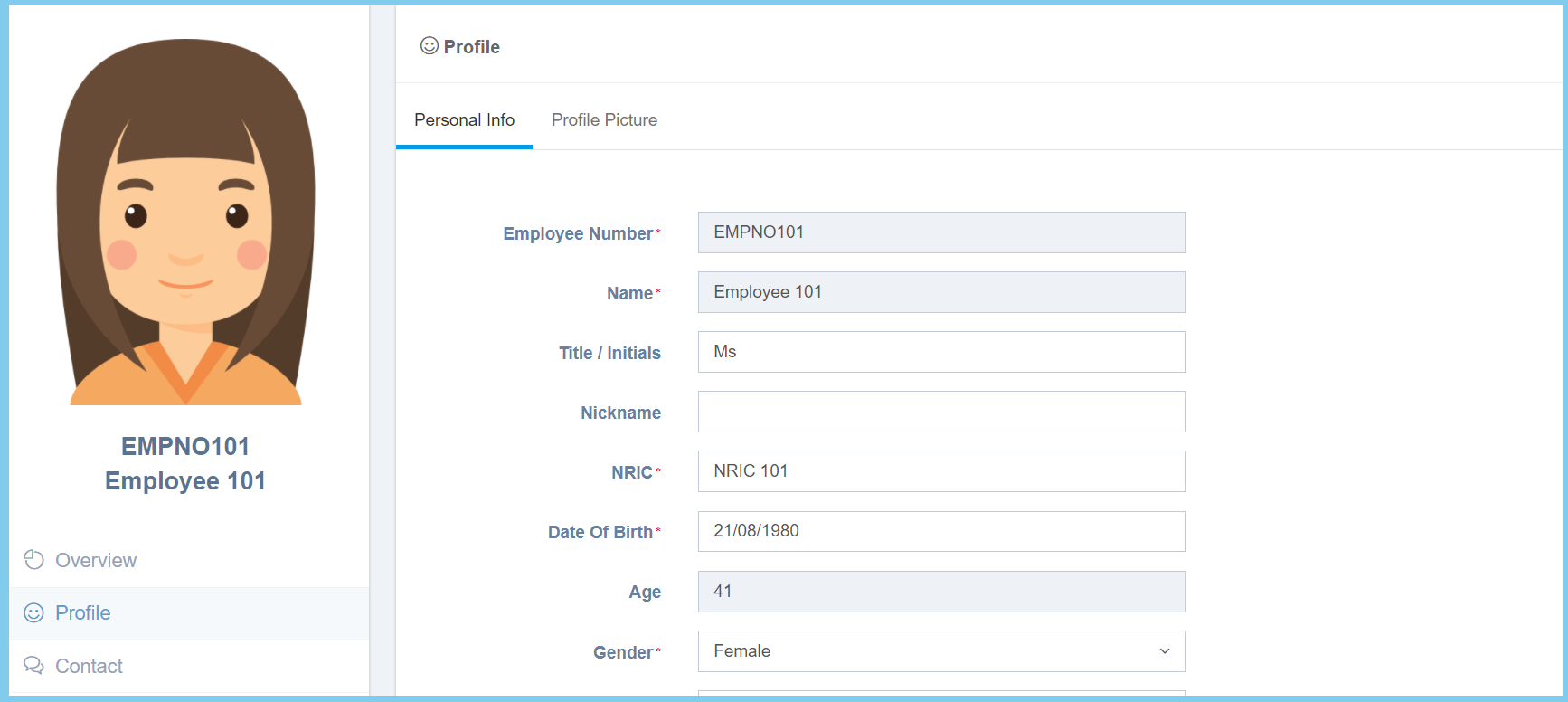
Note: There has 2 section to update.

5. Click Save button.
6. Wait for approval.

Employee Profile Configuration Option Explaination
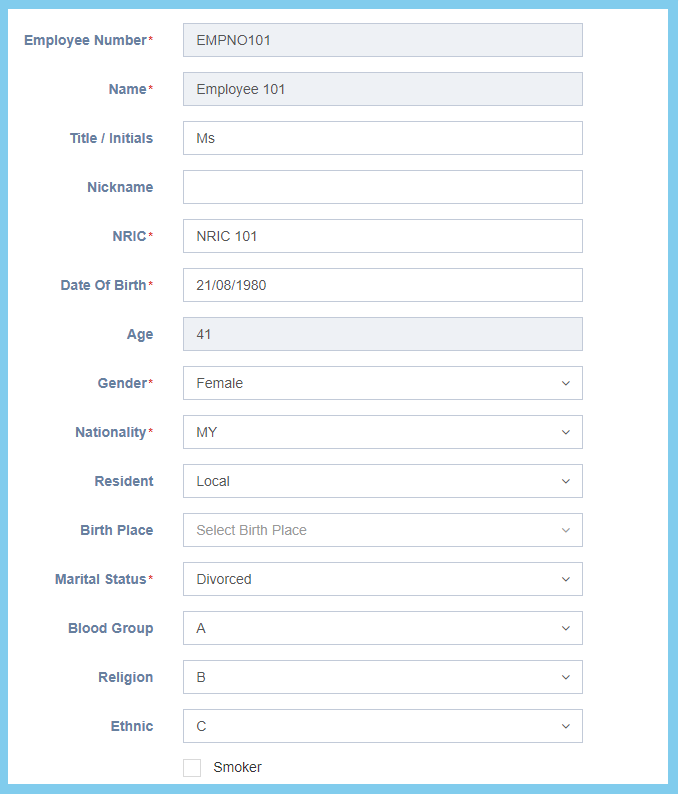
Option Allowed Values Description
Employee Number Not specified Employee number. It is not editable.
Name Not specified Employee name. It is not editable.
Title/Initials Any alphanumeric Employee personal title such as Mr or Mrs.
Nickname Any alphanumeric Employee nickname.
NRIC Any number Employee IC number.
Date Of Birth Select date from calendar Select employe date of birth from calendar vailable.
Age Not specified When click save button, the age will automatic show the age based from the date selected.
Gender
  • Male
  • Female
Select the employee gender from option available.
Nationality Selection from nationality Select the employee nationality from option available.
Resident
  • Local
  • Non Local
  • Permanent Resident (PR)
Select the employee their resident status from option available.

This option will affect calculation in monthly tax deduction.

Birth Place Selection from birth place Select the employee birth place from option available.
Marital Status
  • Divorced
  • Married
  • Single
  • Widowed
Select the employee marital status from option available.

This option will affect calculation in monthly tax deduction.

Blood Group
  • A
  • AB
  • B
  • O
Select the employee blood group type from option available.
Religion Selection from religion Select the employee religion from option available.
Ethnic Selection from ethnic Select the employee ethnic from option available.
Smoker
  • True
  • False
To identify whether the employee is a smoker or not.

Profile Picture

1. Click Select Image button.
2. Select an image.
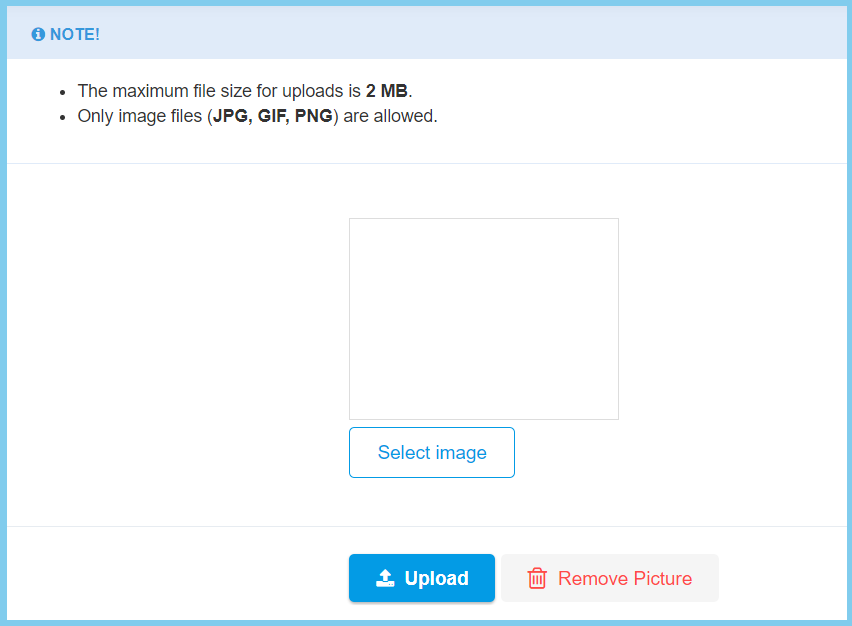
3. Click Upload button.