1. Click Application Listing.

2. Click Clock Time.

3. The Claim application will shown as diagram below.
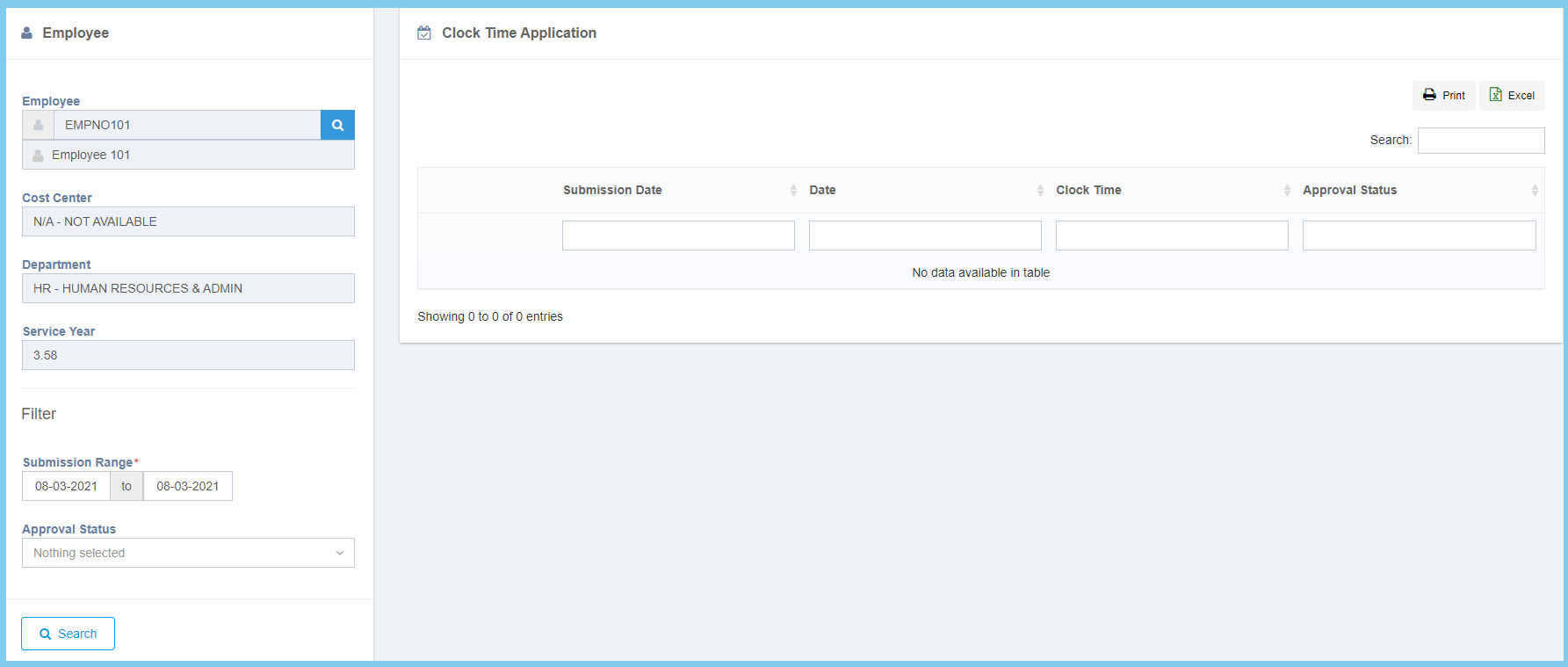
Note: You can select the submission date range and select the approval status from filter.

1. Click Application Listing.
2. Click Clock Time.
3. The Claim application will shown as diagram below.
Note: You can select the submission date range and select the approval status from filter.
