1. Click Application Listing.

2. Click Leave Replacement.

3. The Leave Replacement application will shown as diagram below.
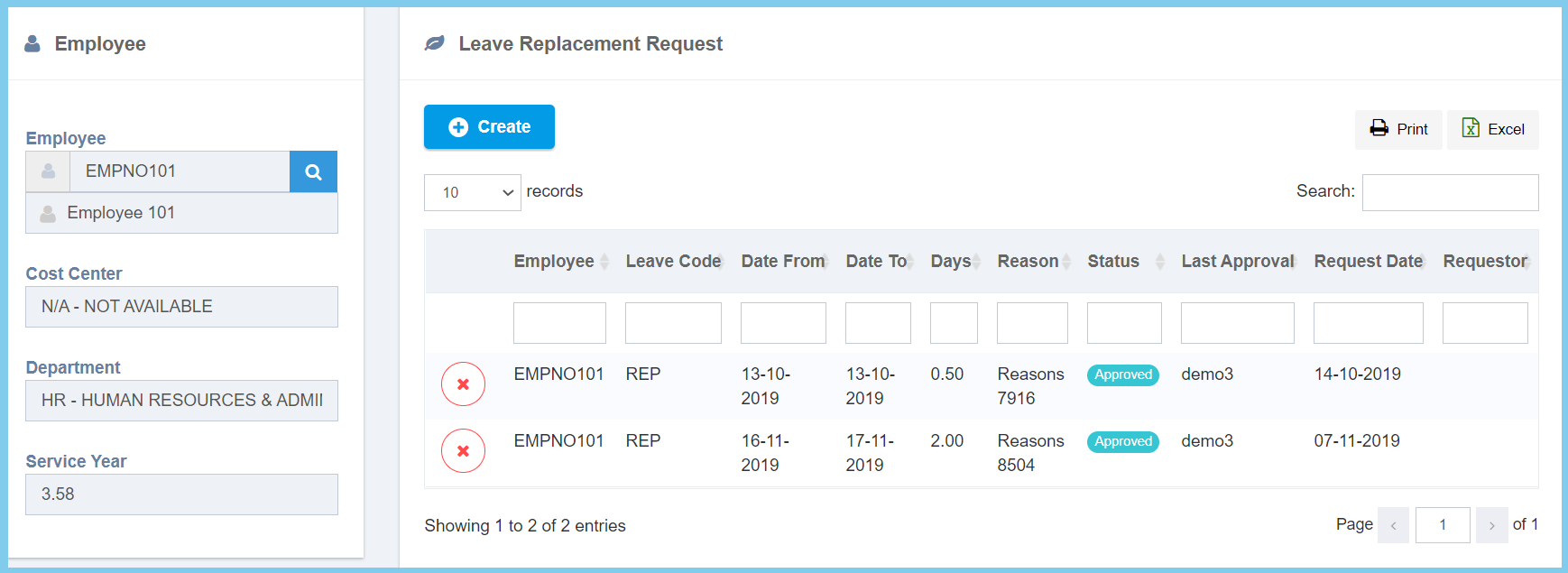
Note: You can apply leave replacement by click Create button. Click here to learn how to apply a new leave replacement.

1. Click Application Listing.
2. Click Leave Replacement.
3. The Leave Replacement application will shown as diagram below.
Note: You can apply leave replacement by click Create button. Click here to learn how to apply a new leave replacement.
