1. Click Application Listing.

2. Click Overtime Application.

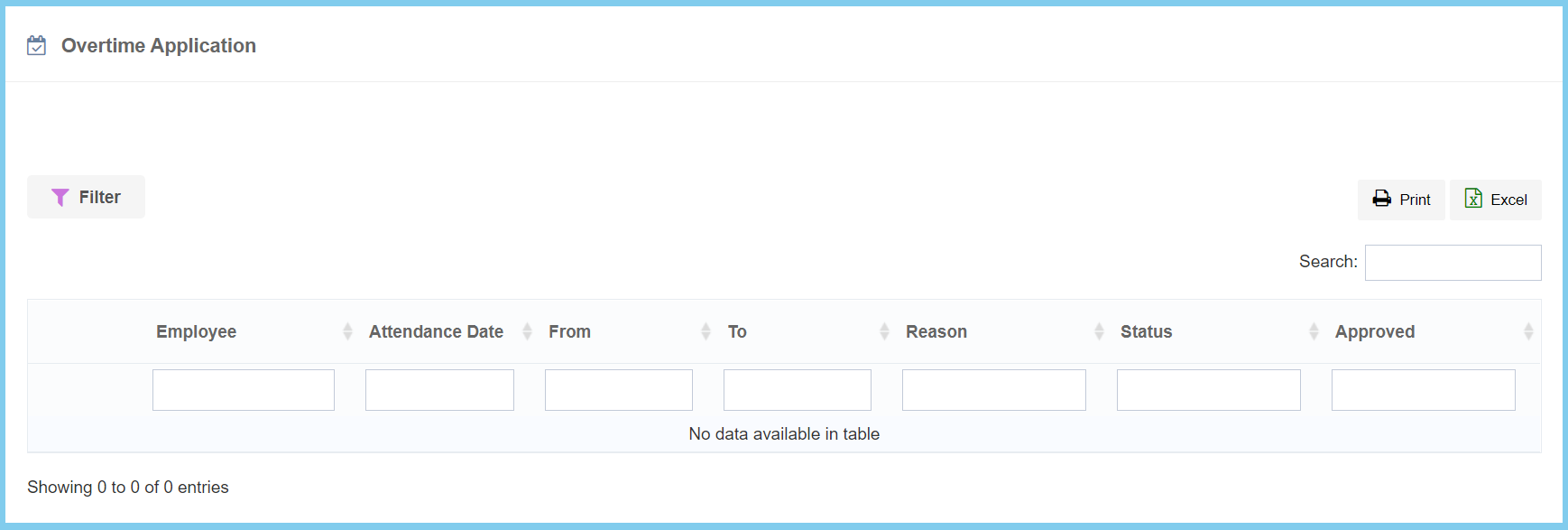
3. The Overtime application will shown as diagram below.

1. Click Application Listing.
2. Click Overtime Application.
3. The Overtime application will shown as diagram below.
