
1. Edit Employee Profile.
2. Click License.
3. Click Create button.
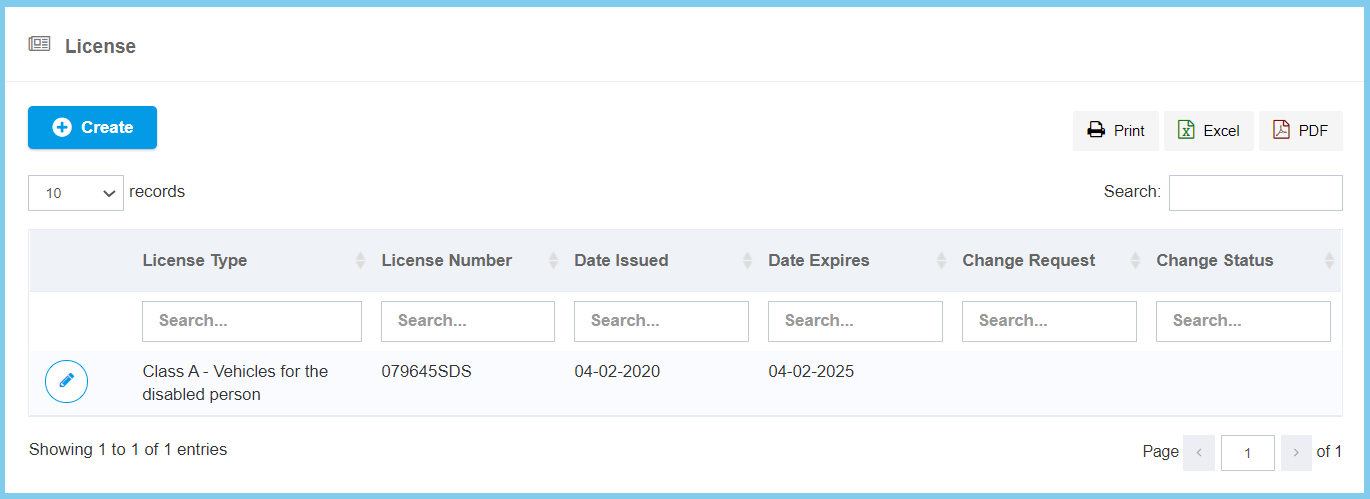
4. Fill the form.

5. Click Create button.
License Configuration Option Explaination
| Option | Allowed Values | Description |
|---|---|---|
| License Type | Selection from license type | Select the type of license which the employee have achieved from option available. |
| License Number | Any alphanumeric | Enter the employee license number. |
| Issues Date | Select date from calendar | Select the issued date of the license from calendar available. |
| Expiry Date | Select date from calendar | Select the expiry date of the license from calendar available. |
