
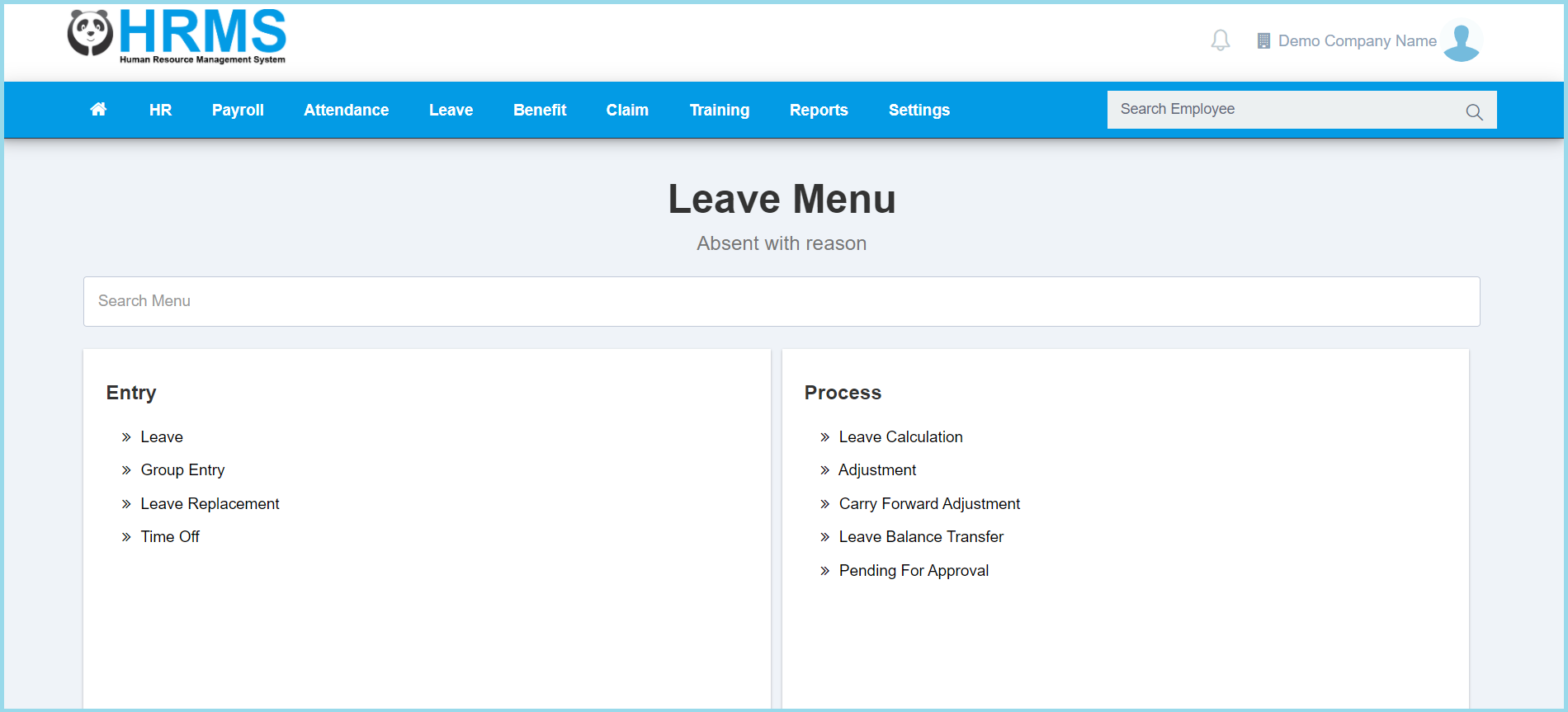
1. Menu: Click Leave.
2. Click Group Entry located under Entry.
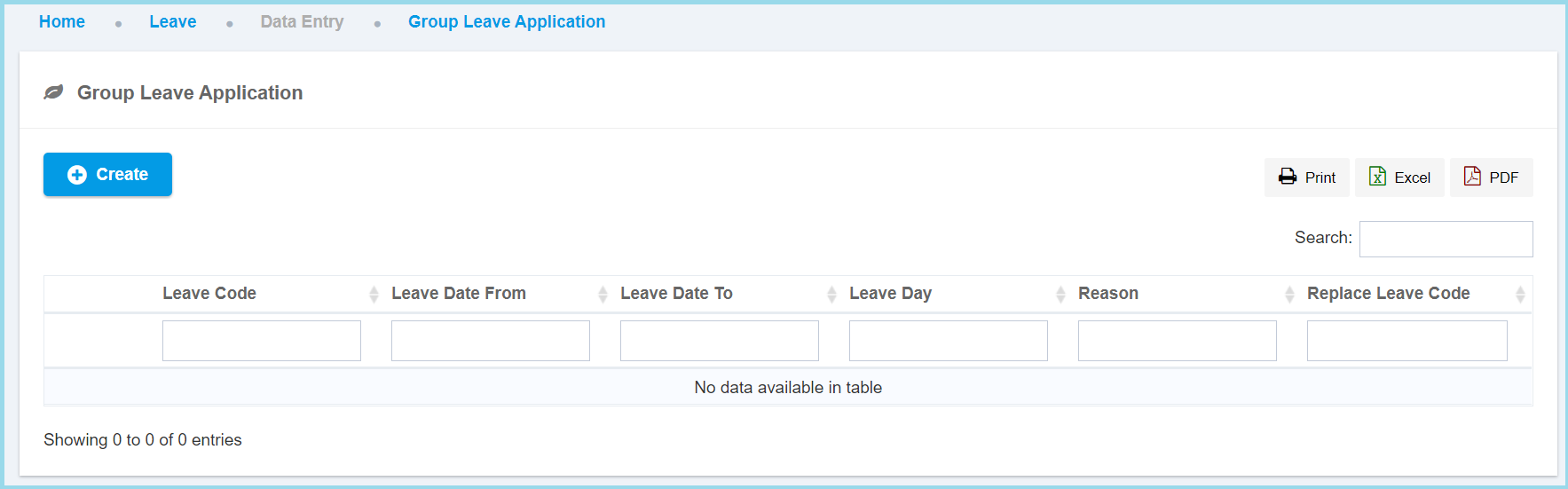
3. Click Create button.
4. Fill up form.
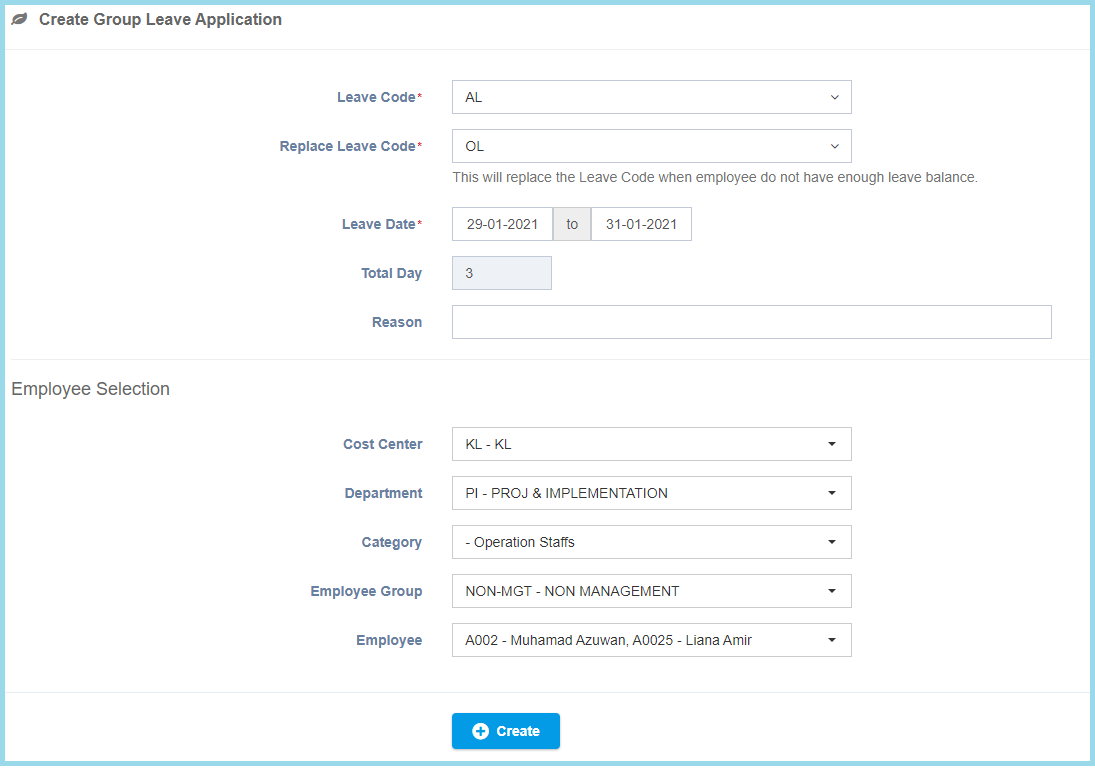
5. Click Create button.
Note: Leave applied by admin will be automatically approved.
Leave Configuration Option Explanation
| Option | Allowed Values | Description |
|---|---|---|
| Leave Code | Selection from leave code | To select any leave code which want to apply by this group employee.
Click here to view setup. |
| Replacement Leave Code | Selection from leave code | This will replace the leave code when employee do not have enough certain leave balance.
Click here to view setup. |
| Leave Date | Select date from calendar | Select start date and end date to apply leave from the calendar available. |
| Total Day | Not specified | This will be automatic show the total days based from the date selected. |
| Reason | Any alphanumeric | Enter any reason for what a purpose to take a leave. |
