
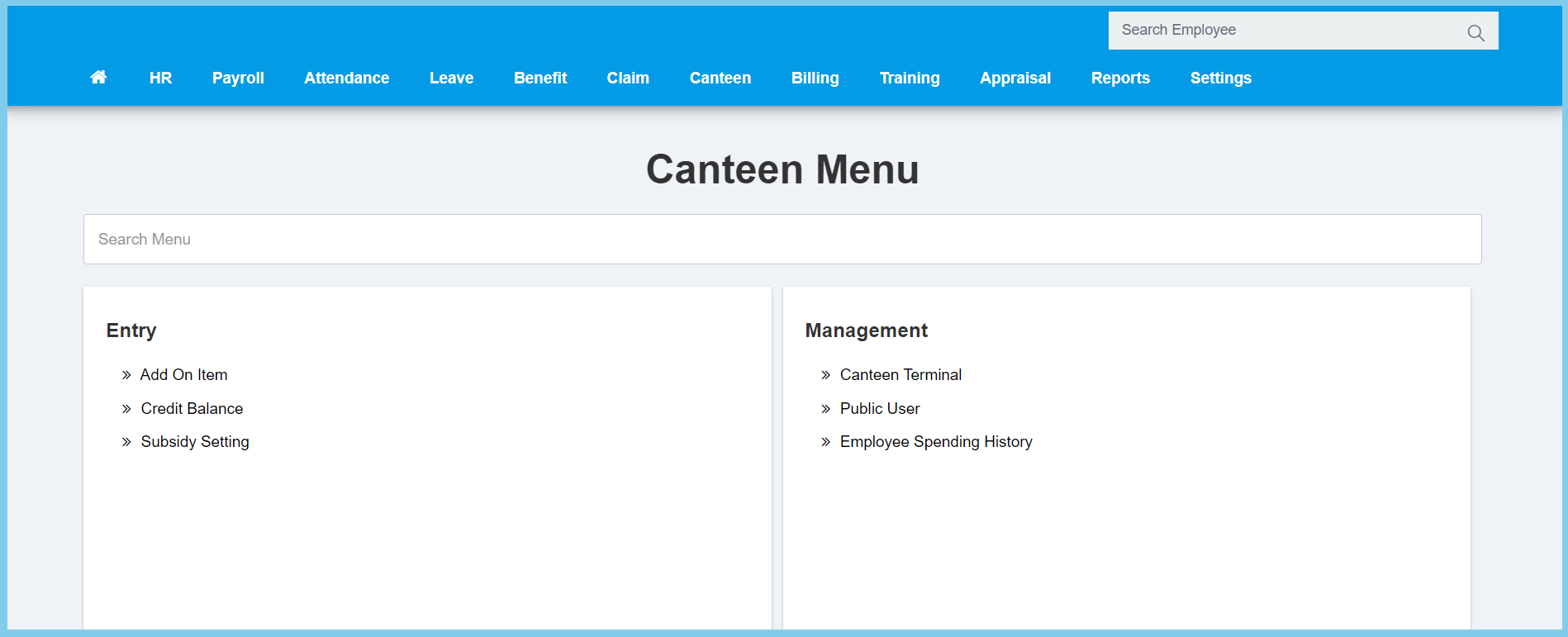
1. Menu: Click Canteen.
2. Click Canteen Terminal which located under Process.
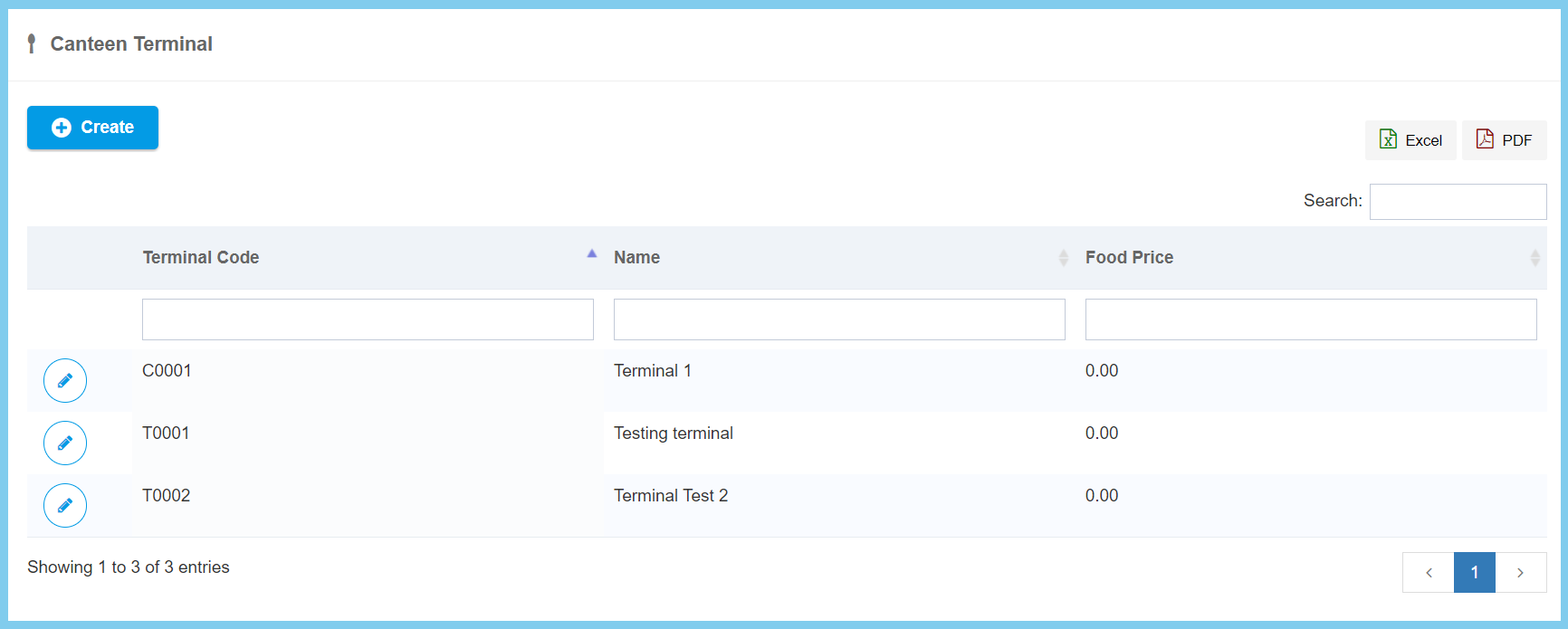
3. Click Create button.
4. Fill the form.
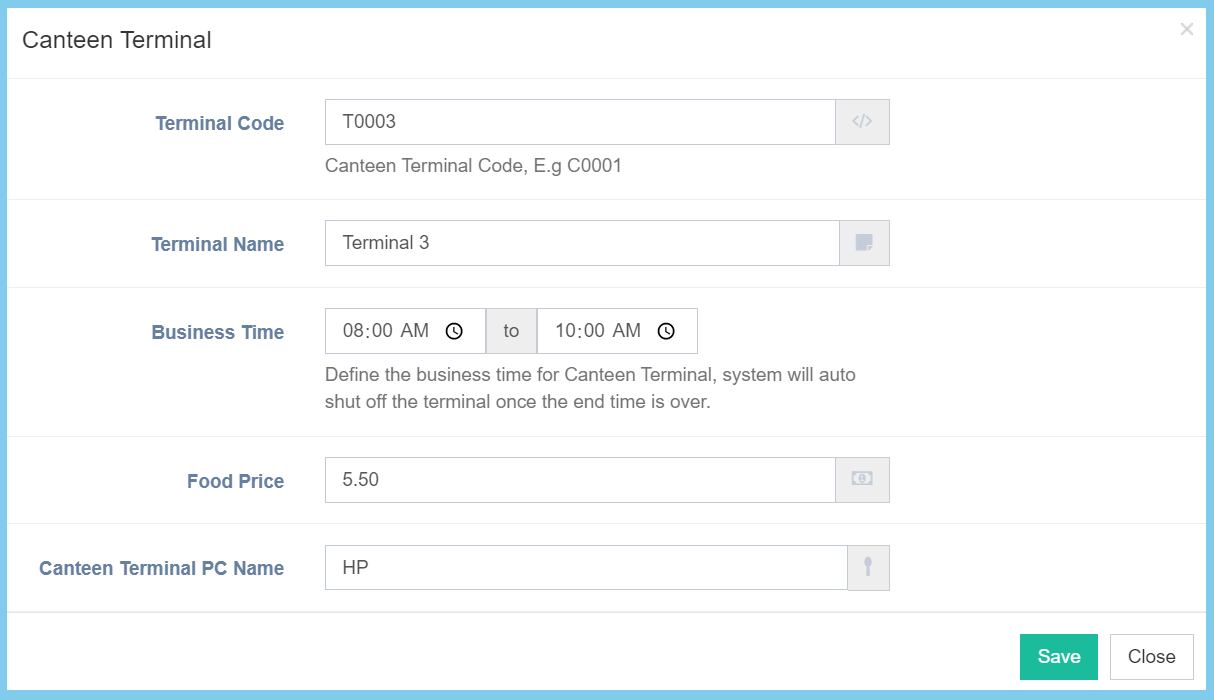
5. Click Save button.
Canteen Terminal Configuration Option Explanation
| Option | Allowed Values | Description |
|---|---|---|
| Terminal Code | Any alphanumeric | Enter a simple and unique terminal code. |
| Terminal Name | Any alphanumeric | Enter the name of terminal. |
| Business Time | Any number or select time | Enter or select the business time of the terminal. |
| Food Price | Any number | Enter the price of the food. |
| Canteen Terminal PC Name | Any alphanumeric | Enter the name of the PC that link to the terminal. |
