
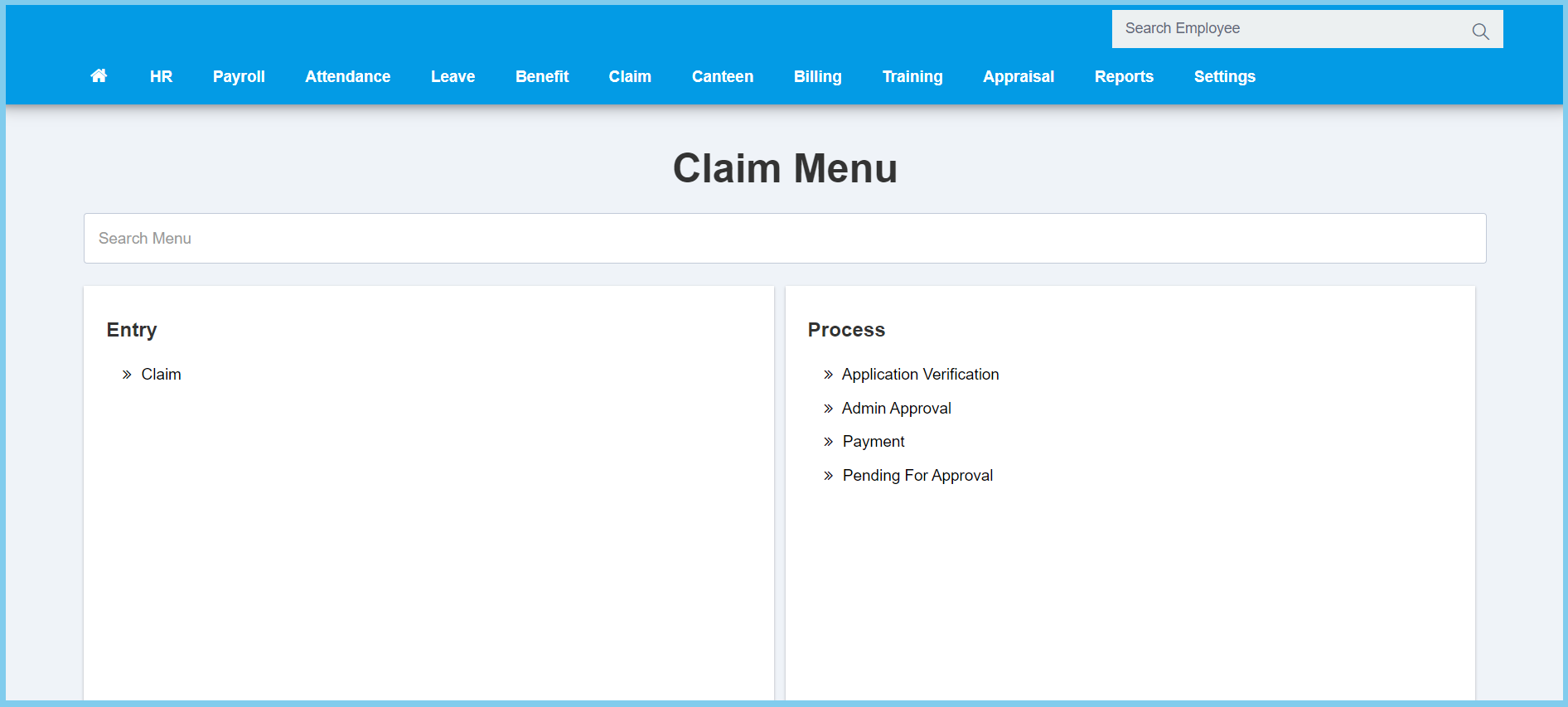
1. Menu: Click Claim.
2. Click Payment which located under Process.
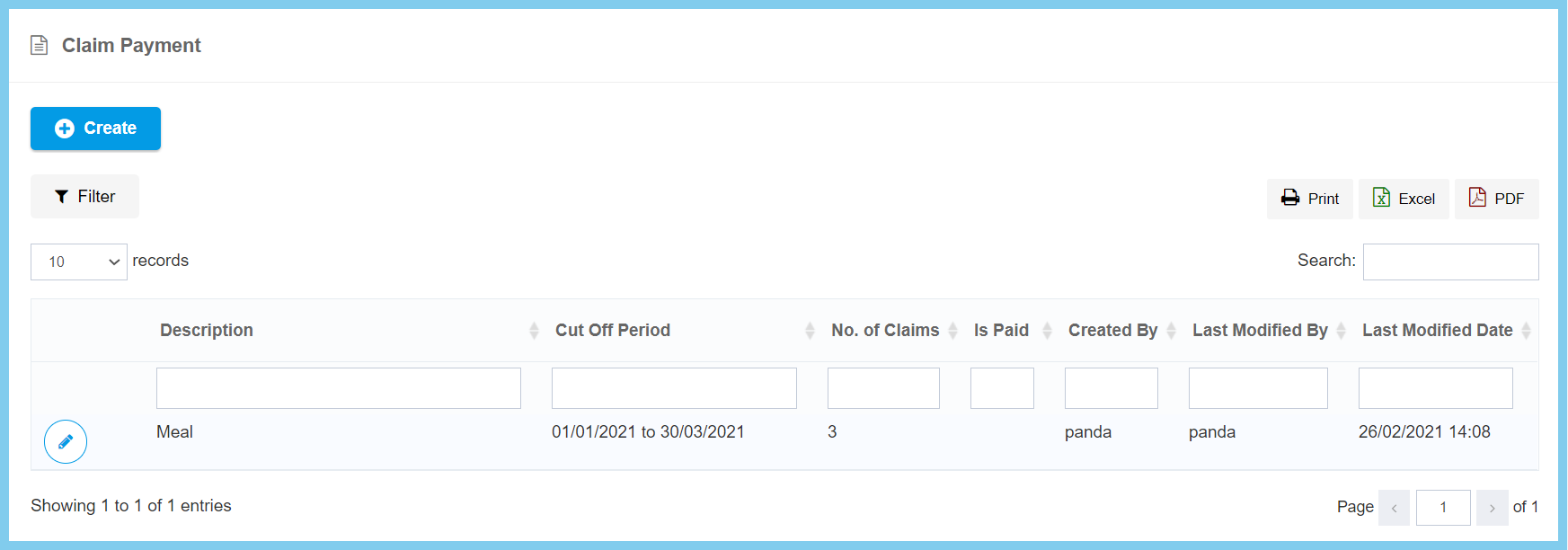
3. Click Create button.
4. Complete the form.
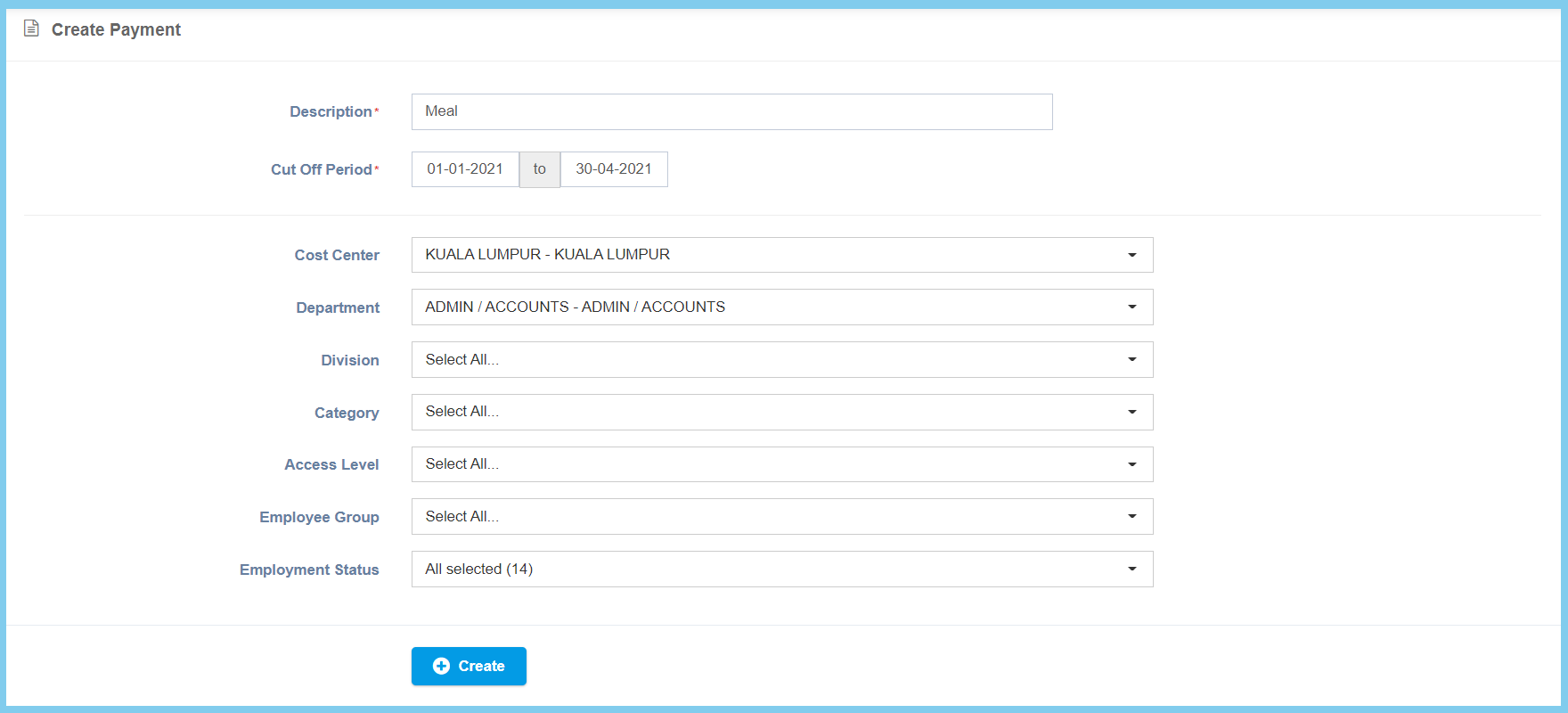
5. Click Create button.
Payment Configuration Option Explanation
| Option | Allowed Values | Description |
|---|---|---|
| Description | Any alphanumeric | Any description about this claim payment. |
| Cut Off Period | Select date from calendar | Select the start date and end date of cut off period for this claim payment. |
| Cost Center | Setup from cost center | Select the cost center of employee from option available. Can select more than one cost center that you wish.
Click here to view setup. |
| Department | Setup from department | Select the department of employee from option available. Can select more than one department that you wish.
Click here to view setup. |
| Division | Setup from code settings | Select the division of employee from option available. Can select more than one division that you wish.
Click here to view setup for division. |
| Category | Setup from code settings | Select the category of employee from option available. Can select more than one category that you wish.
Click here to view setup for employee category. |
| Access Level | Setup from access level | Select the access level of employee from option available. Can select more than one access level that you wish.
Click here to view setup for access level. |
| Employee Group | Setup from employee group | Select the category of employee from option available. Can select more than one category that you wish.
Click here to view setup. |
| Employment Status | Selection from employment status | Select the employment status from option available. Can select more than one employment status that you wish. |
