
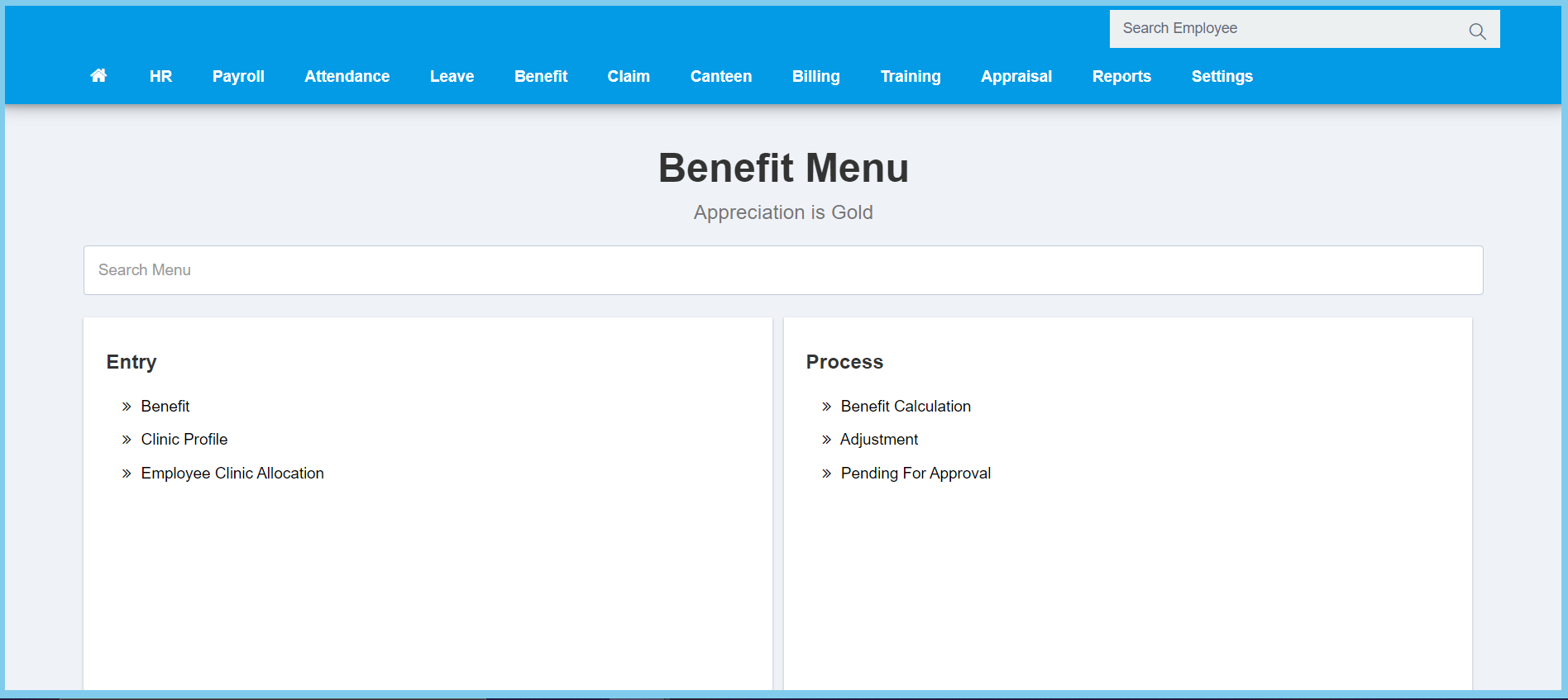
1. Menu: Click Benefit.
2. Click Clinic Profile which located under Entry.
3. Click Create button.

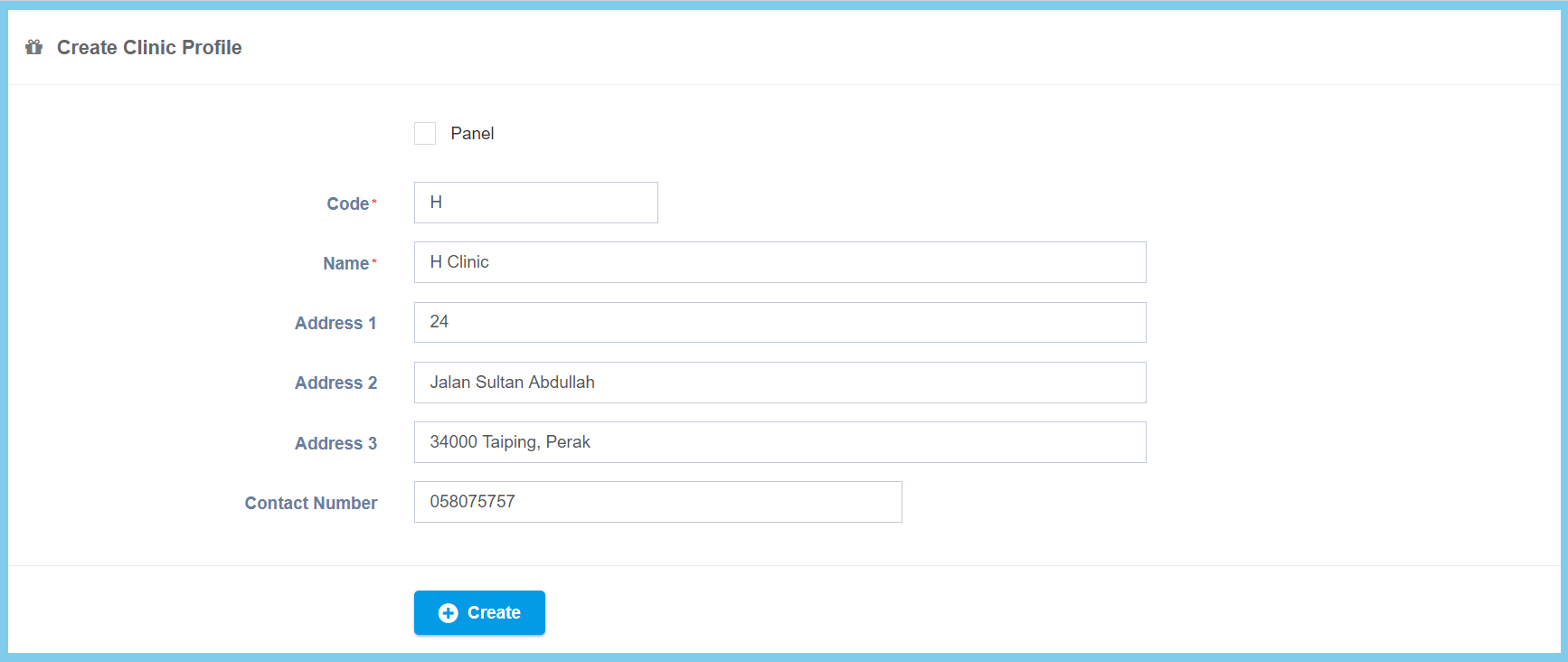
4. Fill the form.
5. Click Create button.
Clinic Profile Configuration Option Explanation
| Option | Allowed Values | Description |
|---|---|---|
| Panel |
|
Ticked when this clinic is panel clinic. |
| Code | Any alphanumeric | Enter the code for this clinic profile. |
| Name | Any alphanumeric | Enter the name of the clinic. |
| Address 1 | Any alphanumeric | Enter the first line address of the clinic. |
| Address 2 | Any alphanumeric | Enter the second line address of the clinic. |
| Address 3 | Any alphanumeric | Enter the third line address of the clinic. |
| Contact Number | Any number | Enter the contact number of the clinic. |
