
1. Menu: Click Settings.
2. Click Currency Rate which located under Payroll.

3. Click Create button.

4. Fill the form.
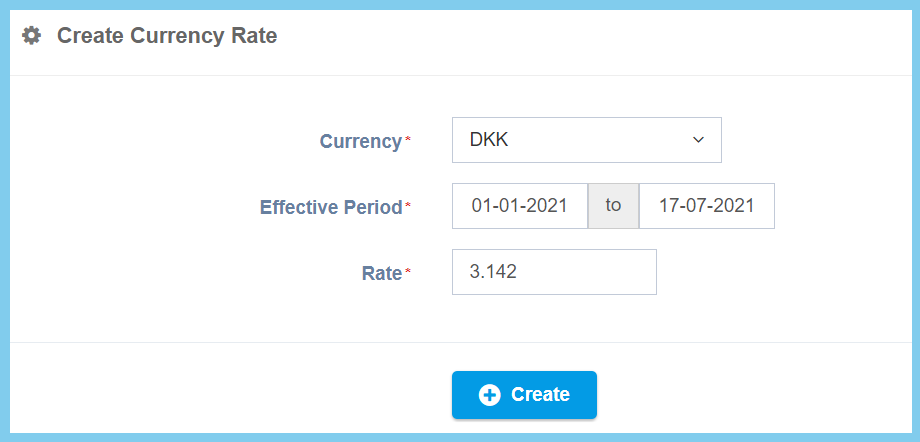
5. Click Create button.
Currency Rate Configuration Option Explaination
| Option | Allowed Values | Description |
|---|---|---|
| Currency | Setup from currency code | Select the currency code from option available.
Click here to view setup. |
| Effective Period | Choose date from the calendar given | Set the rate duration of effective period for currency rate. |
| Rate | Any number | The change ratio of the selected currency with local currency. |
