
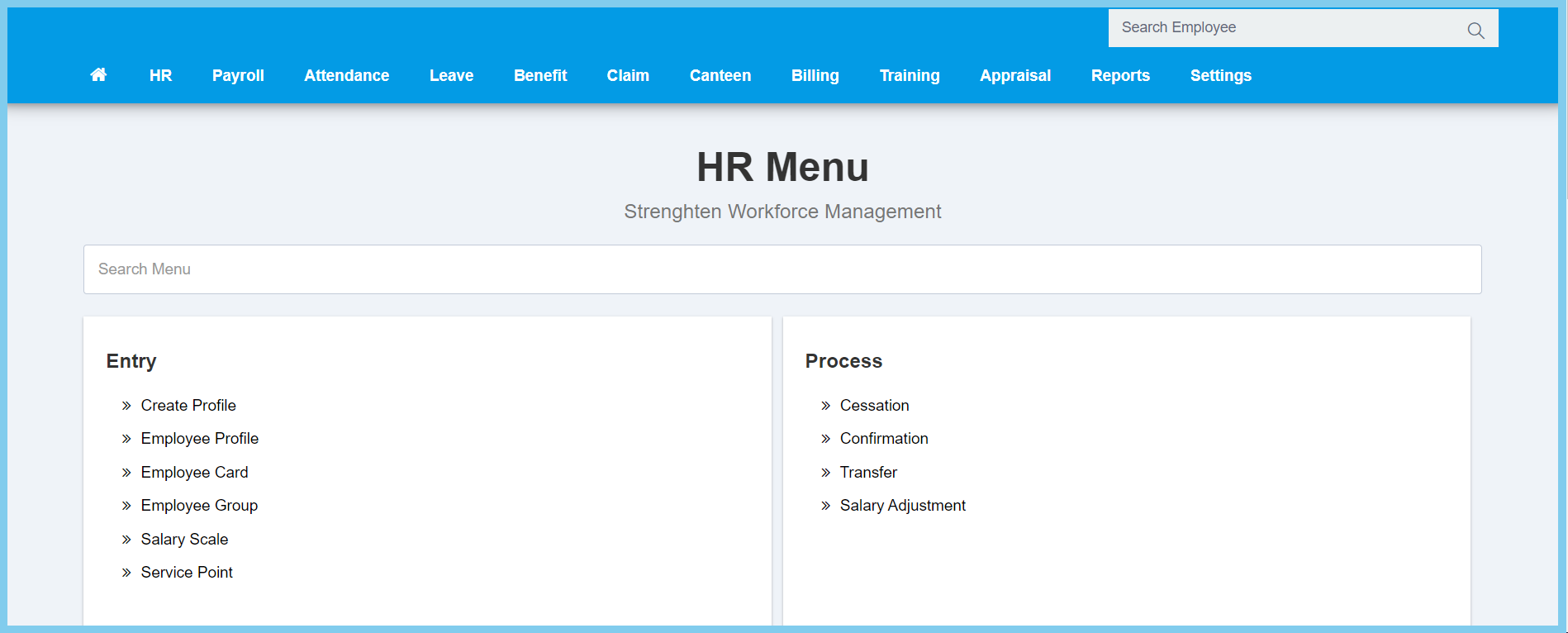
1. Menu: Click HR.
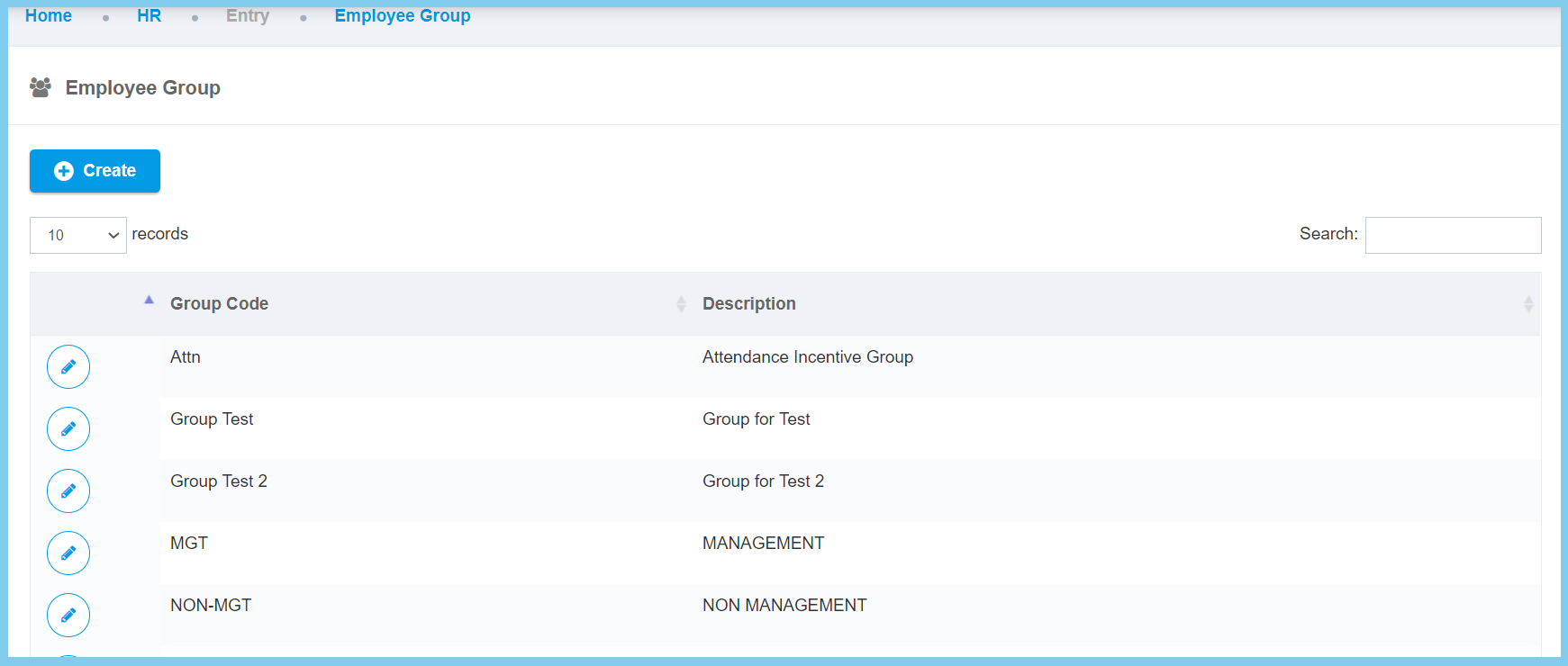
2. Click Employee Group which located under Entry.
3. Click Create button.
4. Fill the form.
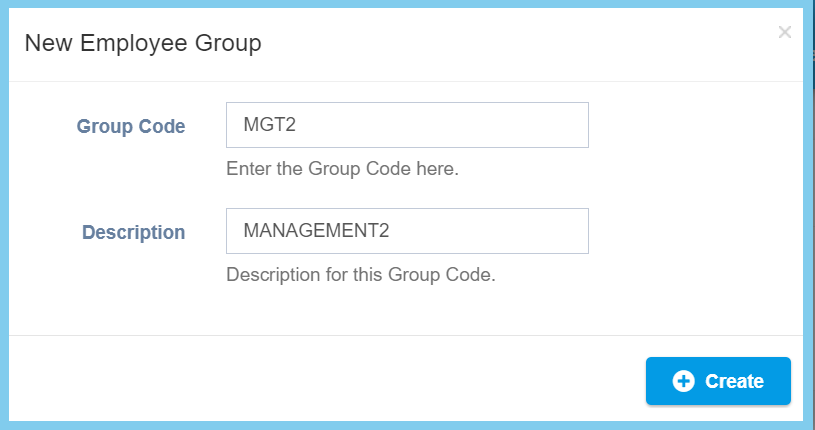
5. Click Create button.
Employee Group Configuration Option Explaination
| Option | Allowed Values | Description |
|---|---|---|
| Group Code | Any alphanumeric | Set a simple and unique code for new employee group. |
| Description | Any alphanumeric | Any description about this employee group. |
