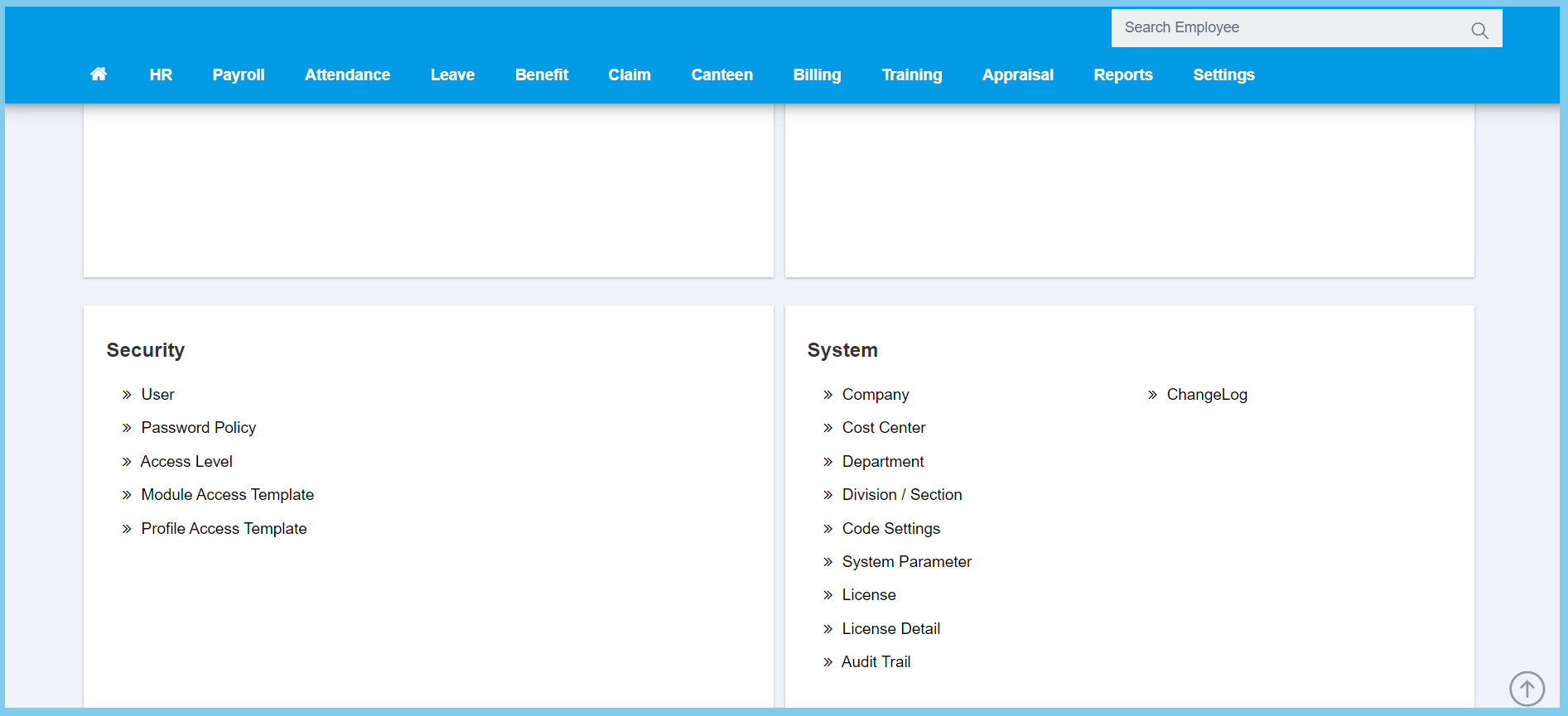
1. Menu: Click Settings.
2. Click User which located under Security.
3. Click Create ESS Account button.

4. Select the employee that you wish to create a new ESS account for them in the list.
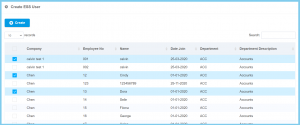
5. Click Create button.
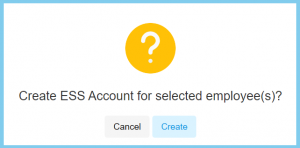
6. Click Create button.

1. Menu: Click Settings.
2. Click User which located under Security.
3. Click Create ESS Account button.
4. Select the employee that you wish to create a new ESS account for them in the list.
5. Click Create button.
6. Click Create button.
