
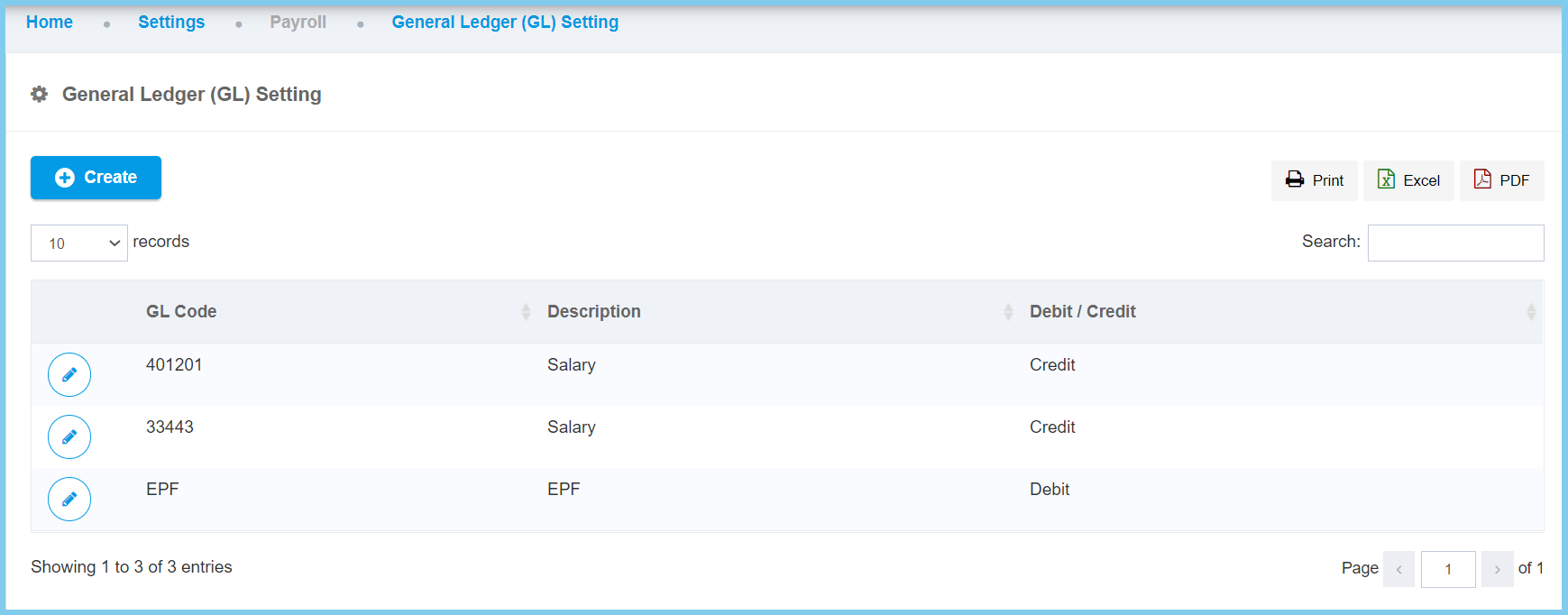
1. Menu: Click Settings.
2. Click General Ledge (GL) Setting which located under Payroll.

3. Click Create button.
4. Fill the form.
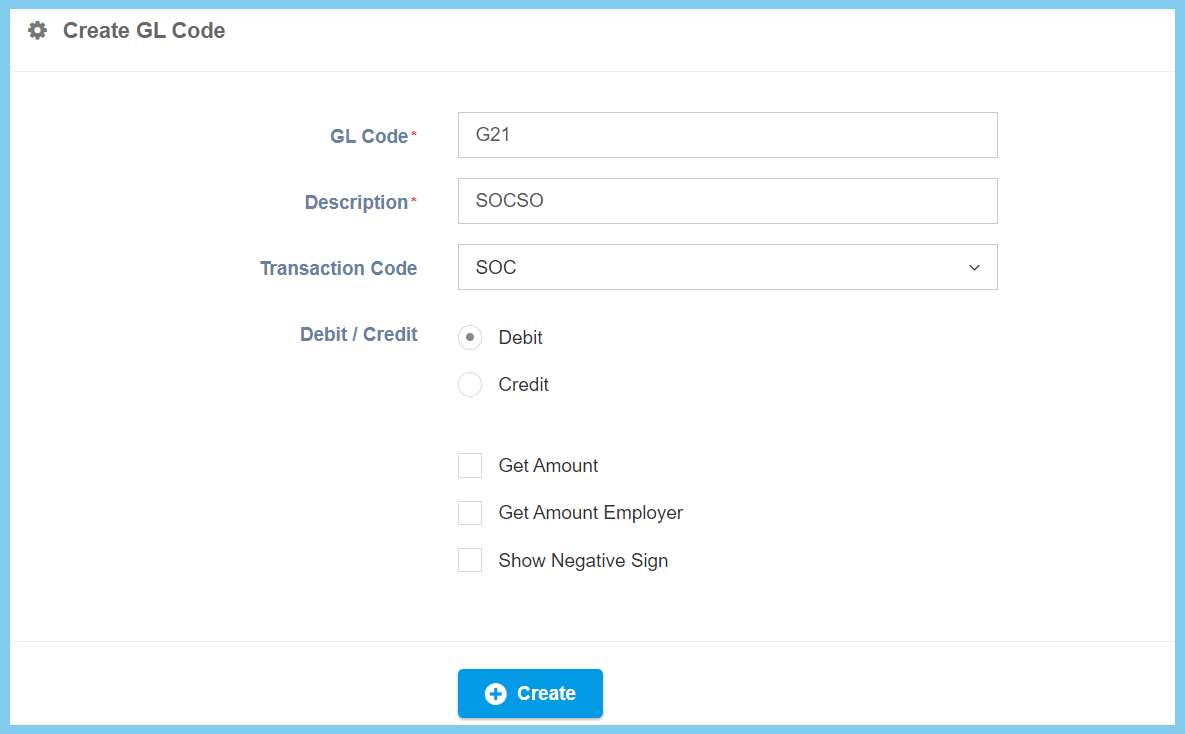
5. Click Create button.
General Ledge (GL) Setting Configuration Option Explaination
| Option | Allowed Values | Description |
|---|---|---|
| GL Code | Any alphanumeric | To set a simple and unique code for GL setting. |
| Description | Any alphanumeric | Any description about this GL setting. |
| Transaction Code | Setup from transaction code | Choose a transaction code for GL setting purposes.
Click here to view setup. |
| Debit/Credit |
|
Type of posting method used for the financial inclusion transaction |
| Get Amount |
|
If enables, it will get the amount of the respective employee. |
| Get Amount Employer |
|
If enabled, it will get the amount of the respective employer. |
| Show Negative Sign |
|
If enabled, the negative sign will be shown. |
