
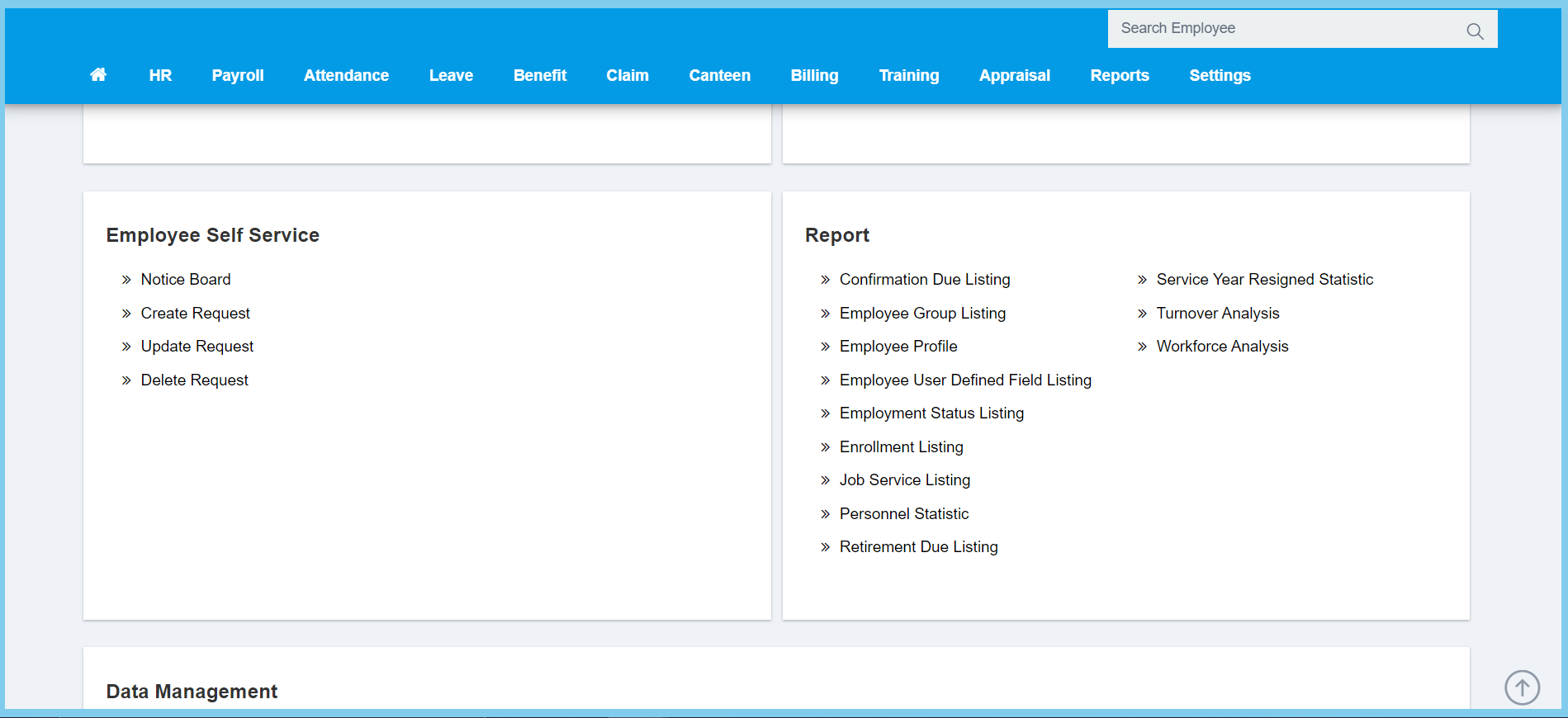
1. Menu: Click HR.
2. Click Notice Board which located under Employee Self Service.
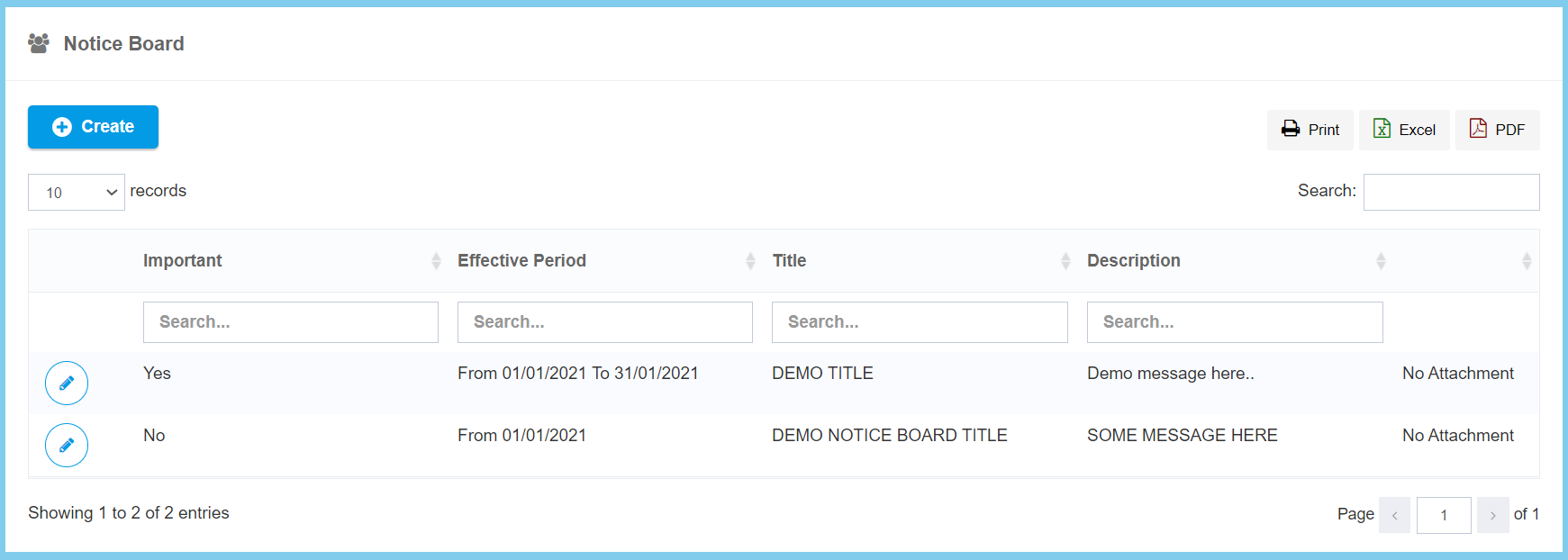
3. Click Create button.
4. Fill the form.
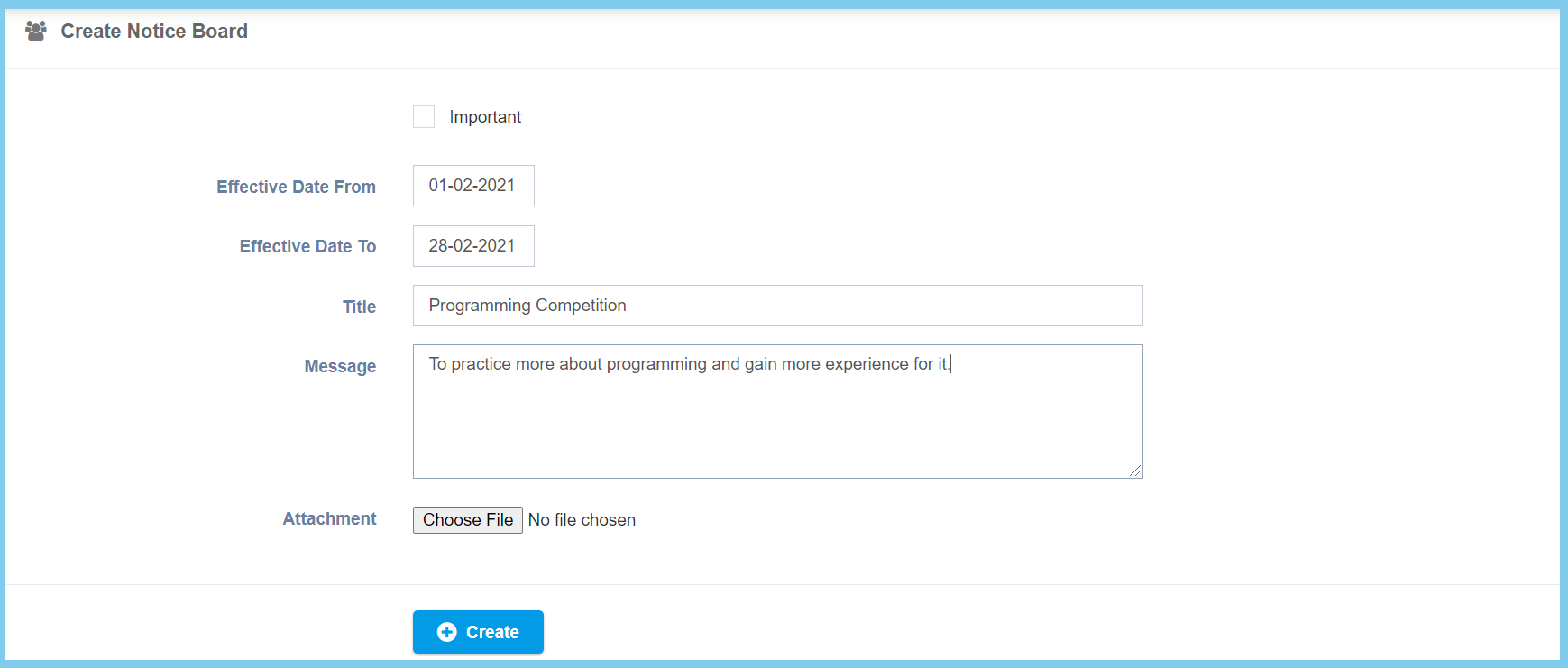
5. Click Create button.
Notice Board Configuration Option Explaination
| Option | Allowed Values | Description |
|---|---|---|
| Important |
|
Ticked when the notice is important. |
| Effective Date From | Select date from calendar | Select the notice effective start date from calendar available. |
| Effective Date To | Select date from calendar | Select the notice effective end date from calendar available. |
| Title | Any alphanumeric | Enter the title for this notice. |
| Message | Any alphanumeric | Enter the message that related to this notice. |
| Attachment | File path | Upload supporting file for this notice. |
