
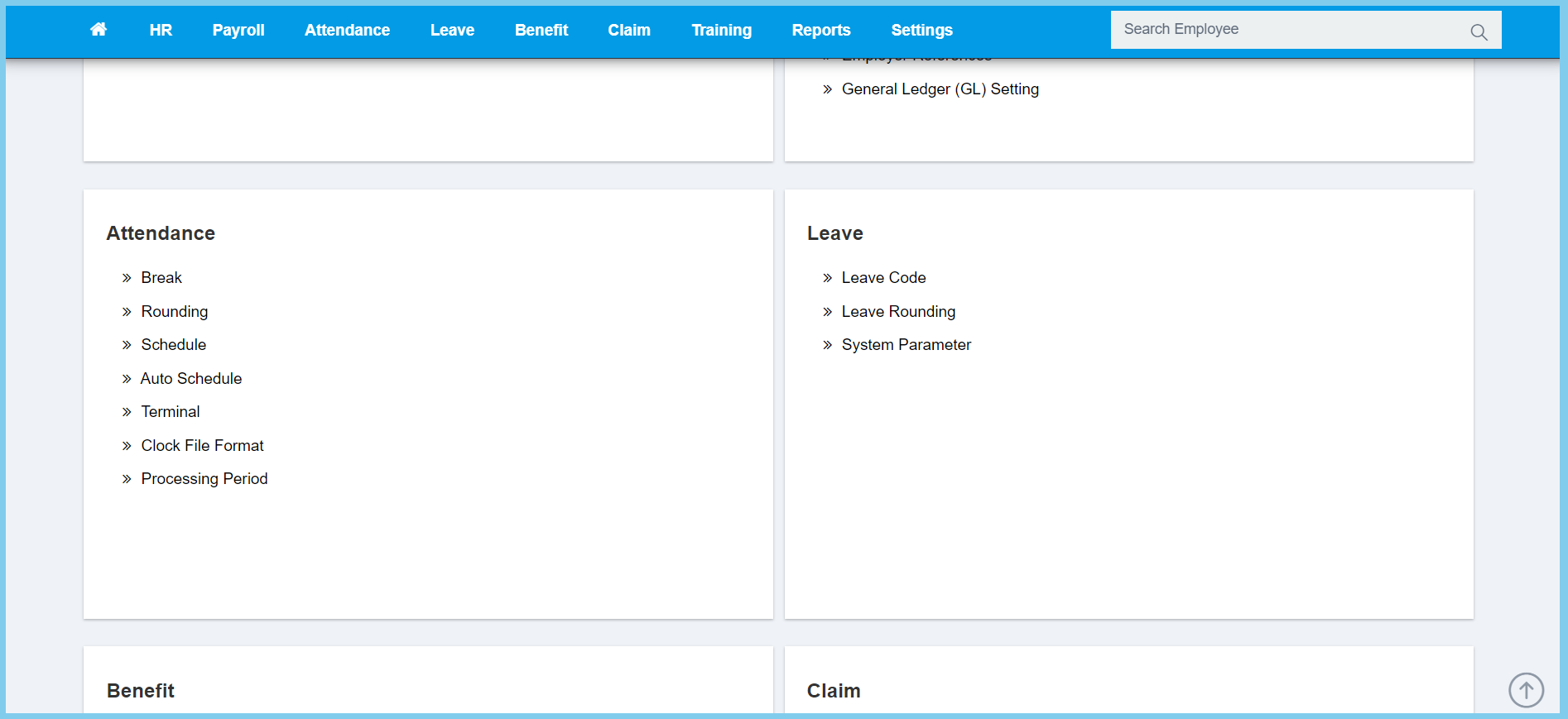
1. Menu: Click Settings.
2. Click Processing Period which located under Attendance.
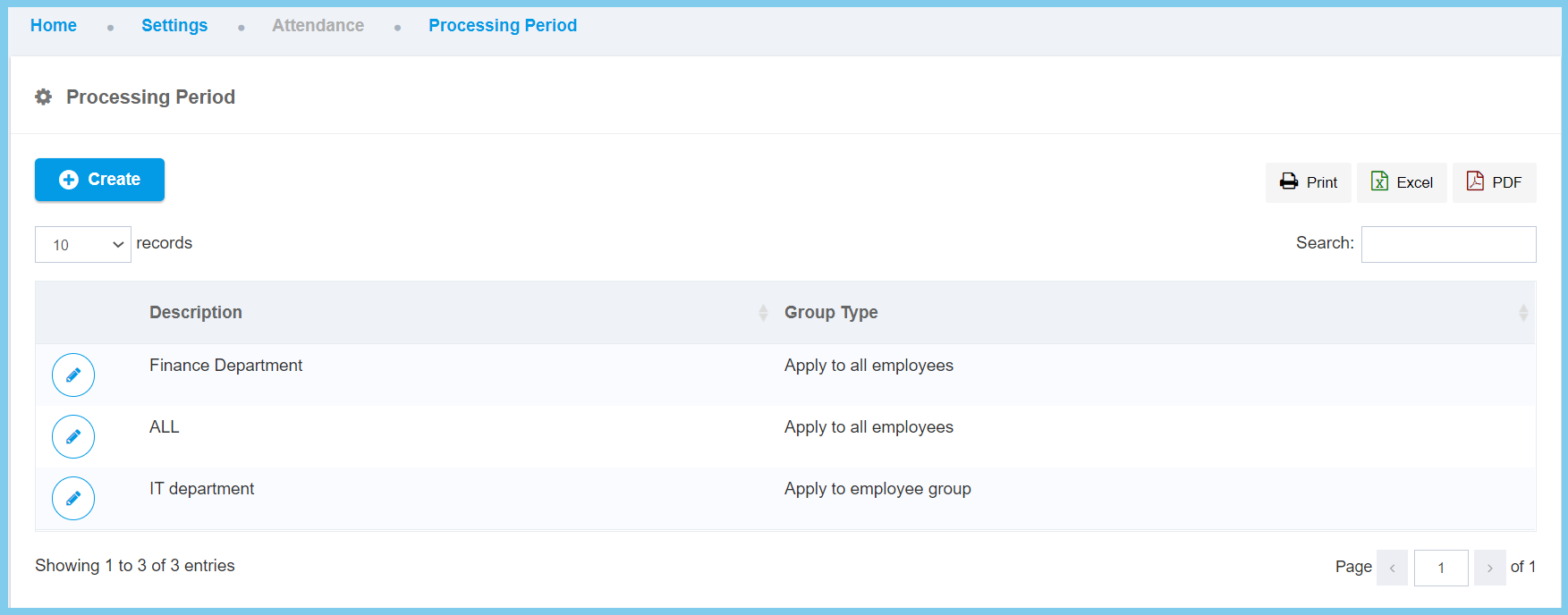
3. Click Create button.
4. Fill the form.
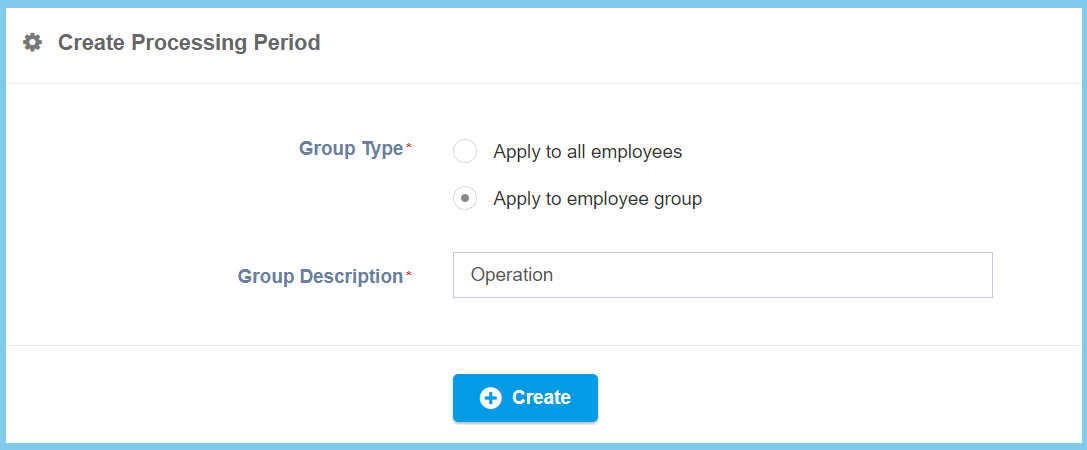
5. Click Create button.
Processing Period Configuration Option Explanation
| Option | Allowed Values | Description |
|---|---|---|
| Group Description | Any alphanumeric | Any description about this processing period group. |
| Group Type |
|
Set up the group type for this processing period, either apply for all employees or employee group. |
