
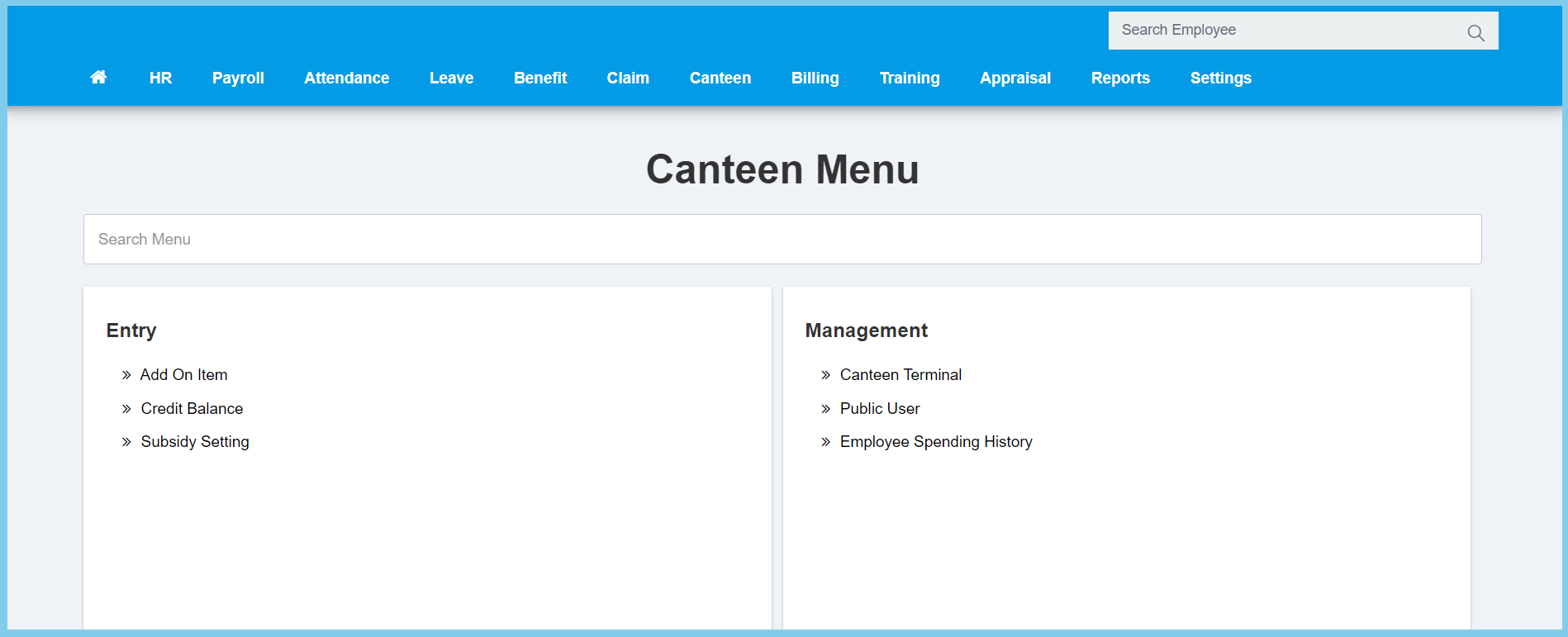
1. Menu: Click Canteen.
2. Click Public User which located under Process.
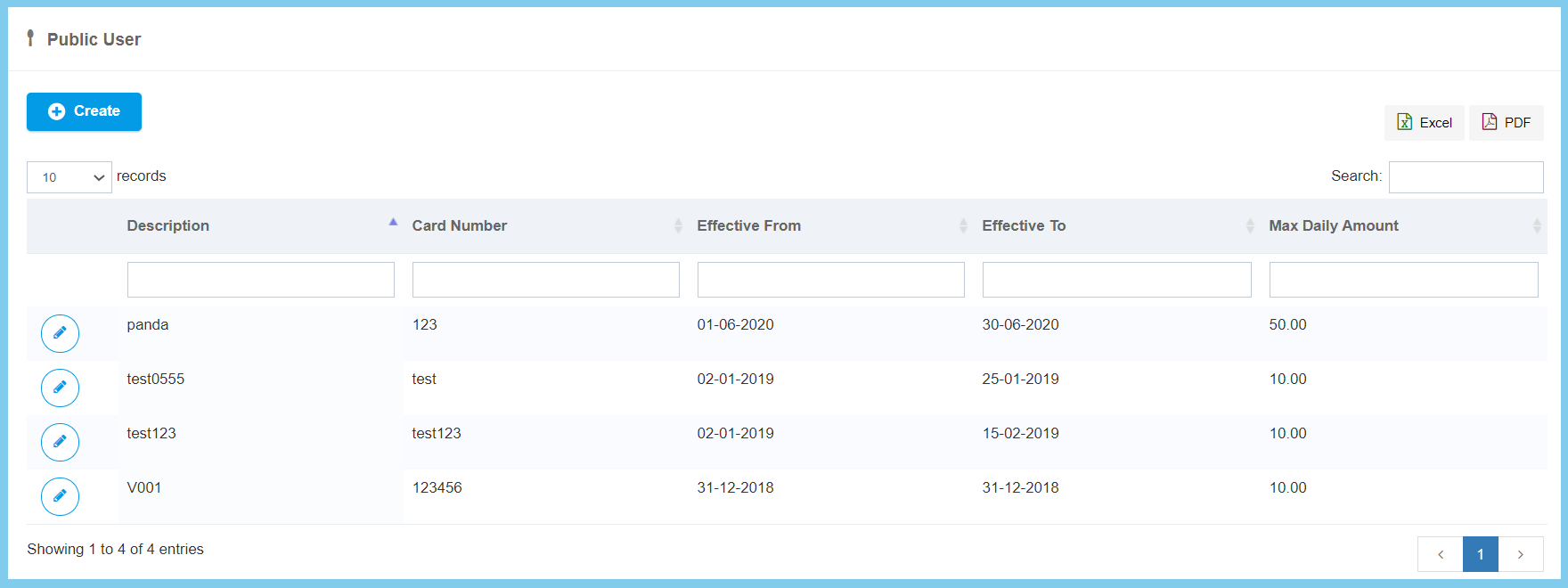
3. Click Create button.
4. Fill the form.
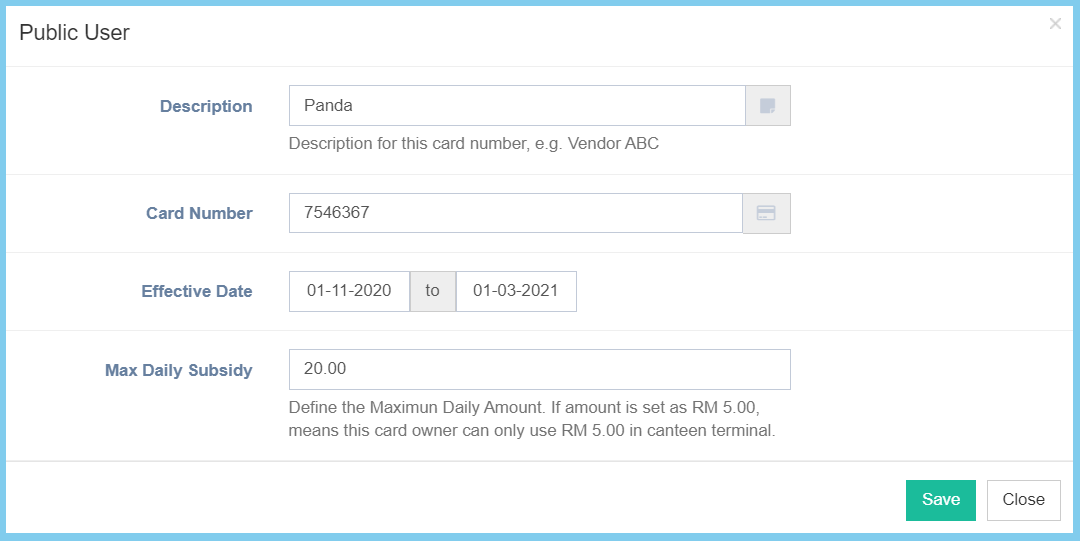
5. Click Save button.
Public User Configuration Option Explanation
| Option | Allowed Values | Description |
|---|---|---|
| Decription | Any alphanumeric | Any description about this card number. |
| Card Number | Any alphanumeric | Enter the card number. |
| Effective Date | Select date from calendar | Select the effective start date and end date of the card number. |
| Max Daily Subsidy | Any number | Enter the maximum amount of subsidy in a day. |
